Gentle Brain Exercises With AI: Memory, Focus, and Word Games

Keeping our minds active is just as important as staying physically mobile, but it doesn’t have to feel like hard work. Many of us enjoy a good crossword or a game of cards, and now, artificial intelligence (AI) is making these hobbies even more accessible and personalized.

These “gentle” brain exercises are designed to be supportive and fun, rather than stressful. In this guide, we will look at how AI-powered apps and games can help you practice memory and focus at your own pace, all while having a bit of digital fun.

Table of Contents

Key Takeaways

  • AI games adapt to your skill level, so they are never too hard or too easy.
  • Word games and memory puzzles can be played for just a few minutes a day.
  • Many of these tools are built to be high-contrast and easy to read.
  • The focus is on enjoyment and relaxation, not high-pressure scoring.

Fun and Friendly Ways to Sharpen Your Mind

You don’t need to be a “tech whiz” to enjoy these activities. Most are available as simple apps on a tablet or smartphone that guide you through every step.

Personalized Word Puzzles

Traditional crosswords are great, but AI-powered word games like Wordle or SpellTower offer a fresh twist. These games often use AI to suggest hints if you get stuck, ensuring you never feel frustrated.

Because the AI learns which words you know and which ones challenge you, it can create a “just right” experience that keeps your brain engaged without feeling like a test.

Memory Matching and Story Recall

Some of the most effective brain exercises involve simple memory matching—finding two of the same image in a grid. Modern AI versions of these games use beautiful, calming imagery like gardens or classic art.

Some apps even use “story-based” puzzles where you listen to a short, pleasant tale and then answer a few friendly questions about it. This helps with focus and listening skills in a way that feels like a conversation rather than a chore.

Daily “Brain Check-ins”

Apps like Lumosity or Elevate use AI to create a “daily workout” for your mind. When you first start, the AI asks a few questions to see what you enjoy most—whether it’s math, reading, or logic. It then picks three or four short games for you to play each morning.

The best part is that if you find a specific game too fast or confusing, the AI notices and slows things down for you automatically.

Relaxing Logic and Spatial Games

If you enjoy organizing or tidying, there are AI games focused on “spatial awareness.” This might involve fitting colorful shapes into a box or sorting items by color. These games are often accompanied by soft, relaxing music and have no timers.

The goal is simply to focus on the task at hand, which can be a wonderful way to reduce stress while giving your brain a gentle workout.

Final Thoughts

The goal of using AI for brain exercises isn’t to become a genius overnight—it’s about staying curious and engaged with the world around you. These games are like a “digital gym” that meets you exactly where you are. Whether you have five minutes while waiting for tea to brew or an hour on a rainy afternoon, these friendly tools are there to provide a little spark of joy and a healthy dose of mental stimulation.

Remember, the most important part of any exercise is that you enjoy doing it!

Categories AI

Using AI to Translate Handwritten Notes and Old Letters

Many of us have boxes filled with precious memories—handwritten recipes from a grandmother, letters from old friends, or personal journals from years ago. While these papers are sentimental, they can be difficult to read as ink fades or handwriting becomes hard to decipher.

In this guide, we will show you how simple AI tools can act like a digital magnifying glass, turning those handwritten notes into clear, typed text that you can save on your computer or share with your family instantly. It is a wonderful way to ensure your family stories are never lost.

Table of Contents

Key Takeaways

  • AI can “read” messy handwriting and convert it into typed digital text.
  • You can use your smartphone camera to scan old letters and recipes.
  • Once digitized, you can easily share these memories via email or text.
  • This process helps preserve fragile papers that might be fading or damaged.

Turning Memories into Digital Text

Preserving your history doesn’t require expert tech skills. Most of the tools you need are already on your phone or available through a simple website. Here is how you can get started.

Use Your Smartphone as a Scanner

The easiest way to begin is by using a “Lens” or “Scan” feature on your phone. Apps like Google Lens (available on both iPhone and Android) or the built-in Notes app on an iPhone allow you to point your camera at a piece of paper.

The AI inside the app recognizes the shapes of the letters and highlights the text. You can then tap a button to “Copy Text,” which allows you to paste that handwriting into a digital document as if you had typed it yourself.

Dealing with Faded Ink and Cursive

One of the most impressive things about modern AI is its ability to understand cursive. Even if the handwriting is a bit loopy or the ink has faded over time, the AI compares the shapes to millions of other examples to “guess” the correct word with high accuracy.

If it makes a small mistake, you can easily click on the word and fix it manually. This is much faster than trying to type out a ten-page letter from scratch!

Organizing Your Digital Library

Once you have converted a handwritten recipe or letter into text, you can organize it into folders on your device. For example, you could have a folder named “Grandma’s Kitchen” for all those old index card recipes.

Because the text is now digital, you can use the “Search” function on your computer to find a specific word, like “Apple Pie,” and the document will pop up immediately. No more digging through physical boxes!

Sharing with the Next Generation

The best part of this technology is how it brings families together. Once a letter is digitized, you can email it to your children or grandchildren.

You can even add a photo of the original handwritten note alongside the typed version so they can see the original penmanship while still being able to read the content clearly. It turns a private keepsake into a shared family treasure.

Final Thoughts

Technology is often seen as something that moves us away from the past, but in this case, AI is a bridge that helps us hold onto it. By turning your handwritten notes into digital text, you are making sure that your voice and the voices of those you love are preserved for years to come.

Don’t feel overwhelmed by the “AI” label—think of it as a helpful assistant that is here to make your memories clearer and easier to share.

Give it a try with one short note today, and you’ll see how rewarding it can be to see those old words come to life on your screen.

Categories AI

Setting Up a “Digital Emergency Helper” With AI

We all value our independence, but having a “safety net” in place can make living alone or staying active much more comfortable. In the past, emergency alerts often required wearing a bulky pendant or reaching for a wall-mounted button.

Today, the AI already built into your smartphone or home smart speaker can act as a “Digital Emergency Helper.” By spending just a few minutes setting up these features, you can ensure that help is always within reach—even if you can’t get to your phone.

This guide will walk you through the simple steps to turn your technology into a supportive guardian for your daily life.

Table of Contents

Key Takeaways

  • Voice-Activated Help: Learn how to call emergency services or family members using only your voice.
  • Emergency Contacts: Set up specific “ICE” (In Case of Emergency) contacts that AI can reach instantly.
  • Automated Alerts: Discover how some devices can detect a fall and notify your loved ones automatically.
  • Simple Shortcuts: Create one-word commands that perform multiple safety actions at once.

The Power of Voice in an Emergency

The most significant advantage of AI in a safety situation is that it doesn’t require you to use your hands. If you were to have a slip in the kitchen or feel suddenly unwell, you might not be able to reach into your pocket or find your glasses.

With an AI assistant (like Siri, Alexa, or Google), you can simply speak. By saying, “Call for help” or “Call my daughter,” the AI recognizes your voice and initiates the connection immediately. This hands-free capability is a game-changer for senior safety, providing a direct line to assistance from anywhere in the room.

Setting Up Your Emergency Contacts

The first step in creating your digital helper is telling the AI who your “inner circle” is. On most smartphones, there is a section in the settings called “Medical ID” or “Emergency SOS.” Here, you can list your primary contacts, such as a spouse, a child, or a trusted neighbor. Once these are saved, the AI understands relationships.

You can say, “Text my son that I’m feeling dizzy,” and the AI knows exactly who to message and what to say. It’s a simple way to keep your family in the loop without having to navigate through a long list of names.

Emergency SOS Features

Most modern smartphones have a built-in “SOS” feature that can be triggered by a specific physical action, like pressing the side button five times quickly. When this happens, the AI takes over: it calls local emergency services, shares your exact GPS location with them, and then sends a text message to your emergency contacts letting them know you’ve called for help.

This ensures that even if you are unable to speak, the people who care about you know exactly where you are and that you need assistance.

Fall Detection and Smart Wearables

If you wear a smartwatch, you may already have access to one of the most advanced AI safety tools: Fall Detection. The AI inside the watch uses sensors to recognize the specific motion and impact of a hard fall. If it detects a fall, the watch will tap you on the wrist and ask if you are okay.

If you don’t respond within a minute, the AI automatically calls emergency services and notifies your family. It is a quiet, background helper that only steps in when it’s truly needed, allowing you to go about your day with an extra layer of protection.

Creating “Safety Routines”

For those who use smart speakers at home, you can set up “Routines.” A routine is a way to make the AI perform several tasks with one simple phrase. For example, you could set up a routine for the phrase “I need help.” When you say those words, the AI could simultaneously turn on all the lights in the house (to help emergency responders see), unlock the smart lock on your front door, and call your primary emergency contact.

Setting this up might sound technical, but most apps walk you through it step-by-step with clear, easy-to-read instructions.

Privacy and Peace of Mind

A common question is whether the AI is “listening” all the time. These safety features are designed to only “wake up” when they hear their specific wake word or detect a specific emergency motion. Your privacy is a priority, and these tools are built to be your assistant, not your monitor.

The goal is to give you and your family peace of mind, knowing that technology is working in the background to keep you connected and safe.

Final Thoughts

Setting up a digital emergency helper isn’t about expecting the worst; it’s about being prepared so you can enjoy the best of your daily life. By taking a few minutes to introduce your AI to your emergency contacts and learning a few simple voice commands, you are taking a big step toward maintaining your independence. Technology is often seen as a luxury, but in these moments, it becomes a vital bridge to the people who care about you most. You are never truly alone when you have a digital helper ready to lend a hand—or a voice—whenever you need it.

Categories AI

AI for Vision Support: Reading Signs, Menus, and Documents Out Loud

For many of us, the text on a restaurant menu seems to get smaller every year, and the instructions on a medicine bottle can feel nearly impossible to decipher. If you or a loved one struggles with low vision, these everyday tasks can become a source of frustration.

However, a remarkable new tool is already in your pocket. Artificial Intelligence (AI) has made it possible for your smartphone to act as a set of “digital eyes.” By using simple, free apps, you can have almost any printed word read directly to you. This technology isn’t about complicated computer programming; it’s about giving you the freedom to navigate your world with confidence and ease.

Table of Contents

Key Takeaways

  • Instant Reading: Point your phone at any text—like a greeting card or a sign—and hear it read aloud immediately.
  • Dining Independence: Use AI to read restaurant menus without needing a magnifying glass or extra lighting.
  • Safety First: Easily verify labels on food packaging or instructions on prescription bottles.
  • Portable Support: These tools work wherever you go, from the grocery store to the doctor’s office.

The Power of the Camera in Your Pocket

Most of us think of our phone cameras as tools for taking photos of grandchildren or beautiful sunsets. But for someone with vision challenges, the camera is actually a high-tech sensor. When you open a vision-support app, the AI “looks” through the camera lens and recognizes the shapes of letters and numbers. In a split second, it converts those shapes into spoken words.

It’s like having a helpful friend standing over your shoulder, ready to read anything you point to.

Reading Menus and Signs on the Go

One of the most common hurdles for those with low vision is dining out. Dim lighting and stylized fonts can make menus very difficult to read. With an AI app, you can simply hold your phone over the menu. The AI will detect the text and read the options to you through your phone’s speaker or your hearing aids.

This same technology works for signs in a museum, labels in a grocery aisle, or even the numbers on a hotel room door. It removes the guesswork and allows you to move through public spaces more independently.

Managing Documents and Mail at Home

At home, the mail can pile up quickly, and sorting through bills or letters can be exhausting if you have to strain your eyes. AI apps often have a “Document Mode.” When you place a letter on the table and hold your phone over it, the AI will scan the entire page.

It doesn’t just read the words; it understands the layout. It can tell the difference between a headline and a paragraph, allowing you to listen to your mail as if it were an audiobook. This is also incredibly helpful for reading recipes in a cookbook or instructions for a new household appliance.

Safety and Medication Labels

Perhaps the most vital use for this technology is health safety. Prescription bottles are notoriously small, and mistaking one medication for another can be dangerous. AI vision tools are now smart enough to recognize the curved surface of a pill bottle.

By slowly rotating the bottle in front of the camera, the AI can read the dosage instructions and the name of the medication out loud. This provides an extra layer of security and peace of mind for anyone managing multiple prescriptions.

Getting Started: Simple and Friendly Apps

You might be wondering if these apps are hard to use. The most popular ones, like “Seeing AI” (from Microsoft) or “Google Lookout,” are designed specifically for people with low vision. They have very large buttons, high-contrast colors, and voice prompts that tell you how to hold your phone.

For example, the app might say, “Move the phone slightly to the right,” to help you get the text in focus. Once the text is visible, the reading starts automatically. There is no need to type or navigate complex menus.

Privacy and Ease of Use

A common concern is whether the AI is “watching” you. These apps are built with privacy in mind. Most of the “reading” happens right on your device, and the AI is only looking for text to translate into speech. Furthermore, these tools are often free to download.

They are designed to be accessible to everyone, ensuring that vision loss doesn’t have to mean a loss of information or independence.

Final Thoughts

Technology is at its best when it solves real-world problems, and there is perhaps no better example than AI for vision support. By turning a smartphone into a talking reader, AI is helping seniors stay engaged with the world around them.

Whether it’s reading a heartfelt card from a friend or checking the price of an item at the store, these tools offer a sense of empowerment. You don’t need to be a “techie” to benefit—you just need a little curiosity and the willingness to let AI help you see the world in a whole new way.

Categories AI

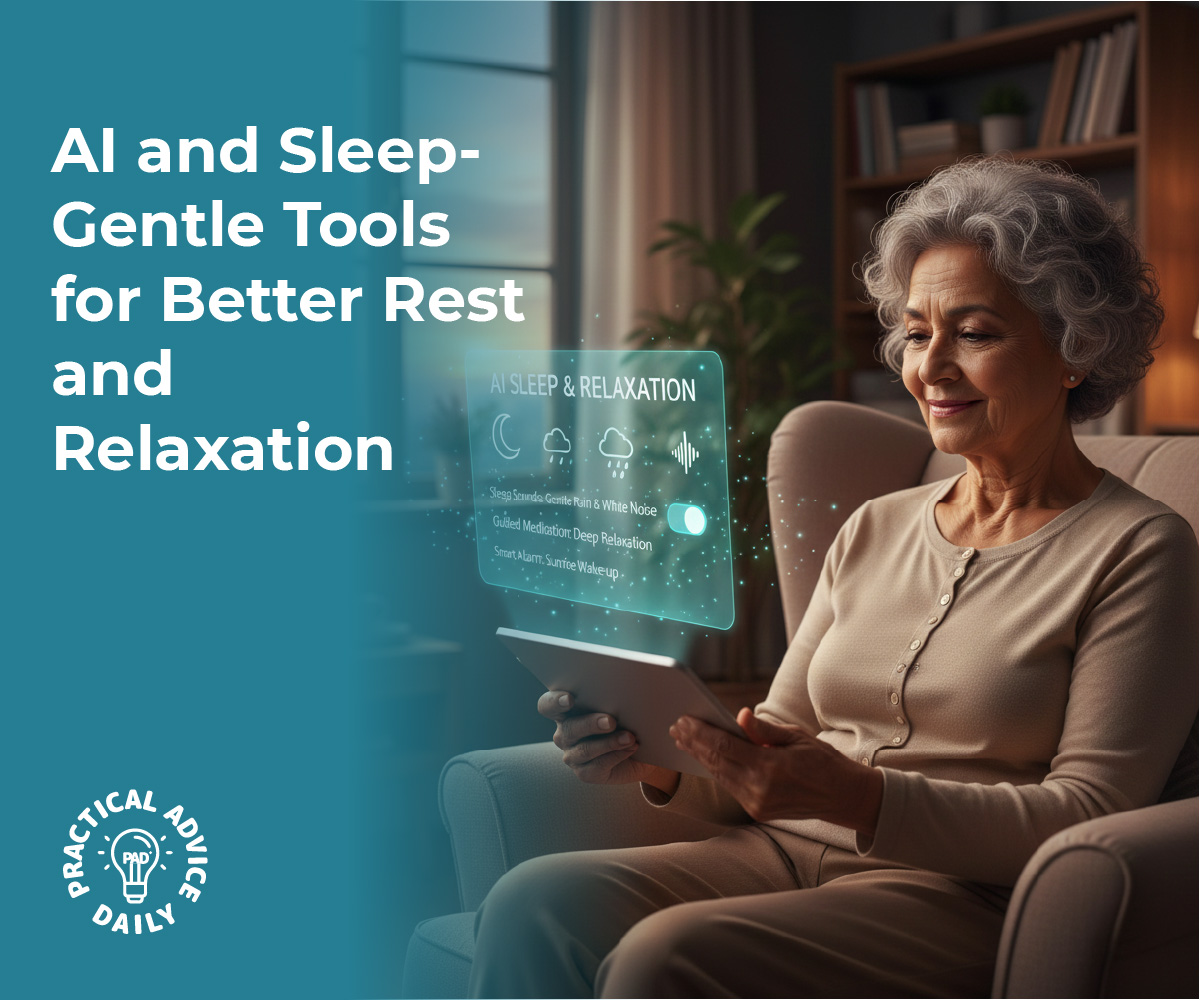
AI and Sleep: Gentle Tools for Better Rest and Relaxation

We all know how important a good night’s sleep is for our health and happiness, but sometimes, falling asleep is easier said than done. Whether it’s a racing mind or just a change in our natural sleep patterns as we get older, many of us find ourselves staring at the ceiling at 2:00 AM. The good news is that technology has evolved to become a gentle, quiet helper in the bedroom.

Using AI-powered tools doesn’t mean having a bright screen in your face; instead, it’s about using smart assistants and apps to create a sanctuary of calm. This guide will show you how to use these friendly tools to reclaim your rest.

Table of Contents

Key Takeaways

  • Personalized Relaxation: AI can learn what sounds or stories help you relax best and suggest them at bedtime.
  • Calming Soundscapes: Use AI to generate “white noise” or nature sounds like rain and ocean waves to mask background noise.
  • Bedtime Stories for Adults: Enjoy soothing, slow-paced narrations designed specifically to help the mind drift off.
  • Simple Tracking: Learn how basic AI features can help you understand your sleep patterns without any complicated setup.

Creating a Digital Bedtime Routine

Just like we might have a cup of herbal tea or read a book to wind down, AI can be integrated into a healthy “sleep hygiene” routine. Many people worry that “tech” means “distraction,” but sleep-focused AI is designed to be the opposite.

These tools are built to be used with your eyes closed, focusing on sound and rhythm to lower your heart rate and prepare your body for sleep.

The Magic of AI Soundscapes

One of the simplest ways to use AI for sleep is through sound. While a standard fan or a radio might provide some background noise, AI-powered apps can create “infinite” soundscapes.

This means the sound of a gentle thunderstorm or a crackling fireplace never repeats in a predictable loop, which helps prevent your brain from focusing on a pattern.

You can simply tell a smart speaker, “Play relaxing forest sounds,” and the AI will curate a blend of birdsong and rustling leaves that fades out slowly as you fall asleep.

Bedtime Stories Aren’t Just for Kids

There is something deeply comforting about being told a story. Recently, AI has helped create a new wave of “Sleep Stories.” These are narrations that use a very specific, slow cadence and soothing voices. Unlike an audiobook that has a gripping plot, these stories are designed to be a little bit boring—in a good way!

They describe peaceful landscapes or gentle journeys that give your mind something pleasant to focus on, preventing it from wandering toward the worries of the day.

AI as a Gentle Relaxation Coach

If you find it hard to physically relax, there are AI apps that offer “Guided Relaxation.” These tools talk you through simple breathing exercises or “body scans,” where you focus on relaxing each muscle group from your toes to your head.

The AI can adjust the length of these sessions based on how much time you have, acting like a calm instructor sitting right by your bedside.

Understanding Your Sleep Without the Stress

You may have heard of “sleep tracking,” which sounds very technical. However, modern AI makes this very simple. Some apps can “listen” to your breathing patterns or movement (without recording your private conversations) to tell you if you had a restless night or a deep sleep. Instead of a confusing graph, the AI provides a simple summary the next morning, like: “You slept deeply for six hours last night.”

This information can help you notice patterns, such as sleeping better on days when you took a short walk or avoided caffeine in the afternoon.

Setting Boundaries with Your Devices

To get the most out of these tools, it’s important to use them correctly. Most sleep apps have a “Sleep Timer” feature. This ensures that the music or story turns off automatically after 30 or 60 minutes, so your phone or speaker isn’t running all night.

Additionally, many AI assistants can be set to “Do Not Disturb” mode, so you won’t be woken up by notifications or emails while you are trying to rest.

Final Thoughts

Technology is often blamed for keeping us awake, but when used with intention, AI can be one of the best tools for relaxation we’ve ever had. By turning your smartphone or smart speaker into a dedicated sleep companion, you can create a peaceful environment that supports your well-being.

Remember, the goal isn’t to master a new gadget—it’s simply to find a sound, a story, or a breath that helps you drift off into the deep, restorative sleep you deserve.

Categories AI

Using AI to Check If Online Information Is True or Misleading

Have you ever come across a headline on social media or in an email that felt a bit “off”? Maybe it sounded too good to be true, or perhaps it was so alarming that it made your heart race. In today’s digital world, information travels fast, and unfortunately, not all of it is accurate. The good news is that you don’t have to be a tech expert to figure out what’s real.

You can now use AI—like a helpful, well-read digital assistant—to help you verify facts and spot red flags. This guide will show you how to use these tools to stay calm, curious, and well-informed.

Table of Contents

Key Takeaways

  • AI is a Fact-Checker: You can ask AI to compare a news story against trusted sources to see if it’s accurate.
  • Spotting Red Flags: Learn the common signs of “clickbait” or misleading stories that are designed to cause panic.
  • Stay Calm: Using AI helps you move from a place of confusion or worry to a place of understanding.
  • Simple Language: You don’t need technical jargon; just talk to the AI like you would a friend.

Understanding the Digital Noise

The internet is a wonderful place for staying connected, but it can also be overwhelming. Sometimes, stories are shared not because they are true, but because they are designed to get a strong emotional reaction. This is often called “misinformation.” It might look like a real news article, but the goal is often to sell a product or spread a specific opinion.

For many of us, trying to figure out what to believe can feel like a full-time job. This is where AI comes in to help lighten the load.

How AI Acts as Your Personal Assistant

Think of an AI (like ChatGPT or a voice assistant) as a librarian who has read almost everything on the internet. When you see a claim that sounds suspicious, you can simply ask the AI about it.

Instead of you having to search through dozens of websites yourself, the AI can scan its vast knowledge to give you a summary of the facts. It’s a way to get a “second opinion” instantly.

Step-by-Step: How to Cross-Check a Claim

Using AI to verify information is as simple as starting a conversation. Here is how you can do it:

  1. Copy the Headline or Claim: If you see a post that says “New Law Changes Social Security Next Week,” highlight that text and copy it.
  2. Ask the AI Directly: Open your AI app and type something like: “I saw a post saying [paste the claim here]. Is this true? Can you find any official sources that confirm or deny this?”
  3. Ask for Context: You can also ask, “Is there more to this story that I should know?” This helps you see the full picture rather than just a snippet.

Identifying Common Red Flags

AI can also teach you what to look for so you can spot misleading info on your own. You can ask the AI, “What are the red flags in this article?” It might point out things like:

  • Sensational Language: Words like “SHOCKING,” “SECRET,” or “THEY don’t want you to know” are often used to grab attention rather than inform.
  • Lack of Sources: If an article doesn’t mention where the information came from (like a specific doctor, government agency, or university), it might not be reliable.
  • Urgency: Messages that tell you that you must “act now” or “share immediately” are often trying to bypass your critical thinking.

Understanding News Without the Panic

One of the biggest benefits of using AI is that it provides information in a neutral, calm tone. While a social media post might be written to make you feel scared or angry, the AI will simply lay out the facts.

For example, if you hear a rumor about a health “miracle cure,” you can ask the AI for the scientific consensus. It will explain things clearly and simply, helping you feel more in control of what you are reading.

A Simple Rule of Thumb

If something you read online makes you feel a sudden surge of fear or anger, that is the perfect time to pause. Take a deep breath, copy the information, and run it by your AI assistant. It only takes a minute, and it can save you hours of unnecessary worry.

Remember, being “tech-savvy” really just means knowing which tools can help you find the truth.

Final Thoughts

Navigating the internet doesn’t have to feel like walking through a minefield. With AI by your side, you have a powerful tool to help you separate fact from fiction.

By asking simple questions and looking for red flags, you can enjoy the benefits of being online while keeping your peace of mind intact.

You are in the driver’s seat, and AI is simply your navigator, helping you find the clearest path to the truth.

Categories AI

How AI Can Help You Learn New Technology One Step at a Time

Learning how to use a new smartphone or tablet can sometimes feel like learning a foreign language. It’s common to feel overwhelmed by icons, menus, and settings.

However, there is a new way to learn that doesn’t involve thick manuals or waiting for a busy family member to help. Artificial Intelligence (AI) can act as a personal tutor that never gets tired of questions and always speaks in plain, simple English.

Table of Contents

Key Takeaways

  • Ask Anything: You can ask AI to explain any tech term or feature in “plain language.”
  • Step-by-Step Help: Get clear, numbered instructions for tasks like sending photos or changing font sizes.
  • No Judgment: AI is infinitely patient—you can ask the same question ten times until you feel confident.
  • Always Available: Your “tutor” is ready to help 24/7, right from your phone or computer.

Learning at Your Own Pace

The best part about using AI to learn technology is that it moves at your speed. If you are trying to figure out how to “copy and paste” or how to join a video call, you can simply ask. Instead of a complicated technical manual, the AI will give you a short, friendly explanation.

If you don’t understand the first answer, you can simply say, “Can you explain that more simply?” or “Break that down into three easy steps.”

Mastering Your Phone Settings

Many seniors find the “Settings” menu on an iPhone or iPad to be the most intimidating part of the device.

AI can take the mystery out of it. You can ask, “How do I make the text on my screen larger?” or “How do I turn off the clicking sound when I type?”

The AI will tell you exactly which button to press and what the icon looks like. It’s like having a friend sitting next to you, pointing the way.

Exploring New Apps Without the Stress

When you want to try a new app—perhaps for gardening, weather, or audiobooks—AI can give you a “quick start” guide. You can ask, “What are the three most important things I need to know to use the Kindle app?” It will highlight the basics so you can start enjoying the app immediately without getting lost in features you don’t need yet.

Building Your Tech Confidence

Every time you use AI to solve a small tech problem, your confidence grows. You’ll start to realize that technology is just a set of tools designed to make your life easier. By using AI as your guide, you are taking control of your digital life one small, successful step at a time.

Final Thoughts

Technology is a journey, not a race. With AI as your patient companion, you never have to feel “left behind” by new updates or gadgets.

Remember, there are no “silly” questions—only opportunities to learn something new. Give it a try today by asking your phone a simple “How do I…” question and see how easy it can be!

Categories AI

Staying Independent Longer: Everyday Ways AI Can Support Aging at Home

Technology doesn’t have to be complicated to be life-changing. Today, simple tools powered by Artificial Intelligence (AI) are helping people stay in the homes they love for longer. This guide will show you how small additions to your daily routine can provide extra safety, comfort, and peace of mind without needing to be a “tech expert.”

Table of Contents

Key Takeaways

  • Voice Control: Use your voice to turn on lights or adjust the temperature without getting up.
  • Smart Reminders: Never miss a pill or an appointment with friendly voice alerts.
  • Safety First: Automated sensors can detect falls or unusual activity and notify family.
  • Easy Setup: Many of these tools are “plug-and-play” and very affordable.

Lighting the Way

One of the simplest ways AI helps at home is through smart lighting. Instead of fumbling for a switch in the dark—which can be a tripping hazard—you can simply say, “Hey Siri, turn on the hallway light.” You can even set your lights to turn on automatically at sunset or dim gently when it’s time for bed. It’s a small change that makes your home feel much safer and more welcoming.

Your Personal Memory Assistant

We all forget things from time to time, but AI can act as a second brain. You can use a smart speaker or your phone to set “recurring reminders.”

For example, you can tell your device, “Remind me to take my blue pill every morning at 9:00 AM.”

When the time comes, a friendly voice will remind you. This takes the stress out of managing medications, watering plants, or keeping track of doctor’s appointments.

A Safety Net That Doesn’t Sleep

Modern AI can help keep you safe even when you aren’t thinking about it. There are now simple sensors that can be placed around the home. Some can detect if a stove has been left on too long, while others—like the Apple Watch—can detect if you’ve had a hard fall and automatically call for help or notify a family member. It’s like having a quiet, helpful assistant looking out for you 24/7.

Staying Connected Effortlessly

AI also makes it easier to see your loved ones. Instead of navigating confusing menus, you can just say, “Call my daughter on FaceTime.” The AI handles the “techy” part of connecting the call, leaving you free to enjoy the conversation. This helps prevent the feeling of isolation and keeps you involved in every family milestone.

Final Thoughts

Staying independent at home is all about having the right support. You don’t need to learn how a computer works to benefit from AI; you just need to know how to ask for what you need. By starting with one or two small tools—like a smart lightbulb or a voice reminder—you can build a home environment that supports your freedom and gives your family peace of mind. You’ve got this!

Categories AI

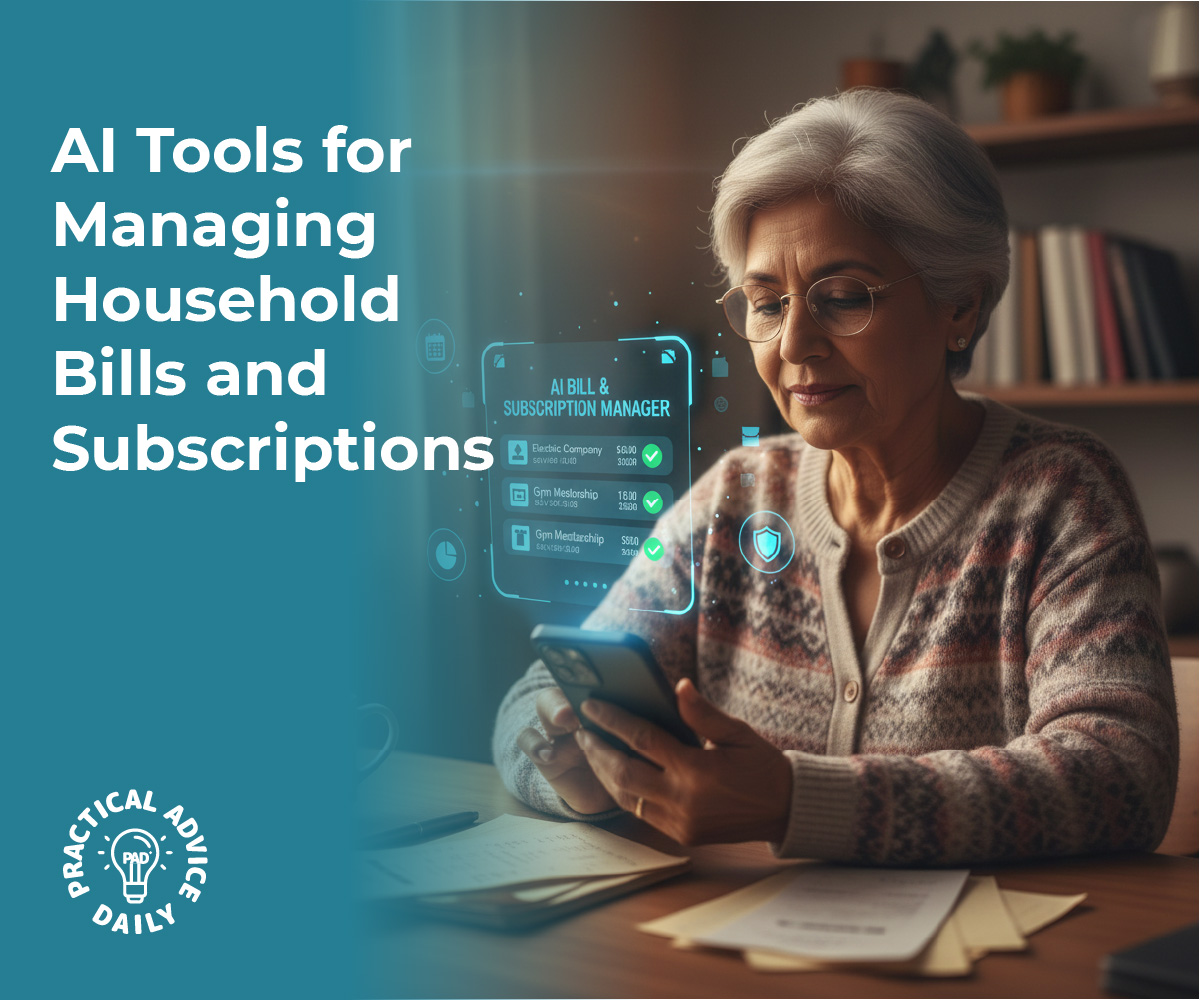
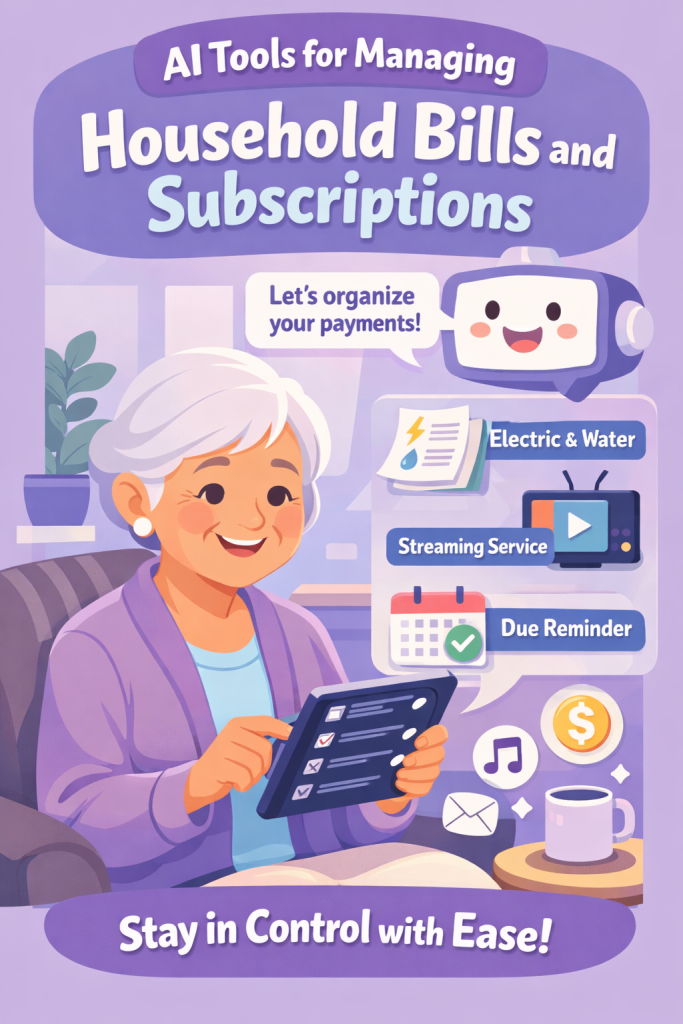
AI Tools for Managing Household Bills and Subscriptions

Keeping track of electricity, water, cable, and various streaming services can feel like a full-time job. It is easy for a due date to slip by or for a small subscription fee to go unnoticed on a bank statement. Fortunately, new technology is making it much easier to stay on top of these tasks. In this article, we will explore how simple, AI-powered tools can act as a personal assistant for your household finances, helping you stay organized and stress-free.

Table of Contents

Key Takeaways

  • Automatic Tracking: Learn how apps can “read” your bills and remind you when they are due.
  • Spotting Hidden Fees: Discover tools that find subscriptions you might have forgotten about.
  • Avoiding Penalties: See how alerts can help you skip late fees and keep your credit healthy.
  • Simple Setup: Most of these tools are designed to be user-friendly and secure for beginners.

What Are AI Bill Managers?

Think of these tools as digital filing cabinets that do the work for you. Instead of keeping a stack of paper on the kitchen counter, these apps securely look at your bank transactions or digital receipts to see what you owe and when. They use “smart” technology to recognize a bill from the power company versus a regular grocery trip.

Never Miss a Due Date Again

One of the biggest benefits is the reminder system. Once the app identifies a recurring bill, it can send a friendly notification to your phone or tablet a few days before the money is due. This is a great way to ensure you have enough funds in your account and helps you avoid those frustrating late payment penalties.

Finding “Ghost” Subscriptions

Many of us sign up for a free trial of a magazine or a streaming service and forget to cancel it. These small monthly charges can add up over a year. AI tools are excellent at spotting these “ghost” subscriptions. They provide a clear list of everything you are paying for, making it easy for you to decide what to keep and what to let go.

Spotting Unusual Charges

Sometimes, a bill might be higher than usual due to a mistake or a price hike. Because these apps track your history, they can alert you if your water bill is suddenly double what it was last month. This allows you to catch potential leaks or billing errors immediately rather than months later.

Is It Safe?

It is natural to be cautious about sharing financial information. Most reputable bill-tracking apps use the same high-level security that banks use. They generally “read” the data without having the power to move your money unless you specifically set up an “Auto-Pay” feature yourself.

Final Thoughts

Taking control of your household bills doesn’t require a degree in computer science. By using these supportive digital tools, you can gain a clearer picture of where your money is going and enjoy the peace of mind that comes with being organized. Technology is here to serve you, making the “boring” parts of life a little bit easier so you can focus on what truly matters.

Categories AI

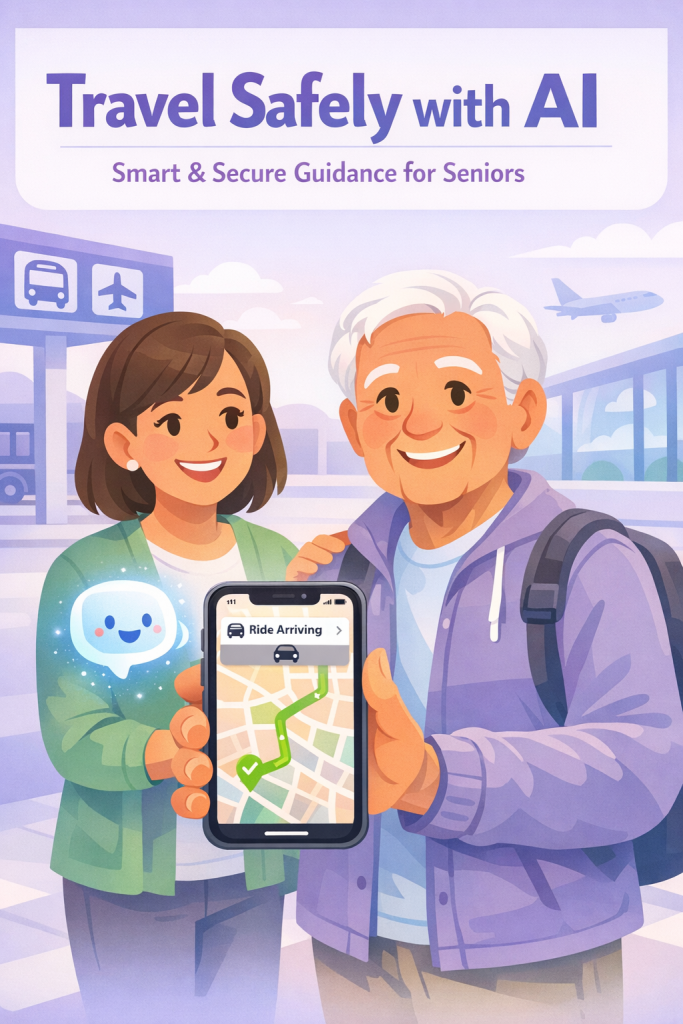
AI and Transportation: Getting Rides, Directions, and Transit Help Safely

Getting around shouldn’t be a source of stress. Whether you are heading to a doctor’s appointment, visiting a friend, or exploring a new part of town, your smartphone is now a powerful travel companion.

Artificial Intelligence (AI) is the “brain” behind many of the apps we use for transportation. It works behind the scenes to predict traffic, find the closest driver, and even tell you exactly when the next train will arrive. This article will show you how to use these features safely, so you can enjoy the freedom of going wherever you need to go.

Table of Contents

Key Takeaways

  • Real-time updates: AI helps you avoid traffic and find the fastest routes instantly.
  • Ride-sharing safety: Always verify your driver and car before getting into a vehicle.
  • Public transit help: Apps can tell you exactly when your bus or train is coming.
  • Stay alert: Learn to spot common travel-related scams to keep your money safe.

Ride-Sharing Made Simple

Apps like Uber or Lyft use AI to match you with a nearby driver. While it may feel strange to get into a car with someone you don’t know, these apps have built-in safety features.

  1. Check the Plate: Before you open the door, make sure the license plate and the car model match what is shown on your screen.
  2. Confirm the Driver: Ask the driver, “Who are you here for?” before you tell them your name.
  3. Share Your Trip: Most apps have a “Share Trip Status” button. This allows a family member to see your location in real-time until you arrive safely.

Finding Your Way with Smart Maps

Google Maps and Apple Maps use AI to look at thousands of other drivers on the road to see where the traffic is heavy.

  • Voice Directions: You don’t need to look at the screen while walking or driving. The AI can speak the directions to you clearly.
  • Street View: If you are nervous about finding a new building, you can use the “Street View” feature to see a photo of the front door before you even leave your house.

Public Transit and Walking

If you prefer the bus or train, AI can help you plan your trip down to the minute. Apps can show you which stop is closest to you and if the bus is running late. For those walking, these maps can even suggest routes that avoid steep hills or stairs, making the journey much more comfortable.

Avoiding Scams and Mistakes

Because these tools are so popular, scammers sometimes try to take advantage of travelers.

  • The “Fake Driver” Scam: Never get into a car that offers you a ride for cash on the street. Only use the official app to book and pay.
  • Payment Requests: A legitimate ride-sharing app will never ask you to pay with a gift card or outside of the app itself.
  • Wrong Destination: Always double-check the address you typed in. AI is smart, but it can’t know you meant “Oak Street” if you accidentally typed “Oak Avenue.”

Final Thoughts

Embracing AI for transportation is a wonderful way to maintain your independence. These tools are designed to be your eyes and ears on the road, helping you navigate with less worry. By following a few simple safety steps, you can use your phone to open up a world of travel possibilities, ensuring you always arrive at your destination with a smile.

Categories AI