
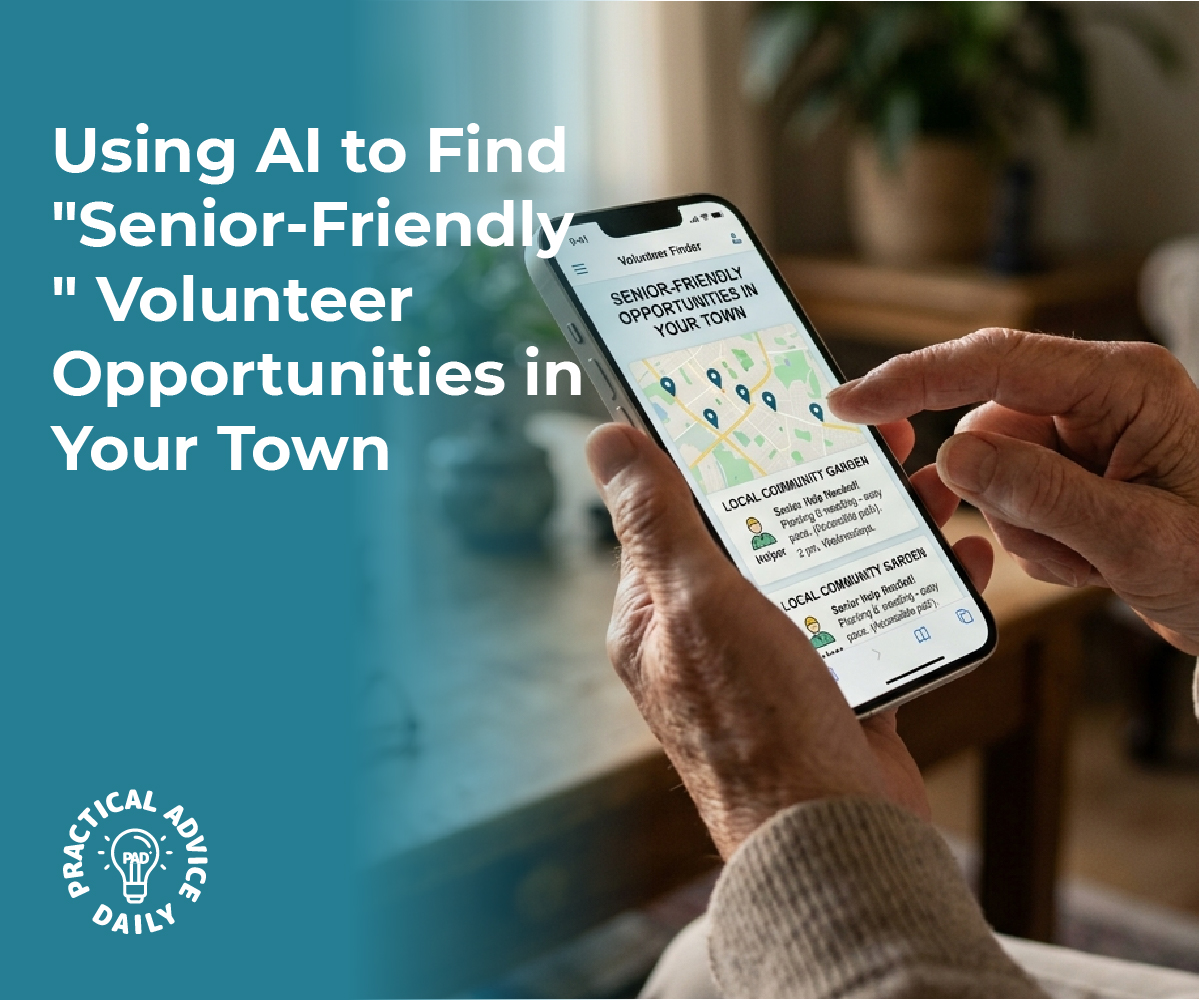
Finding local work that accommodates physical limitations while leveraging specific skills doesn’t require scrolling through hundreds of irrelevant job postings anymore. AI assistants like ChatGPT and Claude can function as personalized job search partners when given the right prompts about location preferences, physical requirements, and skill sets. By crafting detailed prompts that specify physical comfort needs—such as roles requiring minimal standing, flexible remote options, or seated work environments—and combining them with skills like tutoring or administrative support, job seekers can receive curated lists of suitable opportunities in their area within minutes.

The challenge isn’t whether AI can help with job searches, but rather how to communicate needs effectively. Most people ask AI tools vague questions and receive generic results. However, when prompts include specific details about physical accommodations, preferred work environments, commute distance, and relevant experience, the AI can identify roles that might otherwise be missed through traditional job boards.
This approach works for both paid positions and volunteer opportunities, making it particularly valuable for individuals seeking meaningful work that respects their physical capabilities. The process involves understanding how to structure prompts, which AI tools work best for local searches, and how to refine results based on responses.
Table of Contents
Key Takeaways
- AI tools can identify local job opportunities matching specific physical comfort requirements when given detailed prompts about limitations and preferences
- Effective prompting requires combining location parameters, physical accommodation needs, skill sets, and work environment preferences in a single query
- AI assistants can also optimize resumes and applications to highlight relevant skills while addressing accessibility needs professionally
Leveraging AI Tools for Personalized Job and Volunteer Searches
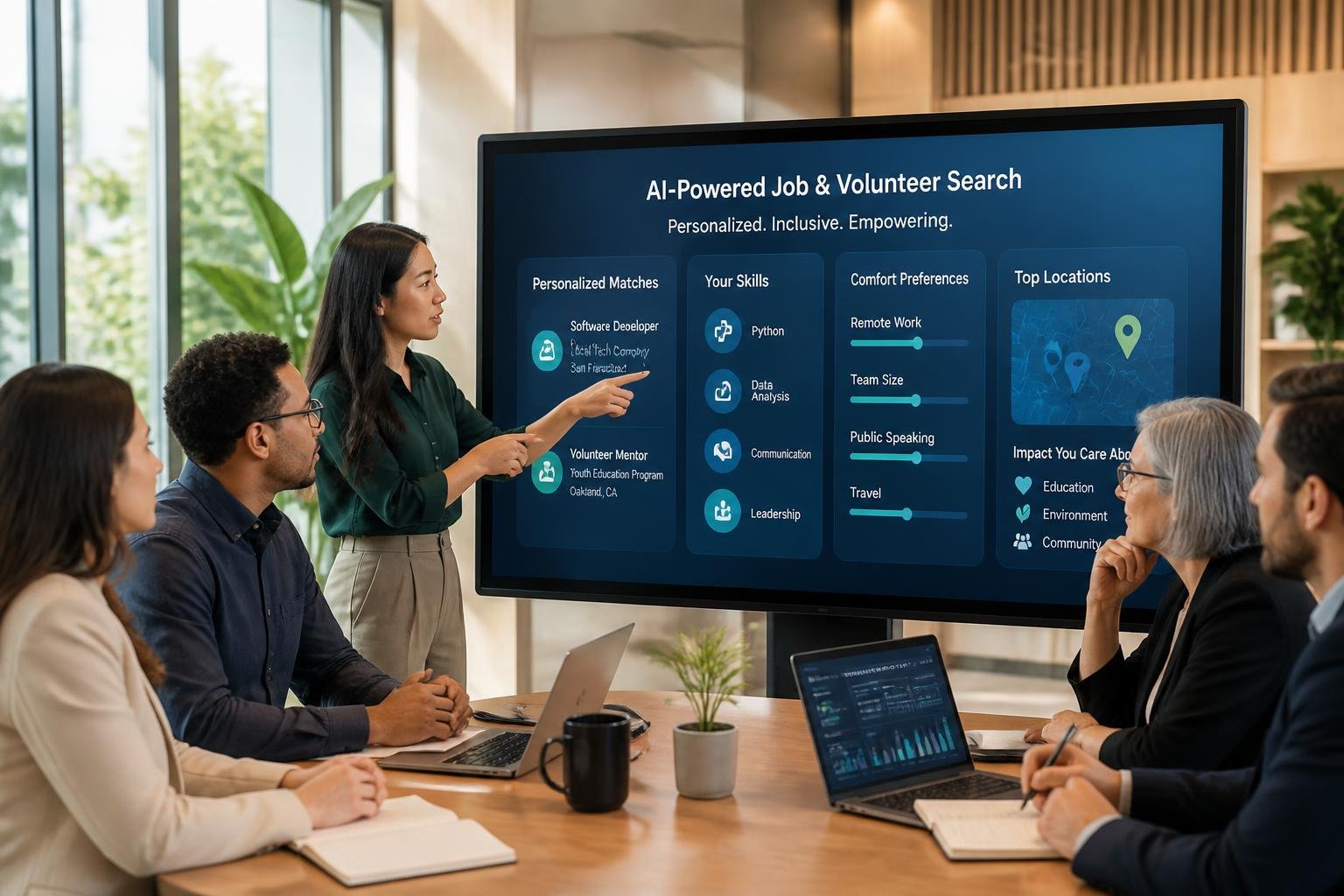
Modern AI-powered job search tools analyze individual skills, preferences, and physical requirements to connect job seekers with suitable local opportunities. These platforms use sophisticated algorithms to match candidates with positions that align with their specific needs and capabilities.
Understanding Modern AI-Powered Job Search Tools
AI job search tools have evolved beyond simple keyword matching to offer comprehensive career assistance. ChatGPT, Claude, and Gemini serve as personal career coaches that analyze job descriptions, identify relevant skills, and suggest customized application strategies.
These platforms work by processing uploaded CVs and comparing them against job requirements. The AI identifies transferable skills that might not be immediately obvious to the job seeker. For tutoring or administrative roles, the tools can highlight relevant experience from seemingly unrelated positions.
Key features include:
- Real-time job description analysis
- Keyword extraction for application optimization
- Skills gap identification
- Interview simulation and preparation
- Application proofreading and refinement
Users maintain control over the final output while the AI handles repetitive tasks like reformatting information for different employers. The technology excels at spotting opportunities to emphasize relevant qualifications that candidates might overlook.
How AI Job Matching Accounts for Skills and Preferences
AI algorithms process multiple data points simultaneously to create accurate matches between candidates and opportunities. The systems consider location, availability, physical requirements, skill sets, and personal preferences when suggesting positions.
For local roles requiring specific physical comfort levels, users can input parameters like preferred work environment, standing versus seated work, or commute distance. The AI filters opportunities accordingly, presenting only positions that meet these criteria.
Matching factors analyzed:
| Category | Examples |
|---|---|
| Skills | Tutoring experience, administrative software proficiency, communication abilities |
| Location | Distance from home, public transit access, neighborhood preferences |
| Physical Requirements | Desk-based work, lifting requirements, mobility needs |
| Schedule | Part-time, flexible hours, remote options, evening availability |
The technology continuously learns from user interactions. When candidates save certain job listings or skip others, the AI refines its recommendations to better reflect actual preferences.
Benefits of Personalization and Accessibility Settings
Personalization features allow job seekers to tailor their search based on individual circumstances and limitations. AI-powered tools accommodate varying physical abilities by filtering positions based on specific comfort requirements and work conditions.
Best AI job search tools enable users to set accessibility preferences upfront. Someone seeking tutoring roles can specify online-only positions to avoid physical commuting, while those interested in administrative help can filter for ergonomic workspaces or flexible schedules.
The technology reduces time spent reviewing unsuitable positions. Instead of manually sorting through hundreds of listings, users receive curated matches aligned with their stated needs. This efficiency proves particularly valuable for individuals with mobility considerations or health requirements.
AI platforms also suggest ways to frame existing skills for different role types. A candidate with classroom teaching experience receives guidance on positioning those skills for private tutoring or corporate training positions. Administrative experience translates across industries when the AI identifies common skill requirements.
Optimizing Your Search: Asking the Right Questions to AI Assistants

The quality of job search results from AI tools depends on how precisely someone frames their requests. Specific prompts that mention physical limitations, preferred skills, and geographic constraints yield far more relevant local opportunities than generic queries.
Crafting Effective Prompts for Skill and Comfort-Focused Roles
Effective AI prompts combine three essential elements: specific skills, physical requirements, and location details. Instead of asking “Find me a job,” a senior should request: “Show me part-time administrative assistant positions in Portland, Oregon that involve primarily seated desk work and require Microsoft Office skills.”
The more details included about comfort needs, the better. Someone can specify “roles with minimal standing,” “positions allowing frequent breaks,” or “work that doesn’t require lifting over 10 pounds.” ChatGPT prompts work best when they include 3-5 specific criteria rather than vague descriptions.
AI assistants like Microsoft Copilot can process multiple requirements simultaneously. A person might ask: “Find tutoring opportunities within 5 miles of 98101 that involve teaching elementary math, allow flexible scheduling, and can be conducted while seated.” This approach filters out unsuitable positions before wasting time on applications.
How to Use ChatGPT Prompts for Local, Senior-Friendly Work
ChatGPT prompts should start with geographic boundaries to ensure results stay within a comfortable commuting distance. A prompt like “List companies in downtown Austin hiring for customer service roles suitable for seniors” immediately narrows the search field.
Users can boost creativity by asking the AI assistant to suggest positions they might not have considered. For example: “What jobs in my area use my accounting background but don’t require full-time hours or physical labor?” This opens possibilities beyond traditional searches.
Effective prompt structure includes:
- Geographic radius (specific neighborhoods or zip codes)
- Schedule preferences (part-time, morning-only, seasonal)
- Physical accommodations (seated work, climate-controlled environments)
- Experience areas to leverage
Follow-up prompts refine results. After receiving initial suggestions, someone can ask: “Which of these roles typically offer remote work options?” or “What qualifications do I need for the library assistant position?”
Role-Based Prompts for Tutoring and Administrative Help
Tutoring prompts should specify subject areas, grade levels, and delivery preferences. A strong example: “Find in-person math tutoring opportunities for elementary students in Mesa, Arizona that meet at libraries or community centers.” This eliminates positions requiring travel to private homes or teaching advanced subjects outside someone’s expertise.
For administrative roles, AI prompts need to address the work environment and task types. “Show me receptionist or data entry jobs in Cleveland that involve computer work in quiet office settings” targets positions matching both skill sets and comfort needs. Specifying software proficiency helps too: “Administrative assistant roles requiring Excel and Word but not database management.”
Copilot and similar AI assistants can compare multiple options when prompted correctly. Someone might ask: “Compare the physical demands of medical office receptionist versus school administrative assistant positions.” This reveals which role better matches their capabilities before applying.
Sample role-specific prompts:
| Role Type | Sample Prompt |
|---|---|
| Tutoring | “ESL tutoring jobs for adults in Chicago community centers, 10-15 hours weekly” |
| Administrative | “Part-time filing or scheduling assistant positions in Tampa requiring no heavy lifting” |
| Customer Service | “Phone-based customer support in San Diego allowing seated work from home” |
Building and Optimizing Your Resume With AI
AI-powered resume builders analyze job descriptions and automatically adjust resumes to match employer requirements, while keyword optimization ensures applications pass through applicant tracking systems that screen candidates before human review.
AI Resume Builders: Tailoring Your Experience
An AI resume builder examines existing work history and generates customized versions for different positions. These tools scan job postings and suggest relevant skills, action verbs, and phrasing that align with what hiring managers seek.
Job seekers upload their current resume and the position description they’re targeting. The AI identifies gaps between the candidate’s document and the role requirements, then recommends specific additions or modifications. For someone applying to local tutoring positions, the tool might emphasize classroom experience, subject expertise, and student engagement metrics.
Most platforms offer templates designed for specific industries. Administrative roles benefit from formats that highlight organizational systems, software proficiencies, and process improvements. The AI automatically repositions information to showcase the most relevant qualifications first.
These builders typically allow users to create multiple tailored versions for different applications. A candidate can maintain separate resumes for tutoring roles versus administrative positions, each optimized for its specific requirements.
Using Keyword Optimization for Applicant Tracking Systems
Applicant tracking systems scan resumes for specific keywords before passing qualified candidates to recruiters. The software searches for exact matches to terms listed in job descriptions, including required skills, certifications, and industry-specific language.
AI tools identify which keywords appear in the job posting but are missing from the resume. They highlight essential terms that should be incorporated naturally into experience descriptions or skills sections. For local administrative roles, this might include software names like Microsoft Office, Google Workspace, or specific database systems.
Effective keyword placement includes:
- Job titles that match the posting exactly
- Technical skills listed in a dedicated section
- Action verbs from the job description woven into bullet points
- Industry certifications and credentials
- Measurable achievements that demonstrate required competencies
The AI suggests where to insert these terms without making the resume appear artificially stuffed with keywords. Natural integration maintains readability for human reviewers while satisfying automated screening requirements.
Ensuring ATS Compatibility for Local Roles
ATS compatibility requires proper formatting that automated systems can parse correctly. Complex layouts, graphics, headers, and unusual fonts often cause parsing errors that result in rejection regardless of qualifications.
A professional resume optimized for ATS uses standard section headings, simple bullet points, and common fonts. AI analyzers test how well applicant tracking systems can read the document and flag formatting issues. They recommend adjustments like converting tables to plain text or removing text boxes that confuse scanning software.
Local employers, including small businesses and community organizations, increasingly use applicant tracking systems to manage hiring. Even positions with fewer applicants may require ATS-friendly formatting. AI tools verify that contact information, work history dates, and education details appear in formats the software recognizes.
The optimization process includes checking file type compatibility. Most systems prefer PDF or Word documents, while other formats may not upload correctly.
Exploring Additional AI Capabilities for Job Seekers
AI tools extend beyond resume optimization and job matching to include visual content creation and personalized guidance throughout the entire job search process. These capabilities help job seekers present themselves more professionally while maintaining consistent support.
Creating Images to Enhance Applications or Profiles
AI image generators allow job seekers to create professional visual content for their applications and online profiles. These tools can design custom graphics, infographics showcasing skills and achievements, or polished profile images that enhance professional branding. Job seekers can use platforms to create visual resumes that highlight their qualifications in an engaging format.
The technology proves particularly useful for positions requiring creativity or visual communication skills. A candidate can generate sample work demonstrating design capabilities or create charts that illustrate career progression and accomplishments. However, images should complement rather than replace substantive content in applications.
AI tools can also help optimize existing photos for professional use. They adjust lighting, remove backgrounds, and ensure images meet platform specifications for LinkedIn or other professional networks. Job seekers should verify that generated images accurately represent their skills and maintain authenticity in their applications.
Using AI Assistants for Ongoing Guidance and Support
AI assistants like Copilot provide continuous support throughout the job search journey. These tools answer questions about application strategies, offer feedback on draft materials, and help job seekers navigate complex hiring processes. The interactive nature allows for real-time adjustments based on specific circumstances.
An AI assistant can help candidates prepare for different interview scenarios by generating practice questions tailored to specific roles. It can analyze job descriptions and suggest talking points that align with employer requirements. The technology also tracks application deadlines and sends reminders for follow-up actions.
Job seekers benefit from having a resource available at any time to clarify confusion about application requirements or provide second opinions on materials. The assistant adapts responses based on the user’s industry, experience level, and target positions. This personalized approach helps maintain momentum during lengthy job searches when motivation might otherwise decline.
Final Thoughts
Using AI to find the perfect volunteer or part-time role isn’t about letting a machine take over; it’s about having a tireless assistant that understands exactly what you need. By being specific about your physical comfort and the skills you want to share, you can bypass the frustration of generic job boards and discover hidden gems in your own neighborhood. Whether you are looking to give back through tutoring or stay active with administrative help, these tools ensure that your next opportunity is one that respects your boundaries and celebrates your experience. With a little practice in “talking” to AI, you can turn a daunting search into a simple, successful conversation that opens new doors to staying connected and valued in your community.