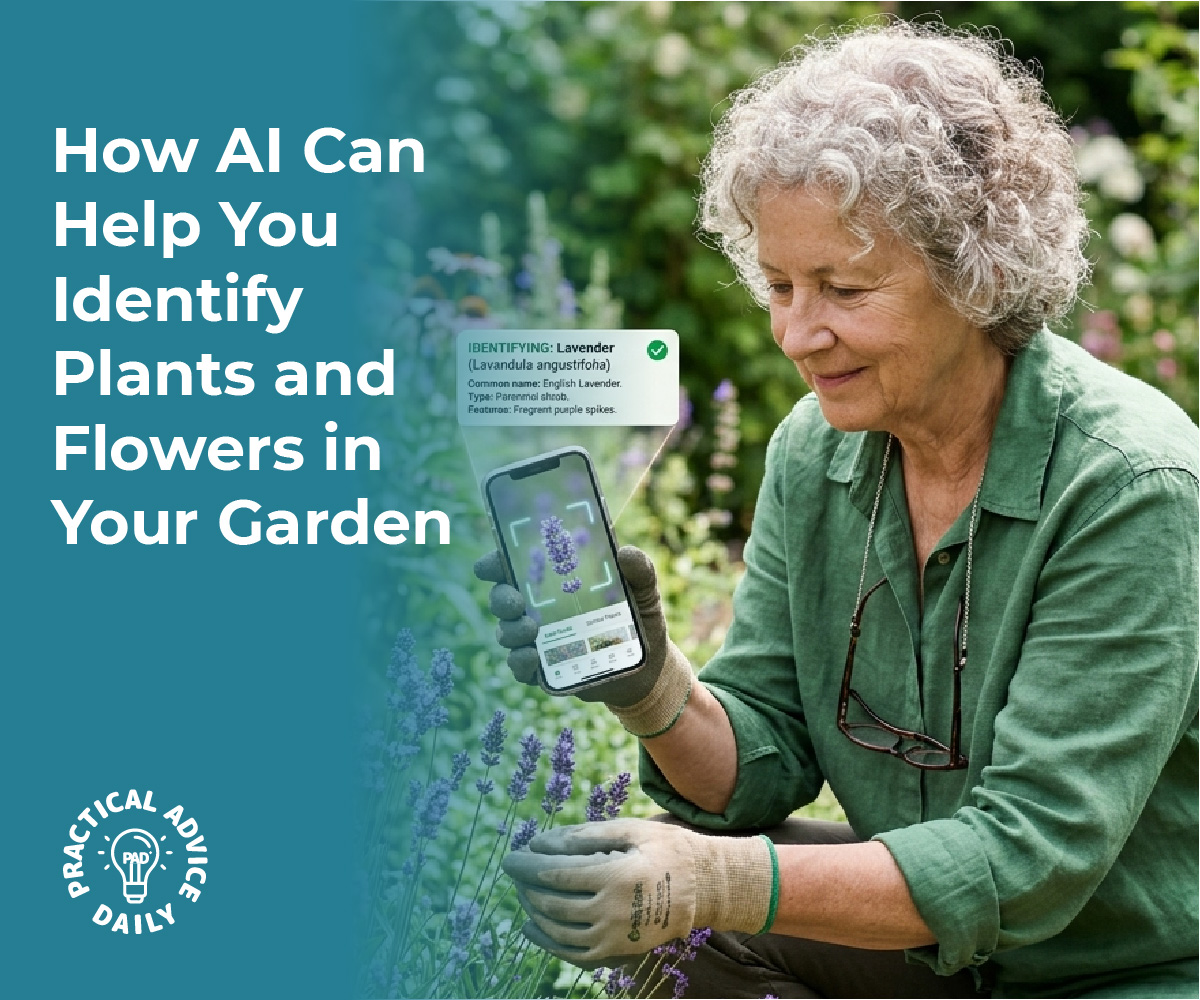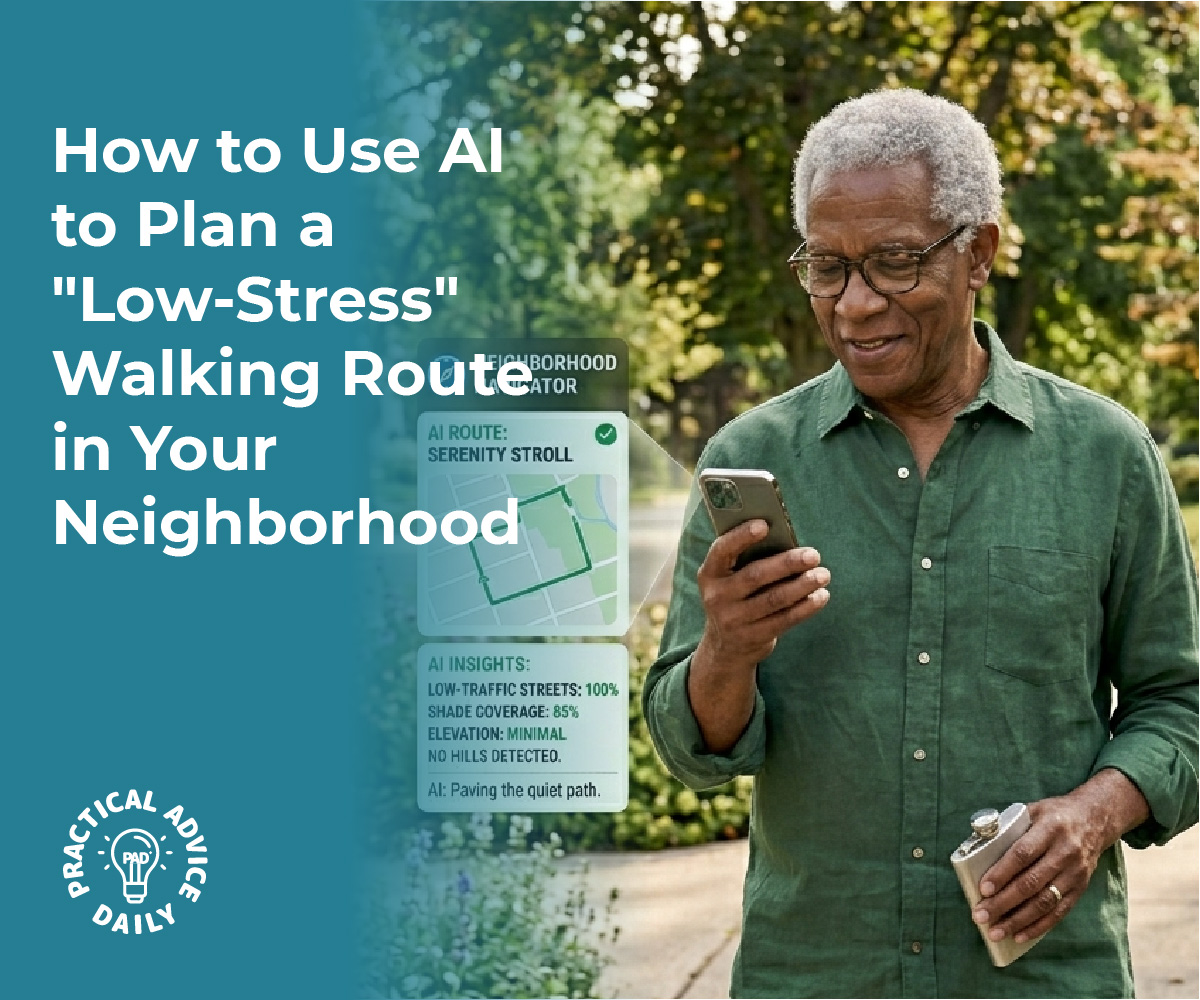
How to Use AI to Plan a “Low-Stress” Walking Route in Your Neighborhood

In a world where technology increasingly bridges gaps between needs and solutions, finding routes that cater to specific preferences or requirements is becoming more accessible thanks to AI-enhanced mapping tools. These intelligent systems are not just improving conventional navigation but are paving the way for a more tailored travel experience.

AI-powered maps can now identify routes with optimal shade, frequent benches for resting, or paths with minimal elevation changes, offering invaluable support for those with mobility concerns.
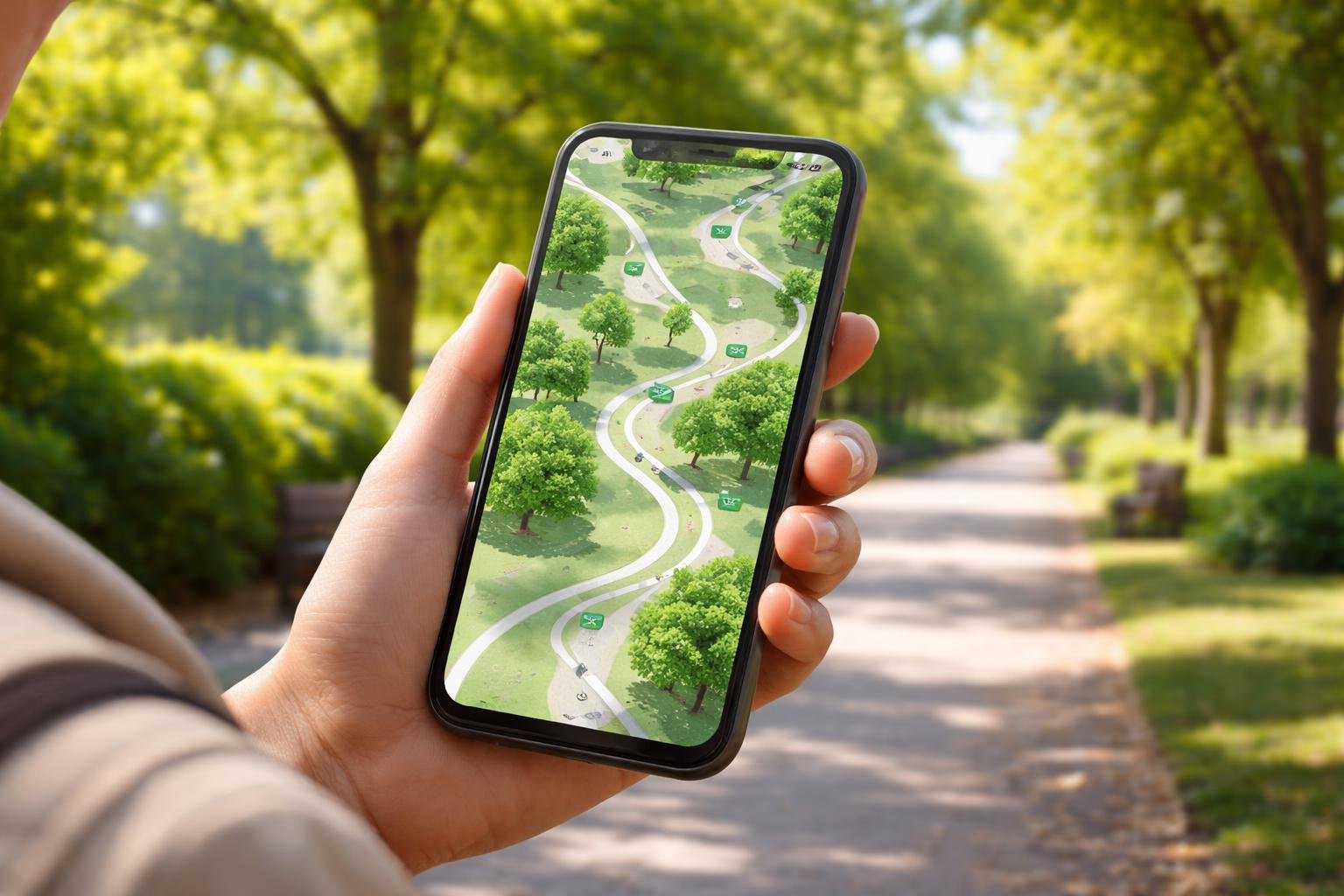
A person outdoors looking at a smartphone showing a map with shaded paths, benches, and flat routes in a green park.

By analyzing real-time data and user preferences, AI is transforming how people plan their journeys. These advanced algorithms consider various factors, such as tree coverage for shade, landmarks for resting points, and terrain elevation, to suggest the most suitable paths. This level of personalization in route planning addresses diverse needs, helping individuals navigate urban landscapes with ease and confidence.

Whether it’s ensuring a comfortable walk for the elderly or providing a suitable path for wheelchair users, AI is revolutionizing route selection. As the technology continues to mature, it promises even more convenient and efficient ways to explore cities or nature, particularly for those looking for safer, more accessible travel options.

Table of Contents

Key Takeaways

  • AI maps suggest shaded, flat, or bench-lined routes.
  • Algorithms analyze data for personalized travel.
  • AI advancements offer enhanced navigation solutions.

How AI-Enhanced Maps Identify Shade, Benches, and Flat Paths

People walking and resting on benches along a shaded, flat pathway in a green urban park.

AI-enhanced maps leverage advanced technologies to provide users with optimal routes. These maps help individuals find shaded pathways, locate benches for resting, and choose paths with minimal elevation changes, enhancing comfort and accessibility.

Mapping Shade and Sun Exposure on Routes

AI-powered route planning tools use real-time data integration and satellite imagery to identify shaded paths accurately. Technologies like CityShadeMapper utilize LiDAR data to create high-resolution maps that depict sun exposure and shade variations across urban landscapes. This allows users to select routes that offer more shade, reducing heat exposure during their journeys.

Tools like ShadeMap enable users to simulate sun and shadow movements, helping them plan walks that minimize sun exposure. These maps capture data at specific times, providing dynamic shade maps relevant to different times of the day and year, thus ensuring that users can adapt their routes according to changing environmental conditions.

Locating Benches and Resting Spots on Walking Paths

The integration of AI into digital mapping services like Google Maps allows for the identification of public amenities along walking routes. By analyzing satellite imagery and data crowdsourced from users, AI can mark the locations of benches and other resting spots.

This capability assists individuals who need frequent breaks, such as the elderly or those with medical conditions. Users benefit from knowing where they can rest, adding a practical layer to their journey planning. Such features encourage more people to walk by providing assurance that they will have places to rest along their way, thus making walking a more appealing and feasible option for diverse groups.

AI Detection of Path Elevation and Slope for Accessibility

For those with mobility concerns, the elevation and slope of a path are critical. AI technologies analyze topographic data and street-level images to determine path gradients. Services like Google Maps incorporate such technologies to highlight routes that are more accessible for wheelchairs and strollers, marking flat routes as favorable.

By using machine learning algorithms, maps can update in real time, providing information on construction or route changes that might affect path accessibility. This integration of AI ensures that users have reliable information, contributing to a more inclusive experience for individuals with varied mobility needs.

Core Technologies Driving AI Route Optimization
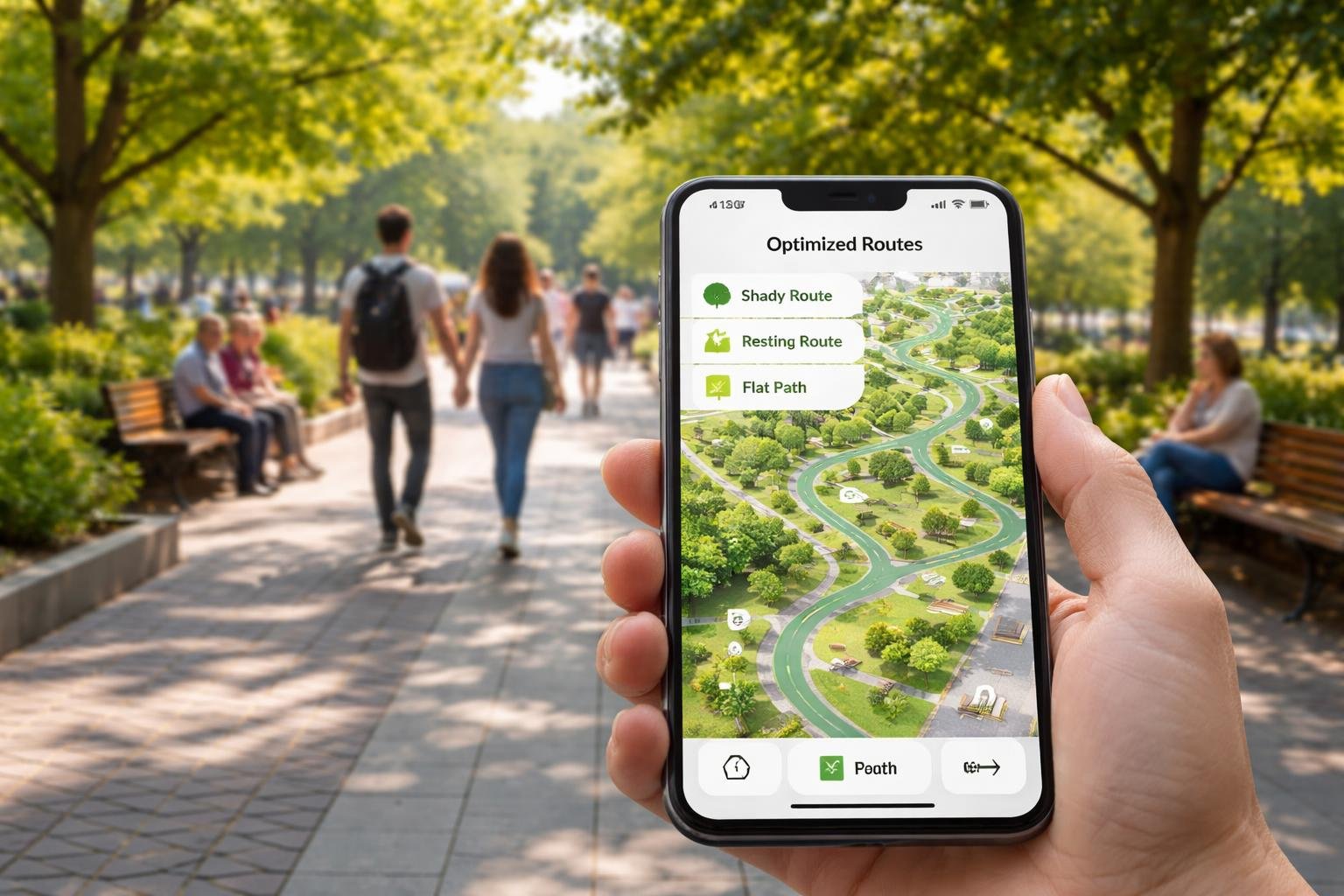
People walking and resting in a sunny urban park with a digital map showing shaded routes, benches, and flat paths.

AI route optimization leverages several advanced technologies to efficiently plan paths, addressing unique considerations such as providing shaded routes, finding benches for resting, and selecting the flattest paths for those with mobility challenges. This involves combining real-time data analysis, machine learning, and sophisticated optimization algorithms.

Machine Learning and Predictive Analytics for Route Planning

Machine learning plays a crucial role in AI route optimization. These systems learn from historical data, enabling them to predict future traffic patterns and user needs. By applying predictive analytics, the technology anticipates various factors affecting travel routes, such as potential delays, estimated travel times, and the likelihood of encountering obstacles like steep inclines or unshaded areas.

This predictive capability is essential for crafting efficient and user-friendly routes, especially for users with specific mobility requirements. Using advanced models, AI can adjust and recommend optimal paths that consider environmental factors, ensuring accessible and pleasant navigation for all users.

Real-Time Data Analysis and Real-Time Traffic Updates

Real-time data analysis allows AI systems to respond to current conditions swiftly. This includes processing real-time traffic updates, weather conditions, and road closures to adjust routes on the fly. The integration of real-time data ensures that AI-generated routes are both safe and efficient.

By continually ingesting data from numerous sources, such as GPS signals and traffic cameras, these systems can dynamically reroute users to avoid congested or less desirable paths, providing alternate options that may have more shade or rest stops. This adaptability ensures that route suggestions remain relevant and effective at any given moment.

Optimization Algorithms and Multi-Objective Balancing

Optimization algorithms form the core of AI route planning by balancing multiple objectives to create the best possible route. Factors like minimizing travel time, reducing the difficulty of the path, and maximizing convenience are prioritized and balanced through complex computational methods. Multi-objective optimization is particularly beneficial for accommodating various user needs, such as finding routes with more shade or smoother terrains.

These algorithms evaluate each potential route against numerous criteria, ensuring that the selected path meets the specific preferences and conditions set by users. This nuanced, algorithm-driven approach guarantees that AI-enhanced maps deliver tailored routing solutions.

Personalizing Routes for Mobility, Comfort, and Accessibility

Incorporating AI-enhanced maps to navigate urban environments can significantly improve mobility for individuals with specific needs. These tools offer more than just basic navigation by optimizing routes for terrain flatness, available resting points, and environmental comfort.

Selecting the Flattest Paths for Mobility Concerns

AI route planners can be tailored to prioritize flatness in routes, which is crucial for those with mobility challenges. By leveraging topographic data and advanced mapping techniques, these systems can identify paths with minimal elevation changes. This approach minimizes physical strain, allowing users to traverse cities more comfortably.

The integration of multi-objective optimization allows an algorithm to consider factors like pedestrian safety and shortest distance while ensuring the path remains accessible. This adaptability is especially beneficial in urban areas with varied terrain, ensuring that the needs of the mobility-impaired are always a consideration in route planning. The end result is not only increased accessibility but also enhanced independence for many users.

Customizing Rest Opportunities Along Your Walk

Access to regular resting spots can transform a long journey into a much more manageable one. AI-powered navigation systems analyze urban landscapes to identify locations such as parks, benches, and shaded areas. These areas allow individuals to rest and recuperate during walks, essential for those who require frequent breaks.

Dynamic adaptability in these systems can also suggest alternative stopping points if regular ones are unavailable. This flexibility ensures the journey remains comfortable and safe under various conditions. By embedding rest stop data into the route planning process, users can better manage their energy and enjoy their surroundings at a more leisurely pace.

Dynamic Rerouting for Environmental Comfort

Navigating with a focus on environmental comfort involves more than a simple route adjustment—it’s about a holistic approach to journey enhancement. Dynamic rerouting enables users to avoid areas with high heat exposure, poor air quality, or extreme noise levels. With AI route planners, these environmental factors are taken into account to suggest more pleasant and safer pathways.

For instance, algorithms might prioritize tree-lined streets or routes through green spaces during high temperatures. This shift not only enhances physical comfort but also promotes sustainable urban living. Through continuous updates and real-time adaptability, routes can be adjusted dynamically to provide the most comfortable and efficient travel experience available.

AI-enhanced maps offer valuable features for tailored route optimization, incorporating elements like shade, benches, and even terrain considerations for individuals with specific mobility requirements. These advancements ensure a more personalized and effective approach to navigating urban landscapes, highlighting user preferences in route planning.

Choosing the Right AI Route Planning Tools

Selecting the most suitable AI route planning tools requires an understanding of not only the software’s features but also its compatibility with user needs. Route planners should include options for personalized route suggestions based on various parameters, such as level paths or shaded areas. Integrating robust AI-powered optimization features ensures that these tools constantly learn from user feedback and real-time data.

Users should also consider the tool’s ability to provide ETA accuracy to ensure timely arrival. Comparing features and user reviews can assist in making informed choices for optimal experience and reliability. Essential functionalities to look for include real-time updates, route optimization abilities, and comprehensive mapping data.

Balancing Efficiency With User Preferences and Health Needs

While achieving routing efficiency is crucial, it’s equally important to accommodate user preferences and health considerations. AI-driven systems can now incorporate user-defined criteria, such as flat paths for wheelchair users or routes with frequent resting spots, without compromising speed. Additionally, factoring in environmental conditions or surrounding infrastructure can play a key role in making routes safer and more comfortable.

AI algorithms should be designed to handle complex user-specific requirements, such as shade or curb ramp availability, enhancing the route optimization process. By aligning route optimization software with individual preferences, these systems can serve diverse communities better while maintaining efficiency.

Emerging trends in AI-driven routing emphasize eco-friendly choices and community-based mapping enhancements. Green routing aims to minimize environmental impact by selecting paths that reduce carbon emissions, supporting sustainability. This trend involves incorporating green zones and low-traffic areas into route planning decisions.

Simultaneously, using community feedback and local insights enables route planners to map routes that reflect real-world accessibility and usability. Technologies such as AI-powered route optimization and participatory mapping stand at the forefront, enabling more inclusive and environmentally conscious navigation solutions. These trends not only adapt to current transportation needs but also anticipate future shifts towards greener, more community-focused routing options.

Final Thoughts

Navigating the world should be an experience of joy and discovery, not a source of stress or physical strain. Thanks to AI-enhanced maps, the freedom to explore is being redefined for everyone, regardless of mobility needs. By turning complex data into simple, personalized routes, these tools act as a thoughtful guide—pointing out the quietest shaded paths, the most convenient resting spots, and the flattest ways to get from point A to point B.

As this technology continues to grow, it brings us closer to a future where our cities and parks are truly accessible to all. Whether you are planning a gentle afternoon stroll or navigating a busy urban center, these smart mapping features empower you to move with confidence and comfort. We encourage you to explore these tools today and see how a little extra help from AI can make your next journey your most pleasant one yet.


Categories AI

AI for Birdwatching: How Your iPhone Can Identify Bird Songs in Your Backyard

In recent years, birdwatching has gained a modern twist with the advent of AI-powered apps like Merlin Bird ID. These apps listen to bird calls and provide instant identification, adding a new layer of tech engagement to this popular pastime, especially for seniors. Merlin Bird ID stands out as a remarkable tool, transforming birdwatching into an interactive experience by accurately recognizing thousands of bird species globally.

A person outdoors in a forest holding a smartphone and listening to bird calls with colorful birds around.

AI birdwatching apps not only enhance the joy of observing birds but also empower users to participate in citizen science projects. Through these applications, birdwatchers contribute valuable data to global biodiversity databases, aiding conservation efforts. This blend of technology and nature fosters a deeper connection with the environment, while also providing educational benefits.

These tools leverage sophisticated AI technologies, such as machine learning and bioacoustics, to differentiate and accurately identify bird songs and calls. With growing user engagement, these apps continuously improve, offering even more precise identifications over time. The result is a rich, immersive experience that invites users to explore the natural world with greater depth and understanding.

Table of Contents

Key Takeaways

  • AI apps enhance birdwatching with real-time species identification.
  • They support conservation efforts and engage users in citizen science.
  • Advanced technologies drive accurate and enriching user experiences.

How AI Birdwatching Apps Bring Joy to Senior Hobbies

An elderly couple outdoors in a park using a smartphone to identify birds while enjoying birdwatching.

AI birdwatching apps, such as Merlin Bird ID, provide an innovative way to connect with nature. By identifying bird calls and species, these tools make this hobby more accessible and enjoyable for seniors, promoting engagement and wellbeing.

A New Layer of Engagement With Merlin Bird ID

Merlin Bird ID introduces an interactive element to birdwatching by using AI to identify birds through their songs and sightings. This technology allows users to capture bird sounds and receive immediate feedback on the species. Seniors who may not have the sharpest eyesight or field skills can still actively participate in birdwatching. This real-time bird identification makes the experience exciting and gratifying, as users can instantly confirm their observations. The app’s ability to distinguish between various bird species adds a level of detail that deepens the user’s connection to their surroundings. Moreover, it supports lifelong learning as users familiarize themselves with new bird species and their unique sounds.

Making Birdwatching More Accessible for All Ages

Birdwatching apps like Merlin Bird ID democratize the hobby by making it accessible to people of various ages and abilities. Traditionally, birdwatching required a significant amount of expertise and patience, but AI tools simplify the identification process. By just recording bird songs or capturing photos, users receive accurate information, eliminating barriers such as physical mobility challenges or gaps in ornithological knowledge. Seniors, who may face limitations in hearing or vision, find these apps particularly beneficial. They no longer need to carry bulky field guides or rely solely on their senses, making outdoor excursions more enjoyable and rewarding. Additionally, the user-friendly design of these apps ensures that even those not well-versed in modern technology can comfortably use them.

Benefits for Mindfulness and Wellbeing

Engaging in birdwatching with the help of AI apps can significantly enhance mental wellbeing and mindfulness. Being out in nature, with a focused activity like identifying birds, helps reduce stress and promote relaxation. For seniors, this mindful attention to the natural world can offer numerous cognitive benefits. It encourages them to stay active, both physically and mentally, which can improve mood and overall health. Birdwatching can also serve as a social avenue, connecting individuals with like-minded peers through shared interests and online communities. By enhancing these experiences, apps like Merlin Bird ID contribute to a sense of purpose and fulfillment in the lives of seniors, fostering an ongoing appreciation for the natural world.

Core Technologies Powering Bird Song Identification

A person holding a smartphone outdoors with birds flying and perched on trees nearby, showing an app analyzing bird songs through sound waves.

Technologies such as sound recognition and machine learning instruments are key in identifying bird songs, transforming the way bird enthusiasts interact with nature. Meanwhile, advancements in computer vision and the creation of extensive bird databases support these features by providing visual data and essential references.

Sound Recognition and Machine Learning

Sound recognition systems use algorithms to process bird calls and sounds. By analyzing sound waves and patterns, these systems can suggest the identity of a bird based on its vocalizations. Machine learning enhances this process by allowing the application to learn and improve its accuracy over time. The app uses various samples of bird sounds to train models, helping them identify even the most subtle nuances in bird songs, including those of multiple species vocalizing simultaneously. This is a critical aspect as it ensures reliability, even in noisy environments. The integration of artificial intelligence through machine learning enables these apps to offer real-time identification, enriching the user experience immensely.

Advancements in Computer Vision

While primarily focused on sound, computer vision also plays a significant role by leveraging image recognition for bird identification. Algorithms detect patterns, colors, and shapes in photographs, comparing them to extensive image libraries stored within the app. These advancements allow users to capture images of birds and receive instant analysis and identification. Such technologies are particularly useful in situations where audio identification might be challenging, such as when birds are silent or far away. The combination of visual and audio data triangulates identification, making the process more robust and accessible for users at all expertise levels.

Creating and Maintaining Bird Databases

Comprehensive databases are the backbone of bird identification tools. These databases compile a vast collection of bird sounds, photos, and metadata from numerous sources such as field recordings and contributions from amateurs and professionals. Regular updates ensure that the database remains current, reflecting the latest findings in ornithology. Digital storage and cloud technologies help manage and maintain these large datasets, providing seamless accessibility for users. The data also helps enhance machine learning models, promoting continuous improvement in accuracy and coverage. By maintaining such rich repositories of information, these apps not only facilitate bird identification but also contribute to broader conservation and research efforts.

Comparing the Best AI-Powered Bird Identification Apps

AI-powered bird identification apps revolutionize birdwatching by allowing users to identify birds through sound analysis and photo recognition. This section focuses on several top-rated apps that utilize AI, highlighting their unique features and advantages in bird identification.

Merlin Bird ID: The Cornell Lab Advantage

Merlin Bird ID, developed by the Cornell Lab of Ornithology, stands out for its comprehensive approach to bird identification. It offers features that cater to both novice and experienced birders. Users can identify birds by photo or sound recordings, leveraging a vast dataset trained on millions of entries. The app is available for free on both iOS and Android devices, making it easily accessible. Its AI-powered system provides highly accurate identification and allows users to explore an extensive bird call library. Expertly designed, it also includes range maps and supports offline use, enhancing usability during outdoor excursions. The app’s connection to the renowned Cornell Lab provides users with reliable, research-backed data.

BirdNET and Its Unique Features

BirdNET, a collaborative creation of the K. Lisa Yang Center for Conservation Bioacoustics at the Cornell Lab of Ornithology and Chemnitz University of Technology, emphasizes audio identification. It is renowned for its proficiency in recognizing bird calls recorded by users. With nearly 3,000 species in its library, BirdNET excels at analyzing songs and calls, offering near-instant results. The tool is effective even in challenging environments, evaluating recordings with impressive accuracy, thus aiding both expert and amateur birders. By allowing users to submit recordings for future reference, the app fosters an interactive identification experience. Designed for iOS and Android, BirdNET stands out as a dynamic research platform that integrates robust AI technology.

Other Innovative Apps: Song Sleuth, ChirpOMatic, and More

Beyond Merlin and BirdNET, several other apps bring unique features to AI-driven bird identification. Song Sleuth is designed for users in North America and excels in identifying local bird songs using AI. Its user-friendly interface complements its powerful recognition capabilities. ChirpOMatic, available in select regions, offers a minimalist approach, focusing purely on sound identification. It includes a “bird-safe” mode to ensure minimal disturbance during nesting. Additionally, apps like Chirp! Bird Songs & Calls USA offer curated bird call libraries, adding depth to the identification process. These apps provide diverse tools for birders looking to explore their local habitats with enhanced capabilities.

Photo Identification Versus Sound ID

The debate between photo and sound identification is central to the choice of bird identification apps. Photo identification, as exemplified by apps like Merlin Bird ID and iNaturalist, is beneficial for users who prefer visual confirmation and can capture clear images. This method is particularly helpful for distinguishing birds based on plumage details. In contrast, sound identification apps like BirdNET and ChirpOMatic excel in dense vegetation or low-light conditions where photos are challenging. These apps utilize AI to decode complex bird songs, offering a complementary perspective. Both methods have their strengths, and the choice often depends on the user’s environment and personal preference in birdwatching activities.

Community, Conservation, and Data Privacy in the Digital Age

Technology has transformed birdwatching by offering platforms that connect communities, enhance conservation efforts, and ensure data privacy. Birding apps bridge nature enthusiasts and researchers, leveraging community contributions to gather data, enhancing knowledge about bird behaviors and conservation needs.

Citizen Science Opportunities With Apps

Apps like Merlin Bird ID and eBird provide numerous opportunities for citizen scientists to contribute meaningful data to bird conservation efforts. These platforms enable users to submit observations, which are then used to enrich a global understanding of bird populations and behaviors. By documenting bird sightings, users help build comprehensive species databases that are instrumental in tracking trends and changes over time. Such initiatives empower birdwatchers of all skill levels to contribute to science, fostering a sense of community and shared purpose. This collective data collection supports both local and international conservation strategies by expanding the reach and depth of data available to researchers and policymakers.

Bird Sightings, Migration Patterns, and Hotspots

The data collected through these apps offers invaluable insights into bird sightings, migration patterns, and birding hotspots. By mapping sightings, users and researchers can identify key habitats and regions that serve as critical migratory paths. This geographical information aids in pinpointing areas under potential threat and can guide conservation priorities and resource allocation. Regular updates and observations from citizen scientists enable the creation of dynamic maps that reflect real-time changes. This makes it easier for conservationists to respond to environmental changes and implement protective measures that are informed by empirical data, ensuring timely conservation actions.

Conservation Research and Impact

The impact of birdwatching apps extends to conservation research, providing researchers with substantial volumes of data essential for studying avian ecology and behaviors. The ongoing data flow helps scientists to identify trends and anomalies in bird populations, such as declines in specific species or unusual migration patterns. This data helps shape conservation policies and supports initiatives aimed at preserving biodiversity. By aligning with conservation organizations, these apps facilitate cooperative efforts that aim to mitigate human impact on natural habitats. The insights generated help in developing targeted conservation strategies that address specific regional and species-specific challenges.

Ensuring Data Security and Privacy

Maintaining the privacy and security of user data is a significant concern in the digital age. Birdwatching apps recognize the importance of safeguarding personal information while enabling community science. Adherence to robust privacy policies ensures that data on bird sightings and user contributions is protected from unauthorized access or misuse. These policies typically involve anonymizing sensitive data and securing databases against breaches. Users are often granted control over their data sharing preferences, balancing the benefits of community contributions with individual privacy concerns. Ensuring the integrity and confidentiality of data not only protects users but also builds trust, encouraging wider participation in citizen science endeavors.

Final Thoughts

AI-powered birdwatching apps beautifully blend the calm of nature with the convenience of modern technology. What once required years of experience and sharp observation can now be enjoyed by anyone with a smartphone, making birdwatching more accessible, engaging, and rewarding—especially for seniors. With just a simple tap or recording, you can uncover the names and sounds of birds around you, turning every walk into a small adventure.

Beyond personal enjoyment, these tools also give your hobby a meaningful purpose. Each bird you identify can contribute to larger conservation efforts, helping scientists better understand and protect wildlife. As you continue exploring, you may find that birdwatching becomes not only a relaxing pastime but also a way to stay curious, connected, and actively involved in the natural world.

Categories AI

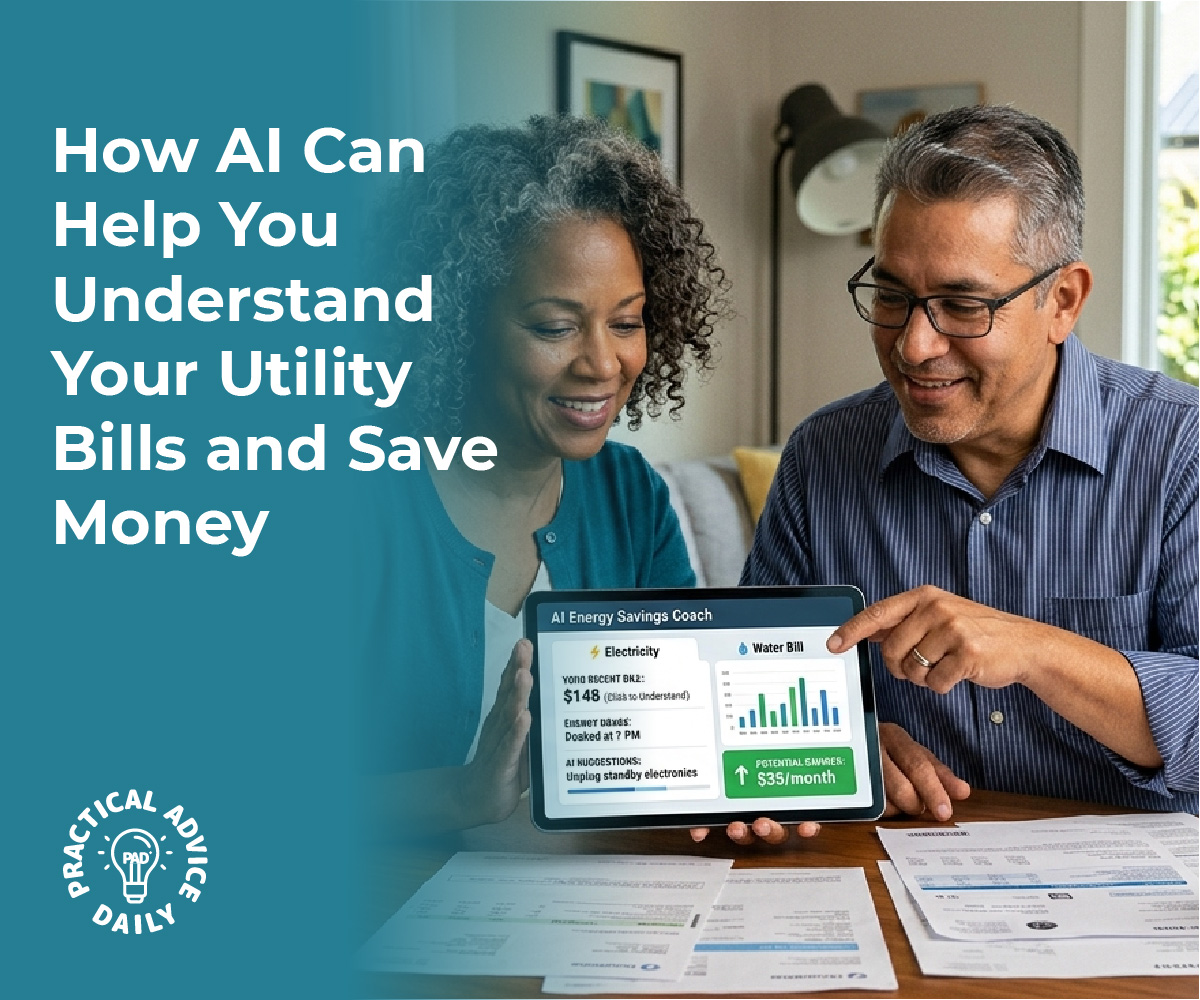
How AI Can Help You Understand Your Utility Bills and Save Money

In a world where paper bills often elicit confusion and anxiety, artificial intelligence emerges as a beacon of clarity and efficiency. With the advent of AI-driven tools, the daunting task of deciphering intricate billing statements becomes remarkably straightforward. These technologies not only streamline the process of scanning and interpreting complex bills but also offer significant insights into usage patterns, guiding users on potential cost-saving opportunities, such as senior discounts.

AI tools are designed to ingest the complicated layout of paper bills, translating them into clean, concise summaries. This innovation allows individuals to effortlessly identify critical information, like usage spikes or erroneous charges. Moreover, these tools can suggest actionable steps, such as contacting providers for potential discounts, further enhancing their utility for users.

Such advancements make choosing the right AI tool essential for maximizing benefits. Integrating these solutions can lead to overwhelming advantages, transforming bill management into a hassle-free experience. Reliable AI platforms not only enhance efficiency but also empower users to make informed financial decisions with ease.

Table of Contents

Key Takeaways

  • AI simplifies the task of scanning and summarizing complex paper bills.
  • Users gain insights into usage and potential cost-saving measures.
  • Selecting the right AI tool is crucial for effective bill management integration.

How AI Tools Scan and Understand Complex Paper Bills

A person holding a paper bill next to a tablet displaying simplified usage summaries in a modern office setting.

AI tools transform complex paper bills into structured data through several advanced techniques. This enables efficient extraction of information from multifaceted formats, facilitating insights into usage patterns and identifying opportunities for senior discounts.

Optical Character Recognition for Bill Digitization

Optical Character Recognition (OCR) is the first step in digitizing paper bills. This technology converts printed text into machine-readable data, allowing systems to interpret information from scanned documents as digital input. OCR software can handle various fonts, layouts, and even handwritten elements, providing the flexibility needed for diverse bill formats. Accuracy in OCR is crucial as errors in digitization can lead to incorrect data extraction, which might affect subsequent analyses and recommendations. Enhanced OCR techniques use machine learning to improve recognition rates, adapting to new layouts over time without needing preset templates.

Automated Data Extraction from Unstructured Documents

Automated data extraction focuses on capturing specific details from unstructured or semi-structured documents. By employing AI algorithms, these tools identify and extract vital bill data such as billing numbers, usage metrics, and payment deadlines. The process involves parsing the digitized text and mapping it to predefined or customizable fields.

Through this method, users efficiently obtain valuable insights without manual intervention. Importantly, automated data extraction supports high-volume processing, making it feasible for organizations to handle large quantities of bills. Such systems are capable of learning from corrections, gradually improving their extraction accuracy with each iteration.

Intelligent Document Processing Solutions

Intelligent Document Processing (IDP) is an advanced approach that combines OCR, machine learning, and natural language processing to manage complex billing documents. IDP systems analyze the document’s entire structure and context, allowing for nuanced understanding beyond simple text recognition.

These platforms can discern context-specific fields, adapt to varied document types without rigid layouts, and extract sophisticated data points like detailed billing line items. Enhanced by continuous learning capabilities, IDP solutions refine their processing mechanisms based on user feedback, ensuring high levels of accuracy and adaptability. By integrating with accounting systems, they seamlessly deliver structured data for further financial analysis and workflow automation.

Transforming Bill Data Into Simple Usage Summaries

A person holding a paper bill next to a laptop screen showing colorful charts summarizing usage data in an office setting.

AI technology enables businesses and individuals to decode complex paper bills and produce user-friendly summaries. These tools employ Natural Language Processing (NLP) for interpretation, AI for generating concise summaries and insights, and advanced techniques for knowledge extraction and data structuring.

Natural Language Processing for Bill Interpretation

Natural Language Processing plays a pivotal role in understanding and translating the complex language often found in bills. NLP algorithms can analyze text to identify key information such as vendor names, costs, and service details. By breaking down technical jargon into more accessible language, these tools help users easily comprehend their bills.

This interpretation is vital for detecting unusual charges or understanding usage patterns over time. NLP systems are trained to recognize patterns in billing language, making them effective in categorizing and retrieving data across various bill formats. This ensures that the extracted information maintains accuracy and relevance for the end user.

AI-Generated Summaries and Usage Pattern Insights

AI-powered tools excel at summarizing bill data by extracting pertinent details and presenting them in a simplified format. Through efficient data processing, AI can highlight usage trends and uncover hidden insights, assisting users in managing their expenses more effectively. These summaries can point out high usage periods or suggest adjustments to reduce costs. For seniors, AI can intelligently suggest potential discounts based on usage patterns and service providers.

The ability to deliver insights in near real-time allows individuals and businesses to make informed decisions promptly. With continuous improvement in AI algorithms, the precision and readability of these summaries are set to enhance further.

Knowledge Extraction and Data Structuring

Knowledge extraction focuses on transforming unstructured bill information into structured, actionable data. AI systems can organize data into categories such as service type or billing period, offering a comprehensive overview at a glance. Structuring data facilitates easy integration into financial tracking systems and aids in historical analysis of usage patterns.

Advanced extraction methods ensure the information is not just collected but also organized in a way that supports decision-making processes. By turning raw data into structured formats like CSV or JSON, these tools empower users to manage their finances with confidence, reducing the time spent on manual data entry and analysis.

Practical Applications: Detecting Savings and Senior Discounts

AI tools are transforming the way seniors manage expenses by scanning complex bills to provide clear summaries and identify opportunities for savings. These tools can highlight eligible senior benefits and suggest cost-effective strategies.

Identifying Eligible Senior Benefits from Bills

AI-driven solutions can extract information from paper bills to identify potential discounts and benefits applicable to seniors. These systems use advanced algorithms to detect and highlight eligibility for various rebates or discounted rates.

By scanning utility bills, service subscriptions, and medical invoices, AI can cross-reference available discounts for seniors with the data extracted, such as age, service type, or membership status. It can even remind users of recurring savings like reduced rates on specific days, ensuring that seniors maximize available benefits without needing to manually sift through billing documents.

Expense Management and Reducing Utility Costs

AI technologies in expense management are particularly adept at analyzing usage patterns from past paper bills. They can automatically notify seniors of irregular spending spikes and suggest ways to optimize utility configurations for better savings. For instance, if an energy bill indicates excessive nighttime usage, AI might recommend switching to an alternative plan that offers lower night rates.

These tools ensure seniors can manage monthly expenses more efficiently, suggesting cost-saving strategies tailored to their unique consumption habits. AI helps maintain an organized overview of finances, especially by integrating multiple billing sources into a single comprehensive report.

Calls to Action: Where and How to Claim Discounts

AI not only highlights available senior discounts but also guides users on how to claim them effectively. Upon detecting eligible offers, the system can provide step-by-step instructions or direct links to claim benefits online. It might prompt users to contact specific service providers with pre-filled contact details and scripts, ensuring seniors can claim discounts seamlessly.

By providing reminders for annual renewals and showcasing new opportunities, AI ensures seniors never miss out on potential savings. Users can rely on structured, personalized prompts to initiate conversations with customer service teams, maximizing their savings and reducing unnecessary expenditures.

Choosing and Integrating the Right AI Utility Bill Tools

Selecting the appropriate AI tools for utility bill management involves understanding the functionality of different solutions, such as browser extensions and APIs, and recognizing how they can be seamlessly integrated. These tools facilitate tasks such as scanning paper bills, extracting data, and offering insights into usage patterns.

Browser Extensions and APIs for Bill Scanning

Browser extensions provide a user-friendly way to decode complex data from digital platforms with minimal setup required. When integrated with utility bill management systems, they allow users to quickly extract and process essential information from scanned documents.

Using APIs complements this approach by enabling automated data extraction from structured and semi-structured documents. This technical interface helps create a more seamless workflow by connecting various software components and automating repetitive tasks, ensuring the scanned data is both accurate and organized for further analysis.

Popular AI tools like elicit, semantic scholar, semantic reader, and chatgpt offer substantial benefits in the realm of utility bill management. Elicit aids in hypothesis formulation through quick data retrieval, which can expedite identifying trends in energy consumption. Semantic Scholar and Semantic Reader assist in literature discovery and synthesizing relevant research, which can be applied to understand energy usage patterns better.

Meanwhile, ChatGPT excels in generating human-like explanations, which can be tailored to simplify complex billing data into digestible insights or to guide users in locating potential senior discounts.

API Access and Advanced Integrations

API access is vital for advanced integrations, allowing utility bill tools to expand their functionalities and enhance overall performance. By providing a flexible connectivity option, APIs facilitate the integration of disparate systems and the automation of data extraction processes. This advanced integration supports the efficient handling of large data volumes, enabling businesses to scale operations without compromising accuracy.

Moreover, APIs allow for compatibility with other software solutions, providing a more comprehensive toolset that can adapt to evolving user needs and technological advancements. These integrations lead to more coordinated and intelligent bill management strategies, providing both immediate and long-term benefits.

Final Thoughts

Managing bills doesn’t have to feel overwhelming or confusing. With the help of AI-powered tools, what once seemed like complicated paperwork can now become clear, simple, and even helpful in guiding better financial decisions. By automatically scanning, organizing, and summarizing your bills, these tools give you a better understanding of where your money is going—without the stress of reading through every detail.

For seniors especially, this means more confidence and independence when handling everyday expenses. From spotting unusual charges to discovering possible discounts, AI acts like a helpful assistant that keeps things organized and easy to follow. As you begin using these tools, you may find that managing your bills becomes not just easier, but also more empowering.

Categories AI

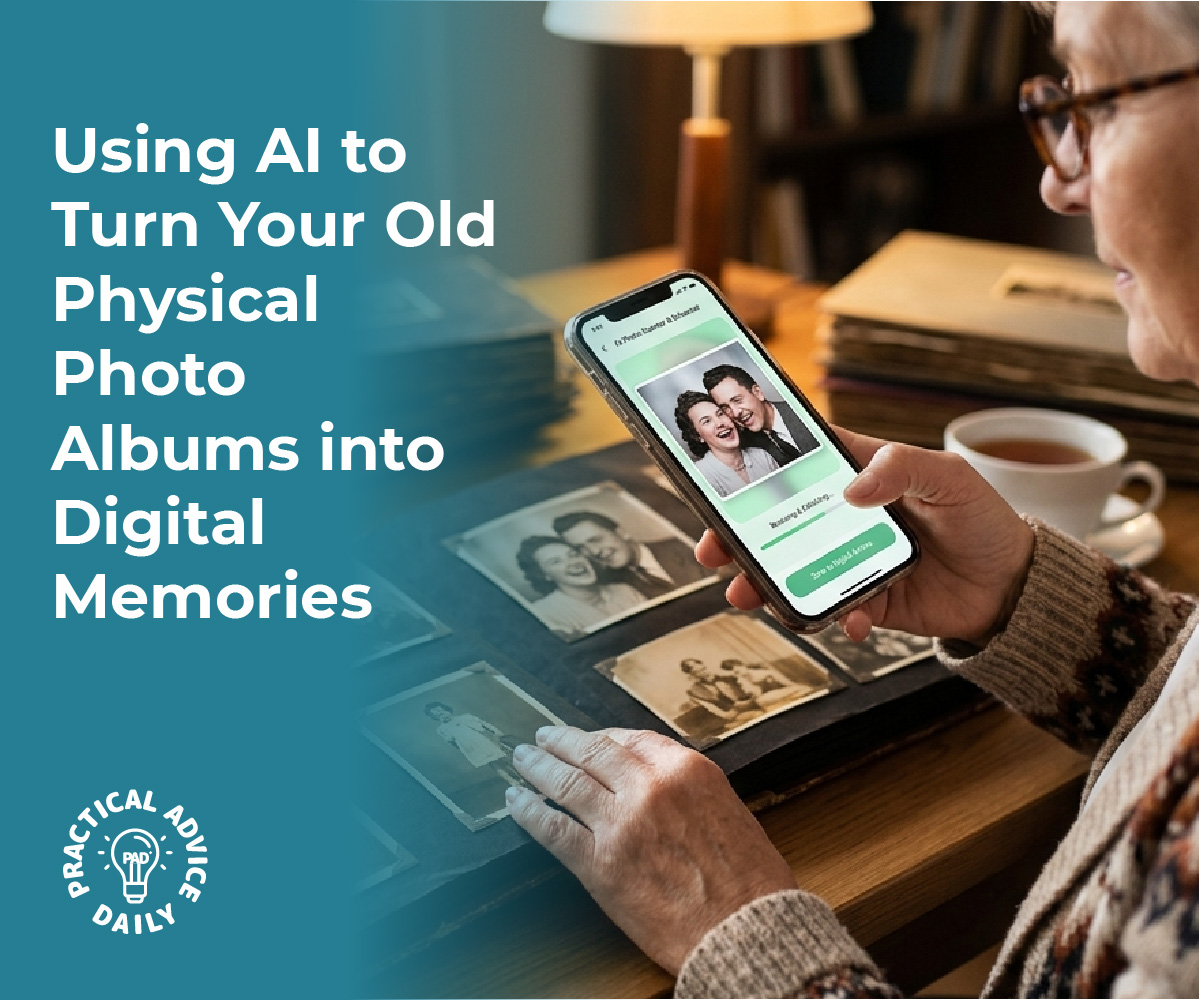
Using AI to Turn Your Old Physical Photo Albums into Digital Memories

Transforming cherished paper photos into digital treasures has never been easier, thanks to AI-powered scanning apps. These innovative tools not only digitize old images but also breathe new life into them by improving quality and preserving precious details. AI technology automatically enhances faded colors and expertly removes glares, offering clearer and more vibrant photos that can be enjoyed for generations.

This guide explores the capabilities of AI-driven scanning applications, demonstrating how they eliminate imperfections and streamline the digitization process. With photos instantly revamped, users can effortlessly create digital archives or share memories online, ensuring they remain accessible and vibrant across multiple platforms. For anyone looking to preserve their family history effectively, understanding these modern techniques is essential.

Table of Contents

Key Takeaways

  • AI apps enhance colors and remove glares in photos.
  • Digitization preserves images for future access.
  • Choose AI tools that best suit personal needs.

How AI-Powered Scanning Apps Transform Old Paper Photos

A person scanning an old paper photograph with a smartphone displaying a digitally enhanced version of the photo.

AI-powered scanning apps have revolutionized the way old paper photos are preserved and enhanced. These tools utilize sophisticated algorithms to breathe new life into faded and damaged photographs by automatically enhancing colors, removing glare, and even colorizing black-and-white images.

Automatic Enhancement of Faded Colors

AI algorithms adeptly tackle the challenge of faded colors in aged photographs. They analyze the color spectrum within the image, identify areas where color has diminished, and intelligently restore vibrancy. The technology adjusts tones to achieve a balanced appearance, resembling the original hues more closely. The process involves intricate contrast adjustment, highlighting subtly lost details that may no longer be visible. Enhanced color reproduction not only improves aesthetics but also helps in preserving the sentimental value of precious memories. By restoring these details, AI scanning apps enhance the viewing experience, bringing once-faded memories into sharp, colorful focus.

AI-Based Glare Removal and Edge Detection

AI-powered tools efficiently remove glare from photographs, which is often caused by reflections from glossy surfaces. Algorithms identify and differentiate between glare and the actual image content, selectively rectifying problematic areas without losing detail. The same technology aids in precise edge detection, sharpening the objects’ outlines within photos. This dual capability ensures that images retain clarity without the distracting effects of light interference. Moreover, the edge detection capabilities support the overall quality of the photo by providing clean, polished borders that enhance the overall image composition. This functionality is crucial for maintaining the integrity of older prints, contributing to a clearer, glare-free digital record.

Restoring Damaged and Scratched Prints

Over time, physical photos can suffer from various types of damage, including scratches, tears, and creases. AI technology is proficient in repairing these imperfections by analyzing the patterns and textures in photographs. Algorithms systematically detect and infer missing or damaged regions, using surrounding areas to reconstruct and blend seamlessly. This careful restoration process revives the photo’s original look without manually touching the photograph. Enhanced algorithms ensure that even severely damaged prints can be digitized with impressive results, maintaining the artistic and emotional worth of the images. Users benefit from having pristine digital versions of their damaged photos that can be enjoyed and shared.

Colorizing Black-and-White Photos with AI

The transformation of black-and-white photos through AI colorization adds a contemporary dimension to historical images. Utilizing vast datasets and deep learning, AI models predict and apply suitable colors to grayscale photographs, based on content and context. This involves intricate mapping of different elements within a photo to determine natural colors, considering factors such as time period, objects, and scenery. Post-colorization, images appear enriched, offering a fresh perspective on the past. Colorizing these photos not only enhances their visual appeal but also aids viewers in connecting with history in an entirely new way. Through AI, a monochrome glimpse into the past becomes a vibrant and engaging representation of bygone eras.

Step-By-Step Guide: Digitizing Photos with AI Apps

A desk with a smartphone scanning an old printed photo, surrounded by vintage photos and a laptop.

AI-powered scanning apps simplify the digitization process, automatically enhancing photos by correcting faded colors and removing artifacts like glares. The following steps provide insights on properly preparing, capturing, and organizing digital images using these innovative applications.

Preparing and Cleaning Photos for Scanning

Before digitizing, it is crucial to ensure that physical photographs are in optimal condition. Begin by gently removing dust and fingerprints using a soft, lint-free cloth. This reduces chances of capturing unwanted blemishes during the scanning process. For well-organized results, categorize photos by date, event, or theme. Stubborn curled photos can be flattened by placing them under a heavy book for a few days. This preparation enhances the quality of the scanned image and facilitates smooth scanning and enhancement by AI tools.

Capturing High-Quality Digital Images

Selecting the right app is essential for achieving high-quality digital reproductions. Google PhotoScan and Adobe Scan are popular choices due to their ability to minimize glare and enhance image quality. Position the photo on a flat surface in ample lighting, avoiding direct sunlight to prevent strong shadows. Align the camera directly above the photo. Most AI apps guide users in framing correctly. Initiate the scan as per the app’s directions. AI enhancements, such as automatic color correction, kick in instantly, offering a restored version that maximizes clarity and vibrancy.

Batch Scanning and Organizing Collections

For large photo archives, AI apps offer batch scanning capabilities that significantly save time. Photomyne and Scanbot enable users to scan multiple photos swiftly, capturing details across various image sizes. Once scanned, organization begins. Name files using a consistent pattern, like “YYYY-MM-DD_Event,” to easily identify specific moments later. Create folders based on timeline or occasion. As an extra step, add metadata to enrich photos with context like locations or people tagged. These practices simplify future searches and enable seamless sharing across digital platforms.

Choosing and Using the Best AI Photo Digitization Tools

When selecting AI-powered tools for photo digitization, it’s vital to assess their specific features, like the ability to automatically improve color and remove glare. Equally crucial is considering the difference between mobile scanning apps and traditional flatbed scanners. Security and privacy are also important aspects when using these applications.

Comparing Top AI Scanning Apps and Features

AI photo digitization apps come with diverse capabilities, making it important to choose one that meets their specific requirements. Some prominent options include Magic AI, known for enhancing old photos, and Adobe Scan, which excels at editing and photo enhancement. Google PhotoScan is free and offers high-quality scans, while Photomyne specializes in scanning multiple photos simultaneously. Each tool has unique attributes, such as automatic enhancement of faded colors and removal of glare, which improve the quality of the digitized images. Assessing features like resolution settings and user interface simplicity can help narrow down the best choice, ensuring that the selected app supports seamless digitization and high-quality output.

Mobile Scanning vs. Flatbed Scanners

Mobile scanning apps have gained popularity due to their convenience and portability. They allow users to digitize photos directly from their smartphone cameras, often using AI to enhance color, fix imperfections, and manage glare. This option is perfect for on-the-go use and creating digital copies without additional hardware. On the other hand, flatbed scanners, such as the Epson Perfection V850 Pro or Canon CanoScan LiDE 400, often deliver higher resolution scans suitable for archival purposes. They can handle more extensive collections and provide superior detail. Each method has its strengths; users should consider factors like portability, resolution needs, and user preferences when deciding between mobile apps and traditional scanners.

Ensuring Privacy and Security When Using Apps

Protecting personal data should be a priority when using AI-powered photo digitization apps. These tools often require permissions to access cloud storage, cameras, and photo libraries, raising privacy concerns. Users should select apps with a strong reputation for data protection and encrypted storage. Reading privacy policies and understanding how personal data is managed can provide additional peace of mind. It’s beneficial to review user settings and adjust permissions to restrict unnecessary data sharing. Vigilance in selecting secure applications helps ensure that digitized memories remain private and protected against unauthorized access.

Preserving, Storing, and Sharing Your Digital Memories

Proper handling of digitized memories ensures they withstand the test of time. This involves archiving them against potential data loss, effectively organizing them for easy access, and sharing them with loved ones through both digital and physical formats.

Archiving and Backing Up Digitized Photos

Storing your digital files safely is crucial. Using multiple backup solutions reduces the risk of data loss. Cloud storage services, like Google Photos or Dropbox, provide a reliable online backup option, allowing for easy access from anywhere. External hard drives or SSD drives are excellent for offline backups. It’s wise to maintain at least two copies stored in different locations. Implementing automatic backups ensures your memory archive is consistently updated without manual intervention. Consider encryption for sensitive files to protect against unauthorized access.

Organizing and Tagging Family Albums

Efficient organization of digital albums facilitates easy retrieval and sharing. Photo management software offers tools to categorize images based on dates, locations, and events. Utilizing tags and facial recognition features helps in identifying individuals and themes across albums. Consistent naming conventions for your files and folders can greatly enhance searchability. AI advancements within photo apps can also group similar photos, suggesting albums or categorizations based on content, making the management process seamless. Regularly reviewing and updating tags ensures the organization reflects any new memories added over time.

Sharing and Printing Restored Images

Once archived and organized, sharing those memories becomes a joy. Digital platforms like email and social media make sharing photos with distant family members instantaneous. For tangible keepsakes, consider photo printing services such as FreePrints, which offer affordable and often personalized printing options. Services like Mixbook allow creation of custom photo books, combining digitally restored images into elegant collections. Digital photo frames are also a popular way to display multiple photos dynamically. These frames can receive updates wirelessly, showcasing the latest additions to your collection effortlessly.

Final Thoughts

Preserving your family’s history is a journey of love, and AI-powered scanning apps are the perfect companions for that mission. By turning faded, dusty paper photos into vibrant digital treasures, you aren’t just saving an image; you are safeguarding the stories, smiles, and milestones that define your heritage. These tools take the technical struggle out of the process, allowing you to focus on the joy of rediscovery as colors are restored and imperfections vanish with a single tap.

As you build your digital archive, remember that these photos are meant to be lived with and shared. Whether you are creating a digital album to send to grandchildren across the country or printing a restored portrait for your hallway, technology ensures these memories remain a present part of your life rather than a forgotten box in the attic. We encourage you to start small—perhaps with one cherished photo today—and experience the peace of mind that comes from knowing your family’s legacy is secure, vibrant, and ready to be enjoyed for generations to come.

Categories AI

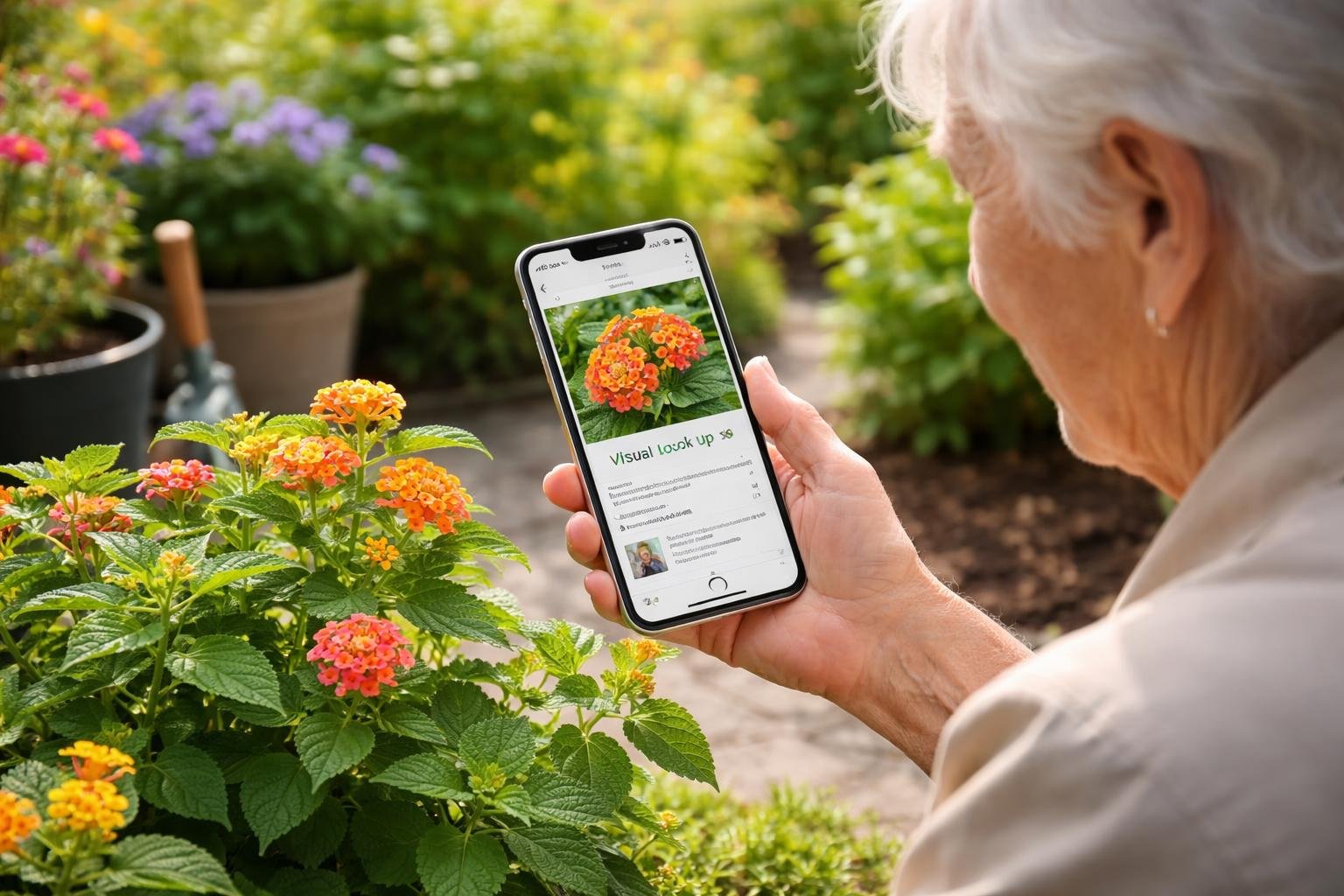
Using the iPhone’s Built-In Visual Look Up (AI) to Identify Plants: A Gardening Aid for Seniors

For seniors who enjoy gardening or discovering new plants, the iPhone’s Visual Look Up feature transforms an everyday smartphone into a handy gardening assistant. This built-in AI tool allows users to quickly identify unknown plants by simply taking a photo, offering a seamless way to enhance gardening hobbies without needing additional apps. This tool offers easy access to a wealth of information about flora directly from the phone’s camera, making it an invaluable resource for both seasoned gardeners and curious beginners.

Visual Look Up is especially beneficial for older adults, who can leverage this technology to support their gardening hobbies. By providing insights into plant care and characteristics, seniors can confidently identify mystery sprouts or unfamiliar garden guests. The iPhone’s intuitive design ensures that even those who are less tech-savvy can navigate this feature with ease, bridging the gap between technology and nature.

Incorporating such technology in daily gardening routines not only boosts a senior’s plant knowledge but also encourages an active, engaging outdoor hobby. As they explore their gardens or new outdoor spaces, users can enrich their understanding of different plant species, transforming gardening into an interactive learning experience.

Table of Contents

Key Takeaways

  • Visual Look Up helps identify plants with ease.
  • Seniors benefit from tech in gardening hobbies.
  • AI tools expand plant knowledge effectively.

Getting Started With Visual Look Up on iPhone

An elderly person using an iPhone to identify a plant while gardening outdoors.

To effectively use the built-in Visual Look Up feature on the iPhone, individuals should ensure their device is compatible and meets the necessary iOS requirements. Proper setup of the Photos app is essential for optimal recognition of objects like plants. Additional accessibility features can be enabled to support seniors in navigating these functions.

Checking Device Compatibility and iOS Requirements

Before utilizing Visual Look Up, it is crucial to confirm that the iPhone model supports this feature. Typically, most models running iOS 15 or later versions can access Visual Look Up. Users should verify their device’s current iOS version by navigating to Settings > General > Software Update.

For seniors or those unfamiliar with technology, ensuring the device is updated to the latest iOS can improve overall functionality and access to the newest features, including Visual Look Up. If an update is needed, the device should be connected to Wi-Fi, and backups should be performed before installation to prevent data loss.

Setting Up Photos for Visual Look Up

Activating Visual Look Up requires minimal effort once the device is compatible. Users should open the Photos app and select a photo containing the object they wish to identify. When Visual Look Up is available, an “i” icon with stars will become visible when viewing the image. Tapping this icon provides insights about the object, directing the user to information on plant species, for instance.

Efficient organization of photos can further aid in the identification process. Creating albums specific to gardening or unknown plants helps users access images for future reference quickly. Encouraging seniors to label photos with the approximate location or additional notes can also enhance their engagement with gardening activities.

Enabling Accessibility Features for Seniors

To make Visual Look Up more user-friendly for seniors, enabling specific accessibility features can be beneficial. Adjustments such as larger text and voice-over functionalities are available under Settings > Accessibility. These settings help those with visual impairments or limited dexterity navigate their devices more independently.

Guided Access, another iOS feature, restricts users to a single app, which is useful for those who may become overwhelmed by navigating through different applications. This can ensure that seniors remain focused when using Visual Look Up within the Photos app, providing a more streamlined and enjoyable experience.

Identifying Plants Using Visual Look Up

An elderly person using an iPhone to identify a plant in a garden.

Visual Look Up on iPhones offers a useful tool for plant identification by leveraging AI technology to analyze photos and recognize different plant species. This capability can greatly assist those interested in gardening or solving the mystery of unknown plants found in their environment. The process involves capturing a clear image, using the Visual Look Up feature to analyze it, and understanding the results provided.

How to Capture Clear Plant Photos

Capturing a clear and detailed photo is essential for Visual Look Up to accurately identify plants. Good lighting is crucial; natural sunlight is best, but avoid harsh shadows that could obscure details. Try to focus on a single part of the plant, such as a leaf or flower, filling the frame with the subject. This maximizes detail and minimizes distractions.

Stable shots are important; holding the iPhone steady or using a tripod can prevent blurring. It’s also helpful to take multiple shots from different angles. More angles provide the app with comprehensive visual data, increasing the chance of a precise identification. Aim for photos at the same level as the plant, avoiding extreme angles that distort the view.

Step-by-Step Process for Visual Look Up

To start using Visual Look Up, ensure the iPhone is running iOS 15 or later. Once a photo is ready, open Photos and select the image of the plant you want to identify. If Visual Look Up recognizes it as a suitable subject, a small white info icon (i) may appear at the bottom of the screen. Tapping this icon accesses additional options.

From here, select the Look Up feature, which prompts Visual Look Up to analyze the image. Apple’s AI technology will examine the photograph and suggest possible identifications. This tool uses machine learning to offer the most likely plant matches based on the visuals.

Interpreting Visual Look Up Results

Interpreting results requires some attention to detail. Once the photo has been processed, Visual Look Up suggests matches with possible links to more information about each plant. Each suggestion comes with the plant’s common and scientific names if available.

While the results are often reliable, they should be cross-referenced with other sources, especially if the identification is crucial. Consider using plant books or verified online resources to confirm. This is particularly valuable for rare plants or if the iPhone provides multiple potential matches. Having awareness of local flora can also provide context that aids in verifying results.

Supporting Seniors With Gardening Hobbies

Leveraging technology can significantly enhance the gardening experience for seniors. The iPhone’s Visual Look Up feature simplifies plant identification, making it accessible and empowering. Efficient organization of plant knowledge and troubleshooting common issues are equally crucial.

Making Plant Identification Senior-Friendly

Introducing user-friendly tools can greatly benefit seniors in gardening. Visual Look Up on the iPhone enables effortless plant identification through photography, eliminating the need for extensive botanical knowledge. Seniors can simply snap a photo of a plant, and the app provides the name and other valuable details.

The design is intuitive, aiming to reduce the complexity often associated with tech tools. Ensuring the app is easily navigated, with clear instructions and large, readable text, enhances accessibility. This approach not only fosters independence in identifying unknown plants but also encourages continued engagement with gardening activities, supporting physical and mental well-being.

Organizing and Saving Identified Plants

Maintaining a digital record of identified plants is crucial for ongoing gardening success and enjoyment. After identifying plants using Visual Look Up, seniors can save this data directly on their device. Organizing plant information is made simple through iPhone’s photo albums and note features, allowing categorized storage such as perennials, annuals, and vegetables.

Proper documentation not only aids in future plant care but is also beneficial for sharing insights with fellow garden enthusiasts. Utilizing tagging and search features within the app or phone to quickly retrieve plant details can further streamline the gardening process, making it more enjoyable and less overwhelming for seniors.

Common Challenges and Troubleshooting Tips

While Visual Look Up is a potent tool, seniors may encounter certain challenges. Connectivity issues could affect app functionality; ensuring a good internet connection is vital for optimal performance. When plant identification results are inaccurate or uncertain, trying different angles or lighting conditions when capturing photos may improve results.

Regular updates to the app and device software are essential for maintaining feature accuracy and efficiency. Providing seniors with printed or digital guides, detailing troubleshooting steps and including a list of commonly misidentified plants specific to their area, can also provide support. This proactive approach can help in achieving a fulfilling gardening experience with minimal frustration.

Expanding Gardening Knowledge With AI Tools

AI tools like the iPhone’s Visual Look Up offer seniors an efficient way to enhance their gardening experience. By combining technology with traditional gardening techniques, enthusiasts can identify mystery sprouts, access extra information, and stay safe.

Identifying Mystery Sprouts and Unusual Plants

The iPhone’s Visual Look Up feature provides an accessible solution for gardeners to identify unfamiliar plants. By taking a photo of a sprout or plant, users can quickly access information about its species, growth patterns, and care requirements. This function is particularly useful for seniors who might encounter unidentified plants that have spontaneously appeared in their garden.

Through its user-friendly interface, the iPhone assists in distinguishing between beneficial plants and potential garden pests, enabling more efficient garden management. Visual Look Up also connects users with detailed botanical data, offering insights into native and exotic plant varieties alike.

Leveraging Additional Resources Within the Photos App

The Photos app on the iPhone acts as more than just a storage space for pictures; it is a valuable resource hub. Visual Look Up extends beyond basic plant identification by allowing users to link to detailed articles and guides related to the plants they have photographed. This feature provides educational information seamlessly integrated into the app, empowering users to deepen their botanical knowledge.

Users can engage with high-quality content from reputable sources, enhancing their understanding of plant care and diversity. The app’s ability to maintain a history of previously identified plants ensures efficient tracking and reference, contributing to a well-rounded gardening toolkit.

Staying Safe While Exploring Plants

Safety cannot be overlooked when engaging with new plants. Using the iPhone’s Visual Look Up helps in recognizing potentially harmful flora, thus preventing adverse reactions. The app can indicate which plants are known for causing irritation or allergic reactions, offering users a proactive approach to gardening safely. Additionally, if a gardener suspects an unusual plant is toxic or invasive, quick identification allows them to take necessary precautions before further interaction.

This feature emphasizes the importance of not only enriching gardening knowledge but also ensuring personal safety, particularly beneficial for seniors who may have sensitivities to certain plant types. By staying informed, gardeners can enjoy their hobby while minimizing risks.

Final Thoughts

Embracing the iPhone’s Visual Look Up feature is about more than just identifying a leaf or a flower; it is about fostering a deeper, more confident connection with the world right outside your door. For seniors, this simple tool removes the guesswork from gardening, turning every mystery sprout into an opportunity for discovery and every walk through the garden into an interactive learning experience. By bridging the gap between nature and technology, the iPhone empowers older adults to maintain their independence and curiosity, proving that you are never too old to grow your knowledge.

As you continue to explore your green spaces, remember that these digital tools are here to support your passion, not complicate it. Whether you are identifying a beautiful new bloom, organizing your digital plant library, or ensuring your garden stays safe and healthy, technology can be a warm and helpful companion. We encourage you to keep snapping photos, keep asking questions, and most importantly, keep enjoying the peace and fulfillment that gardening brings to your daily life.

Categories AI

Guide Seniors Through Setting Up a Gentle Daily Check-In With an AI Assistant

In today’s digital age, assisting seniors in establishing a gentle daily check-in with an AI assistant can significantly enhance their well-being and independence. By incorporating gentle reminders about the weather, daily schedules, and necessary tasks, these AI companions provide a convenient and reassuring presence in their daily lives. Empowering seniors to maintain their daily routines seamlessly not only supports their autonomy but also provides peace of mind to their families.

The journey to setting up an AI assistant for seniors involves selecting a tool that aligns with their specific needs and preferences. The convenience of having AI seamlessly integrated into daily routines offers a myriad of benefits, from health monitoring to simple yet important interactions. With a blend of practical functionality and personalized engagement, AI check-ins become an essential part of life for many seniors, transforming how they interact with technology.

Table of Contents

Key Takeaways

  • AI assistants enhance daily routines and independence.
  • Choosing an assistant tailored to specific needs is essential.
  • Gentle check-ins boost engagement and provide reassurance.

Choosing the Right AI Assistant

An elderly person sitting at a kitchen table setting up a daily check-in on a tablet with an AI assistant device nearby.

Selecting an AI assistant involves comparing popular options, ensuring they offer accessibility features tailored for seniors, and evaluating their privacy and security measures. The right choice can greatly enhance daily routines and offer peace of mind.

When evaluating popular AI assistants like Alexa, Google Assistant, and Siri, it is crucial to look at their compatibility with various devices and platforms. Alexa and Google Assistant excel with smart home integration, offering seamless connections to devices like smart speakers, lights, and thermostats. Siri, mainly for Apple users, offers robust integration with Apple devices.

Feature sets vary. Alexa offers skills and routines for customized interactions, while Google Assistant provides accurate search responses and proactive suggestions. Siri’s smooth iOS integration reinforces its position for Apple users. Evaluating these aspects helps identify an assistant that caters best to personal preferences and technological ecosystems.

Accessibility Features for Seniors

Accessibility features ensure that seniors can use AI assistants without difficulty. Voice recognition is pivotal; Google Assistant and Alexa offer superior voice recognition, even in noisy environments, ensuring ease of interaction. Large, easy-to-read display options are vital, especially for users with visual impairments. Devices featuring displays for visual feedback, like smart speakers with screens, cater well to this need.

Simple setup processes and intuitive interfaces are essential to avoid frustration. Assistants with user-friendly apps like Alexa’s simplified setup guide enable seniors to start using the technology quickly. Additionally, exploring settings like increased response times and voice output adjustments can personalize the experience to cater to different abilities.

Privacy and Security Considerations

Privacy and security must not be overlooked when choosing an AI assistant. Ensuring the assistant offers robust data protection mechanisms is paramount. Alexa, Google Assistant, and Siri have options to manage data retention, such as deleting stored voice recordings. Users should frequently review and adjust these settings to protect their information.

Security features like two-factor authentication increase protection against unauthorized access. Verifying that the chosen assistant complies with recognized privacy standards reassures users concerned about data misuse. Notably, understanding the privacy policies and user agreements associated with each assistant helps in making an informed decision, allowing seniors to use the technology confidently and securely.

Setting Up Gentle Daily Check-Ins

An elderly woman sitting at a kitchen table, smiling while using a smart speaker for daily check-ins, with sunlight coming through a window and a tablet showing weather and schedule information nearby.

For seniors, setting up a gentle daily check-in with an AI assistant can provide comfort and support through personalized weather updates, reminders, and friendly conversations. This system is designed to ensure senior individuals stay informed, organized, and involved in a reliable and reassuring manner.

Customizing Weather Updates

Ensuring the AI assistant is configured to provide weather updates tailored to the senior’s location and preferences is the first step. To start, the assistant’s settings should be adjusted to deliver local weather forecasts at convenient times, such as in the morning and evening.

Seniors can also choose which details are most important to them, like temperature, precipitation, or severe weather alerts. Accessing settings via the assistant’s app or control interface often enables customization, and prompts can guide them through the process.

Personalization offers several benefits, including peace of mind, as seniors are better prepared to plan their day around weather conditions. Additionally, a simple daily statement about expected weather can help in engaging the senior and providing an easy conversation starter with their assistant.

Scheduling Reminders and Appointments

Setting reminders and appointments is crucial for maintaining independence and keeping daily routines on track. Firstly, seniors can use voice commands or a user-friendly app interface to schedule reminders for medication, meals, or medical appointments.

These reminders can be programmed to provide notifications well in advance, allowing ample time for preparation. Moreover, specific instructions can be included, such as taking medication with food, providing another layer of helpful guidance.

AI assistants often offer visual and auditory notifications, making them accessible for individuals with varying preferences and needs. Scheduling regular check-ins to ensure all reminders are functioning as intended can further enhance reliability and trust in the system.

Configuring Morning Greetings and Conversations

Personalized greetings and conversations with an AI assistant can deliver companionship and mental stimulation. The assistant can be set to initiate a friendly greeting each morning, which can include an overview of the day’s schedule and activities.

Adjusting the tone and content of these conversations to suit the preferences of the senior enhances the experience, as does incorporating light-hearted questions or facts to encourage engagement. By doing this, seniors may feel more connected and less isolated, as the assistant can simulate aspects of social interaction. They can also update conversation settings as preferences change over time, ensuring the interaction remains both relevant and comforting.

Maintaining Engagement and Comfort

Integrating AI assistants into daily routines can enhance seniors’ engagement and comfort by offering weather updates, scheduling assistance, reminders, and brief conversations. To maximize the benefits, it is crucial to focus on fostering positive routines, customizing interactions, and addressing technical challenges.

Encouraging Positive Daily Routines

Establishing positive daily routines is vital for seniors using AI assistants. These routines offer structure and predictability, which can be reassuring. AI can help by setting consistent reminders for daily activities such as meals, exercise, and medication. Seniors might also receive reminders for hydration and regular breaks throughout the day.

Regular check-ins on weather can prepare them for outdoor activities or indoor adjustments. By automating routine tasks through an assistant, seniors may feel more in control and less stressed, allowing space for meaningful activities that foster joy and satisfaction.

Adjusting Interaction Preferences

To ensure that seniors receive the most out of their AI assistant, adjusting interaction preferences is necessary. This can include volume settings, speech speed, and preferred languages to accommodate hearing or language needs.

Customizable interaction levels can help tailor responses from minimal notification style to more engaging dialogues, depending on individual preferences. Some may benefit from additional conversational elements for mental stimulation, while others may opt for concise interactions. AI assistants can also be programmed to offer varying types of engagement, such as trivia, storytelling, or music, to match the senior’s interests.

Troubleshooting Common Issues

Addressing common issues is essential for the smooth operation of AI assistants. Connectivity problems, voice recognition errors, or syncing issues can disrupt the experience. Seniors and caregivers should have access to straightforward guides for common troubleshooting steps, which might include ensuring the device is correctly connected to Wi-Fi or adjusting microphone settings for better voice recognition.

It’s beneficial to have regular updates and check the device’s software to ensure optimal functionality. In cases where problems persist, reaching out to support services for detailed assistance can help maintain the seamless operation needed for effective daily engagement.

Final Thoughts

Setting up a gentle daily check-in with an AI assistant can make everyday life feel more organized, reassuring, and connected. With just a few simple adjustments, seniors can receive helpful reminders, friendly updates, and even a bit of companionship throughout the day.

The key is to keep things simple, choose features that feel comfortable, and adjust settings over time as needs change. With the right setup, AI becomes less about technology and more about support—helping seniors stay independent, confident, and engaged while giving loved ones added peace of mind.

Categories AI

AI for Budget-Friendly Living: Finding Discounts, Coupons, and Deals Safely

Artificial intelligence is revolutionizing how people shop, particularly in finding discounts and coupons. AI tools can suggest legitimate offers by instantly comparing prices across many retailers and identifying valid promo codes, helping shoppers save money effectively. For seniors, this technology offers an exciting opportunity to stretch their budgets, but it also requires knowledge to avoid scams.

Learning how to use AI tools safely can turn seniors into savvy shoppers. AI systems work by analyzing data from countless online platforms to highlight trustworthy deals. It’s important to stay aware and know which signs indicate a risky or fake offer, helping seniors avoid potential pitfalls in online shopping.

Empowering seniors with the right skills to navigate AI tools can enhance their shopping experiences. These tools don’t just provide cost savings; they also offer real-time updates and price tracking, further aiding in making informed decisions. By understanding these resources, seniors can harness the power of AI while keeping their personal info secure.

Table of Contents

Key Takeaways

  • AI suggests legitimate discounts and identifies valid promo codes.
  • Seniors should learn safe practices to avoid online scams.
  • Real-time updates and price tracking enhance shopping decisions.

How AI Identifies and Suggests Legitimate Discounts and Coupons

A senior woman using a laptop with a younger person assisting her, surrounded by shopping lists and a smartphone on a kitchen table.

Artificial Intelligence (AI) has transformed how discounts and coupons are identified and recommended, turning what was once a manual process into an efficient automated one. This section explores how AI utilizes machine learning, predictive analytics, and shopping assistants to find legitimate savings and help avoid scams.

Understanding AI and Machine Learning in Discount Discovery

AI and machine learning are key to discovering and suggesting legitimate discounts. These technologies scan vast amounts of data from various sources, such as online stores and market trends. Machine learning algorithms learn from user interactions and transactional data, recognizing patterns that indicate genuine deals.

They analyze factors such as the history of prices, seasonal variations, and competing offers. By automating this process, AI tools reduce human error and the chances of falling for fake discounts. With this level of detail, the technology acts as a safeguard, helping you make informed decisions.

Role of Predictive Analytics and Personalization

Predictive analytics plays an essential role in personalizing discount suggestions. AI can examine your past purchasing behaviors and preferences to tailor recommendations. This involves analyzing your browsing history, shopping habits, and even your clicks on particular products. As a result, you receive offers that match your interests, increasing the likelihood of a successful purchase.

Personalized recommendations mean you’re likely to find deals on products you actually want, without the clutter of irrelevant offers. This personalized approach boosts customer satisfaction and encourages smarter spending.

Many AI shopping assistants and tools are available to help you find legitimate discounts. Examples include Rufus from Amazon, which keeps track of price changes and offers intuitive queries like “Has this item been on sale in the past 30 days?” Other tools, such as Honey and Karma, automatically find and apply the best coupon codes while you shop online.

They use AI to seamlessly integrate into your shopping experience, providing real-time alerts on price drops and discounts. Armed with these tools, you can shop with confidence, knowing they help identify trustworthy savings.

Best Practices for Seniors: Using AI Tools for Safe Savings

A senior woman using a laptop at a kitchen table, exploring AI tools for finding safe discounts and coupons.

Using AI tools for savings can transform your shopping experience by suggesting legitimate discounts while helping you avoid fraudulent offers. Artificial Intelligence assists in automating coupon applications and personalizing discounts to ensure you save the most on your purchases.

Choosing Reputable AI Shopping Assistants and Extensions

Selecting well-known AI tools, like Honey and Capital One Shopping, is crucial for safety. These tools, available as browser extensions, help locate valid coupon codes and offer clear privacy policies. They rely on user reviews and millions of active users to maintain trust.

Avoid installing any software from unknown sources to prevent exposing your personal information. Reputable AI tools typically don’t require sensitive details such as credit card numbers. They operate under strict data protection guidelines, ensuring your privacy. By sticking with trusted programs, you safeguard your financial data while benefiting from digital coupons and discount codes.

How to Maximize Savings with Automated Coupon Applications

Automated coupon finders significantly enhance your savings potential. Upon reaching the checkout page, these tools instantly search and apply the best available discount codes. Extensions like Honey also incorporate features like price tracking to alert you about real-time discounts and price drops.

The key to maximizing these savings lies in utilizing AI features that provide real-time updates on hidden deals and track prices across different sites. Participation in loyalty programs, such as Honey Gold, can also earn you rewards on certain purchases. By keeping your AI tool active while browsing, you ensure no potential savings slip through the cracks.

Benefits of Personalized and Targeted Discounts

AI can also personalize your shopping experience by providing targeted discounts. This involves analyzing your shopping habits to find and recommend deals that suit your needs. As a result, you receive personalized coupons directly relevant to your interests, maximizing your savings efficiently.

Additionally, AI sifts through coupon websites and mobile applications to filter deals most likely to benefit you. This ensures a user experience tailored to your preferences. Personalized AI suggestions can highlight hidden discounts and can make your online shopping not just easier but more rewarding, saving you time and money by eliminating the need to manually search for deals.

Recognizing and Avoiding Fake or Risky Coupon Offers

Spotting fake or risky coupons is essential for safe shopping. This involves looking out for common fraud indicators, understanding how technology can assist in detection, and following security tips tailored for seniors.

Common Signs of Fraudulent Coupons and Websites

Fake coupons often appear too tempting to be real. If you see discounts that seem excessively generous, question their authenticity. These can be bait to capture your personal information. Another red flag is incomplete or missing details like expiration dates and terms of use. Fraudulent websites might use strange URLs with misspellings or extra characters, aiming to mimic legitimate sites.

Verify coupon sources by accessing the retailer’s official website directly rather than clicking on suspicious links. Always check for a secure connection (https) in the website’s URL for added safety.

How AI and Technology Help Detect Fake Deals

AI and technology play a crucial role in identifying fake deals. Tools equipped with Natural Language Processing (NLP) can analyze language patterns and flag suspicious offers. Fraud detection systems can monitor and identify unusual activities linked to coupons and discounts.

Some platforms offer behavioral analysis to understand user interactions and detect fraud based on deviation from normal behavior. By integrating behavioral targeting, AI can also suggest safe, legitimate deals that match your shopping habits. These technologies make it easier for you to avoid scams as they refine their algorithms to stay ahead of fraud schemes.

Digital Security Tips for Seniors

Seniors can benefit from specific digital security tips to avoid falling victim to coupon scams. First, enable strong passwords and change them regularly. Use two-factor authentication for extra security on important accounts like email and shopping sites. Be wary of sharing personal or payment information without confirming a site’s legitimacy.

Install and regularly update antivirus software to protect against malicious downloads. Stay informed by checking consumer protection resources for the latest scam alerts. By taking these steps, seniors can navigate the online coupon world more safely and confidently.

Advanced Strategies: Real-Time Updates, Price Tracking, and Dynamic Pricing

Using advanced pricing strategies can help you make smarter buying decisions. Techniques like price comparison, dynamic pricing, and real-time updates enable you to take advantage of discounts and optimize when you purchase items for maximum savings.

Leveraging Price Comparison and Tracking for Extra Savings

Price comparison tools enable you to see prices across multiple retailers in a single view. This way, you can easily find the best deal on a desired item. Price tracking apps send alerts when prices drop, letting you take advantage of time-sensitive coupons or discounts. Many platforms offer historical data on price variations, illustrating when an item typically goes on sale.

This helps you decide if it’s a good time to buy or if waiting could yield more savings. By combining these tools, you learn to shop strategically, ensuring that you always pay the best price possible.

Understanding Dynamic Pricing and Real-Time Discount Adjustments

Dynamic pricing adjusts prices based on real-time factors like demand, competitor pricing, and current market conditions. Businesses use these tactics to fine-tune their pricing constantly, often adjusting several times a day. While this might seem confusing, it actually benefits savvy shoppers.

By staying informed about how dynamic pricing works, you can look for significant price drops as they occur and act quickly. You may find that prices decrease temporarily during less busy shopping times or in reaction to competitors. Understanding these adjustments means you can swoop in for discounts others might miss.

Optimizing Purchase Timing with Deal Forecasting

Deal forecasting uses past data to predict when the best discounts may appear. This technique helps you plan your purchases, sometimes months in advance. Retailers often follow patterns, such as offering sales during specific seasons or events. By utilizing deal forecasting tools, you can get notifications of upcoming sales events.

With these insights, not only can you avoid risky offers, but you can know exactly when to expect the most legitimate reductions. Patience combined with strategic purchasing can lead to better deals on everything from electronics to household goods, maximizing your savings over time.

Final Thoughts

Embracing AI tools for shopping is a wonderful way for seniors to maintain their independence and make their hard-earned budgets go further. While the digital world can sometimes feel overwhelming, these smart assistants act like a knowledgeable friend, doing the heavy lifting of searching for deals so you don’t have to.

By sticking to reputable tools and staying mindful of security basics, you can enjoy the convenience of modern technology with total peace of mind. Remember, becoming a savvy digital shopper is a journey, and with each successful discount found, you’re not just saving money—you’re mastering a valuable new skill for the modern age.

Categories AI

Using AI to Create Personalized Greeting Cards and Messages

Sending a card is a wonderful way to let someone know you are thinking of them, but sometimes it can be hard to find the right words or the perfect design at the store. Whether it’s a birthday, an anniversary, or just a “thinking of you” note, artificial intelligence (AI) can now act as your personal creative assistant. It can help you write a touching poem, suggest a beautiful layout, or even create a custom image that matches a loved one’s favorite hobby.

In this guide, we will show you how to use these friendly tools to make your greetings feel more personal and special than ever before.

Table of Contents

Key Takeaways

  • AI can help you write poems or messages when you’re feeling “stuck.”
  • You can create custom images, like a cat wearing a party hat, just by asking.
  • Simple apps allow you to combine text and pictures into a digital card.
  • These personalized messages can be sent instantly via email or printed at home.

Crafting Heartfelt Messages with a Digital Assistant

You don’t need to be an artist or a poet to create something beautiful.

AI is here to help you express what is in your heart.

Finding the Perfect Words

Sometimes we know how we feel, but the words don’t come easily. You can use a simple AI chat tool and say, “Write a short, sweet birthday poem for my granddaughter who loves sunflowers.” The AI will instantly provide a few options.

You can then pick the one you like best, or even ask it to “make it a little shorter” or “add a mention of her new puppy.” It’s like having a professional writer sitting right next to you, ready to help.

Designing One-of-a-Kind Images

Imagine sending a card with a picture that was made specifically for the recipient. With AI image tools, you can type in a description like, “A cozy garden with a teapot and pink roses in a soft watercolor style.”

The AI will generate a unique image that you can use as the cover of your card. This makes the greeting feel much more thoughtful than a standard card from a box, as it shows you were thinking specifically about what they enjoy.

Putting It All Together

Once you have your message and your image, you can use a friendly app like Canva or even just your phone’s “Notes” app to put them together. These apps often have “Templates”—pre-made designs where you just “drop in” your photo and “paste in” your text.

The AI helps align everything so it looks professional and polished. You can then save it as a digital file to send through a text message or an email.

Printing Your Creations

If you prefer the feel of a physical card, most of these digital creations can be printed right from your home printer. You can use a slightly thicker paper or cardstock to give it that “store-bought” feel.

Your friends and family will be amazed that you designed it yourself, and they will likely keep it as a cherished memento because it came directly from your heart and your creativity.

Final Thoughts

The most important part of any greeting is the love behind it. AI is simply a tool that helps that love shine through by making the creative process easier and more fun. Don’t be afraid to experiment—try asking the AI for a funny joke or a beautiful quote today.

You’ll find that technology can be a wonderful partner in helping you stay connected and bringing a smile to the faces of those you care about most.

Categories AI

How AI Can Help You Keep Track of Who’s Who in Your Contacts

As our families grow and we meet new people in our communities, keeping track of everyone can sometimes feel like a bit of a puzzle. We might remember a face but forget a name, or remember a name but forget how they are related to a cousin or a friend.

Thankfully, the “Contacts” app on your smartphone now uses clever AI to help you stay organized. It can automatically suggest photos for your friends, group family members together, and even let you add little notes so you always know exactly who is who.

In this guide, we will show you how to let your phone do the heavy lifting so you can focus on staying in touch.

Table of Contents

Key Takeaways

  • AI can automatically find and suggest photos for the people in your contact list.
  • You can add “Relationship” labels like “Grandson” or “Daughter-in-law” to names.
  • Notes sections allow you to write down birthdays or how you met someone.
  • Your phone can help you find and merge duplicate entries to keep things tidy.

Turning a List of Names into a Digital Photo Album

Your address book doesn’t have to be a boring list of text.

With a few simple taps, it can become a visual guide to the people you care about.

Putting a Face to the Name

One of the most helpful AI features is “Photo Suggestions.” If you have pictures of your family in your phone’s gallery, the AI can recognize their faces.

When you open a contact, your phone might ask, “Is this a photo of Mary?” If you say yes, it will add that photo to her contact card. This way, when Mary calls you, her smiling face appears on the screen, making it instantly clear who is on the other end of the line.

Defining Family Relationships

Sometimes it’s helpful to have a reminder of how someone fits into the family tree. Most modern phones allow you to add a “Relationship” field.

You can tell the AI that “John Smith” is your “Nephew.” Once you do this, you can even use your voice assistant and say, “Call my nephew,” and the AI will know exactly who you mean.

It’s a wonderful way to make your phone feel more like a personal assistant who knows your family as well as you do.

Using the “Notes” Feature for Little Reminders

Every contact card has a space for “Notes,” and this is a perfect place to use AI dictation. Instead of typing, you can tap the little microphone icon and say, “Met at the garden club, loves lilies, has a dog named Buster.” The AI turns your voice into text instantly.

The next time that person calls, you can quickly glance at your notes and ask how Buster is doing. It makes every conversation feel more personal and thoughtful.

Cleaning Up the Clutter

Over time, we often end up with two or three entries for the same person—maybe one with an old email and one with a new phone number. AI is excellent at spotting these “Duplicates.”

Your phone will often show a small notification saying, “Found 2 duplicates.” With one tap, the AI will merge them into a single, clean contact card, keeping the most up-to-date information and throwing away the old stuff.

Final Thoughts

Technology is at its best when it helps us feel more connected to the people we love. By using these simple AI tools to organize your contacts, you aren’t just managing a list of numbers—you are building a digital bridge to your family and friends. Don’t worry about getting everything perfect all at once.

Try adding a photo to just one contact today, or add a relationship label to a grandchild’s name. You’ll quickly see how much easier and more enjoyable it is to stay in touch when your phone helps you remember the details.

Categories AI

AI for Language Learning in Retirement: Simple Phrases at Your Own Pace

Retirement is a wonderful time to explore new interests, and learning a few words of a new language can be one of the most rewarding. Whether you are planning a dream trip to Italy or simply want to surprise a neighbor with a friendly greeting in their native tongue, you don’t need to sit in a formal classroom to do it.

Modern AI tools act like a patient, private tutor that stays in your pocket. They allow you to learn at your own speed, repeating words as many times as you need without any pressure.

In this guide, we’ll show you how these friendly tools make language learning a gentle and joyful part of your daily routine.

Table of Contents

Key Takeaways

  • AI tutors are incredibly patient and will repeat phrases as often as you like.
  • You can focus on “travel basics” like ordering coffee or asking for directions.
  • Voice recognition technology helps you practice speaking without any judgment.
  • Learning just five minutes a day can keep your mind sharp and engaged.

Learning Without the Stress

The best part about using AI for languages is that there are no grades and no deadlines.

You are in total control of the “classroom.”

Your Patient Digital Tutor

Apps like Duolingo or Babbel use AI to see which words you remember easily and which ones you might need to see again. If you struggle with a specific phrase, the AI doesn’t get frustrated; it simply brings it back a few minutes later in a different way.

This “spaced repetition” is a scientifically proven way to help memories stick, and the AI handles all the scheduling for you. You just show up and play along!

Practicing Your “Travel Talk”

If you are traveling, you don’t need to be fluent—you just need to be functional. AI tools allow you to skip the complicated grammar and jump straight to the phrases that matter. You can practice saying “Where is the pharmacy?” or “A table for two, please” until you feel confident.

Some apps even let you speak into your phone, and the AI will tell you if your pronunciation is close, helping you feel much more prepared for your next adventure.

Learning Through Conversation

Newer AI tools, like TalkPal or even simple voice assistants, allow you to have “mini-conversations.” You can tell the AI, “Let’s practice ordering breakfast,” and it will play the role of a friendly waiter. It will wait for you to find your words, and if you get stuck, it can offer a hint in English.

It’s a safe, private way to build your confidence before you ever have to speak to a real person.

High-Contrast and Easy to Use

Many of these language apps are designed with large, clear buttons and bright pictures. This makes them very easy to navigate on a tablet or smartphone.

You can listen to the audio through your device’s speakers or use headphones if you prefer.

Because the lessons are broken down into tiny, two-minute chunks, you can practice while having your morning coffee or sitting in the garden.

Final Thoughts

Learning a language in retirement isn’t about passing a test; it’s about opening a new window to the world. With AI as your guide, you can explore different cultures and sounds at a pace that feels like a hobby, not a chore.

Don’t worry about being perfect—even a simple “Bonjour” or “Gracias” can go a long way in making a connection. Start with just one or two phrases today, and you might be surprised at how much fun it is to hear yourself speaking a new language!

Categories AI