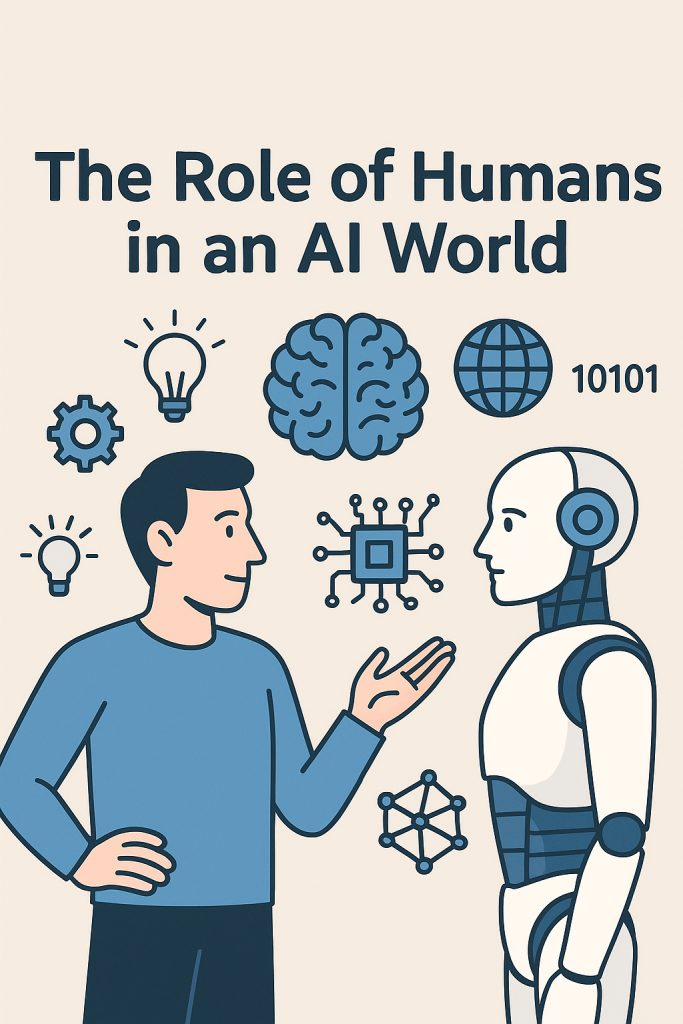
The Role of Humans in an AI World

You’ve probably heard a lot about artificial intelligence, or AI. It seems to be popping up everywhere—from voice assistants to smart tools that help us shop, drive, or even write. While AI can be helpful, some people worry it might replace human jobs or make our skills less valuable.

But here’s the good news: AI may be powerful, but it can’t do everything. In fact, your human abilities—like thinking clearly, being creative, and showing kindness—are more important than ever. This article will show you how humans and AI can work together, and why your skills still matter in this new tech-driven world.

Table of Contents

Key Takeaways

  • AI can do many tasks, but it lacks human traits like empathy, creativity, and moral judgment.
  • Human roles will shift toward tasks that require understanding, problem-solving, and care.
  • Learning how to work with AI—not compete against it—is the key to staying confident and relevant.
  • Everyday people, especially older adults, bring life experience that AI simply can’t replicate.

Understanding What AI Can and Can’t Do

Let’s start by clarifying what AI really is. AI is a type of technology that lets machines “learn” from data and perform tasks—like sorting emails, recognizing speech, or even predicting the weather.

But AI is not magic. It doesn’t truly understand, feel, or care. It’s trained to follow patterns based on information it has been given.

Here’s a simple way to look at it:

  • What AI can do:
    • Calculate and analyze large amounts of data
    • Automate repetitive tasks (like organizing files)
    • Recognize faces, speech, or patterns
  • What AI can’t do:
    • Show emotions or empathy
    • Make moral or ethical decisions
    • Understand context the way humans do
    • Think creatively or “outside the box”

AI is like a helpful tool—but one that still needs a human hand to guide it.
Human Skills That Can’t Be Replaced

1. Creativity

AI can help write music or suggest headlines, but true creativity comes from human experience, emotion, and inspiration. A machine might copy a style, but it can’t dream up a brand-new idea based on personal memories or feelings.

Example: A grandmother’s secret recipe passed down through generations isn’t just ingredients—it’s love, culture, and memory. That’s something only a human can share.

2. Empathy and Emotional Understanding

When someone is going through a tough time, they need a kind word or a listening ear. AI doesn’t feel emotions and can’t offer real comfort or understanding the way people can.

Example: A nurse holding a patient’s hand before surgery does something no machine can replicate: offering warmth and connection in a scary moment.

3. Judgment and Wisdom

With age comes experience. Humans can use wisdom to make complex decisions, especially in uncertain situations. AI relies on data—but not everything in life follows a formula.

Example: Choosing the right moment to talk to a loved one about a sensitive topic requires timing, care, and understanding—not something you can program.

4. Adaptability and Common Sense

Life is full of surprises. When something unexpected happens, humans can adjust and make quick choices based on context. AI often struggles when things don’t go according to plan.

How Humans and AI Can Work Together

Rather than seeing AI as a threat, think of it as a partner. You don’t need to become a tech expert—but knowing how AI works can help you stay in control and use it to your advantage.

Here are a few ways people are combining their human skills with AI tools:

  • Writers use AI to brainstorm ideas, but they still write with personal voice and feeling.
  • Doctors use AI to help spot medical issues, but they make the final call with their own judgment.
  • Teachers use AI-powered apps for practice exercises, but real learning happens through human guidance and support.

This shows a powerful truth: AI may assist, but people lead.

What This Means for You

If you’re not a tech-savvy person, don’t worry. You don’t have to become an expert in coding or robotics. Just being curious, open-minded, and willing to learn a little can go a long way.

And remember—your life experience, perspective, and care are valuable. AI can’t replace your role in your family, your community, or your world.

Final Thoughts

In a world full of smart machines, human strengths still shine the brightest. Your ability to care, create, decide, and adapt makes you irreplaceable. As technology grows, it’s not about humans vs. AI—it’s about how we work together.

Whether you’re learning something new or helping someone else along the way, your human touch will always matter. So stay curious, stay confident—and know that your skills are here to stay.
Categories AI

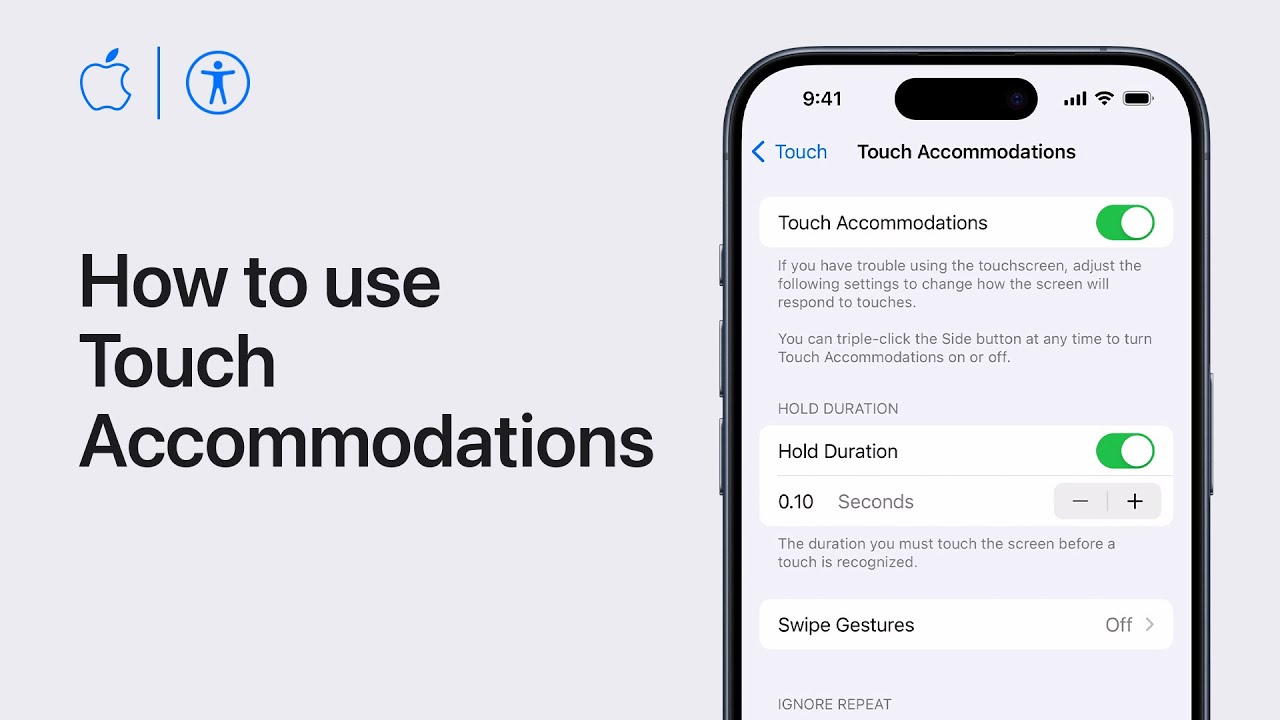
How to use Touch Accommodations on your iPhone or iPad | Apple Support

Customize your iPhone or iPad with Touch accommodations, altering how it responds to touch inputs. Begin by setting up Touch accommodations in Settings > Accessibility > Touch > Touch Accommodations. Enable “Hold Duration” for extra time to confirm taps, adjusting the duration as needed. Swipe gestures allow faster swiping, while “Ignore Repeat” prevents multiple taps within a timeframe from registering separately. “Tap Assistance” aids precise tapping, letting you choose initial or final touch location for taps and adjust gesture delay. Activate Touch accommodations and use features like hold duration to open apps or tap assistance to ensure accurate tapping, enhancing your device’s usability.

Summary:
– Customize touch response on iPhone or iPad with Touch accommodations.
– Access settings in Accessibility > Touch > Touch Accommodations.
– Enable “Hold Duration” for extended time to confirm taps.
– Utilize “Swipe Gestures” for quicker swiping without hold duration.
– Activate “Tap Assistance” to ensure precise tapping by selecting initial or final touch location.

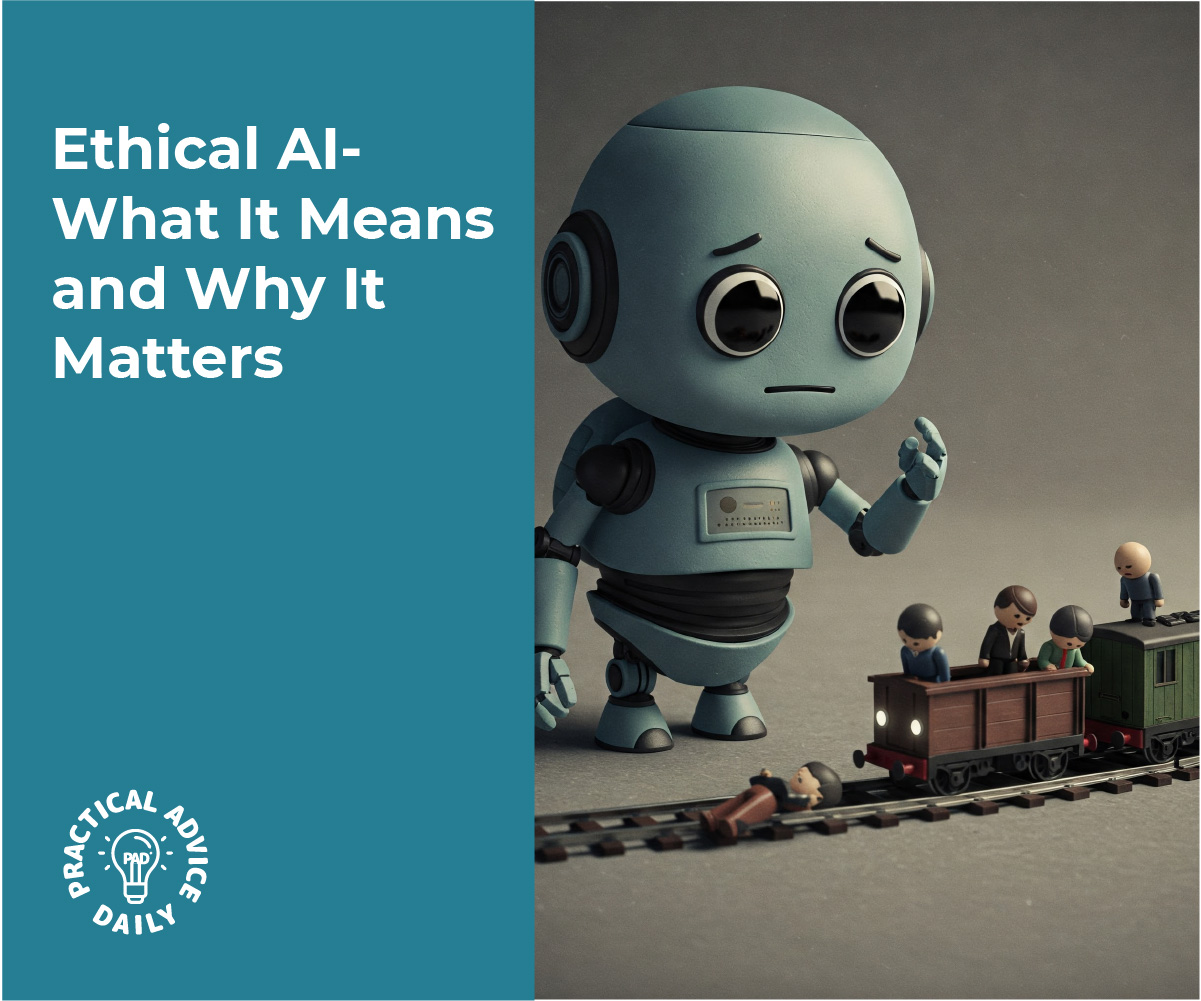
Ethical AI: What It Means and Why It Matters

You’ve probably heard about artificial intelligence—or AI for short. From voice assistants to smart home devices, AI is becoming part of our daily lives. But as these tools grow smarter, an important question comes up: Are they doing the right thing?

This article introduces the idea of ethical AI—what it means, why it’s needed, and how it helps protect people like you and me. Don’t worry—no technical background needed. We’ll explain everything in simple terms, step by step.

Table of Contents

Key Takeaways

  • Ethical AI means designing AI to be fair, honest, and responsible.
  • Transparency helps us understand how AI systems make decisions.
  • Fairness means treating everyone equally, without hidden bias.
  • Accountability ensures someone is responsible if things go wrong.
  • Ethical AI helps build trust—and protects people from harm.

What Is “Ethical AI,” Exactly?

Ethical AI is about making sure artificial intelligence is used the right way. Just like we expect people to follow rules and treat others fairly, AI systems should do the same.

But since AI doesn’t “think” or feel like we do, designers and developers have to build those values into the system ahead of time.

Let’s break it down into three simple ideas: transparency, fairness, and accountability.

1. Transparency: Seeing Behind the Curtain

When a computer or AI makes a decision—like recommending a job applicant or filtering online news—it should be clear how it reached that decision.

But many AI tools are like black boxes: they give answers without showing their work.

Transparency means:

  • AI systems explain what they do and why.
  • Users and reviewers can ask questions about the process.
  • People aren’t left guessing about how choices are made.

Example:
If a hospital uses AI to suggest treatment plans, doctors and patients should understand why a certain plan was chosen—not just be told “the computer says so.”

2. Fairness: Treating People Equally

AI systems learn from data—and if that data contains unfair patterns, the AI might repeat them.

Fairness means:

  • Avoiding hidden bias against people based on race, age, gender, or income.
  • Testing systems to make sure everyone gets equal treatment.
  • Using diverse, well-rounded data to train the AI.

Example:
If a loan approval system has mostly learned from one neighborhood or group, it might unfairly deny loans to others. Fair AI works to correct this.

3. Accountability: Who’s in Charge?

If an AI system makes a mistake—say, a self-driving car crashes or an AI incorrectly blocks someone from applying for a benefit—someone must take responsibility.

Accountability means:

  • There are clear rules about who is responsible for AI decisions.
  • People can report problems and get support if something goes wrong.
  • Governments and companies put safety checks in place.

Example:
If a facial recognition system wrongly identifies someone, the company that built it should be ready to explain, fix the issue, and make sure it doesn’t happen again.

Why Ethical AI Matters to You

Even if you don’t work in tech, ethical AI touches your life in small but important ways:

  • When applying for jobs or housing online
  • When using smart health tools or insurance services
  • When your personal information is stored or analyzed

Ethical design helps protect your rights, reduce errors, and build trust in the tools you use every day.

Final Thoughts

Artificial intelligence is a powerful tool—but like any tool, it needs careful guidance. Ethical AI means making sure that technology works for people, not against them.

You don’t need to be a programmer to care about this. Just knowing the basics—transparency, fairness, and accountability—helps you ask smart questions and understand how technology fits into your world.

Want to keep learning? Check out our beginner’s guides on AI safety, how AI learns from data, or why bias in tech matters more than ever.

Categories AI

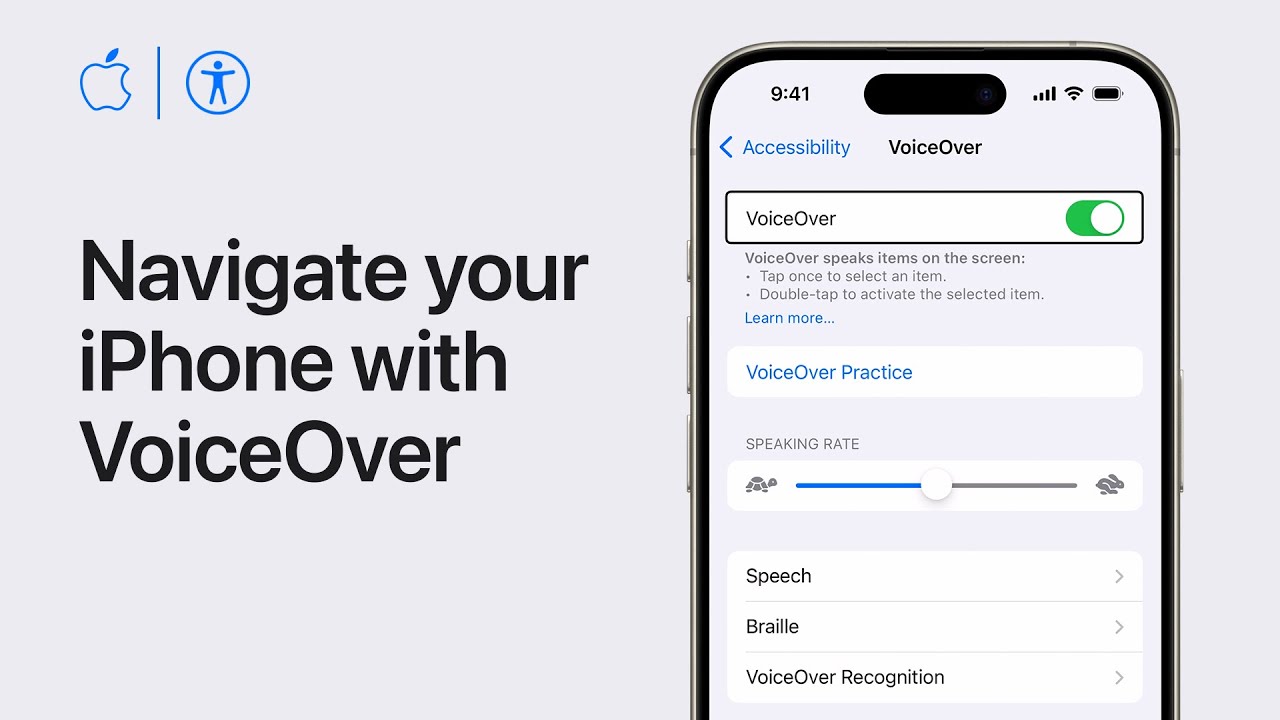
How to Navigate your iPhone or iPad with VoiceOver | Apple Support

practhumb104

VoiceOver is a crucial feature for those with vision impairments, as it reads aloud the content on your iPhone or iPad. To activate VoiceOver, go to Settings > Accessibility > VoiceOver, where you can customize settings and turn it on. With VoiceOver enabled, you can navigate using unique gestures like swiping with three fingers to scroll or double-tapping to open apps.

Dragging your finger across the screen reads item names, and tapping twice with two fingers pauses or resumes reading. Additionally, unlocking the device or accessing Control Center and Notification Center involves specific gestures. The app switcher is opened by dragging up from the bottom of the screen. These gestures facilitate seamless navigation, enhancing accessibility for users.

Summary:
– VoiceOver is an accessibility feature for visually impaired users on iPhone and iPad.
– Enable VoiceOver in Settings > Accessibility > VoiceOver.
– Unique gestures like swiping with three fingers for scrolling and double-tapping to open apps are used.
– Dragging a finger across the screen reads item names, while tapping twice with two fingers pauses or resumes reading.
– Other gestures include unlocking the device, accessing Control Center and Notification Center, and opening the app switcher.

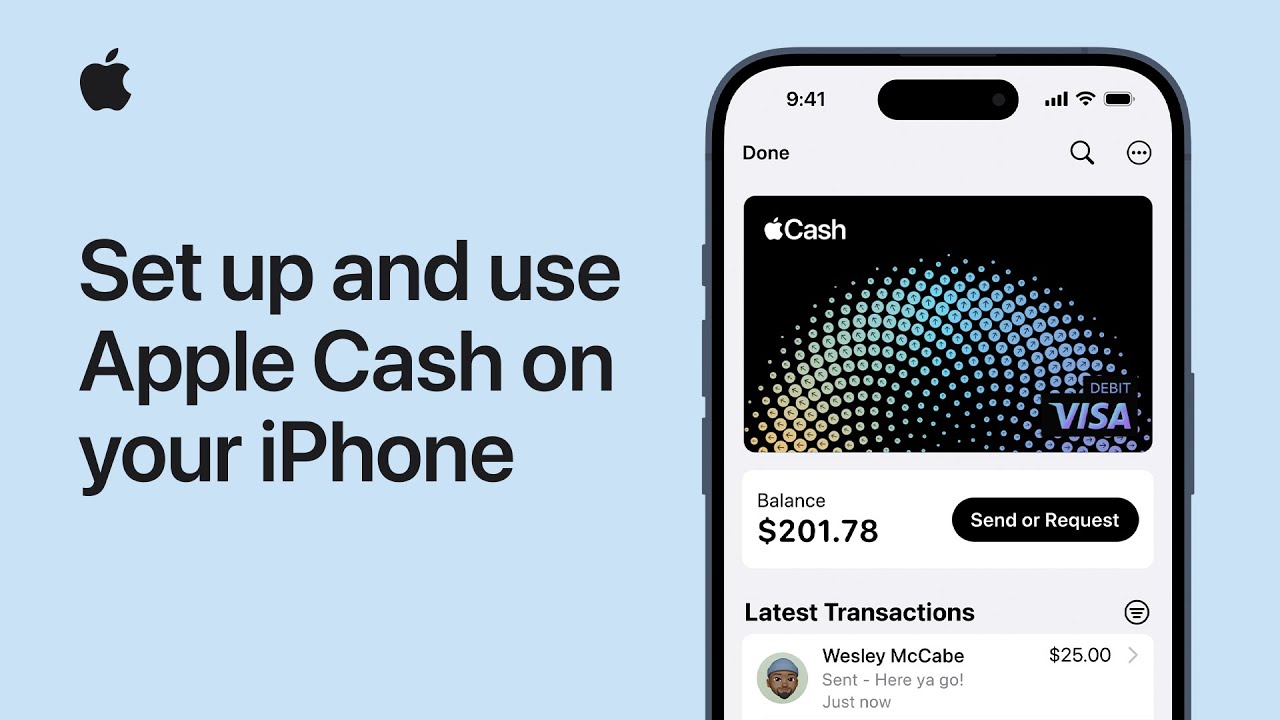
How to set up and use Apple Cash on your iPhone | Apple Support

practhumb103

Alright, let’s dive into setting up Apple Cash. First, ensure you have a compatible iPhone with the latest iOS version and two-factor authentication enabled for your Apple ID. Make sure all devices you want to use for sending and receiving money are signed in to iCloud with the same Apple ID. If you plan to add funds, have an eligible debit card in Wallet.

To set up Apple Cash, open Wallet or go to Settings > Wallet & Apple Pay, then turn on Apple Cash. Enter your Apple ID password, sign in, and authenticate with Face ID, Touch ID, or passcode. Review and accept terms and conditions, then tap continue and add a card if needed. Now you’re ready to send or request money via Messages.

In a conversation, tap the plus button, select Apple Cash, enter the amount, add a comment if needed, and send. To add funds, tap your Apple Cash card in Wallet, tap the more button, select add money, enter the amount, and authenticate. That’s it! You’re all set up to use Apple Cash for payments and more.

For further assistance, subscribe to the Apple Support YouTube channel or explore more tutorials. Remember, Apple Cash services are provided by Greenbank and available in the US only. Terms and conditions apply.

Summary:
– Ensure iPhone compatibility and two-factor authentication for Apple ID.
– Open Wallet or Settings to enable Apple Cash, authenticate, and accept terms.
– Add a debit card if necessary for funds.
– Use Messages to send or request money, specifying amount and adding a comment if desired.
– To add funds, access Wallet, tap Apple Cash, select “more,” choose “add money,” enter amount, and authenticate.

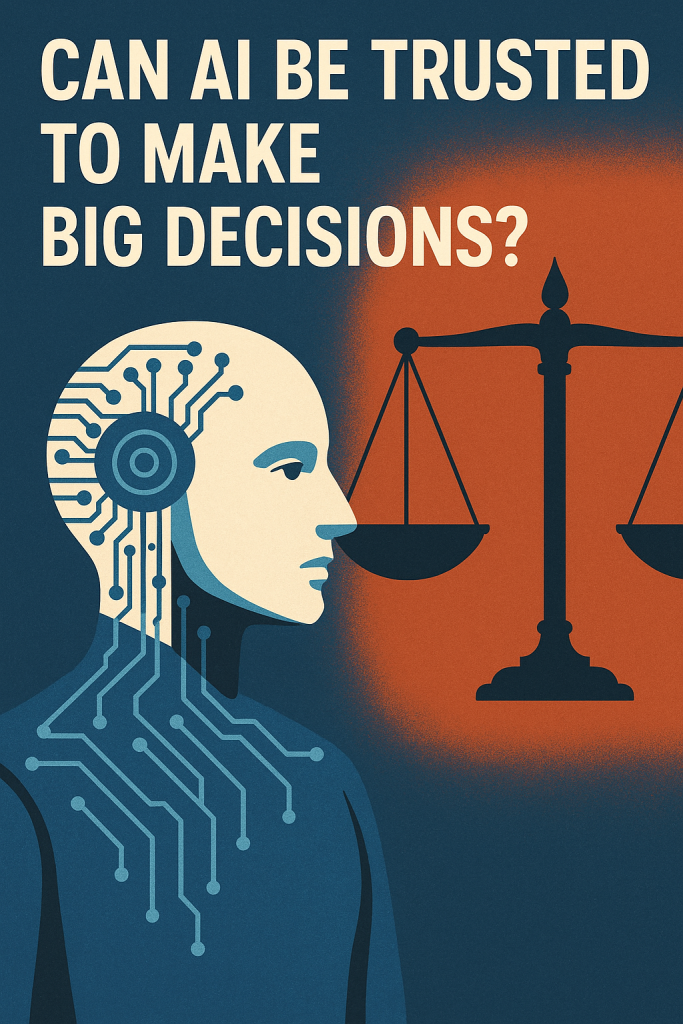
Can AI Be Trusted to Make Big Decisions?

Artificial intelligence (AI) is showing up in more places than ever—from helping doctors diagnose illness to sorting job applications. But can we really trust it with important, life-changing decisions?

This article explains how AI is being used in serious settings like courtrooms and hiring—and what that means for everyday people. Don’t worry—it’s written in plain language, with examples to help you understand how it all works and why it matters.

Table of Contents

Key Takeaways

  • AI is already helping with big decisions like hiring and legal recommendations.
  • These tools look for patterns in large amounts of data.
  • But AI can make mistakes, especially if the data it learns from is unfair or incomplete.
  • People are still needed to double-check and use good judgment.
  • It’s important to stay informed so we know when and how AI is being used.

How Does AI Make Decisions?

AI doesn’t “think” like humans. Instead, it analyzes data—lots of it—to spot patterns and make predictions. Think of it like a super-powered calculator that’s trained to answer complex questions based on past examples.

But here’s the catch: if the examples it learns from are flawed, the answers can be flawed too. That’s especially important when AI is used in areas where fairness and accuracy really matter.

Real-Life Example: AI in Hiring

Many companies now use AI to help sort through job applications. It can:

  • Scan resumes for keywords
  • Rank candidates based on past hiring patterns
  • Even conduct video interviews using facial analysis

Sounds efficient, right? But here’s the concern:

  • If the past data shows a preference for certain groups, the AI might repeat that bias.
  • If a qualified applicant uses different words, they could be unfairly ranked lower.
  • If video software misreads facial expressions, someone might be judged incorrectly.

So while AI saves time, it might miss great candidates or treat people unfairly—especially those from different backgrounds.

Real-Life Example: AI in the Courtroom

Some courts have tested AI tools to help judges decide things like:

  • Who can safely be released on bail
  • Who might be at risk of committing another crime

These tools look at data like age, past arrests, and criminal records. But again:

  • If the data reflects past inequalities, the AI might make unfair predictions.
  • If it can’t understand a person’s unique story, it may offer advice that lacks human compassion.

In fact, some studies have shown that these tools may treat people of color more harshly—not because the AI is “racist,” but because it’s copying biased patterns from past cases.

Can AI Be Fair?

AI can be a helpful tool—but fairness depends on the data it learns from, and how it’s used. That’s why humans still need to stay involved.

To make AI fairer, experts are:

  • Testing AI for hidden bias
  • Using more diverse data to train it
  • Making sure people understand how AI decisions are made
  • Requiring human oversight for big decisions

Final Thoughts

AI is powerful—but it’s not perfect. It can be helpful for spotting patterns or saving time, but it still needs human judgment to be fair and accurate.

Whether it’s helping choose job candidates or guiding courtroom decisions, AI should support—not replace—human choices. Being informed helps us ask the right questions and make sure these tools are used wisely.Curious to learn more? Explore our beginner’s guides on how AI affects daily life or how to spot bias in tech tools. Knowledge is power—and you don’t need to be a tech expert to use it.

Categories AI

The First 14 Things I Do on a New iPhone

practhumb102

Hey there, if you’re diving into the world of Apple devices for the first time or making the switch from Android, or even if you’ve been an iOS user for ages, here’s what I usually do when setting up a new iPhone. First things first, once you’ve logged in and set up your Apple ID, think about backing up your device.

While you can use your computer for this, iCloud backup is the way to go for convenience. Then, if you’re transferring data from an old iPhone, you have a few options: direct transfer, iCloud backup, or starting fresh. Each has its pros and cons, so choose what works best for you. Oh, and don’t forget to put your new phone in a protective case!

As you explore settings, remember to customize control center for quick access to essential features. And while you’re at it, fine-tune notifications, privacy settings, and keyboard preferences to suit your needs. A few extra tips: use AirDrop for seamless file sharing, consider text replacement for efficiency, and explore accessibility features for added convenience. Finally, check out my playlist of tips and tricks for more in-depth guidance on getting the most out of your iPhone setup. Happy exploring!

Summary:
– Set up Apple ID and iCloud backup immediately after logging in.
– Choose between direct transfer, iCloud backup, or starting fresh when transferring data from an old iPhone.
Customize control center for quick access to essential features.
– Fine-tune notifications, privacy settings, and keyboard preferences to suit your needs.
– Explore additional features like AirDrop, text replacement, and accessibility settings for added convenience.

3 iPhone Super Useful Hidden Features!

practhumb101

Alright, let’s dive into three awesome iPhone productivity features you might have missed. Firstly, forget selecting items one by one; use a two-finger drag to select multiple items in Notes, Files, Messages, and more. Next, in Notes, utilize the camera icon to instantly scan text and translate it into typed characters, perfect for quick info extraction.

But the star of the show is Back Tap, found in Settings > Accessibility > Touch. This feature lets you map actions like launching the flashlight with a double tap or the camera with a triple tap on the back of your iPhone, filling the gap left by the lack of a power button shortcut. Enjoy the newfound efficiency!

Summary:

-Use two-finger drag to select multiple items in Apple apps like Notes and Files.
-Scan text instantly in Notes by using the camera icon, converting it into typed characters.
-Discover Back Tap in Settings > Accessibility > Touch to assign actions like launching the flashlight or camera with double or triple taps on the iPhone’s back.
-Enhance productivity by efficiently selecting, scanning, and accessing features with these hidden iPhone functionalities.
-Enjoy newfound convenience and efficiency with these lesser-known iPhone productivity features.

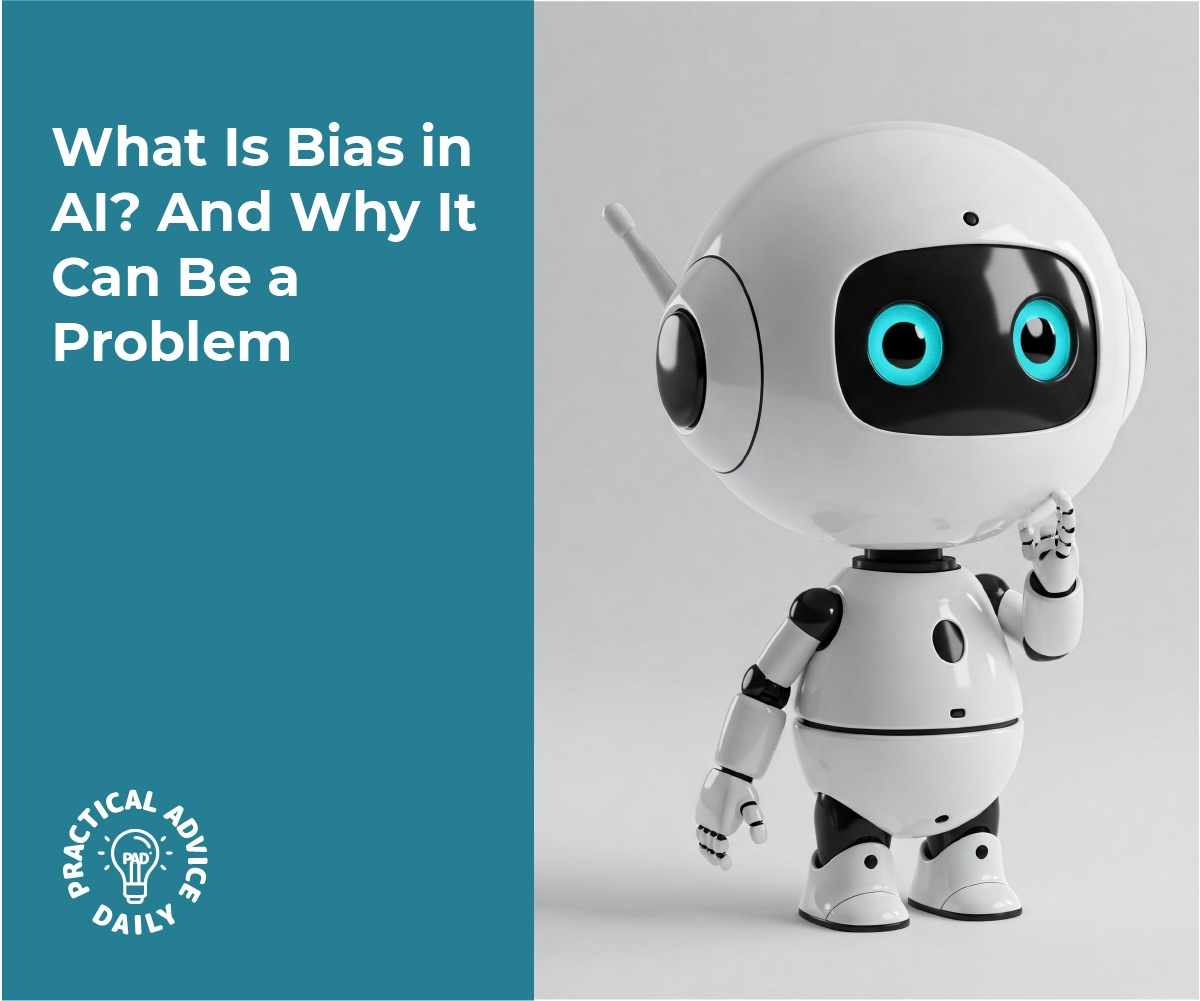
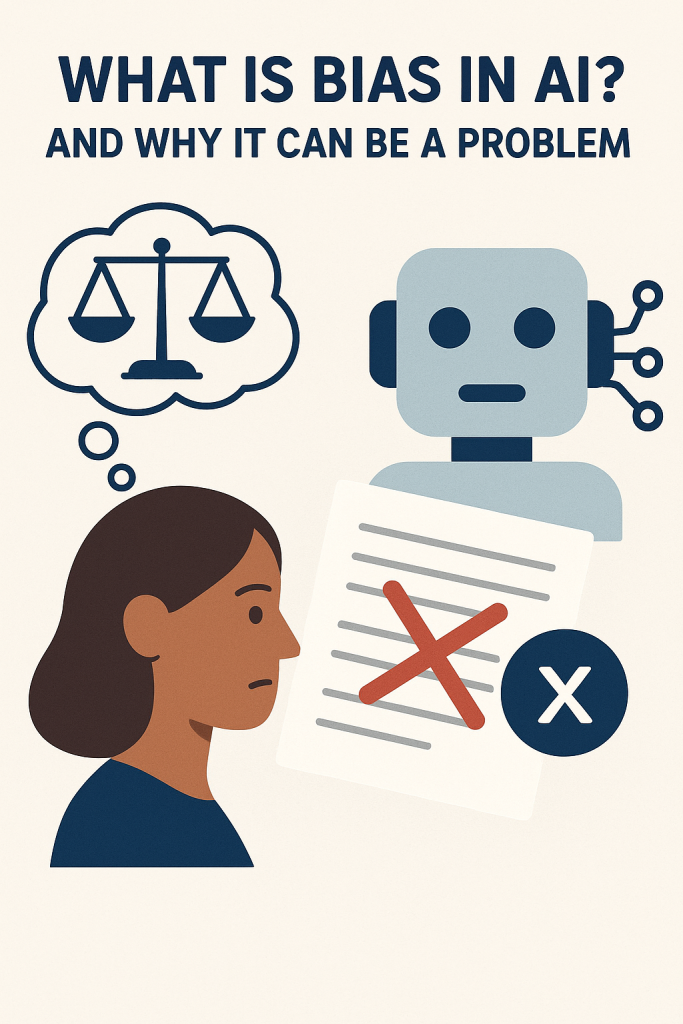
What Is Bias in AI? And Why It Can Be a Problem

You’ve probably heard that artificial intelligence (AI) is being used to help with everything from job applications to health care. But did you know it can sometimes make unfair decisions? That’s because AI can accidentally “learn” human bias.

In this beginner-friendly article, we’ll explain what bias in AI means, how it can happen, and why it’s important to pay attention. No tech knowledge needed—just a little curiosity.

Table of Contents

Key Takeaways

  • AI learns from data, and if that data has bias, the AI may copy it.
  • Bias in AI can lead to unfair treatment or decisions—especially in areas like hiring or healthcare.
  • People are working to fix these issues, but awareness is the first step.
  • Asking questions and staying informed helps you understand AI more confidently.

What Is Bias in AI?

Let’s start simple: bias means unfair favoritism or prejudice. We all have personal preferences—sometimes without realizing it.

AI systems don’t think or feel like people do. But they learn from patterns in data, and if those patterns are biased, the AI can start copying those unfair behaviors.

How Does AI Learn Bias?

Imagine teaching a child using only certain books. If those books leave out certain groups of people or show them unfairly, the child may grow up with a skewed view of the world.

The same thing happens with AI. It learns by reading data—emails, photos, resumes, even voice recordings. If the data:

  • Mostly comes from one group of people
  • Reflects unfair treatment in the past
  • Leaves out important perspectives

…the AI can repeat and even reinforce those same problems.

Real-Life Examples of AI Bias

Here are a few situations where AI bias has already caused issues:

  1. Job Applications:
    Some resume-screening AIs favored male candidates over equally qualified women—just because past data showed men getting more tech jobs.
  2. Facial Recognition:
    Some tools had trouble recognizing darker skin tones because they were mostly trained on photos of lighter-skinned people.
  3. Loan Approvals:
    AI used for deciding who qualifies for a loan sometimes reflected past financial biases against certain communities.

In all these examples, the problem wasn’t the AI being “mean”—it was learning from biased data.

Why It’s a Problem

AI is being used more and more to make big decisions about people’s lives—who gets hired, who gets medical help, or who gets approved for housing.

If these systems are unfair or inaccurate, real people can be affected in serious ways.

And since AI decisions can be hidden or hard to understand, some folks may not even know why they were treated unfairly.

What’s Being Done to Fix It?

Thankfully, researchers, governments, and companies are working on it. They’re:

  • Testing AI tools more carefully before using them
  • Including more diverse data in AI training
  • Requiring companies to explain how decisions are made
  • Encouraging “human checks” to review AI results

But like any tool, AI needs responsible use—and part of that means understanding how it works and asking questions.

Final Thoughts

AI can be a powerful helper—but it’s not perfect. Like people, it can pick up bad habits if it’s trained the wrong way. The good news? We can fix it when we know what to look for.

By learning how bias happens, we can help make sure these tools are fair for everyone. You don’t need to be an expert—just staying curious and asking questions is a great start.

Want to explore more? Check out our easy guides on how AI is used in daily life, or how voice assistants like Siri and Alexa work.

Categories AI

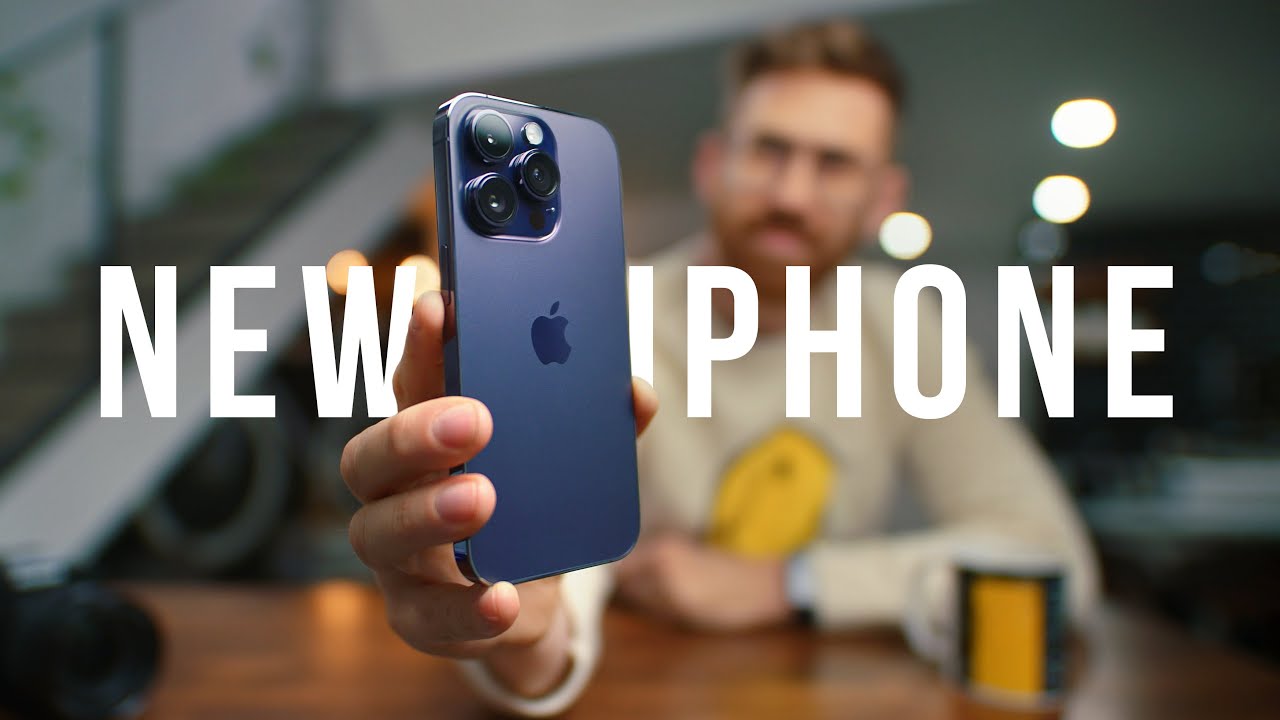
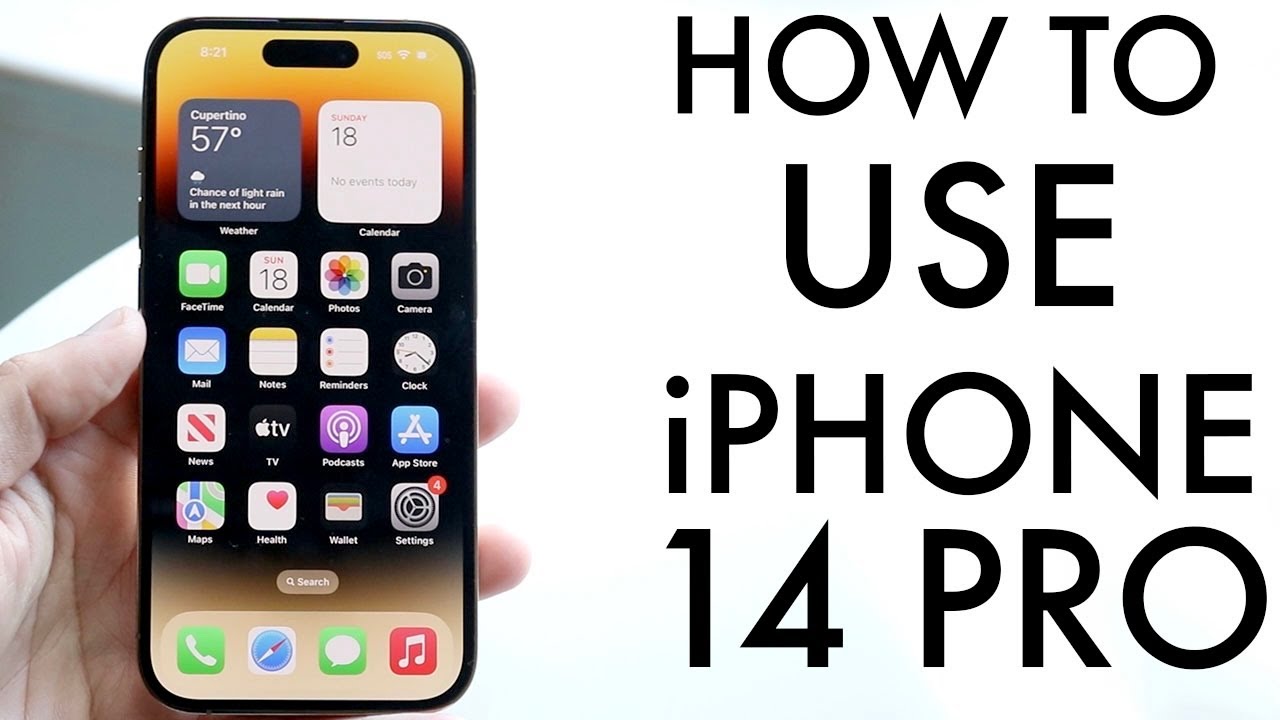
How To Use iPhone 14 Pro/iPhone 14 Pro Max! (Complete Beginners Guide)

practhumb100

If you just got your hands on the iPhone 14 Pro, congratulations! It’s quite different from the iPhone 14, with notable features like the dynamic island display. Let’s dive into how to use it effectively.

First off, the exterior boasts a stunning 6.1-inch super retina XDR OLED panel, now featuring a dynamic island display instead of a notch. On the left side, you’ll find the mute switch and volume buttons, while the SIM card tray has been replaced with eSIM capability.

Moving to the back, there’s a frosted glass finish, housing a wide, ultra-wide, telephoto lens, and a LiDAR sensor for augmented reality experiences. Noteworthy features include MagSafe capability, IP certification for water resistance, and an emergency SOS satellite mode.

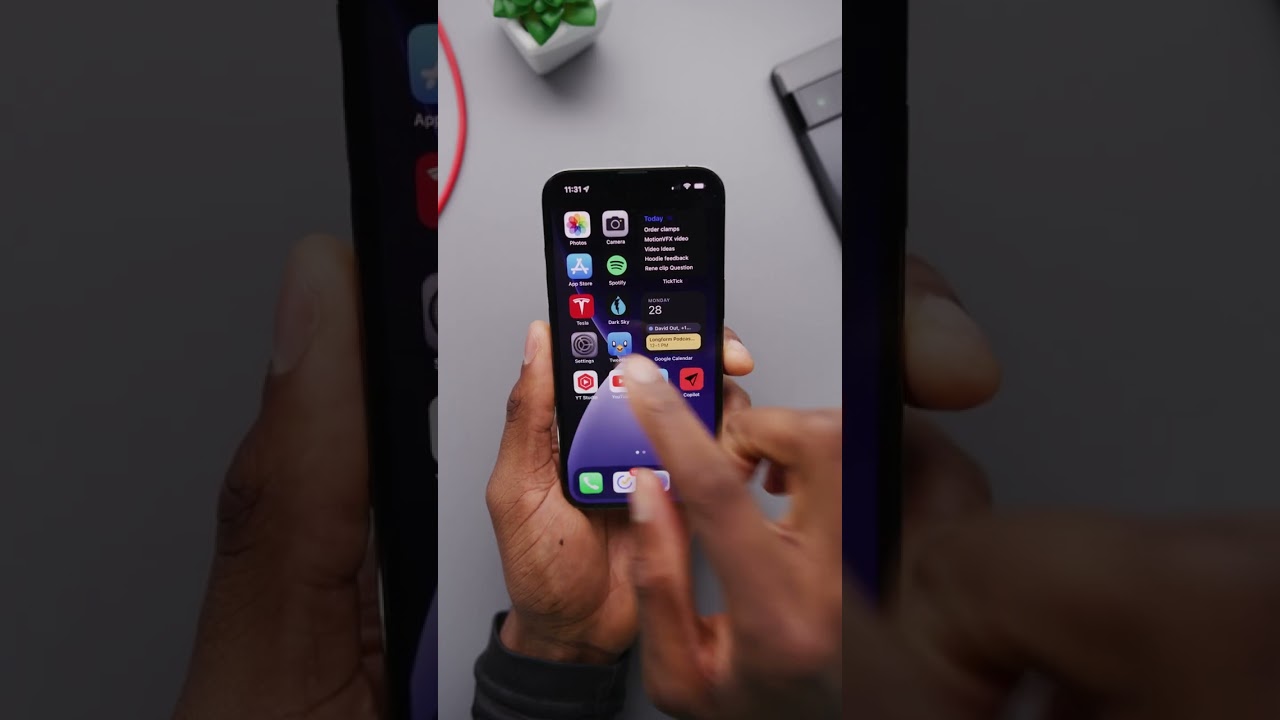
Powering on your phone for the first time, you can explore iOS 16’s interface, with customizable lock screens and home screens. Gestures play a significant role in navigation, allowing you to swipe between apps and access multitasking by swiping up from the bottom.

Customizing your home screen is simple, with the ability to add widgets and rearrange app icons. The Control Center offers quick access to essential settings, which you can customize further in the Settings app.

Utilizing the dynamic island display, you can interact with certain apps for additional information by tapping on the display. And for any queries or assistance, Spotlight search and Siri are at your service.

Overall, the iPhone 14 Pro promises a lasting and enjoyable experience, with plenty of features to explore and personalize to your liking. If you have any questions or thoughts, feel free to leave them in the comments section, and don’t forget to like, subscribe, and stay tuned for more content!

Summary:

– iPhone 14 Pro features a 6.1-inch super retina XDR OLED panel with a dynamic island display replacing the notch.
– Notable design elements include a frosted glass back and a camera setup consisting of wide, ultra-wide, telephoto lenses, and a LiDAR sensor.
– Key functionalities include MagSafe capability, IP certification for water resistance, and an emergency SOS satellite mode.
– iOS 16 offers customizable lock screens, home screens, and gestures for navigation, with the Control Center providing quick access to settings.
– Utilizing the dynamic island display, users can interact with certain apps for additional information by tapping on the display, with Spotlight search and Siri available for assistance.