The Rise of AI Companions: Are Digital Friends the Future?

Feeling lonely or just needing someone to talk to is part of being human. But what if your next conversation partner wasn’t a person at all? In this article, we’ll explore the growing world of AI companions—digital “friends” designed to talk with you, offer support, and even help with emotional well-being. Don’t worry if you’re not tech-savvy. We’ll keep it simple and guide you through what these companions are, how they work, and whether they might be a good fit for you.

Table of Contents

Key Takeaways

  • AI companions are digital tools that can chat with you, offer emotional support, and provide companionship.
  • They are used by people of all ages, especially those feeling lonely or seeking someone to talk to.
  • You don’t need to be tech-savvy—most AI companions work on smartphones or tablets with easy-to-use apps.
  • Some are designed for casual conversation, while others offer mental health tools or daily check-ins.
  • AI companions are not a replacement for real people, but they can be a helpful supplement.

What Are AI Companions?

AI companions are computer programs designed to talk with you, like a virtual friend. They use artificial intelligence to carry on conversations, answer questions, and respond with empathy. These tools live inside apps or websites, and many are available for free or at low cost.

You might chat with them using your smartphone, tablet, or computer—just like texting or using a messaging app. Some even speak out loud if you prefer talking over typing.

Examples of AI Companions

Here are a few real-world examples of popular AI companions:

  • Replika: A chatbot that learns your personality and talks with you like a friend. You can choose whether it’s supportive, funny, or even romantic.
  • Woebot: A mental health-focused tool that checks in daily and helps you manage anxiety or stress through brief, friendly chats.
  • My AI (Snapchat): A simple assistant built into the Snapchat app that answers questions and holds casual conversations.

These tools are available through app stores and are designed to be easy to use—even for beginners.

Why Are People Using AI Friends?

There are many reasons people turn to AI companions:

1. Loneliness

Some folks, especially older adults or those living alone, use AI companions to feel more connected. Having someone to greet you in the morning or check in during the day can make a big difference.

2. Emotional Support

If you’re going through a hard time, an AI companion can be a safe place to express your feelings. While it’s not the same as talking to a therapist or close friend, it can still provide comfort.

3. Mental Health Help

Certain tools like Woebot are designed with mental health in mind. They ask questions, offer calming tips, and guide you through difficult emotions using proven techniques from therapy—without judgment.

4. Convenience and Accessibility

These digital friends are always available. You don’t need to wait for a callback or set an appointment. You just open the app and start chatting.

Are AI Companions Safe?

Most AI companions are designed with privacy in mind. They don’t share your conversations with other people. Still, it’s always wise to read the app’s privacy policy before you start using it.

Here are a few safety tips:

  • Don’t share private information like your home address or financial details.
  • Use well-known apps from trusted companies.
  • If an AI ever makes you feel uncomfortable, stop using it and report the behavior.

Can AI Replace Human Relationships?

No, and that’s important to understand. AI companions are not a substitute for family, friends, or professional support. Think of them more like a comforting side dish, not the main course.

That said, for some people, these tools can make life a little brighter—especially during quiet moments or times of stress.

Getting Started with an AI Companion

If you’re curious and want to try one out, here’s how to begin:

  1. Choose an App
    Search the App Store (Apple) or Google Play Store (Android) for apps like Replika or Woebot.
  2. Download and Open the App
    Most apps are free to start and walk you through setup in just a few steps.
  3. Start Chatting
    Say hello and follow the prompts. Many companions will ask about your interests or mood.
  4. Check In Regularly
    Just like a friend, the more you talk, the better they get to know you.

Final Thoughts

AI companions are changing the way we think about friendship and emotional support. While they can’t replace real human connection, they offer a gentle way to feel heard and less alone. Whether you’re curious, lonely, or just want someone to chat with, these digital friends might be worth exploring.

Remember, you’re never too old to try something new—especially if it brings comfort and a little companionship into your day.

Want to learn more about using technology for well-being? Check out our other beginner-friendly guides on helpful digital tools.


Categories AI

How to connect AirPods to your iPhone or Android device | Apple Support

To connect your AirPods to an iPhone, ensure Bluetooth is on, bring the AirPods near your iPhone, and open the case. Follow any additional prompts for setup. Your AirPods will automatically connect to other devices signed into your Apple ID. To connect to an Android device, go to Bluetooth settings, pair a new device, open the AirPods case, and hold the setup button until the light flashes white. Select the AirPods from the device list to complete the pairing. You can adjust AirPods settings in the iPhone’s Settings app.

Summary:
– Connect AirPods to iPhone by turning on Bluetooth, bringing them near the iPhone, and opening the case.
– Follow prompts for setup, including “Hey Siri” and spatial audio, then tap “Done.”
– AirPods will automatically connect to other devices signed into the same Apple ID.
– For Android, pair via Bluetooth settings by holding the setup button on the case until the light flashes white.
– Adjust AirPods settings anytime in the iPhone’s Settings app.

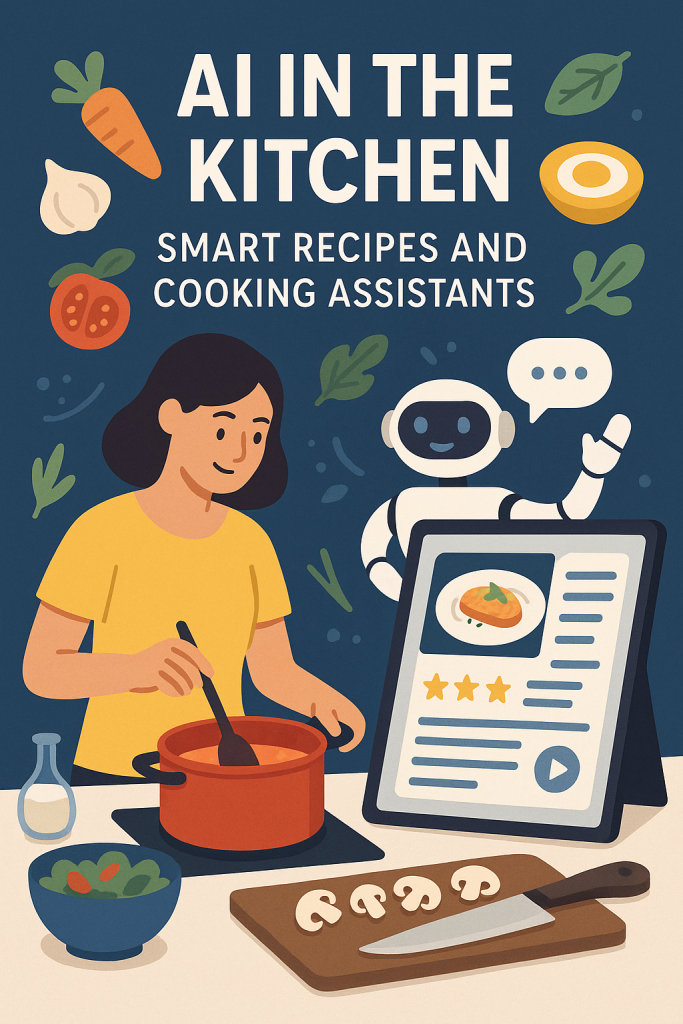
AI in the Kitchen: Smart Recipes and Cooking Assistants

Cooking can be fun, but deciding what to cook is often the hardest part. Many of us have stared into the fridge, unsure of what to make with what’s inside. That’s where smart cooking assistants powered by artificial intelligence (AI) come in. These easy-to-use apps take the guesswork out of meal planning by suggesting recipes that match your ingredients, preferences, and dietary needs. Whether you’re cooking for one or feeding a family, this guide will show you how AI can lend a hand in your kitchen.

Table of Contents

Key Takeaways

  • AI cooking apps suggest meals based on what you already have at home.
  • You can set your food preferences, allergies, and dietary goals.
  • These tools help reduce food waste by using up what’s in your fridge or pantry.
  • Many apps include step-by-step instructions or voice-guided help.
  • They’re easy to use—even if you’re not very tech-savvy.

How AI Makes Cooking Easier

1. Smart Meal Suggestions Based on What You Have

Have a few carrots, some leftover chicken, and a can of beans? Instead of searching endlessly for a recipe that fits, AI apps like Whisk, Yummly, or Cookpad can scan your list of ingredients and find recipes that use them. Just type in or take a photo of what you have, and the app will do the rest.

Real-life example:
Jean, 68, often cooks for just herself. With a fridge half-full of leftovers, she used the Whisk app to find three meal ideas using only what she already had—no extra shopping needed.

2. Customized for Your Tastes and Needs

Everyone has different tastes. Maybe you don’t like spicy food, or you’re cutting back on salt. AI apps can remember your preferences and make suggestions that match. If you’re vegetarian, gluten-free, or managing diabetes, you can enter this into the app, and it will show only suitable recipes.

Popular features include:

  • Filtering recipes by diet (e.g., low-carb, heart-healthy)
  • Avoiding specific ingredients (e.g., nuts, dairy)
  • Setting calorie or portion goals

3. Step-by-Step Guidance for All Skill Levels

Many AI cooking assistants go beyond recipes. They offer step-by-step instructions, including photos or even voice-guided help, so you can follow along without needing to touch your phone with messy hands.

Helpful tools some apps include:

  • Voice instructions (“Next step, please”)
  • Built-in timers
  • Grocery lists based on chosen recipes

This makes cooking less stressful and more enjoyable, even if you’re not confident in the kitchen.

4. Meal Planning and Grocery Help

Some AI apps help you plan your meals for the week and even generate shopping lists. You can pick your meals for each day, and the app will tell you what to buy. If you want to, some apps can even connect to grocery delivery services.

Why this helps:

  • Saves you time deciding what to cook each day
  • Helps you avoid last-minute trips to the store
  • Keeps your food budget on track

5. Reduces Food Waste

We’ve all thrown out forgotten vegetables or leftovers. AI apps can help prevent this by reminding you what’s in your fridge and suggesting recipes before things spoil. It’s good for your wallet—and the environment.

Tip:
Try apps like Too Good To Go or Kitche that focus on using up ingredients before they expire.

Easy Apps to Get Started With

Here are a few beginner-friendly apps you might want to try:

  • Yummly – Great for personalized recipes with helpful video instructions.
  • Whisk – Excellent for using what’s in your fridge and planning meals.
  • Cookpad – A friendly community where people share and try home-cooked recipes.
  • SideChef – Offers voice control and smart kitchen device integration.
  • Mealime – Perfect for simple weekly meal planning with dietary options.

Most of these are free to use with optional upgrades, and they work on smartphones and tablets.

Final Thoughts

You don’t have to be a tech expert or a professional chef to benefit from AI in the kitchen. These smart tools are designed to make everyday cooking simpler, healthier, and more enjoyable. Whether you want to try new meals, avoid food waste, or just take the stress out of “What’s for dinner?”, AI-powered cooking assistants can be a helpful companion.

Give one a try—you might be surprised how much easier mealtime becomes.

Categories AI

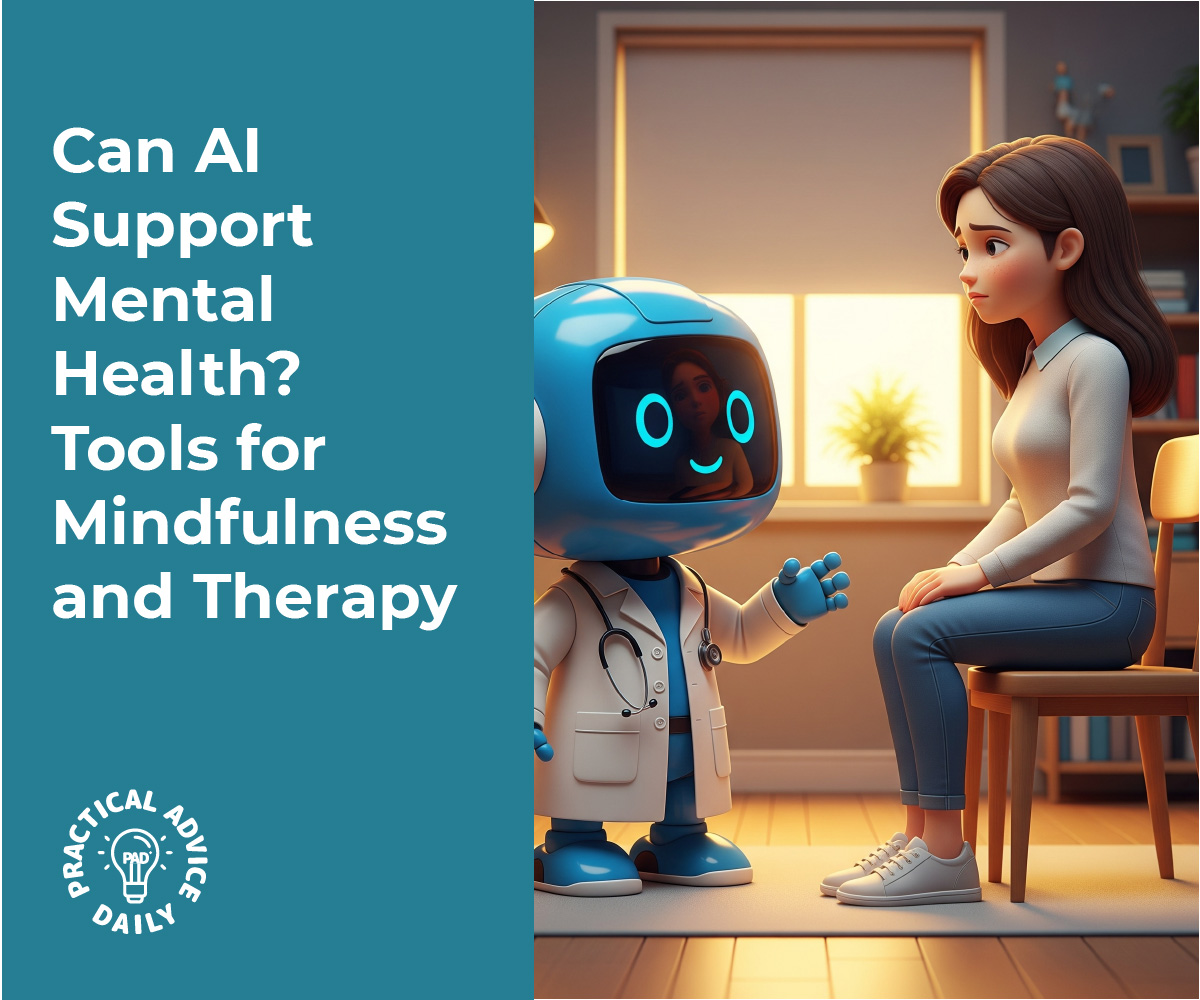
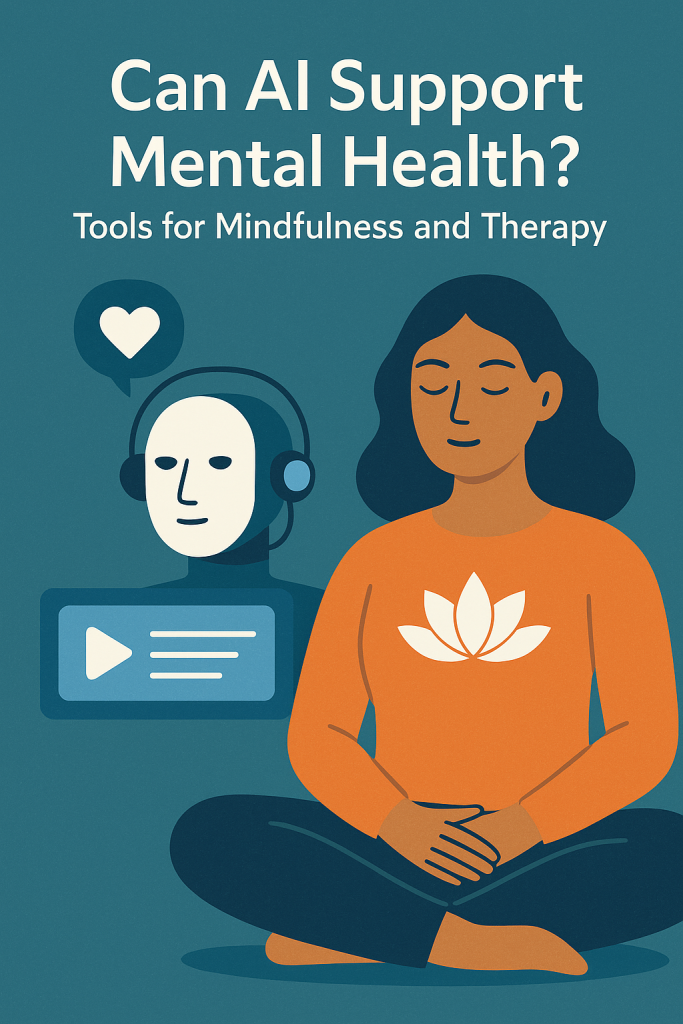
Can AI Support Mental Health? Tools for Mindfulness and Therapy

Mental health is important at every age, but finding support can sometimes feel confusing or out of reach. Thankfully, technology is opening new doors. From friendly chatbots to simple apps that help track your mood, artificial intelligence (AI) is becoming a helpful tool for emotional wellness.

Don’t worry—this guide is beginner-friendly. You don’t need to be tech-savvy to understand how these tools work or how they can fit into your daily life. We’ll walk through the most helpful options and show you how they can support your mental well-being in easy, practical ways.

Table of Contents

Key Takeaways

  • AI chatbots can offer conversation-based support when you’re feeling stressed or down
  • Mood tracking apps help you recognize emotional patterns and triggers
  • Mindfulness tools use AI to guide breathing exercises, meditations, and calming routines
  • These tools are not a replacement for therapy, but they can offer valuable everyday support
  • Most are easy to use and available on your smartphone or computer

How AI Supports Mental Health

Let’s take a closer look at how AI can help with emotional wellness. You may be surprised at how user-friendly and helpful these tools can be.

1. Therapy Chatbots

These are apps or websites where you can “talk” to a virtual assistant about how you’re feeling. The chatbot isn’t a real person, but it’s designed to listen and respond in a thoughtful, supportive way.

How it helps:

  • Offers a safe, private space to express feelings
  • Gives gentle encouragement or tips based on what you share
  • Can suggest coping strategies or ask helpful questions

Real-life example:

Imagine you’re feeling anxious before a big event. You open the chatbot, type in how you’re feeling, and it responds with calming suggestions like, “Let’s take a few deep breaths together.”

Popular options: Woebot, Wysa, and Tess

🧠 These tools are not doctors, but they can be great for daily support and reflection.

2. Mood Tracking Apps

Our emotions can be hard to understand, especially when they change from day to day. Mood tracking apps let you record how you’re feeling, and over time, they help you spot patterns.

How it helps:

  • Track moods daily with just a tap or quick note
  • Show trends (like feeling low on certain days or after poor sleep)
  • Help you prepare for tough days by noticing early signs

Real-life example:

You might notice you often feel down on rainy days or more cheerful after a walk. Seeing this helps you make small changes that boost your mood.

Popular options: Daylio, Moodnotes, and Bearable

3. AI-Guided Mindfulness and Meditation

Mindfulness is about being present and calm. Many apps now use AI to guide you through breathing exercises, meditations, and gentle body scans based on how you’re feeling.

How it helps:

  • Offers guided sessions that adjust to your mood
  • Tracks progress and recommends what to try next
  • Encourages regular breaks to reduce stress

Real-life example:

If you log that you’re feeling overwhelmed, the app may suggest a 5-minute breathing exercise designed to calm your nervous system.

Popular options: Calm, Headspace, and Balance

🌿 Even a few minutes a day can help reduce stress and improve sleep over time.

Are These Tools Safe and Private?

Yes, most well-known apps take your privacy seriously. Look for tools with clear privacy policies and good user reviews. Always read the fine print and choose apps that don’t share your information without permission.

🛡️ Reminder: These tools support your wellness, but they’re not a substitute for professional help if you’re struggling deeply.

Final Thoughts

AI tools are becoming thoughtful, gentle companions in the journey toward better mental health. Whether it’s talking to a chatbot, tracking how you feel, or pausing for a calming breath, these tools can help you better understand and care for your emotional well-being.

You don’t have to dive in all at once. Try one app that sounds interesting and see how it feels. With just a few minutes a day, you might notice small but meaningful improvements.

Want to keep learning? Explore our other beginner-friendly tech guides focused on well-being and healthy habits.

Categories AI

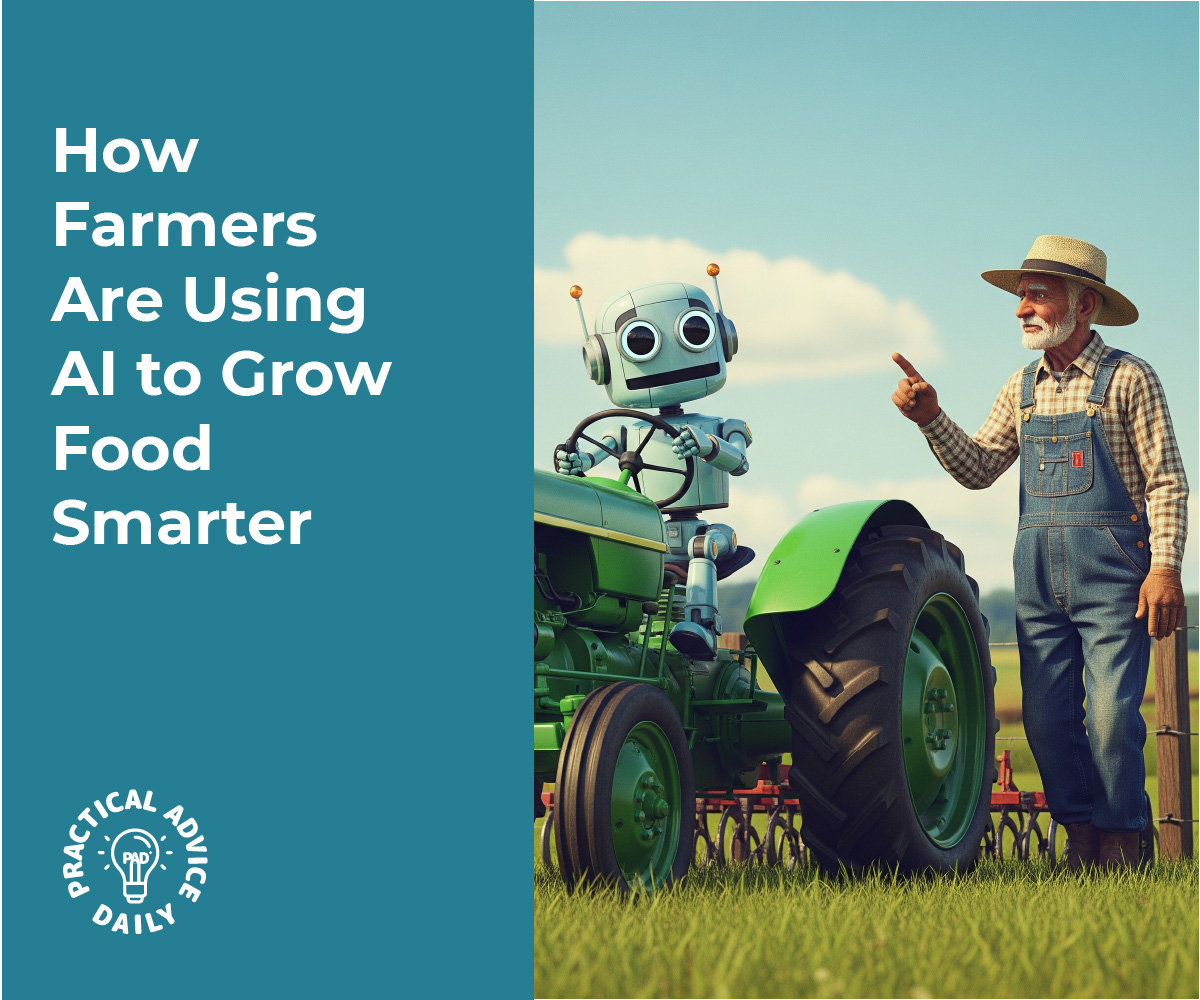
How Farmers Are Using AI to Grow Food Smarter

Farming may be one of the oldest professions in the world, but it’s quickly becoming one of the most high-tech. Today, farmers are using tools powered by artificial intelligence—or AI—to help them grow food more efficiently and with fewer resources. If that sounds complicated, don’t worry. In this article, we’ll walk you through how AI is making everyday farm work easier and smarter.

You’ll learn about how AI helps with watering crops, spotting plant problems early, and protecting entire fields from disease. Whether you’re just curious or have a family connection to farming, this guide is designed to be simple, friendly, and easy to understand.

Table of Contents

Key Takeaways

  • AI helps farmers use water more wisely by measuring exactly when and where to irrigate crops.
  • Smart cameras and sensors can monitor crop health and spot problems early.
  • AI tools can predict plant diseases before they spread, helping to prevent crop loss.
  • Technology is becoming more affordable and easier to use, even for smaller farms.

How AI Is Making a Difference on the Farm

1. Smarter Watering with AI-Powered Irrigation

Water is one of the most valuable resources on a farm. But using too much can be wasteful, and using too little can hurt the crops. AI helps by taking the guesswork out of watering.

Farmers now use AI systems connected to soil sensors and weather apps. These systems gather real-time information about moisture in the ground, the weather forecast, and even how much sunlight the plants are getting.

Then, using that data, AI recommends exactly when to water and how much to use. In many cases, the irrigation system turns on automatically only where and when it’s needed. This saves water, lowers bills, and helps crops grow better.

Real-life example:
A farmer in California used to water their fields based on a weekly schedule. Now, with AI and soil sensors, they water only when needed. As a result, they’ve cut water use by 30% and still grow healthy crops.

2. Monitoring Crops with Smart Eyes

Keeping an eye on every plant in a big field is almost impossible. That’s where AI comes in. With the help of cameras, drones, and even smartphones, farmers can now monitor their crops automatically.

These smart devices take pictures of the plants and use AI to look for signs of trouble—like yellowing leaves, pests, or signs of stress.

Farmers can see all this information on a phone or computer, often in real time. Instead of walking the whole field, they get a report showing exactly where to look.

Example you can relate to:
Think of it like checking your garden using a camera app that tells you when a plant needs help. It’s like having a second pair of expert eyes looking out for problems before they get worse.

3. Predicting Plant Diseases Before They Spread

Plant diseases can wipe out an entire harvest if they’re not caught early. AI helps by spotting warning signs and predicting where diseases might appear next.

AI systems use past data about weather, soil conditions, and disease outbreaks. They compare this information to what’s happening now on the farm. If there’s a high chance of disease, the system alerts the farmer early—sometimes before any visible symptoms appear.

Why this matters:
Catching diseases early means farmers can act fast to protect healthy crops. That might mean treating only a small part of the field instead of the whole thing, saving time and money.

Example:
A farmer in India used an AI app that scanned photos of his crops and warned of a possible fungal infection. He treated the area quickly and avoided losing his entire tomato crop.

4. AI That Learns and Improves Over Time

One of the most exciting things about AI is that it learns as it goes. The more a farmer uses the system, the better it gets at understanding that specific farm.

For example, it might notice that a certain corner of the field always needs less water or that one area gets more pests. Over time, the AI becomes more accurate and helpful.

This learning ability makes AI a long-term partner for farmers—not just a one-time tool.

Final Thoughts

Artificial intelligence might sound like something from a science fiction movie, but it’s already making a real difference in how we grow our food. From saving water to spotting sick plants early, AI is helping farmers work smarter, not harder.

If you’ve ever worried about food shortages, climate change, or rising prices, it’s good to know that technology like AI is part of the solution. Best of all, many of these tools are becoming easier and more affordable, even for small family farms.

Interested in learning more? We also have simple guides on how drones, robots, and even smartphones are changing the future of farming. You don’t need a tech background to understand it—just a little curiosity.

Categories AI

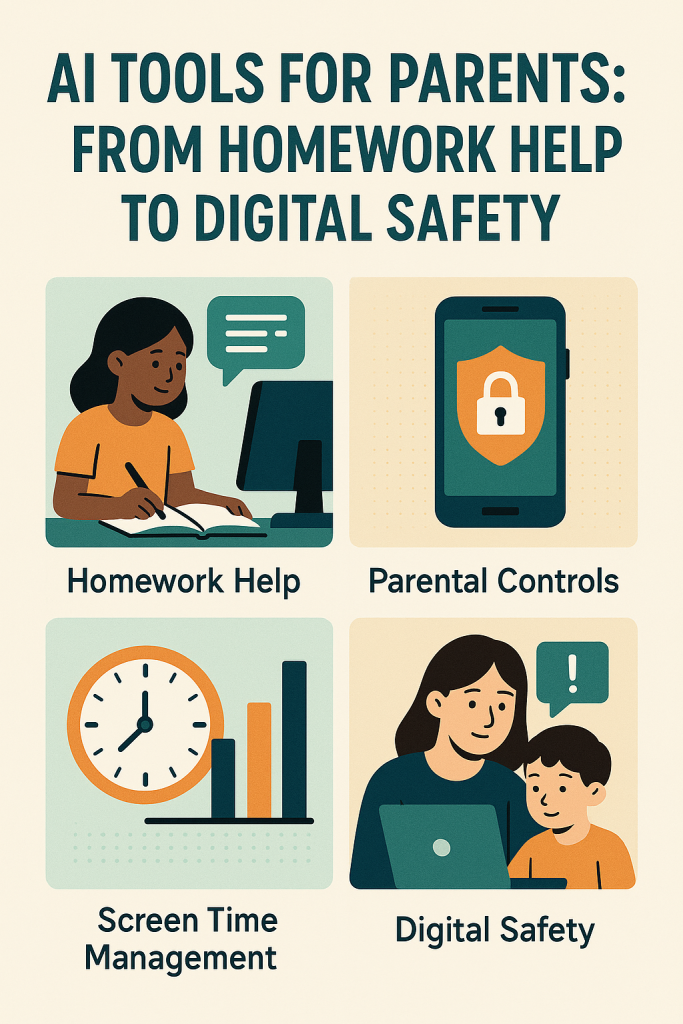
AI Tools for Parents: From Homework Help to Digital Safety

Raising children in a digital world can feel overwhelming. Between keeping up with school, managing screen time, and keeping kids safe online, many parents are looking for extra support. That’s where AI tools come in.

You don’t need to be a tech expert to use them. In fact, many of these tools are designed to make your life easier—even if you’re not familiar with all the latest apps and gadgets. In this guide, you’ll learn how AI can help with homework, limit screen time, and give you peace of mind about your child’s digital habits.

Table of Contents

Key Takeaways

  • AI can help kids with schoolwork by offering tutoring and explanations in simple language.
  • Screen time tools powered by AI help you manage how long your child spends on devices.
  • Parental control apps use AI to block harmful content and monitor online activity.
  • AI learning apps can adapt to your child’s pace and style of learning.
  • You don’t need to be tech-savvy to use these tools—many are simple and parent-friendly.

How AI Can Help with Parenting in the Digital Age

1. Homework Help Without the Headache

If helping with math or science makes your head spin, you’re not alone. AI-powered tutoring apps like Khan Academy Kids, Photomath, or ChatGPT-based helpers can explain concepts step by step.

For example:

  • Your child snaps a photo of a tricky math problem.
  • The app shows how to solve it, one step at a time, and explains why.
  • It’s like having a patient tutor on call 24/7—without the cost.

These tools don’t just give answers. They help kids understand what they’re learning, so they become more independent over time.

2. Controlling Screen Time—Without the Daily Arguments

It’s tough to balance device use. Too much screen time, and you worry about their health. Too little, and they feel left out or bored. AI tools can help take some of the emotion out of this battle.

Apps like Bark, Qustodio, or Google Family Link can:

  • Set daily screen limits
  • Block apps during homework or bedtime
  • Show you which apps your child uses the most
  • Alert you if your child tries to access something inappropriate

You can customize these settings to suit your child’s age and needs. And once they’re set up, the app does most of the work for you.

3. Keeping Kids Safe Online with Smart Monitoring

The internet can be a great place for learning—but it also comes with risks. Many AI-powered parental control apps can now recognize risky behavior, even in messages or search terms.

Here’s what that means:

  • If your child types something that suggests bullying or unsafe content, you’ll get an alert.
  • Some tools also track location, so you know where your child is if they’re out with friends.
  • Others flag messages that might contain harmful language or interactions.

Importantly, many of these tools are designed to protect privacy and open up healthy conversations, not just spy on kids.

4. Personalized Learning Apps That Grow With Your Child

Every child learns differently. Some need more time, while others crave a challenge. AI-powered learning apps like Duolingo, ABCmouse, or Prodigy can adjust the difficulty based on your child’s progress.

Here’s how they work:

  • Your child answers questions or completes activities.
  • The app notices which topics they struggle with and offers more help.
  • When they’re doing well, it moves forward to keep things interesting.

This kind of learning keeps kids engaged and helps build confidence. It also gives you peace of mind that screen time is being used for something valuable.

5. Helpful Parenting Tools for Everyday Life

AI isn’t just for kids—it can help you as a parent, too.

For example:

  • Family calendar apps can use AI to suggest best times for appointments or reminders.
  • Meal planning tools can suggest healthy dinners based on what’s in your fridge.
  • Some AI assistants can even help you plan birthday parties or find local kid-friendly events.

These tools may sound high-tech, but they’re usually as simple as opening an app and following easy prompts.

Final Thoughts

Technology doesn’t have to be a source of stress—it can be a powerful partner in parenting. AI tools are here to help, whether it’s with schoolwork, screen time, or safety.

You don’t need to understand how it all works behind the scenes. What matters is that these tools are designed to support you and your child. With just a few taps or clicks, you can create a safer, smarter, and more balanced digital world for your family.

Want to learn more about specific apps or how to set them up? Check out our simple guides on screen time control, online safety for kids, or homework helper tools.

You’ve got this—and we’re here to help.

Categories AI

AI for Budgeting: Can Artificial Intelligence Help Manage Money?

Managing money can feel overwhelming at times, especially with so many bills, subscriptions, and spending decisions to juggle. The good news is that today’s technology is making budgeting easier than ever. Thanks to artificial intelligence, or AI, there are simple tools that can help you take control of your finances without needing to be a math whiz or tech expert. In this guide, you’ll learn how AI-powered budgeting apps work, how they help you save money, and how they can offer advice tailored just for you.

Key Takeaways

  • AI budgeting apps automatically track your spending
  • They can create personalized budgets based on your habits
  • Many apps suggest easy ways to save more each month
  • You don’t need technical skills to use these tools
  • AI can help reduce money stress and boost your confidence

How AI Can Help You Budget

AI might sound like something from a science fiction movie, but in budgeting, it’s actually quite simple. AI in this case just means that the app learns from your habits—like how much you spend on groceries, bills, or fun—and then uses that information to guide you in smarter ways.

Here’s how it works in everyday life:

1. Automatic Spending Tracking

Most AI-powered apps link securely to your bank account (with your permission). They automatically track where your money goes—whether it’s for rent, gas, groceries, or takeout. You don’t have to write anything down or add numbers yourself.

2. Smart Budget Suggestions

After learning your habits, the app might suggest a budget that actually fits your lifestyle. For example, if you often spend $300 on dining out, it may suggest a goal of $250 next month to help you save a little.

3. Reminders and Alerts

Forgot your phone bill was due? These apps can remind you. AI apps can alert you before you overspend, helping you avoid fees or bouncing payments.

4. Personalized Tips to Save

Some apps go a step further and give you tailored advice. For instance, if you’re spending more than usual on groceries, it might suggest switching to a discount store or setting a weekly limit.

There are several trusted apps that use AI to help people manage their money better. Here are a few that are beginner-friendly:

  • Mint – Tracks spending, sends reminders, and shows your financial picture in one place.
  • You Need A Budget (YNAB) – Helps you assign every dollar a job, encouraging smarter planning.
  • Cleo – A fun, chatbot-style app that gives spending insights and budgeting tips with a touch of humor.
  • PocketGuard – Shows you how much you can safely spend each day after bills and savings.

Each of these apps is available for smartphones and has free or low-cost versions.

Real-Life Example: Meet Carol

Carol is 67 and retired. She noticed she was spending more than expected each month but wasn’t sure where the money was going. Her granddaughter helped her set up an AI budgeting app called PocketGuard. After linking her bank account, the app showed Carol she was paying for two streaming services she no longer used. With just a few clicks, she canceled them. The app also helped her find a cheaper cell phone plan. By the end of the month, Carol had saved over $100—and she didn’t have to use a single spreadsheet.

Tips for Getting Started

If you’re new to budgeting apps, here are a few simple steps to try:

  1. Choose one app to start with (like Mint or Cleo).
  2. Link your bank account safely. These apps use bank-level security.
  3. Let the app track your spending for a week or two.
  4. Review the suggestions and set a small savings goal.
  5. Check in weekly to see your progress.

Remember, you don’t have to do it perfectly—just getting started is a win.

Final Thoughts

AI budgeting apps can be a great partner in your financial journey. They take the guesswork out of money management and offer guidance that fits your lifestyle. Whether you’re saving for a trip, watching your retirement spending, or just trying to make ends meet, these tools can make life a little easier. Give one a try—you might be surprised how much confidence it gives you.

Would you like to learn more about saving tips or how to set financial goals? Explore our other beginner-friendly guides to keep building your money skills with ease.

Categories AI

How to switch profiles in Safari on iPhone | Apple Support

If you have multiple profiles in Safari on your iPhone, you can easily switch between them. In Safari, tap the tabs button, then tap the tab groups button, and select the profile you’d like to switch to. Tap done to confirm. This allows you to separate your browsing by profile. To learn more about using your iPhone, subscribe to the Apple Support YouTube channel or watch another video.

Summary:
– Switch profiles in Safari by tapping the tabs button and then the tab groups button.
– Select the desired profile and tap done to confirm.
– This feature allows you to separate your browsing by profile.
– For more iPhone tips, subscribe to the Apple Support YouTube channel.
– Watch additional videos for further guidance.

Using AI to Plan Your Next Vacation or Road Trip

Planning a vacation or road trip used to mean hours spent searching maps, reading guidebooks, and making endless lists. But now, smart technology like AI (Artificial Intelligence) can make travel planning faster, easier, and even fun. Whether you’re dreaming of a cross-country road trip or a weekend getaway, AI tools can help you every step of the way—from picking a destination to understanding a menu in a different language.

And the best part? You don’t have to be tech-savvy to use these tools. In this guide, we’ll walk you through how to use AI for travel planning in a way that’s simple and friendly for beginners.\

Table of Contents

Key Takeaways

  • AI can help you choose destinations based on your interests and budget.
  • Travel planning apps with AI features can map out routes, book hotels, and suggest activities.
  • Real-time translation apps make it easier to communicate in other countries.
  • AI-powered language tools can help you learn key phrases or translate signs and menus on the go.
  • Most tools are free or low-cost and easy to use on a smartphone or computer.

How AI Can Help Plan Your Trip

1. Finding the Right Destination

Not sure where to go? AI travel tools can give you personalized suggestions. Apps and websites like Google Travel or AI-powered chat assistants ask a few simple questions—such as your travel dates, interests (like beaches, museums, or hiking), and budget—and then suggest destinations that fit your style.

Example:
You tell the app, “I want to go somewhere warm in October, not too crowded, with good food.” It might suggest places like Portugal or Savannah, Georgia, with ideas for things to do and places to eat.

2. Building a Travel Itinerary

Once you’ve chosen a destination, AI tools can help you build a detailed travel plan. These tools can:

  • Suggest things to do based on your preferences
  • Help you book hotels, car rentals, and flights
  • Create a schedule that fits your pace—whether that means sightseeing from sunrise or taking it slow

Example Tools:

  • Google Travel: Helps organize bookings and activities in one place
  • Roadtrippers: Great for road trips—shows interesting stops along your route
  • TripIt: Organizes your travel plans into a clear, easy-to-read itinerary

You can also use AI chat tools (like ChatGPT or others) to ask questions like, “What’s a good 3-day itinerary in Charleston?” and get quick, helpful suggestions.

3. Navigating Your Road Trip

Planning a drive? AI tools make it easier than ever:

  • Use GPS apps like Waze or Google Maps that use real-time traffic updates
  • Apps like GasBuddy can find the cheapest gas nearby
  • Roadtrip planners suggest scenic routes and hidden gems

Tip: If you’re traveling with others, many apps let you share the trip plan, so everyone knows the route and schedule.

4. Translating Languages on the Go

Worried about language barriers? AI-powered translation apps are a big help. These tools can translate spoken words, written text, or even signs—right from your phone.

Popular Apps:

  • Google Translate: Speak or type a phrase, and it shows the translation instantly
  • SayHi: Speak into the app, and it speaks the translation out loud
  • Microsoft Translator: Useful for conversations—lets two people speak different languages and understand each other in real time

Real-Life Example:
At a restaurant in Paris, you can use your phone to scan the menu and see what each item is in English. No guesswork needed!

5. Learning Key Phrases

Even with a translator app, knowing a few key phrases can make travel more enjoyable. AI tools like Duolingo or Memrise make learning a few words of another language fun and easy.

You can practice short phrases like:

  • “Where is the bathroom?”
  • “How much does this cost?”
  • “Thank you”

These tools use gentle reminders and mini games to help you remember. You can practice during your morning coffee or while relaxing at home.

Final Thoughts

Traveling doesn’t have to be stressful or overwhelming. With the help of simple AI tools, you can plan your next vacation or road trip with ease—even if you’re not very tech-savvy. From choosing where to go to understanding foreign languages, AI can be your friendly travel companion.

So go ahead—start dreaming, planning, and exploring. The world is more accessible than ever, and AI is here to help you every step of the way.

Want to learn more? Check out our beginner’s guide to using AI chat tools for everyday tasks.

Categories AI

How to add Memoji stickers to Messages on your iPhone, iPad, or iPod touch – Apple Support

In iOS 13, to find Memoji stickers in Messages, go to an iMessage conversation and tap the emoji stickers button. Choose your Memoji by tapping it in the bar at the top. Touch and hold one of the stickers, then drag it to attach it to a message or a photo. Once you lift your finger, it sends, allowing you to express yourself with personalized stickers seamlessly within the conversation.

Summary:
– In iOS 13, access Memoji stickers in Messages.
– Open an iMessage conversation and tap the emoji stickers button.
– Choose your Memoji from the bar at the top.
– Touch and hold a sticker, then drag it to attach to a message or photo.
– Lift your finger to send the sticker, adding personal flair to your conversations.