
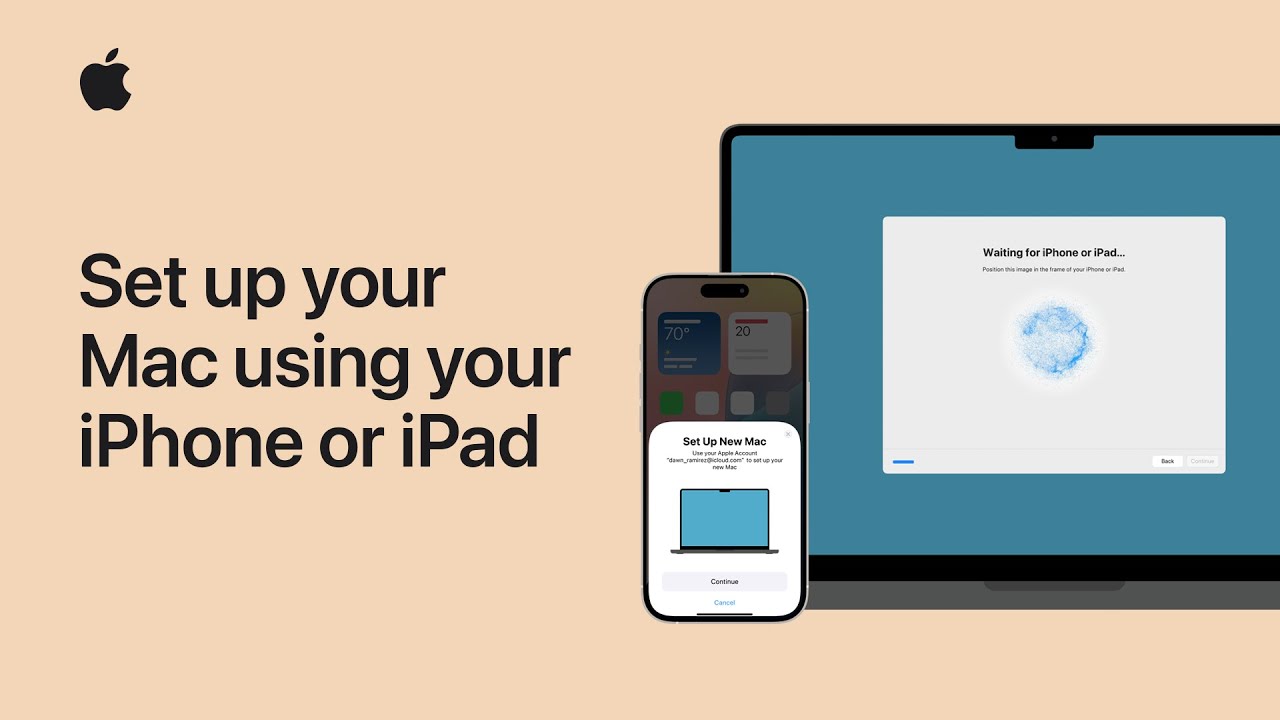
I’ll walk you through setting up a Mac using your iPhone or iPad. First, update both devices and turn on Bluetooth.
Keep your iPhone or iPad near the Mac during setup.
When you power on the Mac, follow the onscreen prompts until you see Transfer Your Data to This Mac.
Choose Transfer and follow the instructions on your iPhone or iPad to sign in with your Apple Account and move selected settings, apps, and content.
Wait while data transfers complete, then finish setup and restart if prompted. That’s it — your Mac will be ready with your preferred settings.
Enjoy.
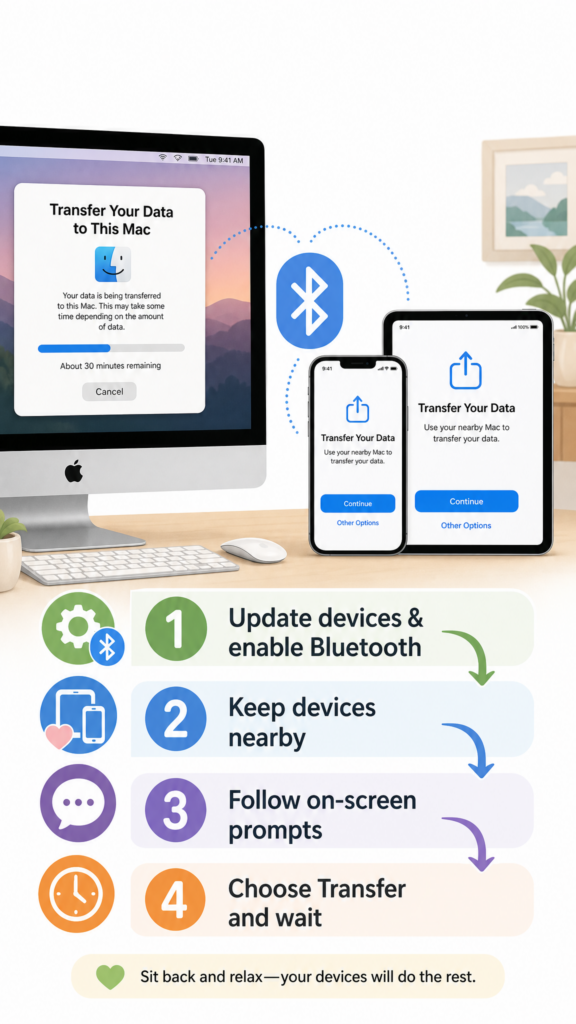
- Update your iPhone/iPad and enable Bluetooth.
- Keep the iPhone or iPad near the Mac and power on the Mac.
- Follow onscreen prompts until you see “Transfer Your Data to This Mac.”
- Choose Transfer, sign in on your iPhone/iPad, and select settings/apps to move.
- Wait for the transfer to finish, complete setup, and restart if prompted.