
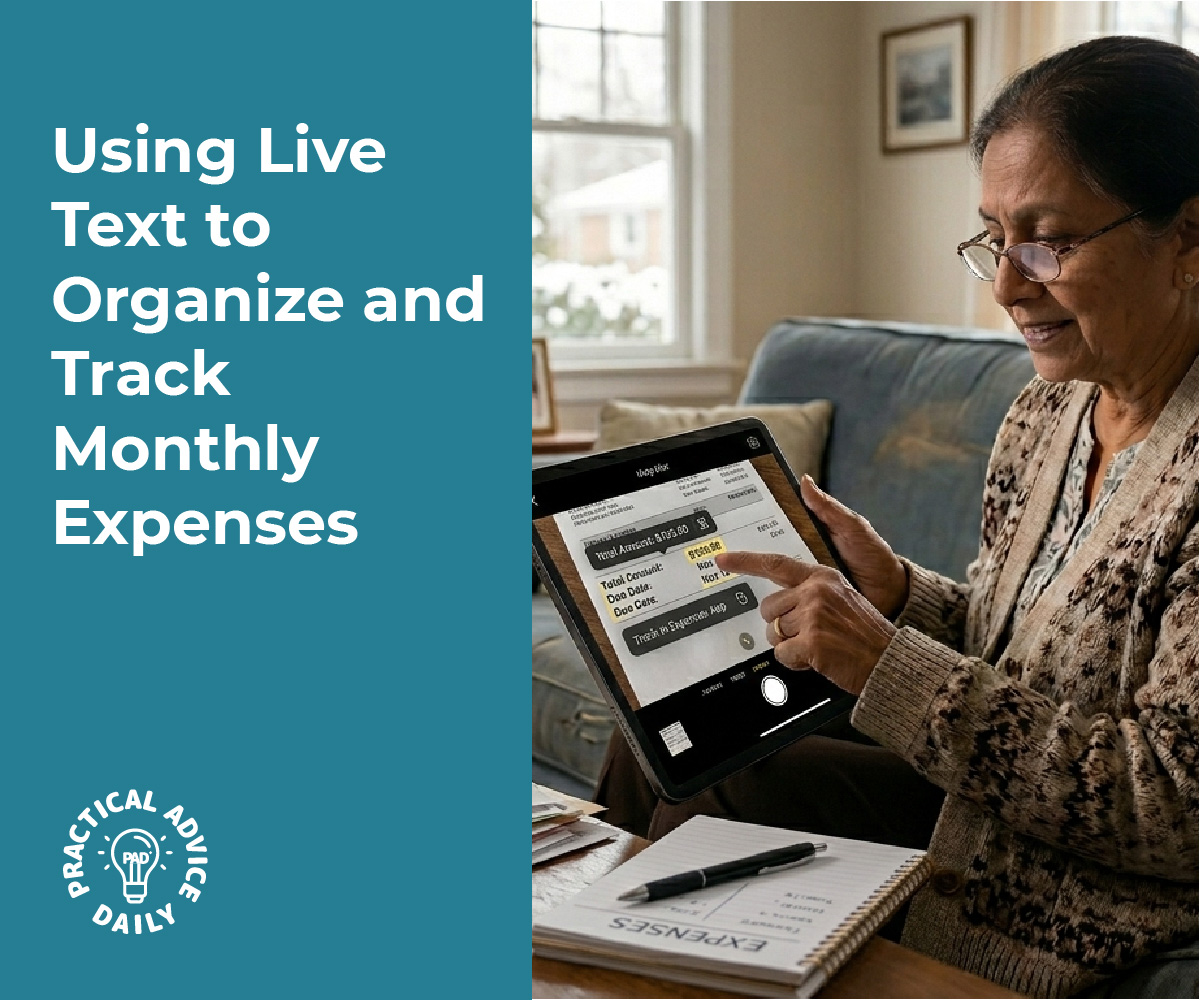
Tracking expenses manually drains time and invites errors, especially when paper receipts fade or get lost before the data reaches a spreadsheet. Modern smartphone cameras combined with OCR technology offer a faster solution. Users can photograph receipts, let AI-powered apps extract prices and dates automatically, and transfer the structured data directly into budgeting tools or note-taking apps within seconds. This process eliminates manual typing and reduces the risk of misplaced documentation.
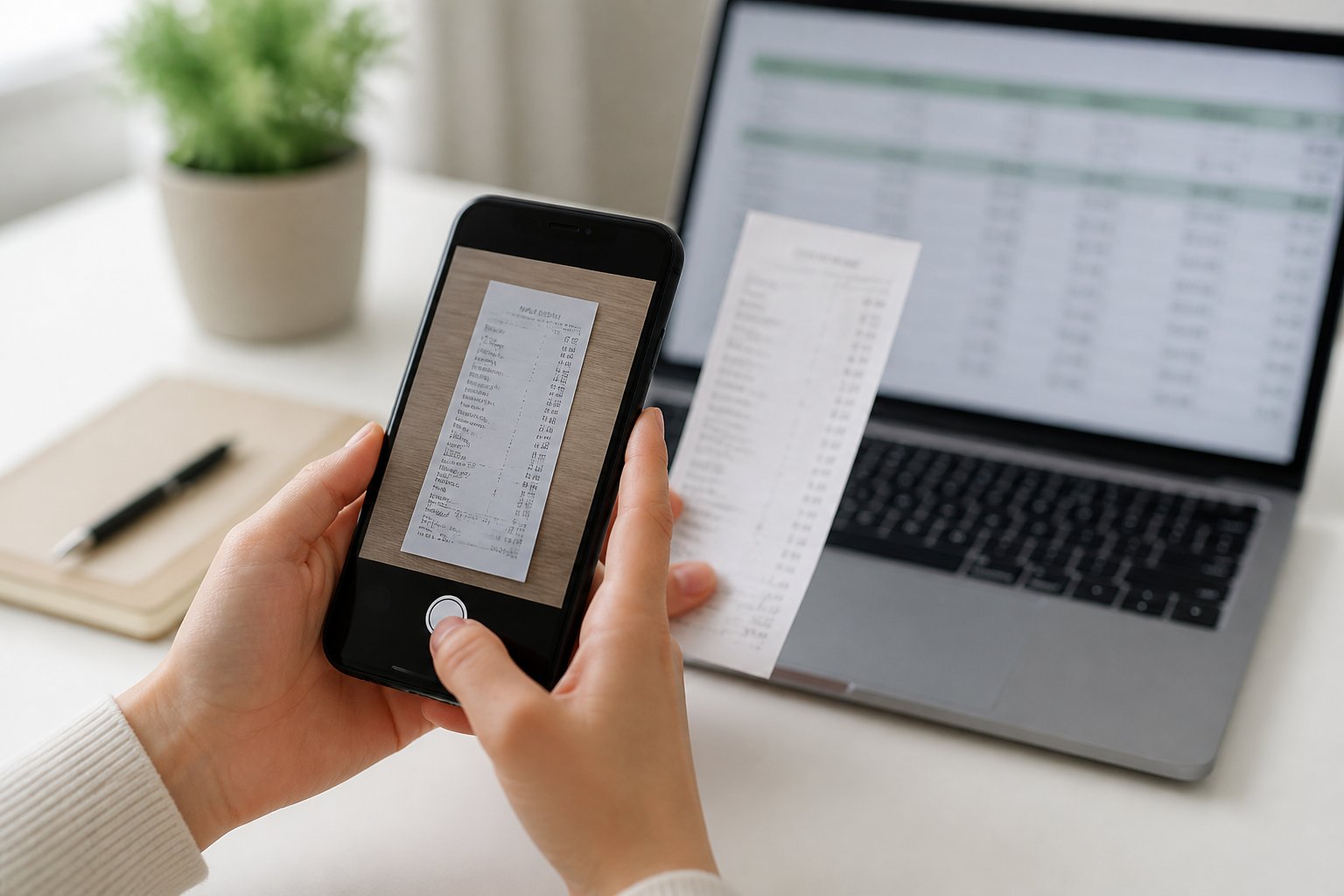
The extraction workflow follows a straightforward pattern: capture the receipt image, let the software recognize and digitize the text, then export the data in formats like CSV or JSON for immediate use. AI-driven tools handle varied receipt layouts, faded text, and different currencies without requiring manual templates. The result is a searchable digital record that integrates with existing financial systems.
Automated receipt scanning serves freelancers managing quarterly taxes, teams tracking project expenses, and individuals maintaining household budgets. Beyond convenience, digitized receipts support compliance requirements and provide organized records during audits. The technology transforms receipt management from a tedious chore into a streamlined task that takes minutes instead of hours.
Table of Contents
Key Takeaways
- Smartphone cameras paired with OCR technology automatically extract prices and dates from receipts and convert them into structured digital data
- Extracted receipt data exports to CSV, JSON, or spreadsheet formats for direct integration with budgeting apps and accounting software
- Automated receipt scanning reduces manual entry time, improves accuracy, and creates organized records for tax compliance and expense tracking
Capturing Receipt Data with Your Smartphone Camera
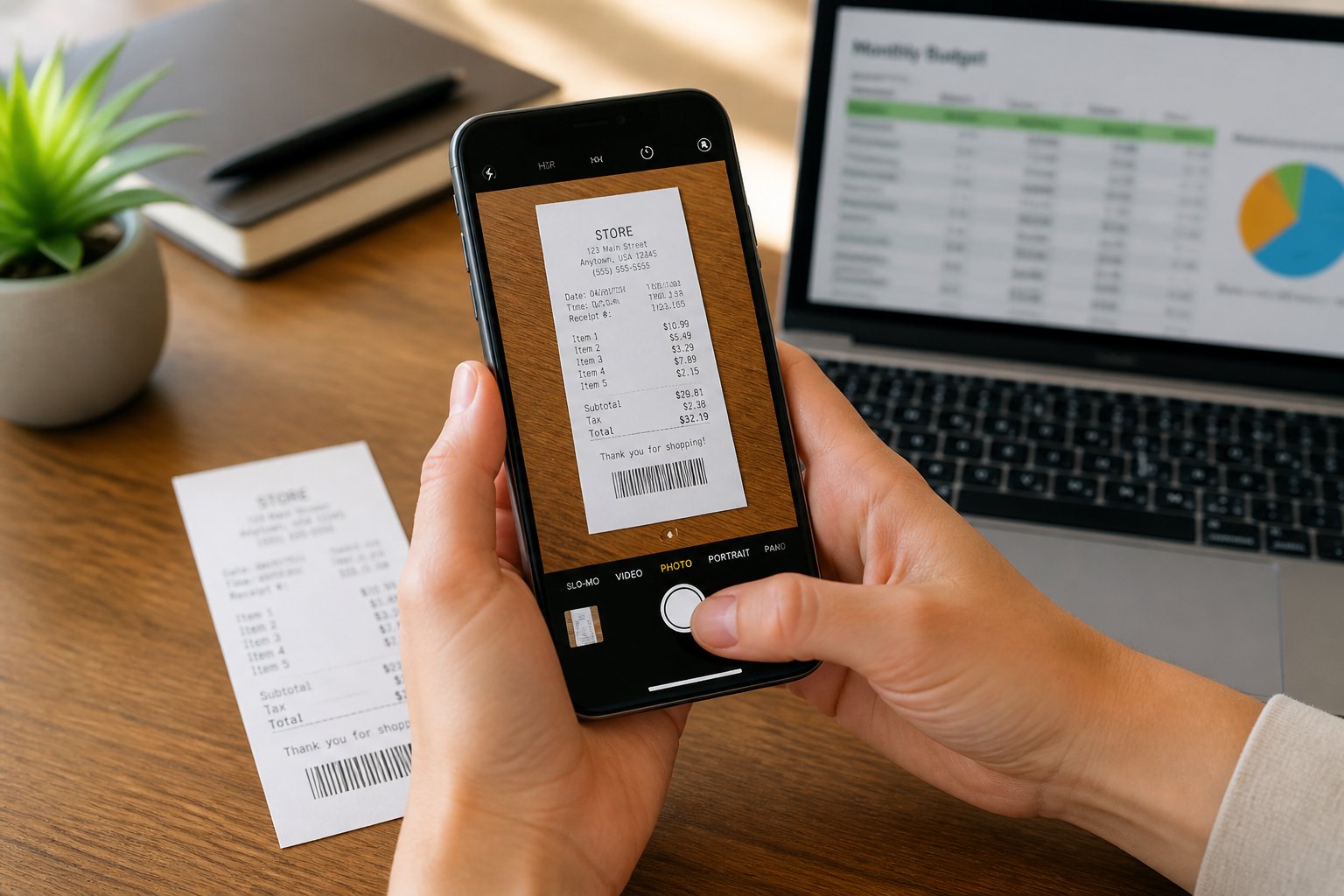
Smartphone cameras combined with OCR technology can extract vendor names, dates, amounts, and tax information from receipts automatically. The process requires proper lighting, camera settings, and OCR features to convert receipt images into editable text data.
Optimizing Image Quality for Accurate Recognition
Good lighting makes the difference between successful and failed receipt scanning. Natural daylight or bright indoor lighting prevents shadows and ensures text remains readable. Users should avoid fluorescent lights that create glare on shiny receipt paper.
The camera should be positioned directly above the receipt at a 90-degree angle. This prevents distortion that makes OCR technology misread numbers and dates. The entire receipt must fit within the frame, including the top and bottom edges where dates and totals typically appear.
A flat surface keeps receipts from curling or creating shadows. Crumpled receipts should be smoothed out before scanning. Dark backgrounds like a desk or table provide better contrast than white surfaces, helping the camera distinguish receipt edges.
Focus must be sharp before capturing the image. Most smartphone cameras auto-focus, but users should tap the screen on the receipt to ensure the camera locks focus on the text rather than the background.
Enabling Optical Character Recognition Features
Built-in OCR capabilities exist in native smartphone apps without requiring third-party downloads. iOS users can access OCR through the Notes app by tapping the camera icon and selecting “Scan Documents.” Android users find similar functionality in Google Keep.
Receipt scanner apps offer more advanced OCR features than native options. These apps automatically detect receipt boundaries, correct perspective distortion, and enhance image quality. FreshBooks, Expensify, and Dext use AI-powered OCR that achieves up to 99% accuracy in data extraction.
The OCR process identifies specific data fields on receipts. Merchant names, transaction dates, subtotals, tax amounts, and payment totals are extracted as separate data points. This structured extraction allows automatic categorization and expense tracking.
Some OCR systems support multiple languages and currencies. Zoho Expense processes receipts in 14 languages including English, Spanish, German, Chinese, and French. Currency conversion features help users traveling internationally track expenses in their home currency.
Scanning Paper and Digital Receipts
Paper receipts require the smartphone camera to capture a physical image. Users open their receipt scanner app, position the receipt within the camera viewfinder, and tap the capture button. The app processes the image and extracts text data within seconds.
Digital receipts arrive via email or messaging apps. These can be forwarded to receipt scanning services that process them automatically. Some apps like Foreceipt accept emailed receipts and extract data without manual uploading.
Both paper and digital receipts produce the same extracted data fields. The vendor name, date, and amount become searchable, editable text rather than static images. This data can be exported to Excel spreadsheets or accounting software.
Batch scanning allows multiple receipts to be processed at once. Users can photograph several receipts in sequence, and the OCR system processes each one individually. This speeds up expense tracking for users with numerous transactions.
Common Errors and How to Avoid Them
Faded thermal paper causes the most frequent OCR failures. Thermal receipts lose readability over time, so scanning should happen immediately after purchase. Waiting even a few weeks can result in illegible text that OCR cannot process.
Poor image quality produces incorrect date and amount readings. Blurry photos, low lighting, or angled shots cause the OCR to misread numbers. Users should retake photos if the preview shows unclear text or numbers.
Duplicate receipt scanning creates inaccurate expense totals. Apps like Zoho Expense detect duplicate scans automatically and alert users before adding the same transaction twice. Manual tracking systems require users to check dates and amounts before entry.
Missing receipt edges cut off critical information. Dates often appear at the top of receipts, while totals sit at the bottom. Both edges must be visible in the captured image to ensure complete data extraction.
Extracting Prices and Dates from Receipts Automatically
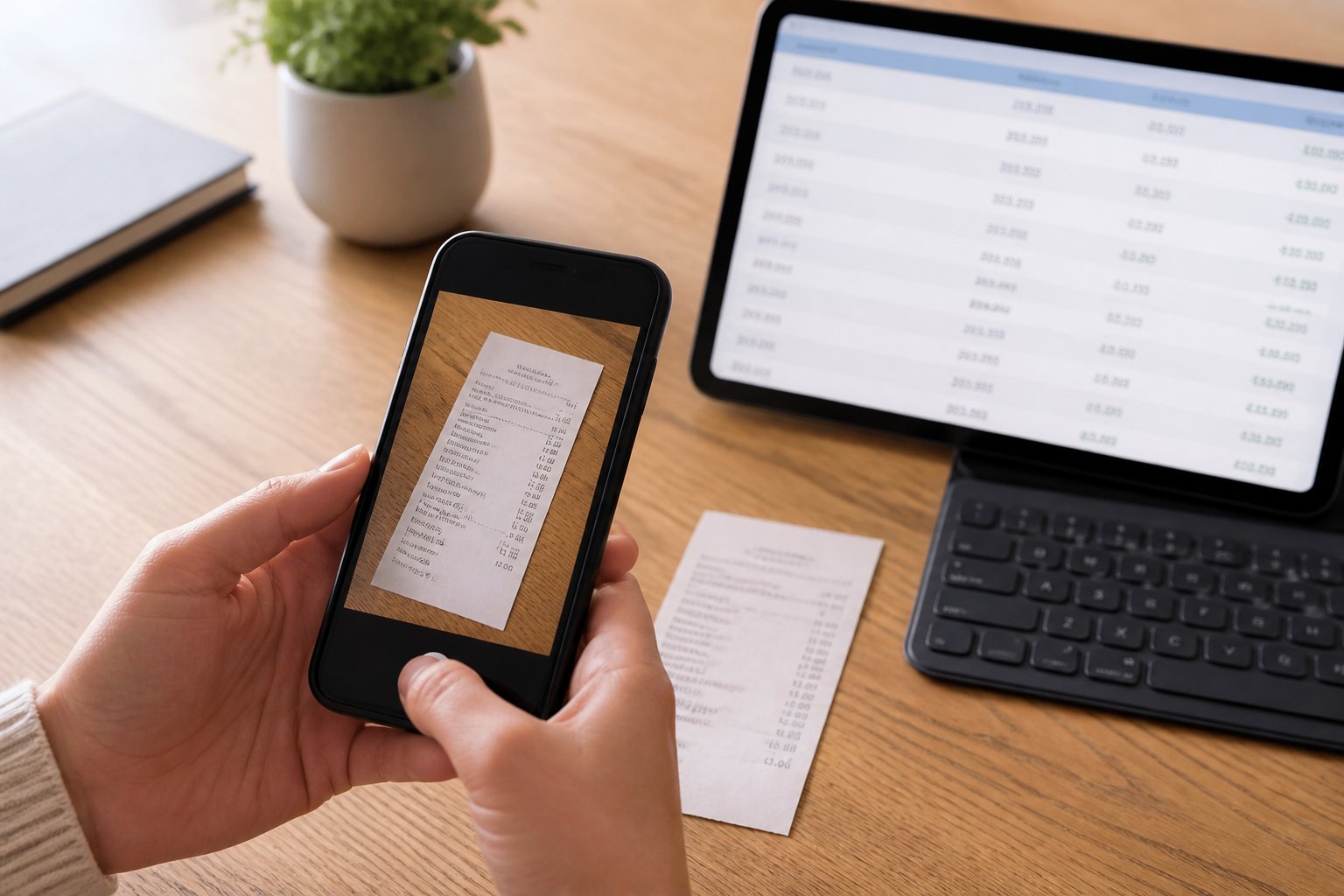
Modern receipt scanner apps use OCR technology and artificial intelligence to read receipt images, identify key data fields like prices and dates, and convert them into structured digital formats. Machine learning algorithms handle varied layouts and languages while apps with free trial periods let users test accuracy before committing.
Understanding How Receipt OCR and AI Work
Receipt OCR (Optical Character Recognition) converts printed or photographed text into machine-readable data. The technology scans receipt images, identifies characters, and extracts specific fields like merchant names, dates, prices, and receipt numbers.
AI-powered systems combine OCR with machine learning to recognize patterns across different receipt formats. Unlike basic template-based OCR that only works with standardized layouts, AI adapts to varied designs from different merchants. The system learns to identify where dates typically appear (usually near the top), where line items are listed, and where totals are calculated.
The extraction process follows specific steps. First, the camera or scanner captures the receipt image. Next, OCR digitizes the text. Then AI algorithms classify and extract relevant fields. Finally, the system structures the data into formats like JSON or CSV that can feed directly into budgeting apps or spreadsheets.
Image quality affects accuracy significantly. Good lighting, straight angles, and clear focus improve results. Many receipt scanner apps include automatic image enhancement features that correct shadows, adjust contrast, and straighten crooked photos.
Choosing the Right App for Accurate Data Extraction
Different apps specialize in specific aspects of receipt data extraction. Some prioritize speed while others focus on accuracy or integration capabilities. Key factors include field-level accuracy rates, supported file types, and export options.
Essential features to evaluate:
- Accuracy rates – Look for apps claiming 95% or higher accuracy on standard receipts
- Field extraction – Verify the app captures dates, prices, tax amounts, and line items
- File format support – Check compatibility with photos, PDFs, and email attachments
- Export options – Ensure data exports to Excel, CSV, or connects to accounting software
- Expense categorization – Some apps automatically classify purchases by type
Tools like Shoeboxed specialize in expense tracking with built-in categorization. Others focus purely on invoice data extraction for business accounting. Apps designed for personal budgeting typically emphasize simplicity and quick manual edits.
Free versions often limit monthly receipt volumes or restrict advanced features. Testing multiple apps during trial periods helps identify which interface and workflow suits specific needs.
Using Machine Learning for Multi-Language and Currency Support
Machine learning enables receipt scanner apps to process documents in multiple languages and currencies without manual configuration. These systems train on diverse datasets containing receipts from different countries and retailers.
The technology automatically detects language and adjusts text recognition accordingly. A receipt in Japanese uses different character recognition than one in German. Advanced models handle mixed-language receipts where product descriptions appear in one language while tax information uses another.
Currency detection works similarly. Machine learning algorithms identify currency symbols, abbreviations, and formatting conventions. The system distinguishes between $1,000.00 (US format) and 1.000,00€ (European format) based on context clues.
Date format recognition adapts to regional variations. The same numbers “05/06/2026” mean different dates depending on whether the receipt uses MM/DD/YYYY or DD/MM/YYYY conventions. AI analyzes surrounding text and merchant location data to determine the correct interpretation.
Recommended Tools and Free Trials
Several platforms offer robust receipt data extraction with trial periods for testing:
Doxis AI.dp provides €25 in free credits and specializes in financial document processing. The Financial Model handles receipts, invoices, and bank statements with customizable presets for specific data fields.
Shoeboxed offers a free trial focused on expense tracking and mileage logging. The app scans receipts via mobile camera and categorizes expenses automatically for tax preparation.
RauGen AI and Airparser both advertise high accuracy rates (99%+) for receipt scanning with schema-based extraction. Both support line-item capture and integrate with accounting platforms.
FactScan provides free receipt scanning without requiring extensive setup. Users upload photos or PDFs and receive structured data including totals, dates, vendor names, and individual items within seconds.
Most tools process receipts through mobile apps, web uploads, or email forwarding. Testing accuracy with actual receipts during trial periods reveals which system handles specific merchant formats and document quality levels most reliably.
Transferring Extracted Data into Digital Budgets and Notes
Once camera-based OCR extracts transaction amounts, dates, and merchant details from receipts, users need efficient methods to transfer this structured data into budgeting platforms, accounting systems, and note-taking applications. The transfer process determines whether extracted information becomes actionable financial records or remains disconnected data points.
Organizing and Storing Receipt Data Securely
Extracted receipt data requires systematic organization to support expense tracking and audit requirements. Most receipt scanning applications automatically categorize transactions by date, merchant, or expense type, creating searchable digital archives that replace physical filing systems.
Users should establish consistent naming conventions and folder structures within their storage system. Common organizational methods include sorting by month, project name, or expense category such as travel expenses, office supplies, or client meals. Cloud storage services like Google Drive, Dropbox, and OneDrive integrate with many receipt extraction tools to provide automatic backup and cross-device synchronization.
Security measures protect sensitive financial information during storage and transfer. Encrypted storage, password-protected folders, and two-factor authentication prevent unauthorized access to receipt data containing credit card details and business expenditures. Many platforms offer configurable retention policies that automatically archive or delete receipts after specified periods to comply with tax regulations while minimizing data exposure.
Exporting Data to Budgeting Tools and Accounting Software
Receipt extraction platforms generate structured outputs in formats like CSV, JSON, XML, and XLSX that connect directly to budgeting applications and accounting systems. Users can export extracted amounts, dates, tax information, and line items to tools including QuickBooks, Xero, Excel spreadsheets, and personal finance apps.
Common export destinations include:
- Spreadsheet applications (Excel, Google Sheets) for manual review and custom analysis
- Accounting platforms (QuickBooks, Xero, FreshBooks) for business expense reporting
- Personal budgeting apps (YNAB, Mint, PocketGuard) for household expense management
- Note-taking systems (Notion, Evernote, OneNote) for project-specific expense tracking
Many platforms support automated data transfers through API integrations or pre-built connectors that eliminate manual copying. These connections enable real-time synchronization where new receipts automatically create transactions in the connected system, reducing time savings and entry errors that affect expense reports accuracy.
Streamlining Expense Management for Individuals and Teams
Automated receipt data transfer transforms expense management workflows for both individual users and business teams. Personal users gain immediate visibility into spending patterns by routing extracted data into expense tracker applications that categorize purchases and monitor budget limits.
Business environments benefit from streamlined expense reporting processes that reduce reimbursement processing delays. Employees submit receipts through mobile apps, extraction occurs automatically, and expense reports populate with verified transaction details. Finance teams review and approve submissions faster when receipts include complete merchant information, itemized breakdowns, and policy-compliant documentation.
Team-based receipt management systems establish approval hierarchies and spending controls that prevent duplicate submissions and unauthorized expenses. Managers receive notifications when employee reimbursements await approval, while automated matching detects fraudulent claims by comparing extracted receipt data against credit card transactions. These controls deliver cost reduction through improved compliance monitoring and reduced administrative overhead in handling travel expenses and routine business purchases.
Maximizing Compliance and Tax Filing Benefits
Digital receipt scanning creates a reliable audit trail while streamlining tax preparation. Proper documentation of expenses through scanned receipts helps meet IRS requirements and reduces errors in tax filing.
Ensuring Accurate Expense Reports for Audits
The IRS accepts digital receipts as valid documentation when they clearly display the amount, date, vendor, and purpose of each expense. Scanning receipts immediately after purchase prevents lost documentation and ensures all required information remains legible.
Taxpayers should retain scanned receipts for at least three years from the filing date. Certain situations require longer retention periods, including seven years for loss claims and indefinite storage for major asset purchases or property improvements.
Digital expense tracking allows users to verify transaction details against bank statements and credit card records. This cross-referencing identifies discrepancies before they become issues during an audit.
Essential receipt information for compliance:
- Transaction date
- Vendor name and location
- Itemized amounts
- Payment method
- Business purpose (for deductible expenses)
Integrating Scans with Tax Filing Software
Receipt scanner apps with optical character recognition (OCR) technology extract key data automatically and transfer it to tax preparation platforms. This automation eliminates manual data entry errors that often occur when typing figures from paper receipts.
Many tax filing programs accept direct imports from scanning apps, matching extracted receipt data with appropriate tax categories. Users can tag receipts by expense type during scanning to simplify year-end tax preparation.
Cloud storage integration ensures scanned receipts remain accessible across devices. Tax professionals can access client receipts remotely, reducing delays in preparing returns and supporting documents.
Expense categorization during the scanning process organizes receipts into tax-relevant groups such as medical expenses, charitable donations, or business costs. This upfront organization saves hours during tax season.
Best Practices for Regulatory Compliance
A consistent scanning routine prevents missing receipts at tax time. Users should scan receipts within 24-48 hours of purchase, when paper is still crisp and ink hasn’t faded.
Backing up scanned receipts in multiple locations protects against data loss. Store one copy on a local hard drive and another in cloud storage to maintain redundancy.
Compliance checklist:
- Name files with dates and vendor names for easy searching
- Compress large PDF files before sharing with accountants
- Merge related receipts into single monthly or quarterly files
- Verify scan quality ensures all text is readable
- Delete duplicate scans to avoid confusion
Business owners should separate personal and business expense tracking from the start. Creating distinct folders or tags for business receipts simplifies Schedule C preparation and substantiates deductions.
Final Thoughts
Taking control of your paper clutter doesn’t have to feel like a second job. By turning your iPhone or Android camera into a smart receipt scanner, you bridge the gap between crumpled paper and organized digital budgets in a matter of seconds. Letting built-in OCR and AI pull out the dates, vendors, and totals automatically keeps your records clean and takes the friction out of tracking household expenses, business reimbursements, or tax deductions.
Ultimately, the best habit is an immediate one—taking a quick snapshot before that thermal receipt has a chance to fade or get lost. Setting up direct exports to Excel, Notion, or your favorite budgeting app ensures you always have a searchable, secure archive. With a little upfront consistency, you’ll never find yourself digging through pockets or shoe boxes at travel expense reporting or tax time again.