
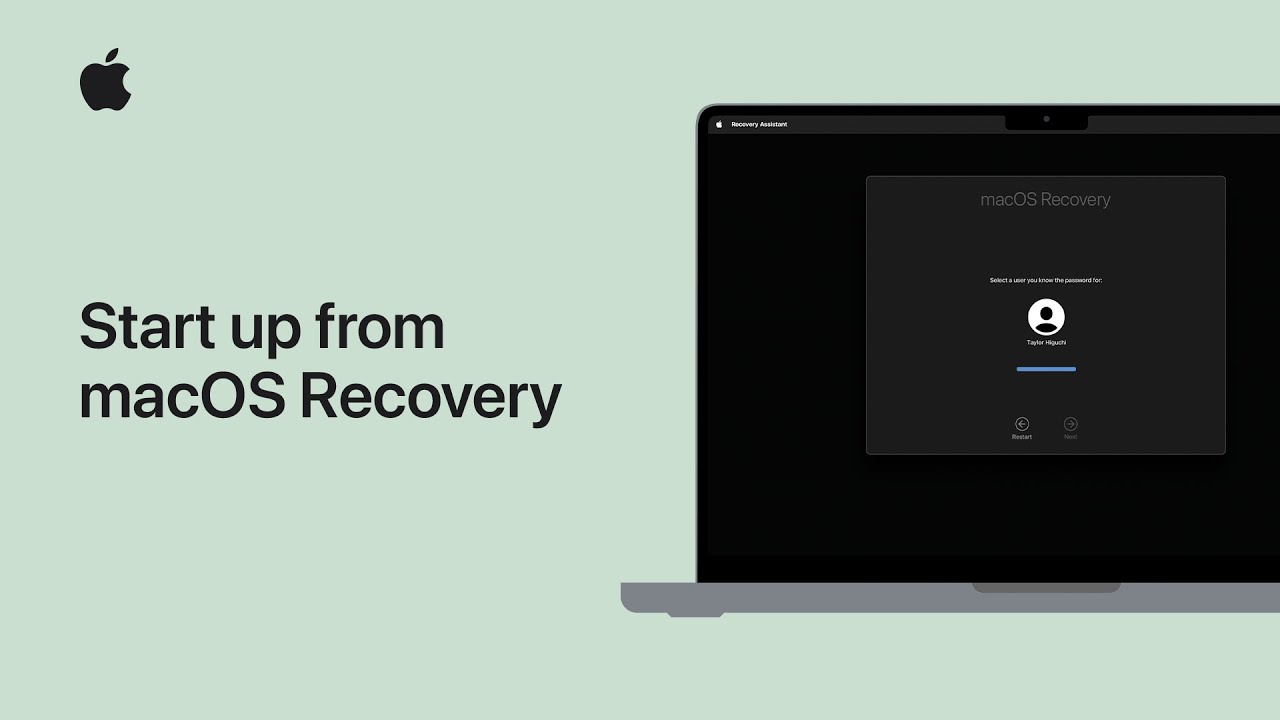
I’ll show you how to start up in macOS Recovery: first shut down your Mac. On Apple silicon Macs, press and hold the power button until startup options appear, then choose Options → Continue.
On Intel-based Macs, restart while holding Command‑R until Recovery starts.
In Recovery, open Disk Utility to repair or erase your startup disk, choose Reinstall macOS to reinstall the system, or pick Restore from Time Machine Backup to recover files.
If you don’t know your Mac type, try both methods safely.
When you’re done, restart normally. Keep it connected to power during updates always.
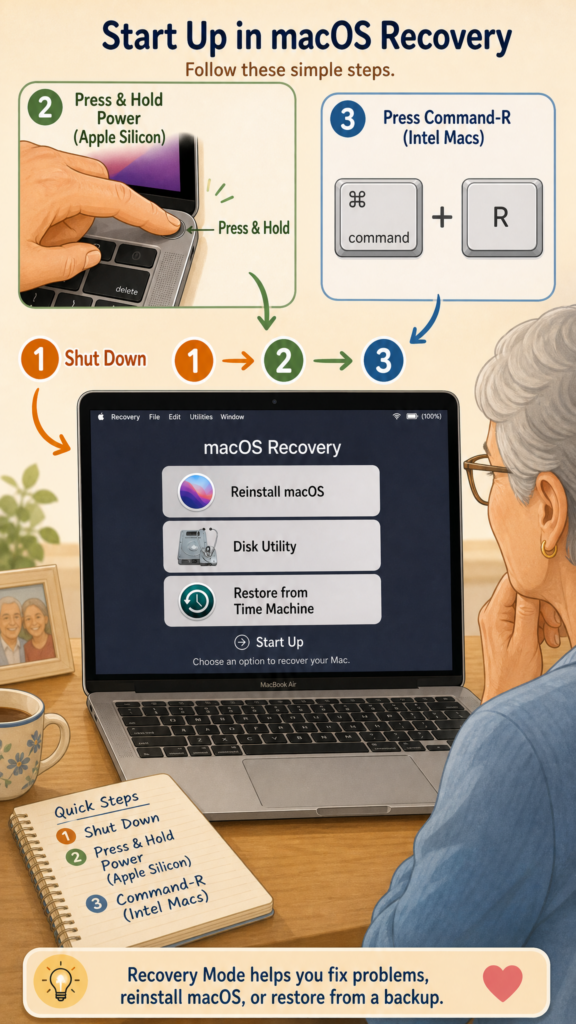
- Shut down your Mac, then use the Apple silicon or Intel method to enter macOS Recovery
- Apple silicon: press & hold power until Options → Continue appears
- Intel: restart and hold Command‑R during startup
- In Recovery use Disk Utility, Reinstall macOS, or Restore from Time Machine
- Restart when finished; stay plugged into power for long operations