
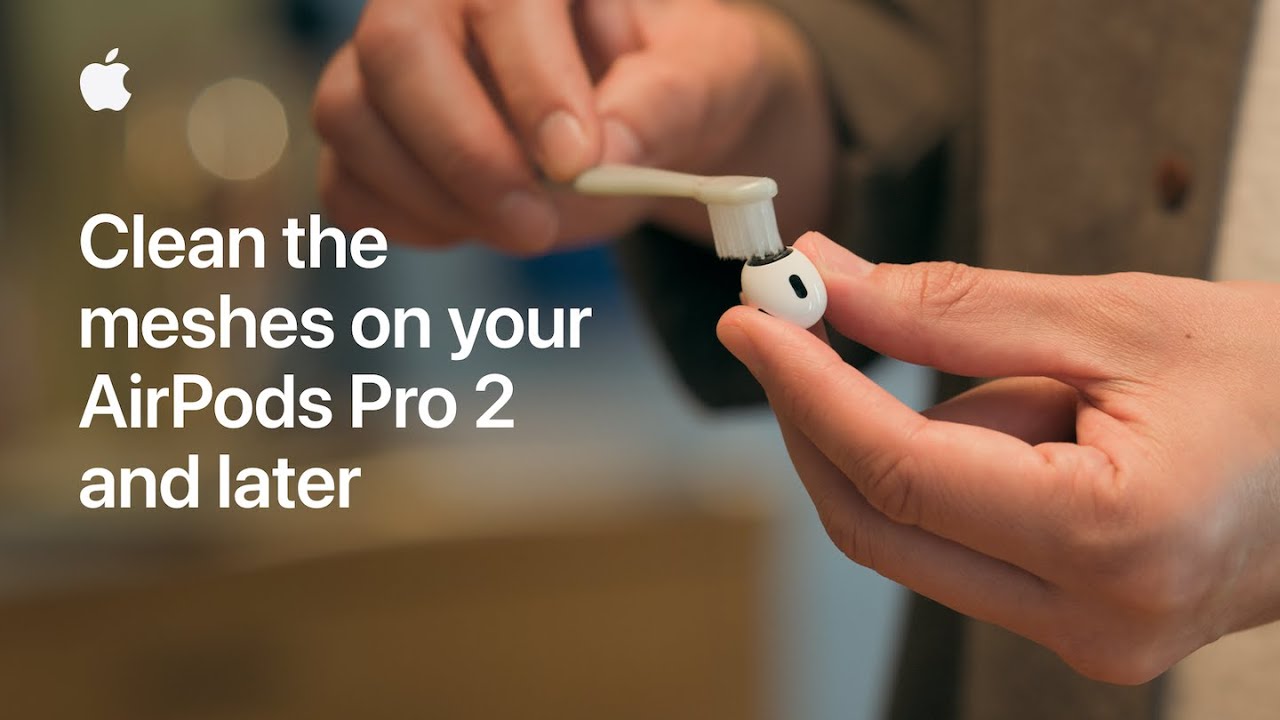
I clean the meshes on my AirPods Pro 2 (top and sides) or Pro 3 (top, sides, bottom) using micellar water and a soft-bristled children’s toothbrush.
First, I remove the ear tip and rinse it under running water (no soap). I pour micellar water into a cup, dip the brush, and brush each mesh in circles for 15 seconds, blotting on a paper towel, then repeat that cleaning three times.
Next I rinse the brush in distilled water, brush each mesh once with distilled water and blot, then let the AirPods air-dry for at least two hours before reattaching tips or using them.
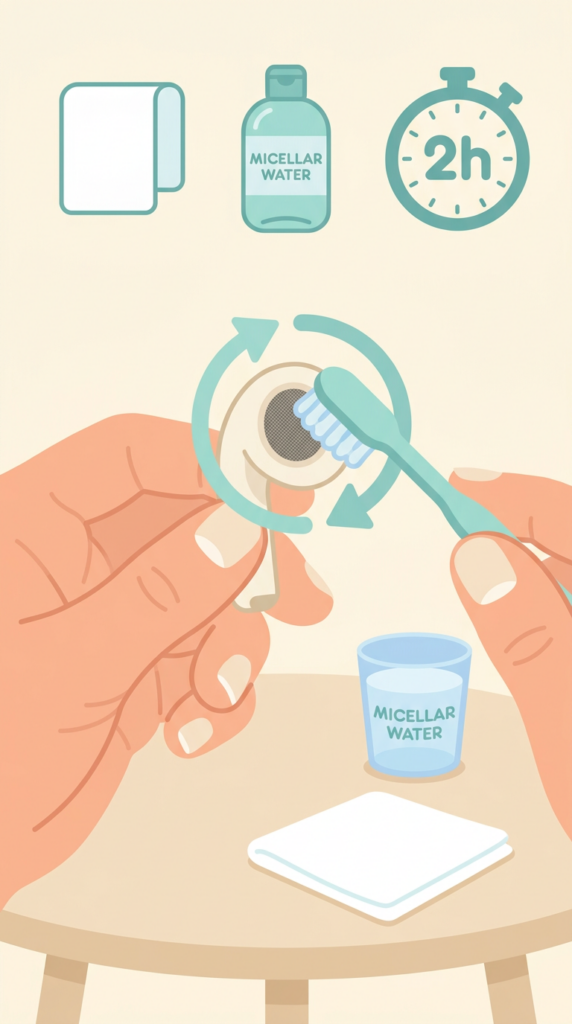
- Remove ear tip; rinse tip under running water (no soap).
- Dip soft-bristled brush in micellar water and brush each mesh 15 seconds.
- Blot mesh on paper towel; repeat micellar cleaning three times.
- Rinse brush in distilled water; brush each mesh once with distilled water and blot.
- Air-dry AirPods at least two hours before reattaching tips or using.