
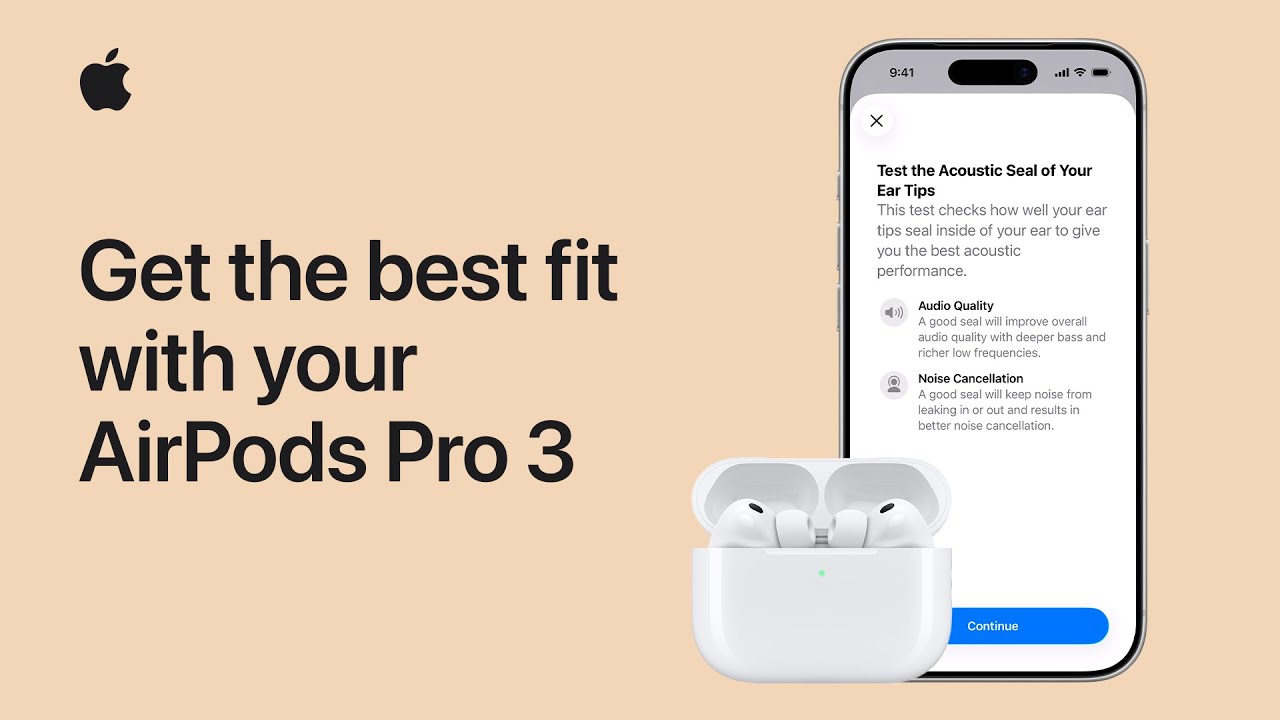
I fit my AirPods Pro 3 with the medium tips and point the heart sensors forward.
I press them into my ears and rotate the stems toward my face until the fit feels snug and sensors contact my skin.
If they’re loose or cause pressure, I try a different tip—grip the base to pull off (use a clean cloth or roll the edge inside-out for better grip) and attach the new tip until it clicks.
Then I run the Fit & Comfort acoustic seal test on my iPhone to confirm optimal sound and noise cancellation for best overall everyday performance.
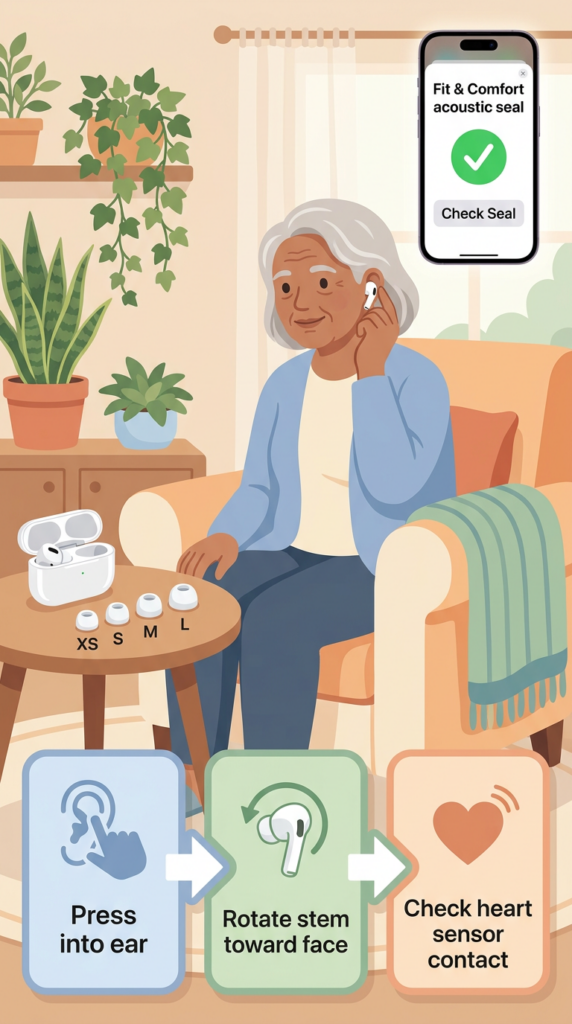
- Start with medium tips, sensors facing forward; insert and rotate stems for a snug fit.
- If fit is loose or uncomfortable, try a different tip size.
- Remove a tip by gripping the base (use cloth or roll edge inside-out if needed).
- Attach a tip by aligning and pushing until it clicks.
- Run the Fit & Comfort acoustic seal test on your iPhone to verify sound and noise cancellation.