

The iPhone’s Magnifier app goes far beyond simply zooming in on small text. Detection Mode uses on-device AI to provide real-time descriptions of people, doors, and objects, helping users with low vision navigate their surroundings independently. This accessibility feature transforms the iPhone’s camera into an intelligent assistant that can measure distances to nearby individuals, identify whether doors are open or closed, and even read signs and symbols.
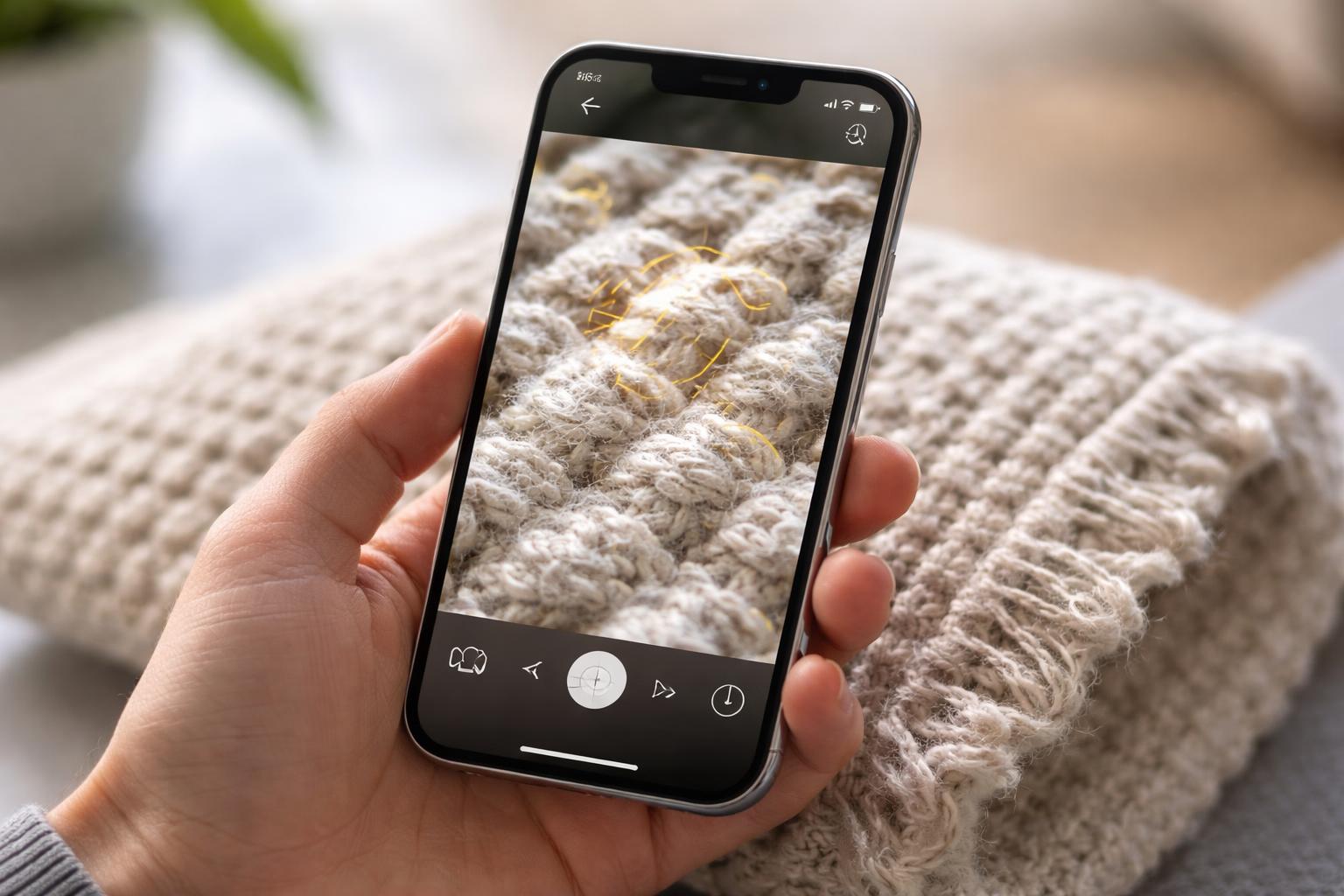
Available on iPhone 12 Pro and later Pro models, Detection Mode operates through specialized tools including People Detection, Door Detection, and Image Descriptions. The system delivers information through multiple feedback methods: voice readouts, visual displays, haptic vibrations, and audio tones. Users can customize these settings to match their preferences and needs.
This technology demonstrates how AI-powered accessibility features can provide practical assistance in everyday situations. From maintaining social distance to locating exits in unfamiliar buildings, Detection Mode offers users with visual impairments greater confidence and autonomy in their daily activities.
Table of Contents
Key Takeaways
- Detection Mode in the Magnifier app uses AI to identify and describe people, doors, and objects for users with low vision
- The feature provides distance measurements and environmental information through voice, visual, haptic, and audio feedback
- Detection Mode is available on iPhone 12 Pro and newer Pro models and can be customized to individual user preferences
Understanding How Detection Mode Works
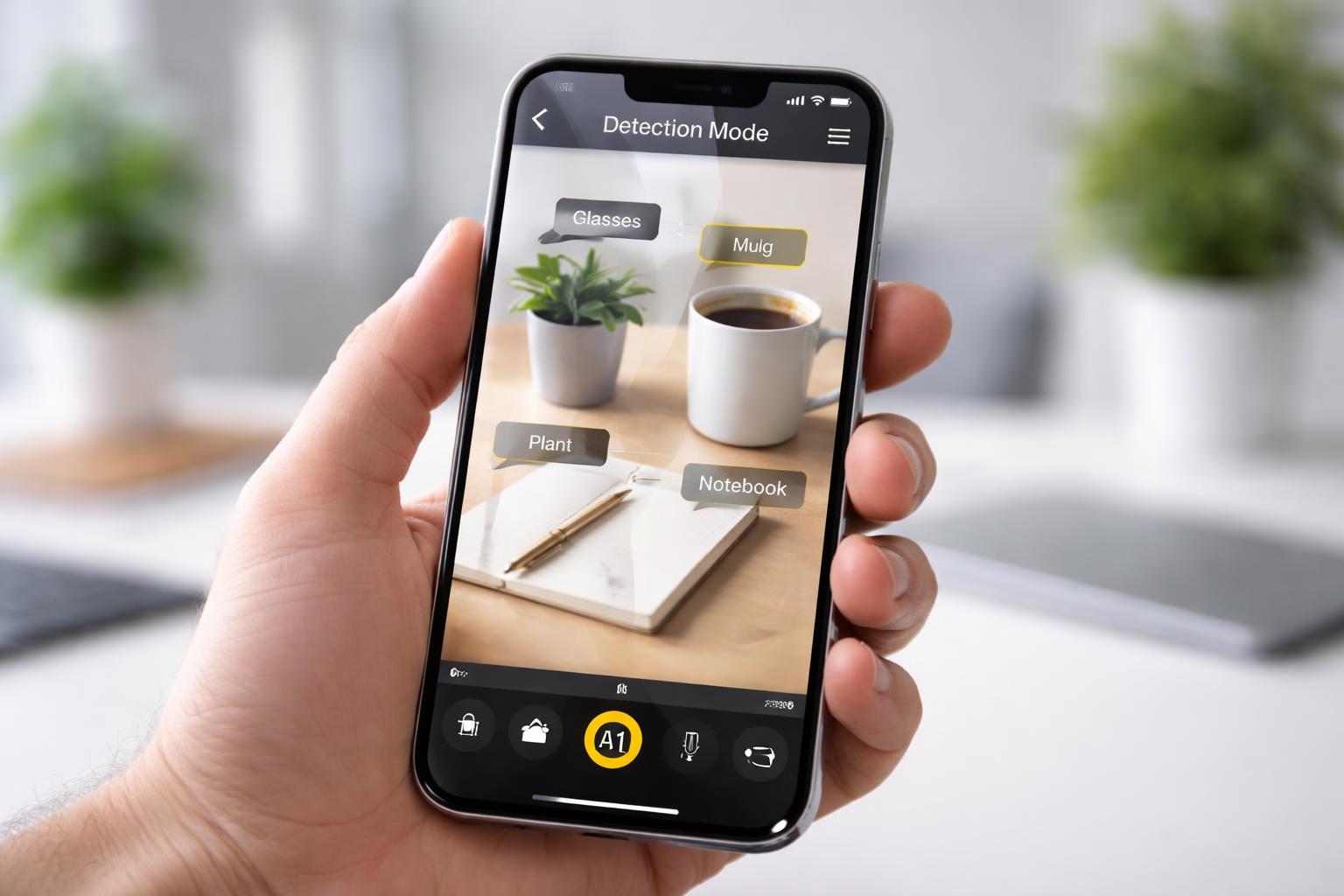
Detection Mode leverages the iPhone’s LiDAR scanner and neural engine to process visual information in real-time, providing spoken feedback about surroundings. The feature runs entirely on-device to protect user privacy while delivering immediate descriptions of people, doors, and objects.
AI and Machine Learning Capabilities in Magnifier
The Magnifier app uses the iPhone’s built-in neural engine to power Detection Mode’s AI capabilities. This specialized processor analyzes camera input combined with depth data from the LiDAR scanner to identify and describe objects in the environment.
The machine learning models recognize specific features like door handles, hinges, and frames to provide detailed door descriptions. For people detection, the AI calculates distance measurements and announces when someone enters or moves within the camera’s field of view. Image descriptions draw on trained models that identify text, symbols, and common objects.
These AI capabilities work together to deliver contextual information through audio feedback. The system processes visual data at high speed, allowing users to receive near-instantaneous updates as they navigate their surroundings.
Enabling Detection Mode on Compatible iPhones
Detection Mode requires specific iPhone models equipped with LiDAR technology. Compatible devices include the iPhone 12 Pro, iPhone 12 Pro Max, iPhone 13 Pro, iPhone 13 Pro Max, and newer Pro models released after these versions.
Users must first enable the Magnifier app in Settings > Accessibility > Magnifier. Once Magnifier is activated, opening the app reveals a Detection Mode button at the bottom of the screen. Tapping this button presents three options: People Detection, Door Detection, and Image Descriptions.
Each detection feature can be selected individually based on the user’s immediate needs. The interface provides simple controls to switch between modes or return to standard magnification functions.
Privacy and On-Device Processing
All Detection Mode processing occurs directly on the iPhone without sending data to external servers. The neural engine and LiDAR scanner work together locally, ensuring that visual information never leaves the device.
This on-device approach means detection features function without requiring an internet connection. Personal data remains private since no images or environmental details are transmitted, stored in the cloud, or shared with third parties. The AI models run independently on the phone’s hardware, maintaining both functionality and confidentiality for users with low vision who depend on these assistive features.
People and Door Detection Features
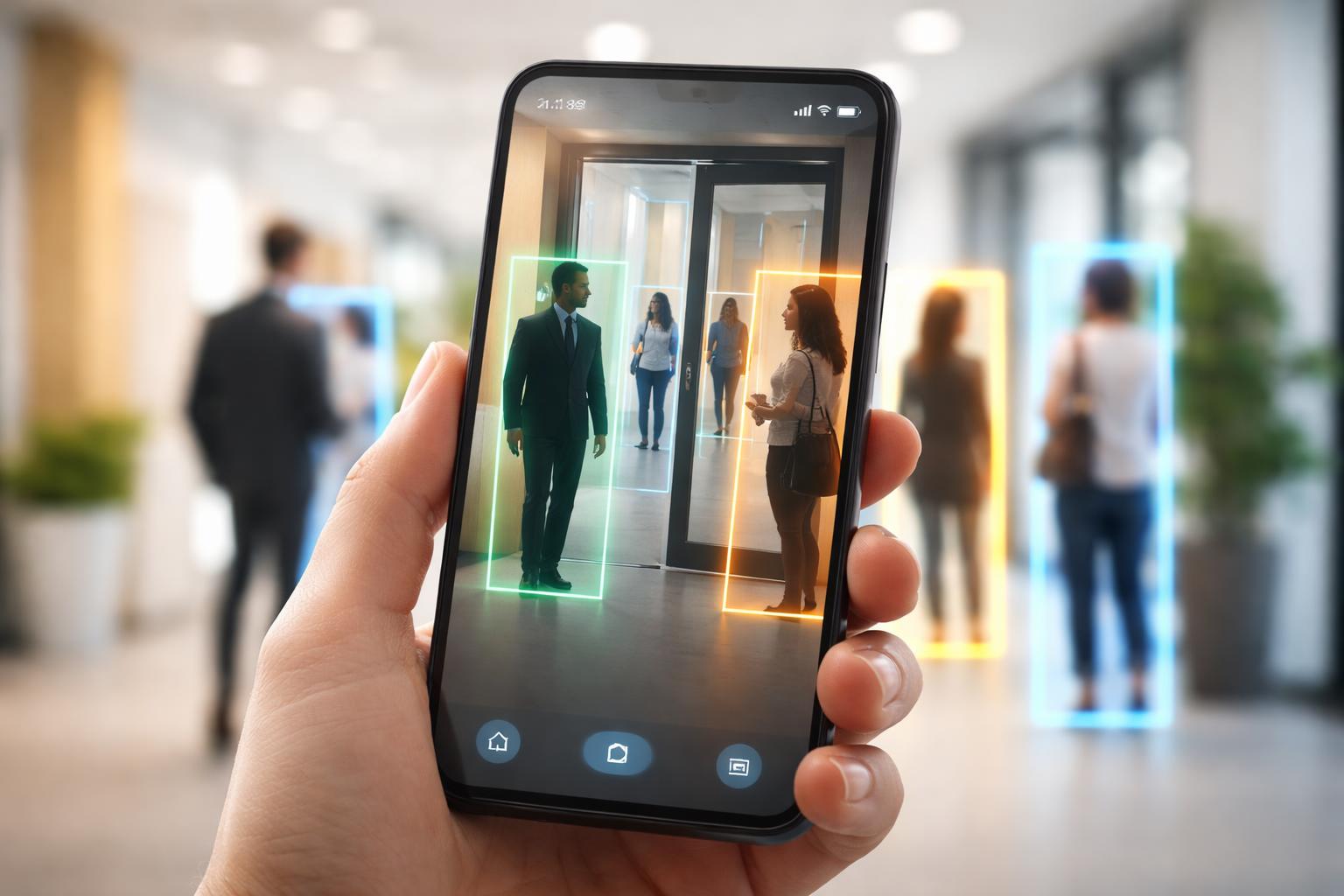
Detection Mode uses the iPhone’s LiDAR scanner to identify people and doors in real-time, providing spatial information and detailed descriptions through audio, haptic, and visual feedback. These features work exclusively on iPhone 12 Pro and later Pro models that include the necessary hardware.
How People Detection Assists in Navigation
People Detection measures the distance between the iPhone user and nearby individuals within the camera’s field of view. The feature announces the distance in feet or meters as the user moves through a space, helping them maintain appropriate spacing and avoid collisions.
The system provides continuous updates as distances change, making it practical for navigating crowded environments. Users receive alerts when someone enters their proximity, with the iPhone calling out measurements like “person six feet away” or “person three feet to the left.”
This functionality operates entirely on-device, processing the spatial data locally without sending images to external servers. The real-time feedback helps users build mental maps of their surroundings and move through public spaces with greater confidence.
Door Detection and Environmental Awareness
Door Detection identifies doors within the camera frame and provides comprehensive information about their characteristics. The feature describes door type (single, double, automatic), position (open, closed, partially open), and location relative to the user’s position.
Beyond basic identification, the system reads visible text near doors, including room numbers, directional signs, and accessibility symbols. It analyzes door hardware and provides guidance on opening mechanisms, such as identifying handles, knobs, or push bars.
The feature announces the distance to detected doors and guides users toward them through directional audio cues. This allows users to locate building entrances, navigate office corridors, and identify exits without requiring visual confirmation of door locations.
Customizing Feedback: Sounds, Speech, and Haptics
Detection Mode offers three feedback types that users can enable individually or in combination. Speech announcements provide verbal descriptions of detected objects and distances. Haptic feedback delivers tactile pulses that vary in intensity based on proximity to detected objects.
Sound effects supplement the other feedback methods with audible tones. Users access these settings within the Magnifier app’s Detection Mode interface, toggling each option based on their preferences and environment.
The customization allows users to adapt the feature to different situations—using only haptics in quiet spaces, relying on speech when wearing headphones, or combining all three for maximum awareness in complex environments.
Describing Objects and Enhancing Daily Life
Detection Mode in the Magnifier app transforms the iPhone into an intelligent visual assistant that identifies and describes physical objects, signs, and environmental features in real-time. This functionality helps users with low vision navigate spaces independently and interact with their surroundings more confidently.
Identifying Objects and Reading Signs
Detection Mode uses artificial intelligence to analyze the iPhone’s camera feed and generate descriptions of items within view. Users point their device at an object, and the app processes visual information to identify what it’s detecting.
The feature recognizes common household items, consumer products, and personal belongings. When aimed at signs, Detection Mode reads text aloud and describes the sign’s appearance, including color and placement. This capability extends to labels on packages, buttons on appliances, and informational plaques in public spaces.
The technology works in various lighting conditions and at different distances. Users receive audio feedback through VoiceOver or visual descriptions on screen, depending on their preferences and settings.
Examples of Object and Environmental Descriptions
Detection Mode provides detailed information about doors, including whether they’re open or closed, their color, and the presence of handles or push plates. The app describes the type of door—such as glass, wood, or metal—and notes any visible signage.
For furniture and room layouts, the system identifies chairs, tables, and other common items. It notes their approximate position relative to the user. Street signs receive particular attention, with the app reading street names and describing directional indicators.
Product packaging descriptions include brand names, product types, and notable visual features. The Magnifier app can distinguish between similar items on a shelf by describing packaging colors and logos.
Practical Uses for Users With Low Vision
The Detection Mode feature assists with daily tasks like locating specific doors in office buildings or medical facilities. Users navigate unfamiliar environments by receiving descriptions of their surroundings, helping them avoid obstacles and find destinations.
Shopping becomes more manageable as the app identifies products and reads labels. Users can distinguish between similar-looking containers in their pantry or select the correct item from a store shelf. The technology also helps with mail sorting by describing envelopes and package labels.
In professional settings, Detection Mode supports workplace navigation and document identification. Users can locate conference rooms, read door plaques, and identify office supplies. The feature operates hands-free when needed, allowing users to maintain mobility while receiving environmental information.
Final Thoughts
The Magnifier app is a perfect example of how AI can move beyond being a “tech novelty” and become a life-changing tool for independence. By turning your iPhone into a set of digital eyes, Detection Mode offers a level of confidence and safety that was once impossible without dedicated, expensive equipment. Whether it’s finding a doorway in a busy hallway or simply knowing how far away a person is standing, these AI-driven insights provide a much-needed layer of clarity to the world.
What makes this tool even more impressive is how it respects your privacy by keeping all the processing right on your device. It’s a powerful, secure, and user-friendly way to stay connected to your surroundings. As you become more familiar with customizing the sounds and vibrations that work for you, you’ll find that the Magnifier app isn’t just a magnifying glass—it’s a gateway to navigating your daily life with greater ease and self-reliance.