
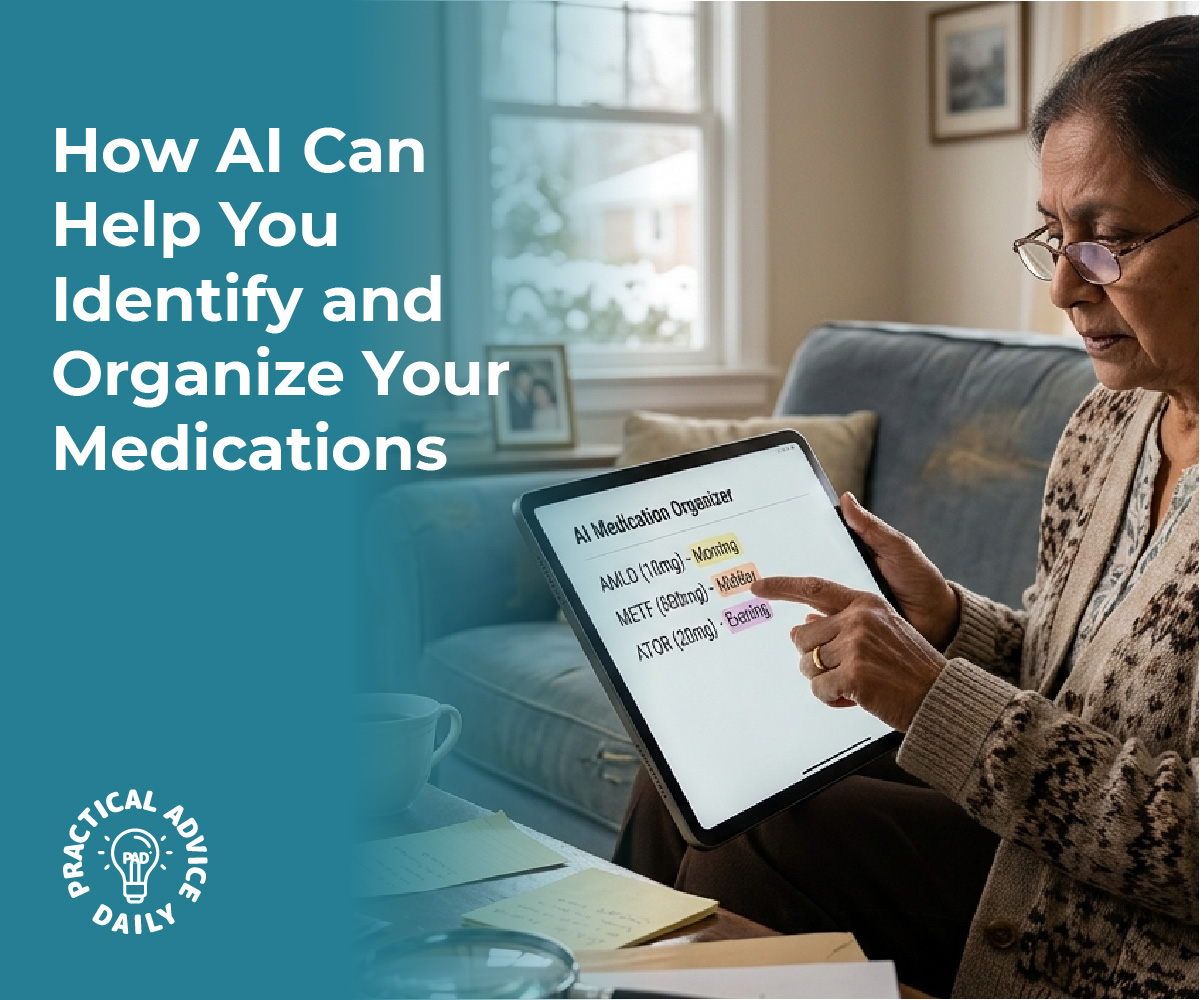
Managing multiple medications can be challenging, especially when trying to keep track of different pills, dosages, and schedules. The iPhone’s camera combined with AI capabilities can now identify pills by their physical characteristics and scan prescription labels to automatically create medication reminders in the Health app. This technology removes much of the manual work involved in medication management.
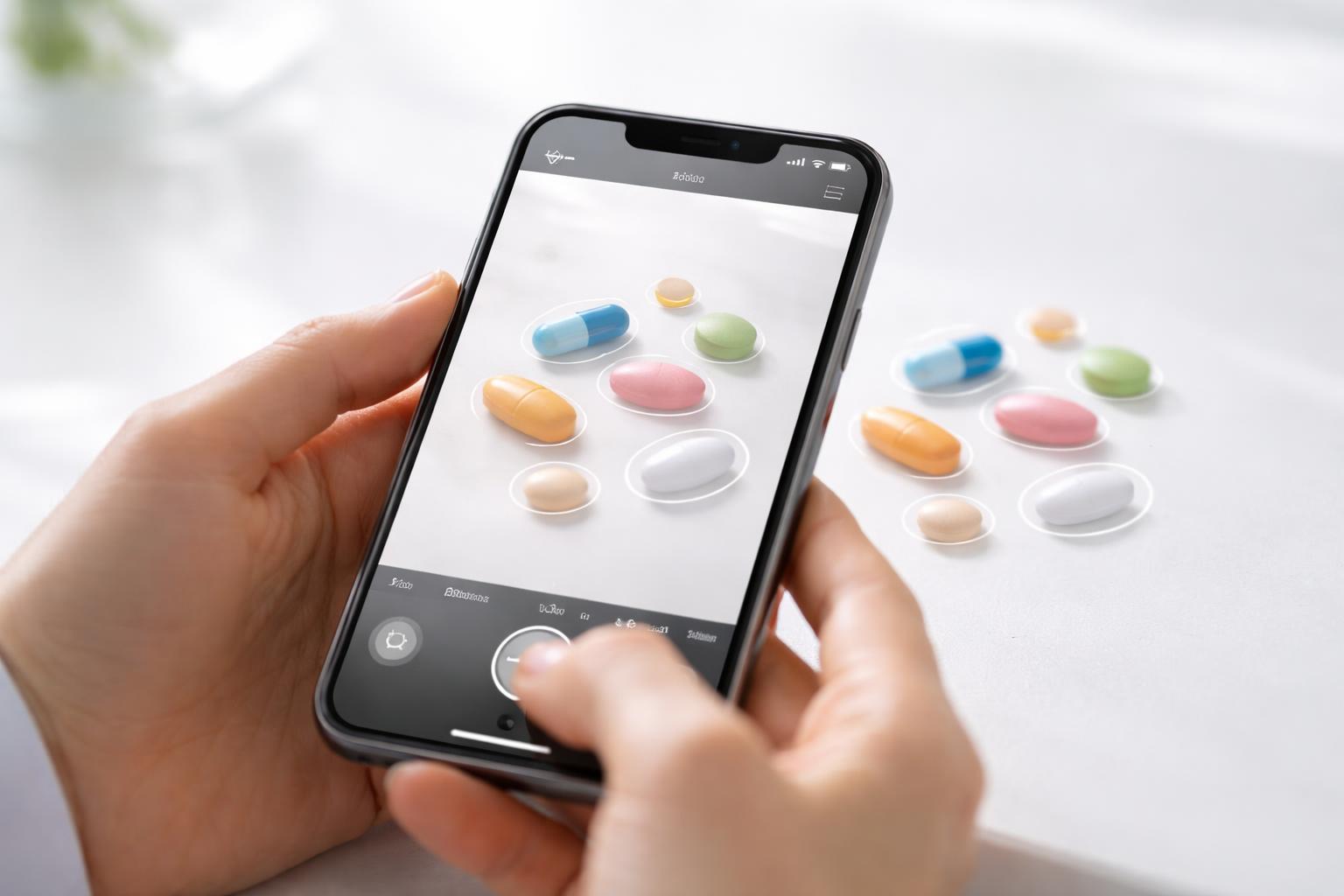
The process uses the iPhone’s camera to capture images of pills or prescription bottle labels. The AI analyzes visual features like shape, color, and imprints on pills, or reads text and barcodes on labels to identify medications. Once identified, the system can pull up drug information and create structured reminder schedules.
This functionality connects with Apple’s Health app to centralize medication tracking alongside other health data. Users can receive notifications for each dose, log when they take medications, and maintain a comprehensive record of their prescriptions.
Table of Contents
Key Takeaways
- The iPhone camera uses AI to identify pills through visual recognition and scan prescription labels for automatic setup
- Medication reminders are created directly in the Health app after scanning, eliminating manual entry
- The system integrates with broader health data to provide a unified view of medication adherence and health metrics
Camera-Based Pill Identification
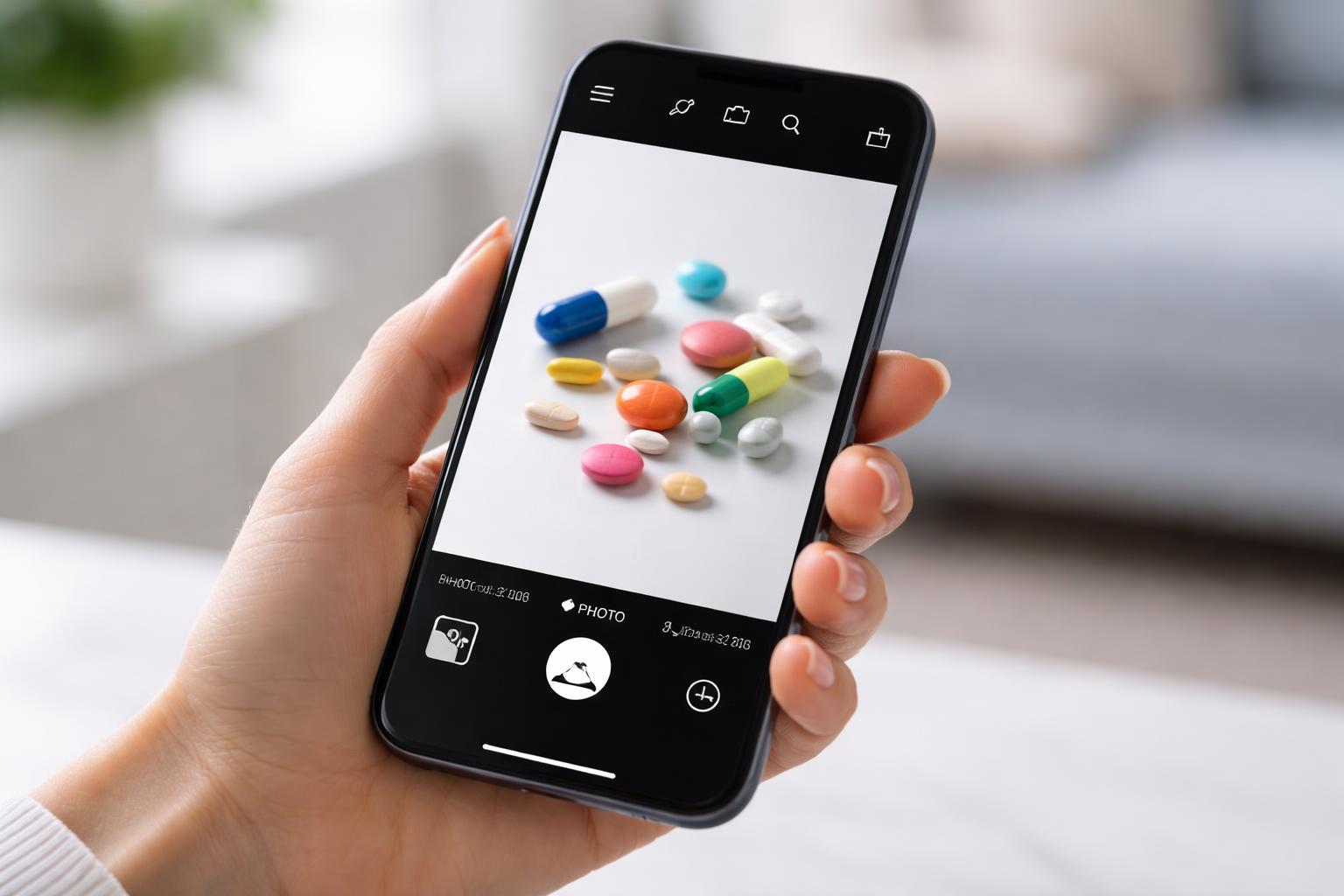
The iPhone camera can analyze physical characteristics of medications to identify them, while image processing raises questions about data handling and recognition accuracy. These visual identification methods work alongside label scanning to create a comprehensive medication management system.
Detecting Pill Shape and Color with AI
The iPhone’s camera system captures images of pills and uses machine learning algorithms to analyze distinctive features. The AI examines shape characteristics including round, oval, capsule, or scored tablets. Color detection identifies single-color medications as well as pills with multiple colors or color bands.
The system compares captured images against extensive pill databases that contain thousands of medication entries. Each database entry includes shape profiles, color specifications, and dimensional data. The AI assigns confidence scores to potential matches based on how closely the photographed pill aligns with database entries.
Users photograph pills against contrasting backgrounds to improve recognition accuracy. The camera app may request multiple angles to capture imprints, scores, or other identifying marks. Processing occurs either on-device or through cloud-based services depending on the implementation.
Accuracy and Limitations of Visual Recognition
Visual pill identification achieves varying accuracy rates depending on medication characteristics. Pills with distinctive shapes, unusual colors, or clear imprints produce more reliable matches than generic white round tablets.
Several factors reduce recognition accuracy:
- Lighting conditions affect color perception and image quality
- Generic medications often share identical appearances across manufacturers
- Damaged or aged pills may have faded colors or worn imprints
- Similar-looking medications can create false positive matches
The technology works best as a verification tool rather than a sole identification method. Users should confirm results by checking imprinted codes against official pill identifier databases. Pharmacist consultation remains necessary when visual identification produces uncertain results.
The system may struggle with unmarked supplements, compounded medications, or pills from international markets not included in U.S. databases.
Privacy Considerations in Image Processing
Pill images can reveal sensitive health information about specific medical conditions or treatments. Apps that process images locally on the iPhone keep data within the device, reducing privacy risks. Cloud-based processing transmits images to external servers where they undergo analysis.
Users should review app privacy policies to understand data retention practices. Some services delete images immediately after processing while others store them for quality improvement or regulatory compliance. Apps may anonymize image data by removing metadata before storage.
HIPAA regulations do not typically cover consumer health apps unless they connect directly to healthcare providers. Users bear responsibility for understanding how their medication images are handled, stored, and potentially shared with third parties.
Scanning Prescription Labels with the iPhone
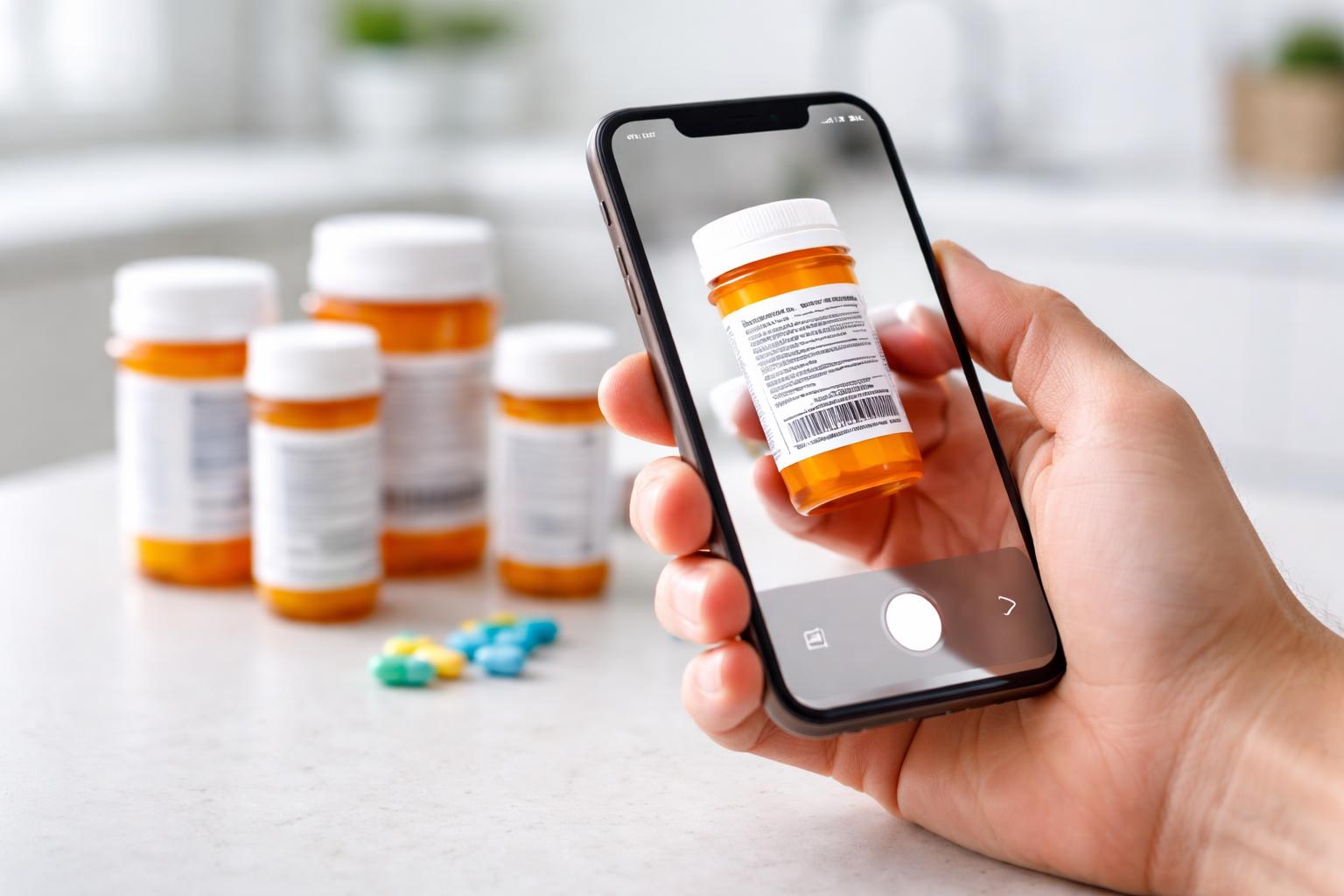
The iPhone camera can capture prescription label information and automatically extract medication names, dosages, and refill schedules. This technology relies on optical character recognition to convert label text into structured data that integrates with the Health app.
Extracting Medication Details from Labels
When a user points their iPhone camera at a prescription bottle label, the system identifies key fields including medication name, strength, dosage instructions, prescribing doctor, and pharmacy information. The Health app organizes this data into individual medication entries with dedicated fields for each component.
The extraction process recognizes common label formats used by major pharmacy chains like CVS, Walgreens, and Rite Aid. Standard elements such as NDC codes, prescription numbers, and refill dates are automatically parsed and stored.
Users can review extracted information before saving it to confirm accuracy. The system highlights detected fields on screen, allowing quick verification of drug names and dosages.
OCR Technology and Its Role in Automation
Optical character recognition converts printed text on prescription labels into machine-readable data. The iPhone’s Neural Engine processes images in real-time to identify text regions and interpret characters with high accuracy.
Apple’s Vision framework handles text detection and recognition tasks. This built-in capability works offline, processing label data directly on the device without sending images to external servers.
Key OCR capabilities include:
- Real-time text detection in camera viewfinder
- Recognition of various fonts and label layouts
- Extraction of dates in multiple formats
- Identification of numerical dosage information
The technology compensates for common challenges like curved bottle surfaces, reflective label materials, and varying lighting conditions.
Handling Multi-Medication Prescriptions
Users managing multiple medications can scan several prescription labels in succession. The Health app creates separate entries for each medication while maintaining linked records for the same prescription across refills.
The system detects when a newly scanned label matches an existing medication entry. It prompts users to update the current record or create a new entry for different strengths or formulations.
Medication interactions and scheduling conflicts are flagged when multiple prescriptions are active simultaneously. The app cross-references drug databases to identify potential issues between medications taken by the same individual.
Setting Up Automated Reminders in the Health App
Once the iPhone identifies a medication through camera scanning, the Health app transforms that information into actionable reminders with specific dosages and schedules. The process involves syncing the scanned data, configuring notification timing, and maintaining accurate records as prescriptions change.
Syncing Identified Medications to the Health App
After the camera identifies a pill or scans a medication label, the user taps the “Add to Health” button to transfer the data. The app automatically populates fields including medication name, strength, form (tablet, capsule, liquid), and any recognized dosing instructions from the label.
The system cross-references the scanned information with its medication database to verify accuracy. Users review the pre-filled details on a confirmation screen before finalizing the entry. The app requests permission to access the Health app if not previously granted.
Key data transferred includes:
- Medication name and active ingredients
- Dosage strength and form
- Prescribing information (if visible on label)
- Visual reference photo of the pill
Customizing Dose and Schedule Notifications
The Health app presents scheduling options immediately after syncing a medication. Users select frequency patterns such as once daily, twice daily, three times daily, or custom intervals. Specific times are set by tapping time slots and adjusting with the scroll wheel interface.
The app allows dose-specific notifications that display the exact amount to take. Users input whether to take the medication with food, water, or other special instructions. These details appear in the notification banner when the reminder triggers.
Notification customization options:
- Sound selection (tone, vibration, or silent)
- Reminder advance time (5, 10, 15, or 30 minutes)
- Snooze duration settings
- Lock screen display preferences
Managing Updates and Modifications
Users access their medication list through the Health app’s Browse tab under Medications. Tapping any entry opens the detail view where schedule adjustments, dosage changes, or deletions occur. The edit function allows modification of all parameters without rescanning.
When a prescription changes, users can rescan the new label to update information automatically. The app maintains a history log showing when medications were added, modified, or discontinued. Pausing reminders temporarily is possible without deleting the medication entry, useful for PRN (as-needed) medications or travel situations.
Integration with Broader Digital Health Ecosystems
Pill identification and reminder features become more valuable when they connect with existing health platforms and allow controlled data exchange between medical providers, pharmacies, and personal wellness tools.
Cross-App Data Sharing and Permissions
The Health app stores medication data in a standardized format that can sync with electronic health records (EHR) systems used by hospitals and clinics. Patients can grant permission for their healthcare providers to view their medication adherence patterns and prescription schedules directly from the Health app.
Apple’s HealthKit framework enables secure data transfer between authorized applications while maintaining user control over what information gets shared. Users select specific data categories to share with each app or provider. The system requires explicit consent before any medication information leaves the device.
Pharmacies that integrate with the Health app can automatically update prescription refill dates and send notifications when medications are ready for pickup. Some insurance providers access this data with user permission to monitor adherence for chronic condition management programs.
Potential for Integration with Third-Party Wellness Apps
Medication tracking data can feed into fitness and nutrition applications to provide a complete health picture. Apps focused on chronic disease management for conditions like diabetes or hypertension can incorporate pill identification data to cross-reference medications with blood glucose readings or blood pressure measurements.
Mental health applications benefit from accessing medication schedules to correlate mood patterns with prescription adherence. Telehealth platforms can retrieve this information during virtual consultations, allowing doctors to review what medications patients are actually taking versus what was prescribed.
The data becomes particularly useful for apps that track drug interactions or side effects. When users scan a new prescription, these integrated tools can automatically flag potential conflicts with current medications or supplements already logged in the Health app.
Final Thoughts
Managing medications becomes much simpler when technology works for you instead of adding more steps. With the iPhone’s camera and AI working together, identifying pills and setting up reminders can be done quickly and with less confusion. Instead of manually typing in medication details or trying to remember schedules, you can rely on visual scanning and smart automation to handle the process.
This not only saves time but also helps reduce mistakes, especially when dealing with multiple prescriptions. By connecting everything to the Health app, your medication schedule becomes part of a bigger, organized view of your health. As these tools continue to improve, they offer a safer, more reliable way to stay consistent with your daily medications and overall wellness.