
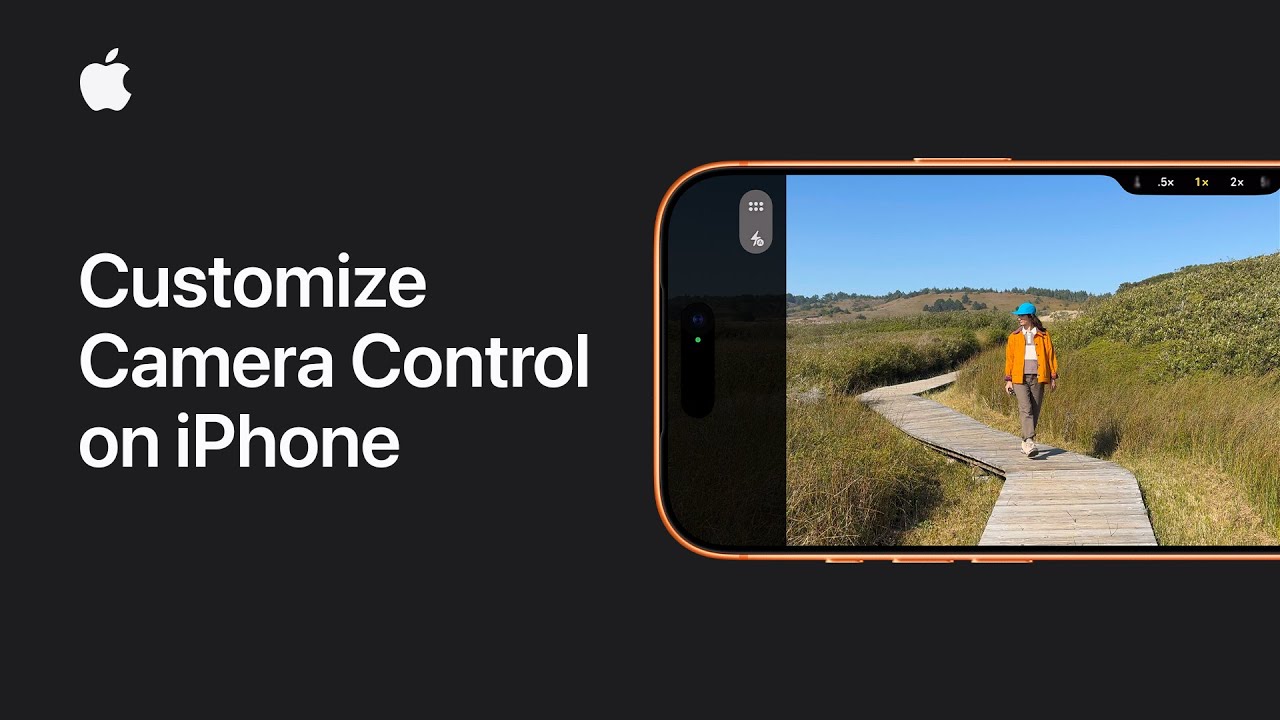
To customize Camera Control on your iPhone, start by opening Settings, scrolling down to Camera, and tapping Camera Control. Choose whether you want the Camera app to open with a single click or a double click.
Next, turn on Camera Adjustments if you want quick access to settings like Zoom and Depth. Then tap Customize to decide how you want to open the settings overlay, using a light press, a swipe, or both.
You can also rearrange or hide menu items in the overlay to suit your needs. Once finished, press the Camera Control button on your iPhone and try out your personalized camera setup.
- Open Settings, go to Camera, then tap Camera Control.
- Choose whether the Camera app opens with a single click or double click.
- Turn on Camera Adjustments to access settings like Zoom and Depth quickly.
- Tap Customize to change gestures, rearrange options, or hide menu items.
- Press the Camera Control button to open the Camera app and try your new setup.