
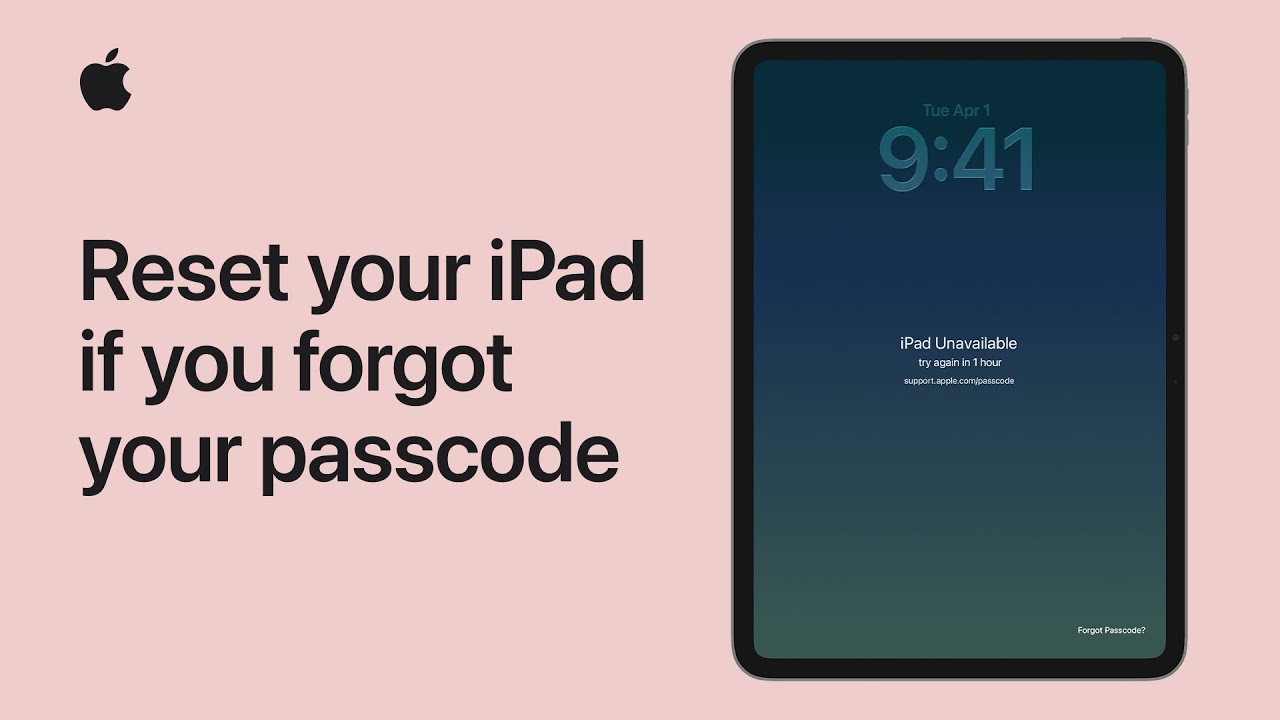
If you forgot your iPad passcode, start by preparing a computer, cable, and your Apple Account details. First, try tapping “Forgot Passcode?” on the screen to reset it quickly using the internet.
If that doesn’t work, turn off your iPad and connect it to your computer. For newer models, press the volume buttons and hold the top button; for older ones, hold the Home and top buttons to enter recovery mode.
Once the recovery screen appears, open Finder, iTunes, or the Apple Devices app and choose Restore.
After installation completes, set up your iPad again or restore from a backup.

- Prepare a computer, cable, and your Apple Account details before starting.
- Try tapping “Forgot Passcode?” on the iPad to reset it quickly using the internet.
- If needed, turn off the iPad and enter recovery mode using button combinations.
- Connect to a computer, open Finder, iTunes, or Apple Devices, then select Restore.
- After the process finishes, set up your iPad again or restore from a backup.