
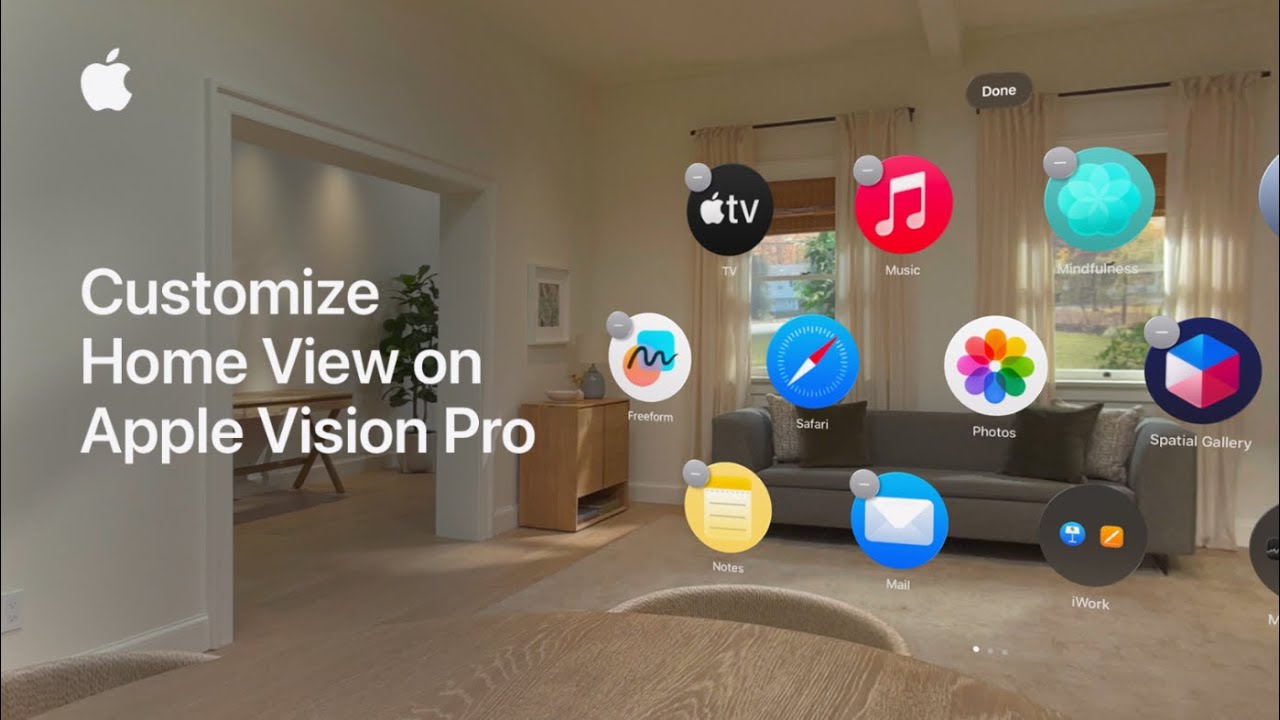
I customize Home View on my Apple Vision Pro (visionOS 26) by opening Home View — press the Digital Crown or use the gesture: look at my hand with the palm facing me and tap my fingers together.
To rearrange, I look at an app, pinch and hold my thumb and finger until the icons jiggle, then drag an app onto another to create a folder.
I can mix visionOS and compatible iPhone/iPad apps in the same folder.
The folder is named automatically; I open it, tap the name to edit, and rename using the virtual keyboard, Magic Keyboard, or dictation.
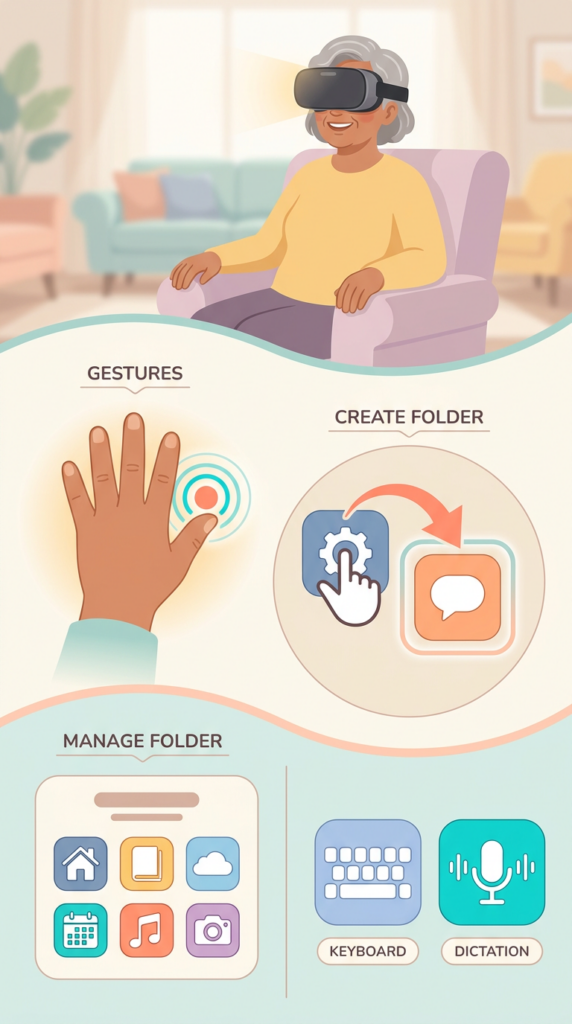
- Open Home View: press the Digital Crown or use the hand gesture (palm facing you, tap fingers together).
- Enter edit mode: look at an app, pinch and hold until icons jiggle.
- Create a folder: pinch and drag one app onto another.
- Mix apps: include visionOS apps and compatible iPhone/iPad apps together.
- Rename folder: open it, tap the name, and use the virtual keyboard, Magic Keyboard, or dictation.