
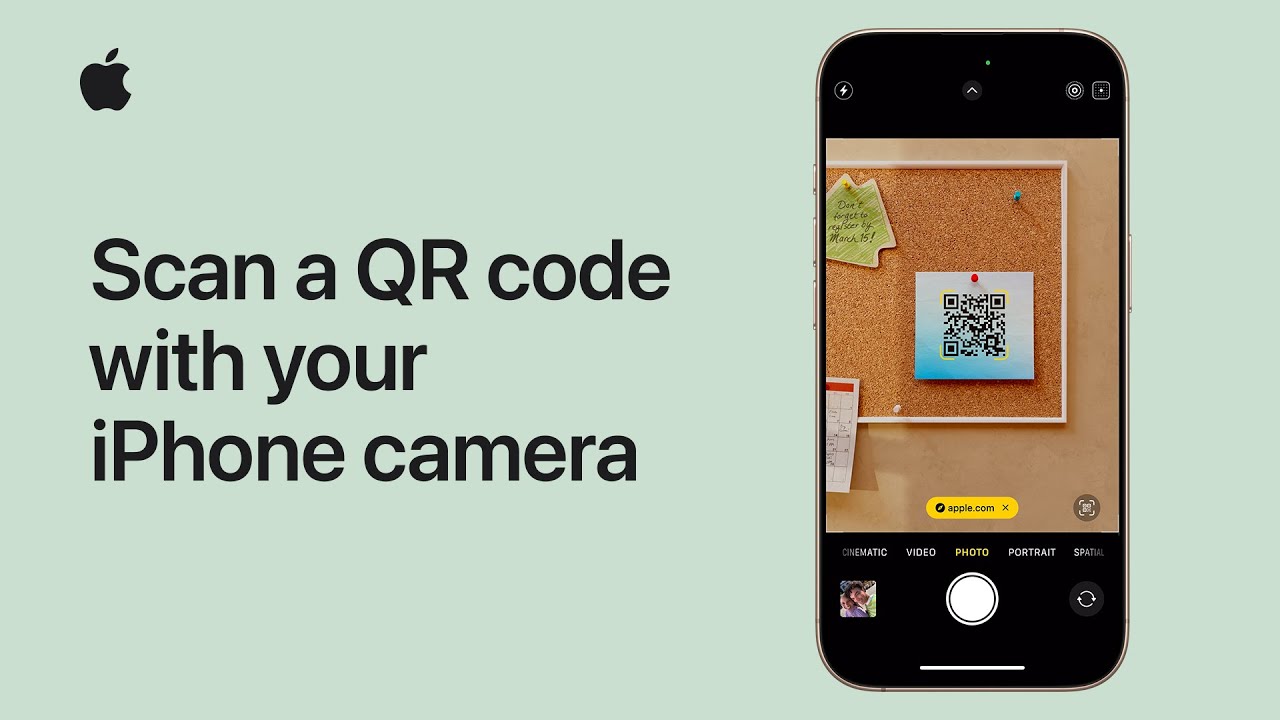
I’ll show you how to scan a QR code with your iPhone or iPad. First, open the Camera app from the Home Screen, Control Center, Lock Screen, or Camera Control on supported models.
Position the QR code inside the frame until a link appears at the bottom, then tap it to open.
To use Code Scanner, open Control Center, tap the Scan Code control, and hold your device steady with the code in frame—Code Scanner will automatically detect and read it.
That’s all: choose Camera or Code Scanner depending on your preference and follow on‑screen prompts for quick, easy access.
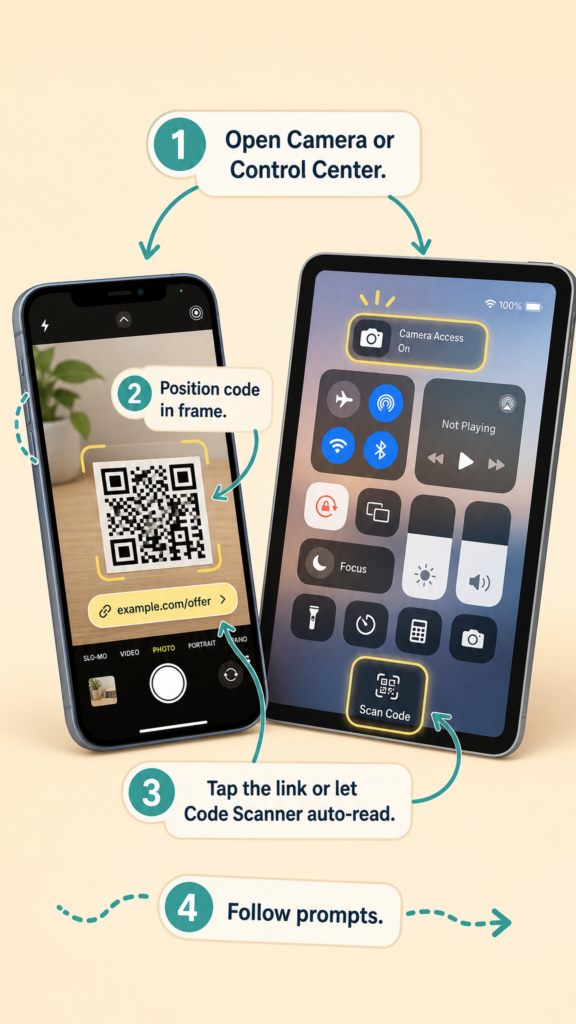
- Open Camera from Home Screen, Control Center, Lock Screen, or Camera Control.
- Point the camera so the QR code fills the frame and wait for the link to appear.
- Tap the on‑screen link to open the content.
- Or open Control Center and use the Code Scanner control to auto-detect and read codes.
- Use whichever method you prefer and follow on‑screen prompts.