
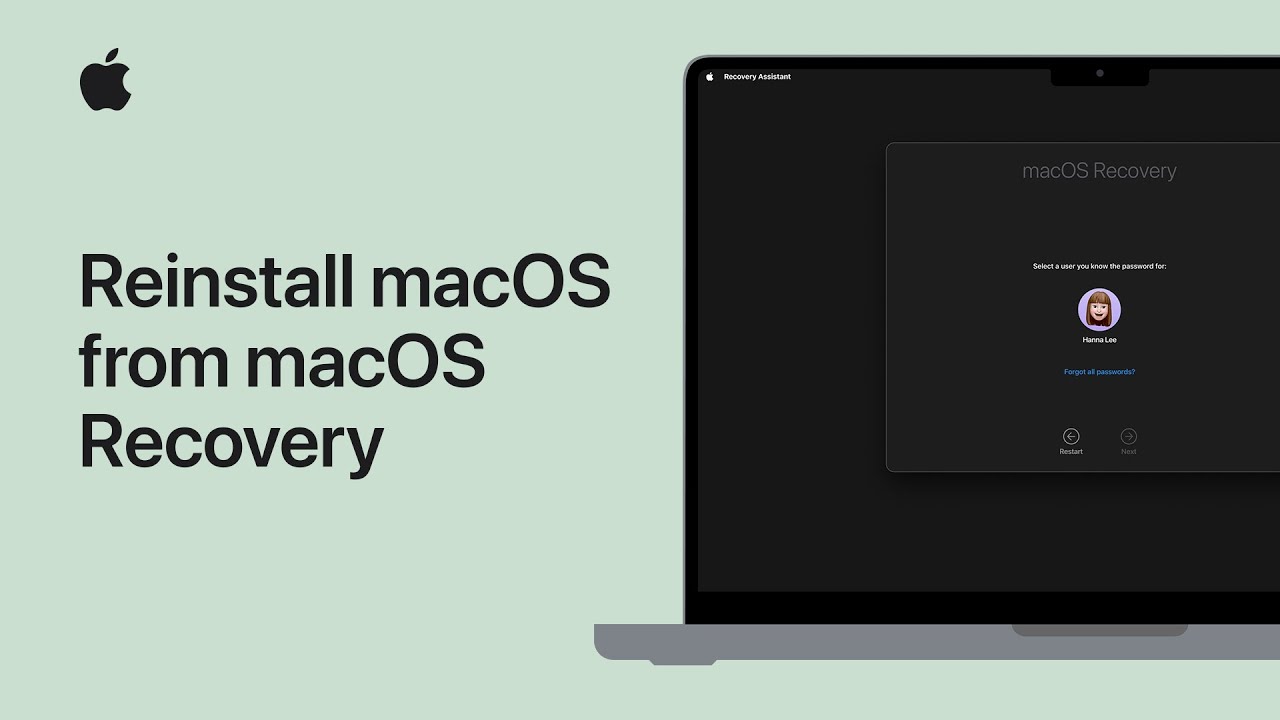
I’ll show you how to reinstall macOS using macOS Recovery. First, make sure your Mac is plugged in, connected to the Internet, and turned off; if possible, use a wired keyboard.
For Apple silicon Macs, press and hold the power button until startup options appear, then choose Options → Continue.
For Intel-based Macs, turn on the Mac and immediately hold Command‑R (or other recovery keys) until recovery utilities load.
When Recovery opens, choose Reinstall macOS, follow the on‑screen prompts, wait for installation to finish, then restart and sign in to your account.
Back up important files beforehand if possible.
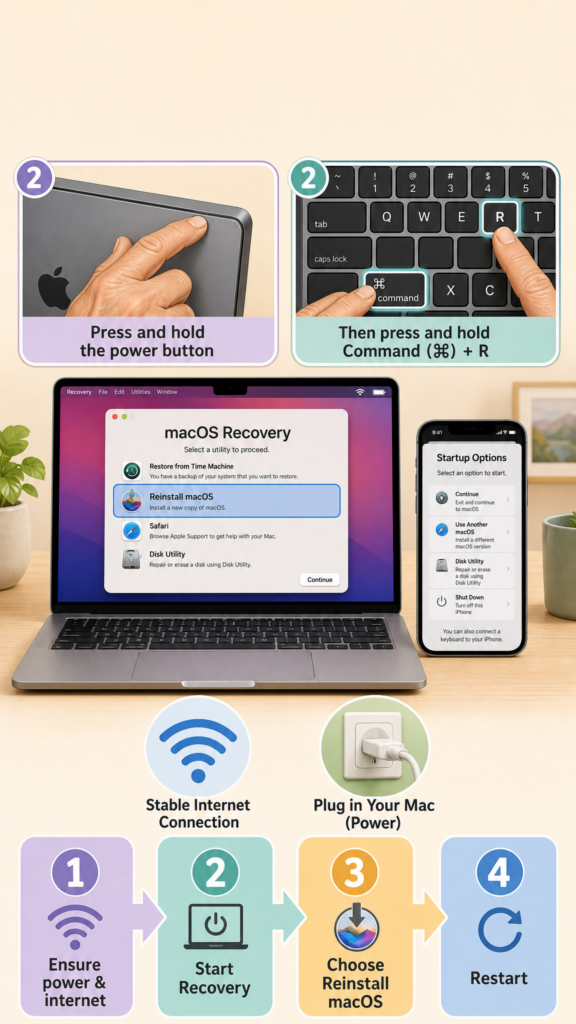
- Ensure power and an Internet connection; use a wired keyboard if available.
- For Apple silicon: press and hold the power button until startup options, then choose Options → Continue.
- For Intel Macs: start up and hold Command‑R (or the appropriate recovery key) until Recovery loads.
- In Recovery, choose Reinstall macOS and follow the on‑screen prompts.
- When installation completes, restart, sign in, and restore from backup if needed.