
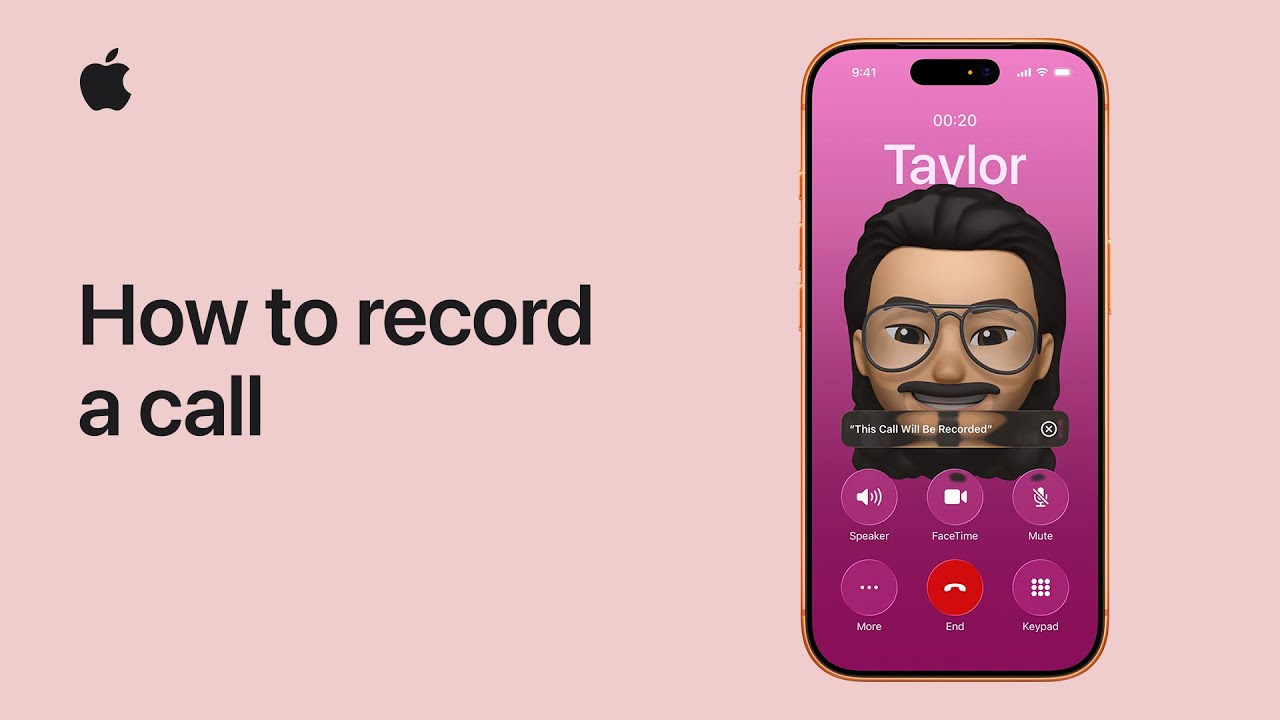
I can record a phone or FaceTime audio call on my iPhone (iOS 18+) and get a searchable transcript in Notes: while on the call I tap More, choose Call Recording, and everyone is notified that recording has started; Notes immediately creates a new note for the transcript.
I can stop recording anytime with the Stop button or end the call to stop; when the recording finishes I tap the notification to open it.
Call recordings appear in Notes where I can play audio, view, search, edit, or share the transcript, and on supported devices Apple Intelligence also shows a helpful summary.

- While on a call, tap More → Call Recording (all parties alerted).
- Notes creates a new note with the recording and transcript.
- Stop recording early with Stop, or end the call to stop.
- Tap the notification to open the saved call in Notes.
- In Notes you can search, edit, share, and view an AI-generated summary (if available).