
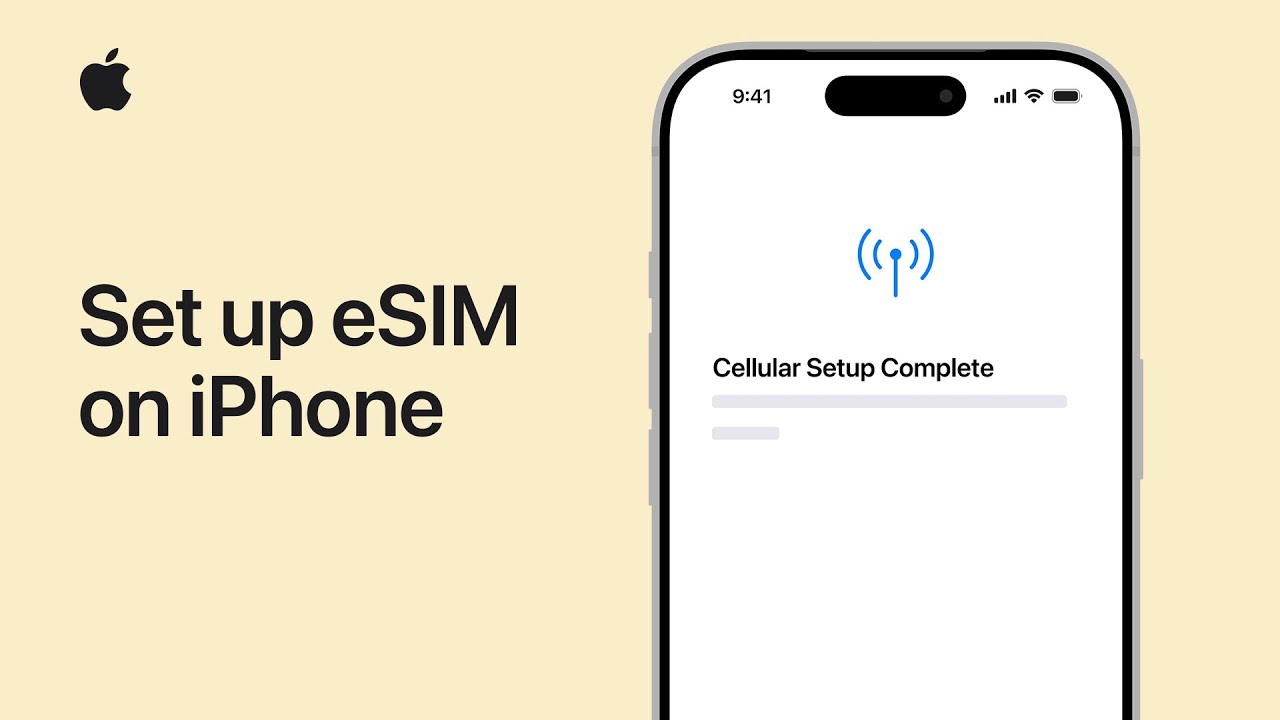
First, I make sure my iPhone supports eSIM, my carrier offers it, and my software is up to date, with Wi-Fi ready if needed.
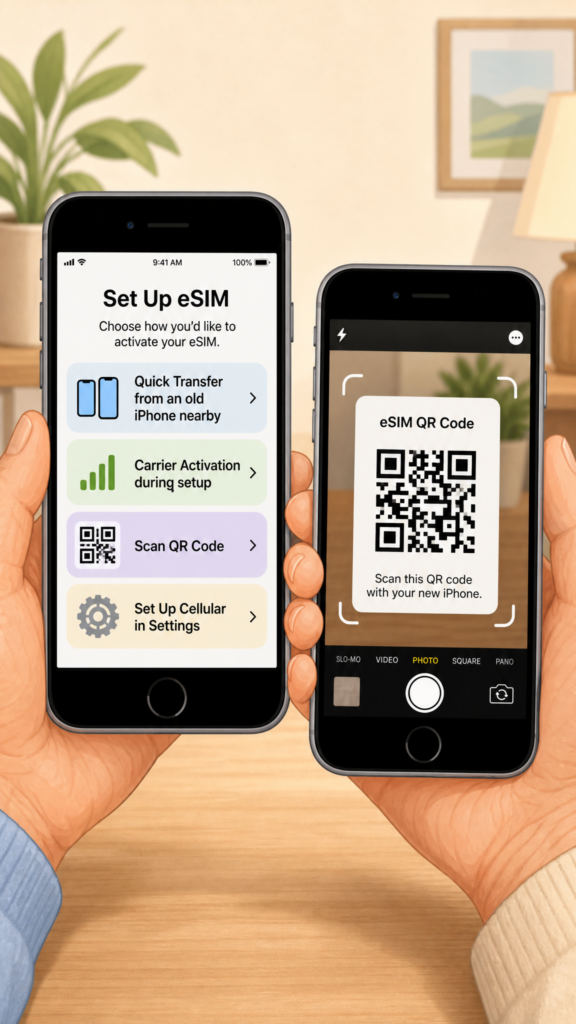
Next, during setup, I choose the activation method my carrier supports. If I’m moving from another iPhone, I keep the old device nearby, tap the lines to transfer, and follow the prompts on both phones to finish Quick Transfer.
If my carrier preassigns an eSIM, I join Wi-Fi and continue until service appears.
I can also scan a QR code. After setup, I open Settings, tap Cellular, add or set up a line, and complete activation.
- Make sure your iPhone supports eSIM, your carrier supports it, and iOS is updated.
- During setup, choose your carrier’s activation method.
- Use Quick Transfer if you’re moving your number from a nearby old iPhone.
- If needed, activate by carrier setup or by scanning a QR code.
- After setup, go to
Settings > Cellularto add or activate an eSIM line.