
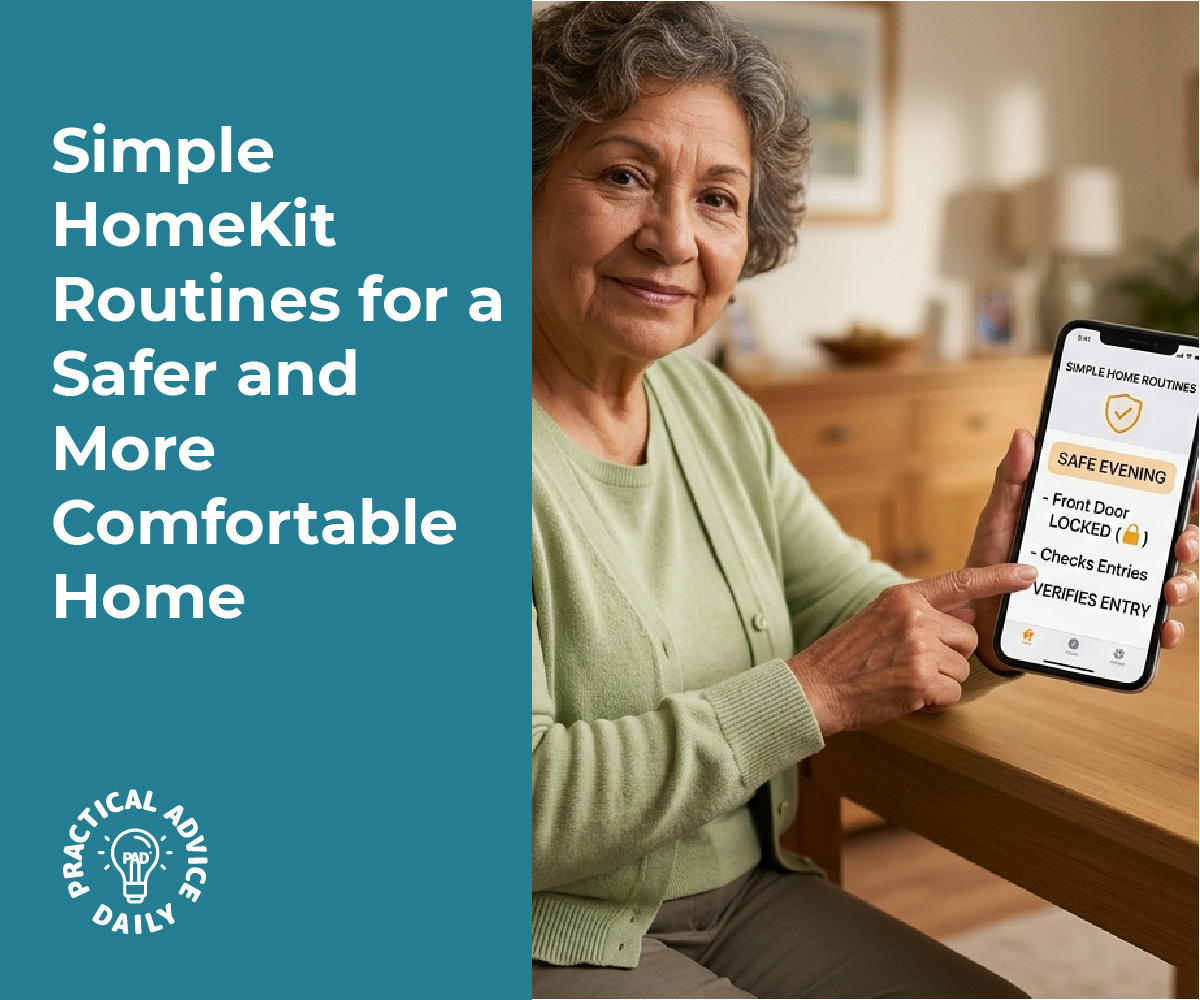
Home automation offers practical solutions for managing lighting, climate control, and notifications after dark without requiring constant manual input. Simple automations like motion-activated pathway lights, scheduled thermostat adjustments, and automatic phone silencing can reduce accidents, lower energy costs, and improve sleep quality while adding basic security features. These systems work in the background to create safer conditions during nighttime hours.
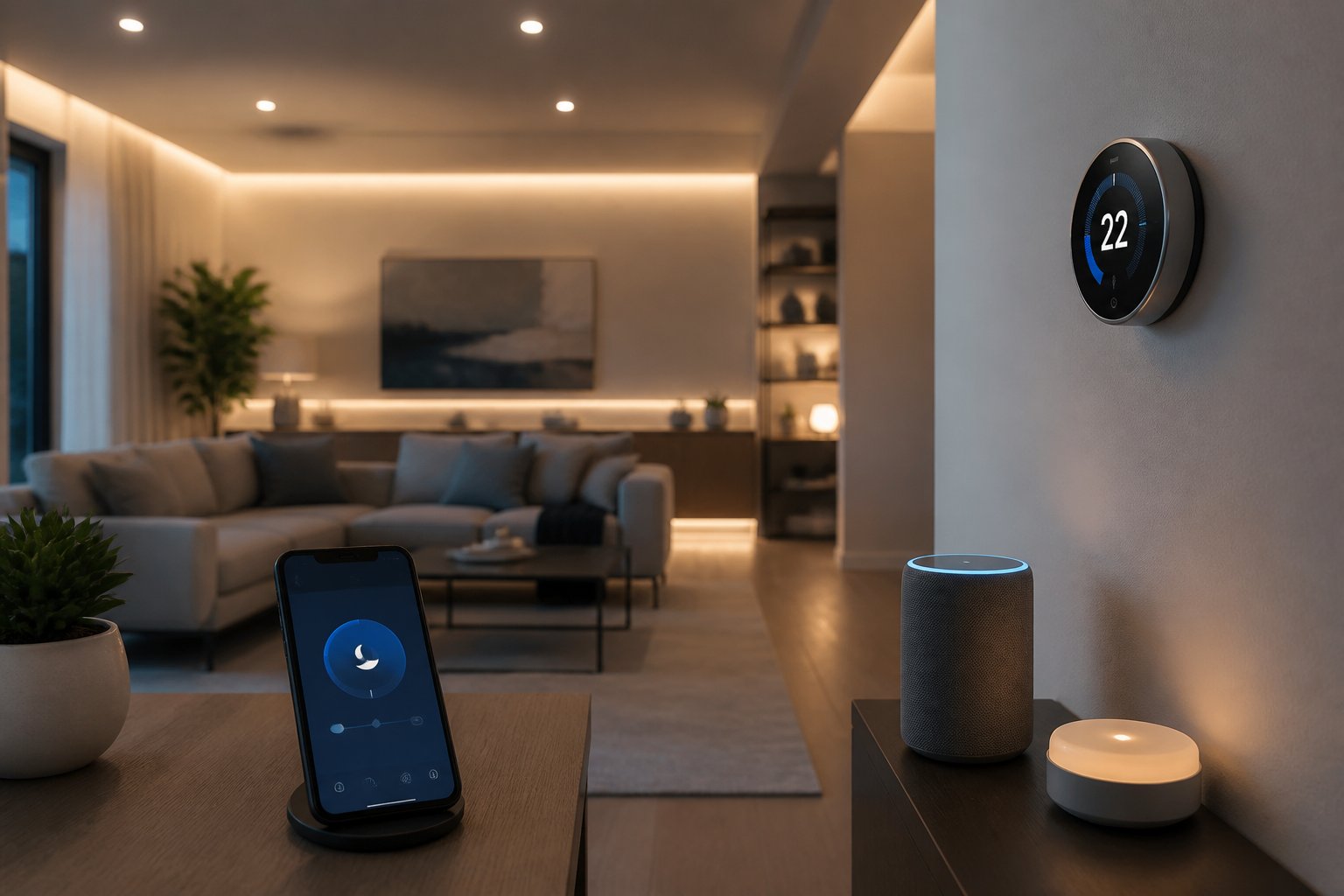
Setting up these automations requires minimal technical knowledge and can often be accomplished with affordable smart home devices. Motion sensors can trigger hallway lights when someone gets up at night, preventing falls in the dark. Thermostats can automatically reduce heating or cooling during sleeping hours to save energy while maintaining comfort.
Do Not Disturb modes can activate automatically based on time or location, silencing phones and devices when residents go to bed. This automation reduces sleep disruptions while still allowing emergency calls to come through. Combined with lighting and temperature controls, these simple systems create a more secure and efficient home environment during nighttime hours.
Table of Contents
Key Takeaways
- Motion-activated lighting reduces fall risks and improves navigation in dark hallways and stairways
- Scheduled temperature adjustments during sleeping hours lower energy bills while maintaining comfort
- Automated Do Not Disturb modes combined with smart lighting create better sleep conditions and basic security monitoring
Automating Lighting for Nighttime Safety and Comfort
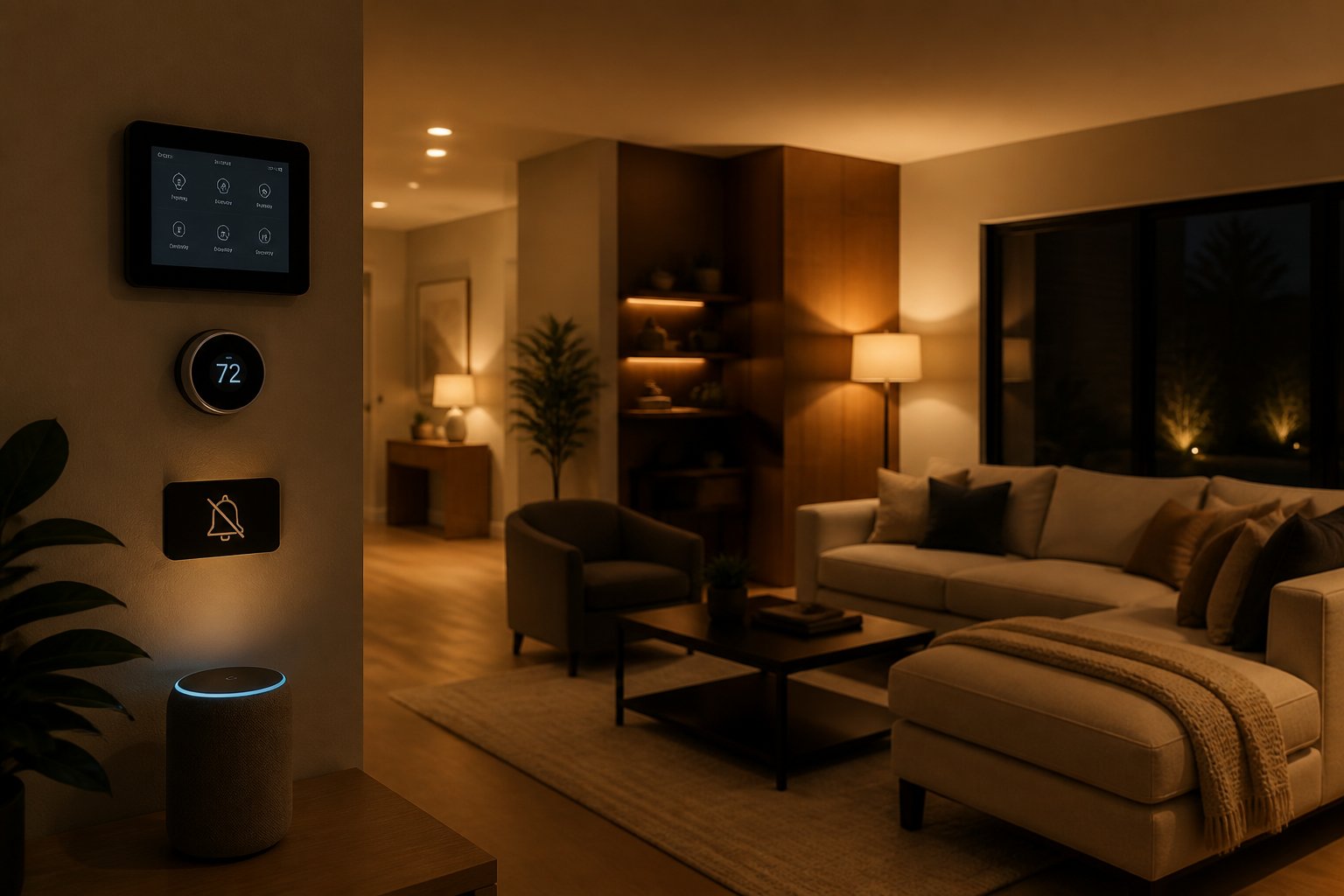
Smart lighting automation provides practical solutions for navigating a home safely after dark while reducing energy consumption. These systems allow homeowners to schedule lights, respond to motion, and create customized scenes that activate automatically at specific times.
Setting Up Timed Lighting Scenes
Scheduling creates consistent lighting patterns that align with daily routines and sunset times. Most smart home devices allow users to program lights to turn on 30 minutes before sunset and off at a specific bedtime hour. This ensures pathways remain illuminated during evening hours without manual intervention.
Smart bulbs like the WiZ 60W A19 offer circadian rhythm modes that adjust color temperature throughout the evening. Warmer tones between 2700K and 3000K promote relaxation as bedtime approaches, while cooler temperatures around 4000K work better for early evening activities.
Common evening schedules include:
- Porch lights: 30 minutes before sunset to 11:00 PM
- Hallway lights: Sunset to midnight at 40% brightness
- Bathroom nightlights: 10:00 PM to 6:00 AM at 10% brightness
- Kitchen pathway: Sunset to last person’s typical bedtime
These automated scenes eliminate the need to walk through dark spaces while providing energy management by ensuring lights don’t remain on unnecessarily.
Integrating Smart Switches and Light Controls
Smart switches control existing light fixtures without replacing every bulb in a home. They connect directly to Wi-Fi or mesh networks and replace traditional wall switches, maintaining compatibility with standard wiring and bulbs.
Products that support multiple smart home platforms offer flexibility in building automation routines. A smart light switch can trigger multiple actions simultaneously, such as dimming bedroom lights to 20% while activating a “Do Not Disturb” mode on connected devices.
Mesh Wi-Fi technology extends range throughout larger homes by creating connections between multiple devices. This prevents connectivity issues in rooms far from the router, ensuring consistent lighting control across all spaces.
Three-way switch configurations require compatible smart switches at both locations. Some models include physical controls alongside app-based management, allowing manual operation when needed without disrupting automated schedules.
Motion-Activated Outdoor and Indoor Lighting
Motion sensors provide hands-free lighting control that enhances home security and safety. Outdoor motion-activated lights deter potential intruders while illuminating walkways, driveways, and entry points when residents arrive home after dark.
Indoor motion sensors work well in hallways, stairways, and bathrooms where residents pass through briefly. These lights turn on automatically when movement is detected and shut off after a preset duration, typically 1-5 minutes of inactivity.
Optimal motion sensor placement:
| Location | Purpose | Recommended Duration |
|---|---|---|
| Front porch | Security, visibility | 3-5 minutes |
| Garage | Safe entry/exit | 5 minutes |
| Hallways | Nighttime navigation | 1-2 minutes |
| Stairs | Fall prevention | 2 minutes |
| Closets | Convenience | 30 seconds |
Weight sensors placed under beds can trigger hallway nightlights when someone gets up during the night. This creates a lit path to bathrooms without requiring switches or voice commands that might disturb sleeping family members.
Temperature Management for Safety and Efficiency After Dark
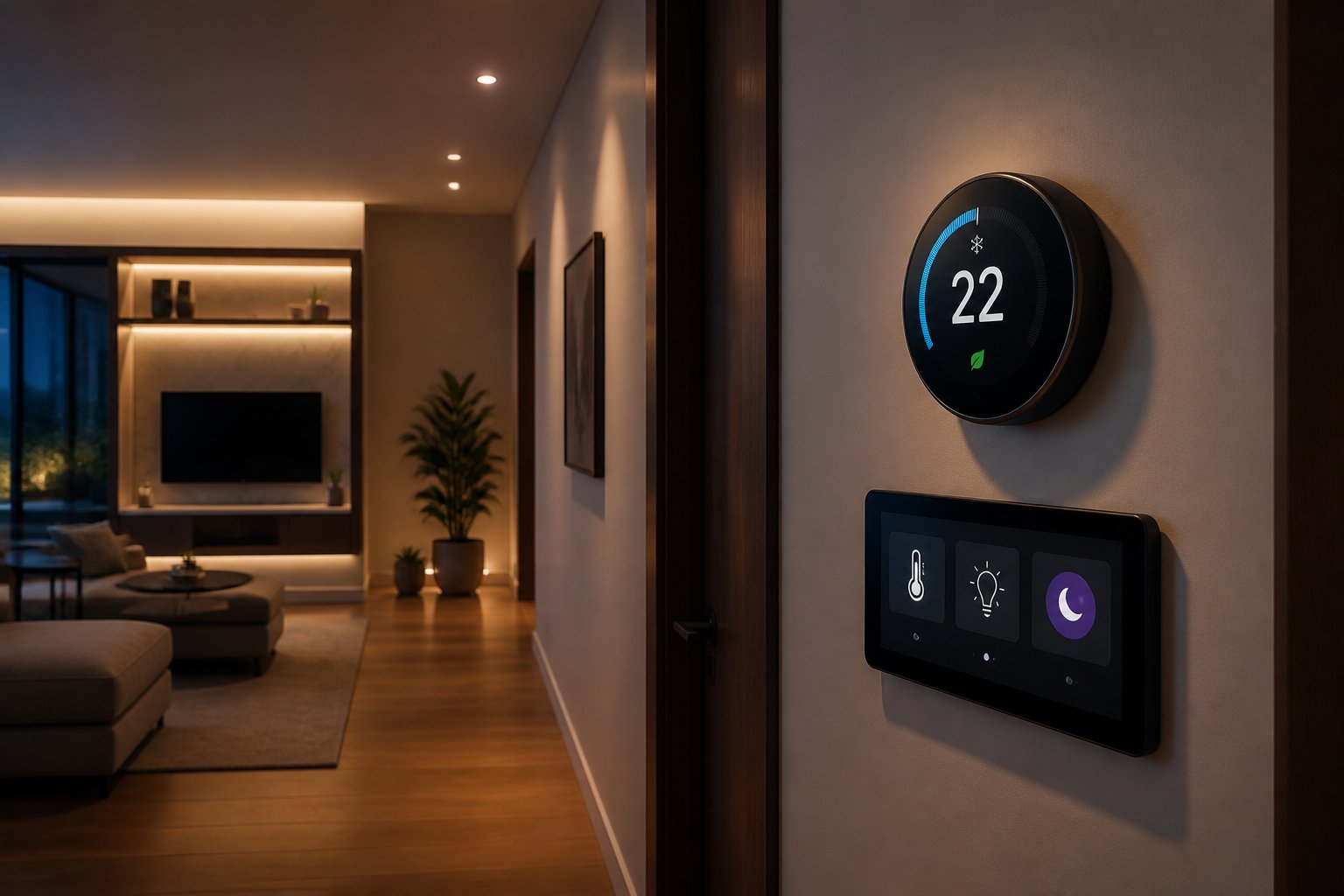
Nighttime temperature management prevents hazards like frozen pipes, overheating HVAC systems, and excessive energy consumption while maintaining comfortable sleeping conditions. Automated temperature control systems can detect anomalies and adjust settings without manual intervention.
Smart Thermostat Scheduling
Smart thermostats allow homeowners to program temperature adjustments based on time of day and occupancy patterns. Most devices can lower temperatures automatically between 10 PM and 6 AM, reducing energy costs by 10-15% annually.
Programming separate zones for bedrooms and common areas optimizes comfort while family members sleep. The system can maintain cooler bedroom temperatures (65-68°F) ideal for sleep quality while reducing heat in unused spaces.
Advanced models learn household routines and adjust schedules automatically. They can also respond to weather forecasts, pre-cooling homes before heat waves or warming spaces before cold fronts arrive after dark.
Using Temperature Sensors to Prevent Hazards
Temperature sensors placed in critical areas detect dangerous conditions before they cause damage. Sensors in attics, basements, and near water heaters alert homeowners to overheating equipment or failing HVAC systems during nighttime hours.
Pipe freeze prevention becomes automated when sensors monitor vulnerable areas. The system triggers heating when temperatures approach 32°F in crawl spaces or exterior walls, preventing costly burst pipes.
Critical sensor placement locations:
- Water heater proximity zones
- Basement and crawl space areas
- Attic spaces with HVAC equipment
- Near exterior walls with plumbing
- Garage spaces with temperature-sensitive items
Energy-Efficient Temperature Control Strategies
Setback scheduling during sleeping hours reduces energy consumption without sacrificing safety. Dropping temperatures by 7-10 degrees for eight hours can save up to 10% on heating bills.
Zoned temperature control prevents wasted energy in unoccupied rooms after dark. Smart vents and thermostats direct heating or cooling only to occupied bedrooms, reducing overall system runtime.
Integration with occupancy sensors ensures temperature adjustments occur only when needed. The system can detect when everyone has gone to bed and automatically implement night mode settings across all zones.
Hands-Free and Automated ‘Do Not Disturb’ Modes
Voice commands and scheduled automation can silence notifications and reduce device activity during nighttime hours, minimizing disruptions while maintaining home security protocols. Strategic integration with door stations, robot vacuums, and climate systems creates a coordinated quiet environment.
Automating Do Not Disturb for Bedrooms
Smart home platforms allow users to schedule Do Not Disturb modes that activate automatically at set times each evening. Voice assistants like Alexa can be programmed through the mobile app to enable quiet hours from 10 PM to 7 AM, suppressing notification sounds while keeping visual alerts active on device displays.
Scheduled settings should be configured for each bedroom device individually or synchronized across multiple units. The scheduling feature accommodates different family member routines, allowing teenagers to maintain later quiet hours than younger children.
Users can combine Do Not Disturb with dimming schedules for smart lighting and temperature adjustments. When the mode activates at bedtime, bedroom lights fade to 10% brightness or off entirely, while thermostats lower temperatures by 2-3 degrees. This coordinated approach signals the household transition to sleep without manual intervention.
Voice commands provide override options when schedules need adjustment. A simple “turn on Do Not Disturb” instruction activates the feature immediately, useful during unexpected daytime rest periods or illness recovery.
Doorbell and Door Opener Integration
Door stations with video capability can be configured to disable audible chimes during Do Not Disturb hours while continuing to record visitor activity. This prevents late-night doorbell rings from waking household members while maintaining security monitoring through the mobile app.
Access control systems integrate with scheduled quiet modes to adjust notification preferences. Authorized users entering through smart door openers trigger silent alerts instead of audible announcements. The system logs entry times and sends visual notifications to smartphones without generating sounds through interior speakers.
| Integration Type | Active Hours | Alert Method |
|---|---|---|
| Doorbell Chime | 10 PM – 7 AM | App notification only |
| Door Opener | 10 PM – 7 AM | Visual indicator |
| Motion Detection | 10 PM – 7 AM | Silent recording |
Emergency override protocols remain functional regardless of Do Not Disturb settings. Smoke alarms, carbon monoxide detectors, and security breach alerts generate full-volume warnings that bypass quiet mode restrictions.
Robot Vacuum and Appliance Quiet Scheduling
Robot vacuum scheduling prevents cleaning cycles from running during sleep hours or quiet periods. Users set operating windows between 9 AM and 8 PM, ensuring the device completes tasks before Do Not Disturb activation. Most models include quiet mode settings that reduce motor noise by 40-50% for daytime operation in occupied spaces.
Smart appliances coordinate with home automation schedules to minimize disruptive sounds. Dishwashers and washing machines delay cycle completion alerts until morning, storing notifications for review after Do Not Disturb ends at 7 AM.
The scheduling interface allows specific day customization. Weekend mornings might extend quiet hours until 9 AM, while weekday settings accommodate earlier wake times. Robot vacuums can run immediately after household members depart for work, completing tasks before anyone returns home.
Enhancing Home Security and System Reliability With Smart Automation
Smart automation strengthens home security through automated access controls, real-time monitoring alerts, and consistent software updates that patch vulnerabilities. These systems work together to create multiple layers of protection that respond automatically to threats.
Access Control Automation
Smart locks with automated access control provide detailed oversight of who enters a home and when. Users can create individual access codes for family members, guests, and service providers, with each code triggering notifications when used. This eliminates the security risk of physical keys being copied or lost.
Temporary access codes work for specific time windows. A cleaner might receive a code that only functions on Tuesday mornings between 9 AM and noon. The code automatically expires after that window closes.
Geofencing adds another layer by detecting when authorized phones approach the property. The system can unlock doors automatically for residents while keeping them secured against unauthorized entry. When paired with door sensors, homeowners receive immediate alerts if a door opens unexpectedly or remains unlocked longer than intended.
Auto-lock features ensure doors secure themselves after a set period, typically between 30 seconds and five minutes. This prevents the common mistake of leaving doors unlocked overnight.
Monitoring and Safety Alerts
Motion sensors and door sensors act as the foundation for security monitoring after dark. These devices trigger immediate notifications when unexpected movement occurs or when entry points open during armed periods.
Water leak sensors prevent property damage by alerting homeowners the moment moisture appears under sinks, near water heaters, or in basements. Early detection stops minor leaks before they cause significant harm.
Camera integrations allow motion sensors to automatically stream feeds to smart displays when triggered. This provides visual confirmation of what activated the sensor without manually checking each camera feed.
Window sensors paired with thermostats create safety automations that adjust climate control when windows open, preventing system strain and energy waste. They also serve as security triggers during nighttime hours when windows should remain closed and locked.
Cabinet sensors monitor access to areas containing cleaning supplies, medications, or other restricted items. Parents receive alerts when specific cabinets open, adding supervision without constant physical presence.
Staying Up to Date With Software Releases
Regular software updates patch security vulnerabilities that could expose smart home devices to unauthorized access. Most modern devices from established manufacturers push updates automatically, but users should verify their systems run current firmware versions.
Matter-compatible devices receive updates through a standardized protocol that ensures consistent security patches across brands. This universal standard reduces the risk of individual manufacturers abandoning product support.
Manufacturers typically release critical security patches within days of discovering vulnerabilities. Users should enable automatic updates when available or check monthly for new releases. Router firmware updates are equally important, as routers act as the gateway for all connected devices.
Some systems offer Early Access Programs (EAP) where users can test beta features and updates before wide release. While these programs provide cutting-edge functionality, they may introduce instability. Most users should stick with stable release channels for security-critical devices like locks and cameras.
Device manufacturers usually provide security updates for 3-5 years after release. Planning replacement cycles around this timeline maintains system security as older devices lose support.
Final Thoughts
Simple HomeKit routines can make a noticeable difference at night by reducing fall risks, keeping rooms comfortable, and cutting down on interruptions while you sleep. With motion-activated lights, scheduled temperature changes, and automatic Do Not Disturb settings, your home can feel safer, calmer, and easier to manage without constant effort. The best part is that these automations work quietly in the background, giving you more comfort and peace of mind after dark.