
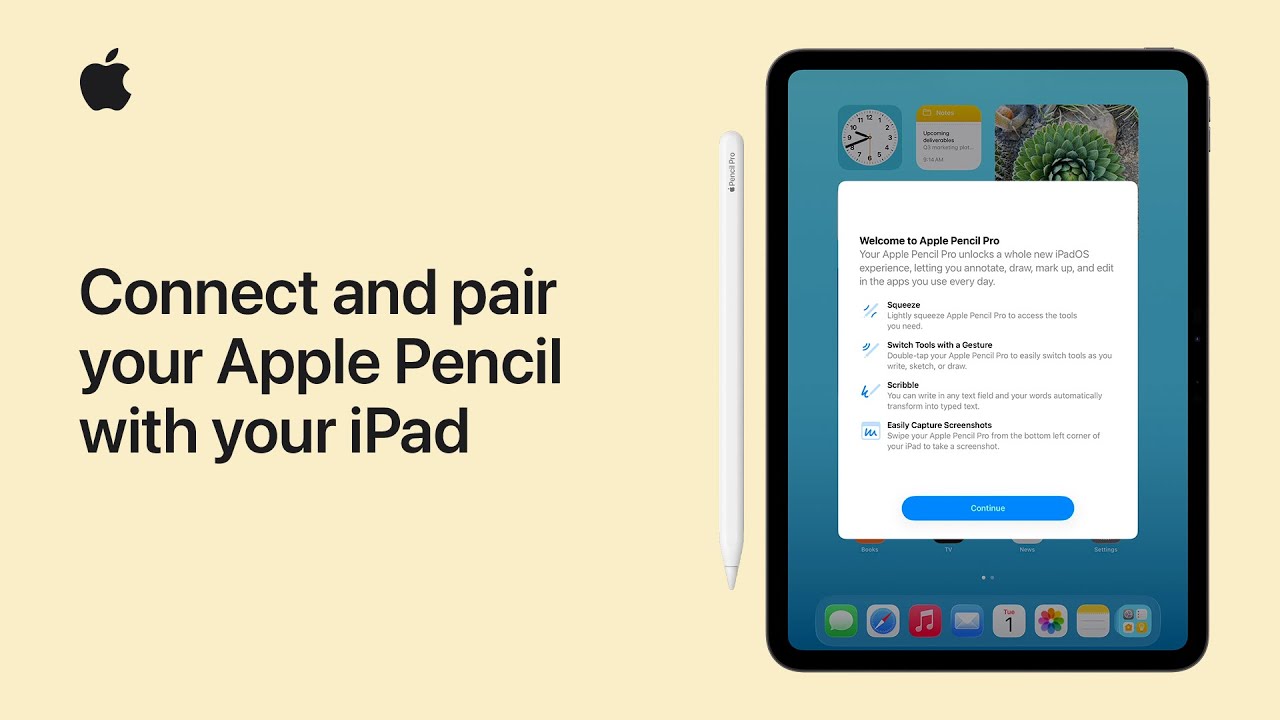
To pair your Apple Pencil with your iPad, start by updating your iPad to the latest version of iPadOS and ensuring Bluetooth is turned on in your settings.
Next, identify which of the four models you have, as each only works with specific iPads. To pair the Apple Pencil Pro or the second-generation model, simply attach it to the magnetic connector on the long side of your compatible iPad.
For the USB-C model, connect it via a cable, and for the first-generation version, plug it directly into the Lightning port or use the required adapter to finish pairing.
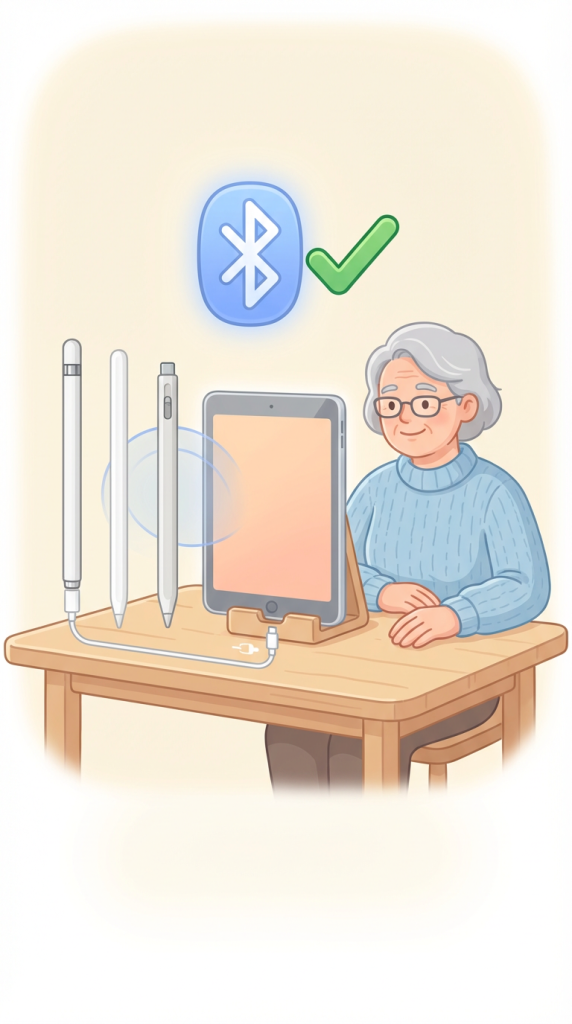
- Ensure your iPad is updated to the latest iPadOS and that Bluetooth is turned on.
- Identify your specific Apple Pencil model to ensure it is compatible with your iPad.
- For Apple Pencil Pro or second-generation, attach it to the magnetic connector on the side of your iPad to pair.
- For the USB-C model, connect it to your iPad using a compatible charging cable.
- For the first-generation pencil, plug it into the iPad’s lightning port or use the required adapter to complete pairing.