
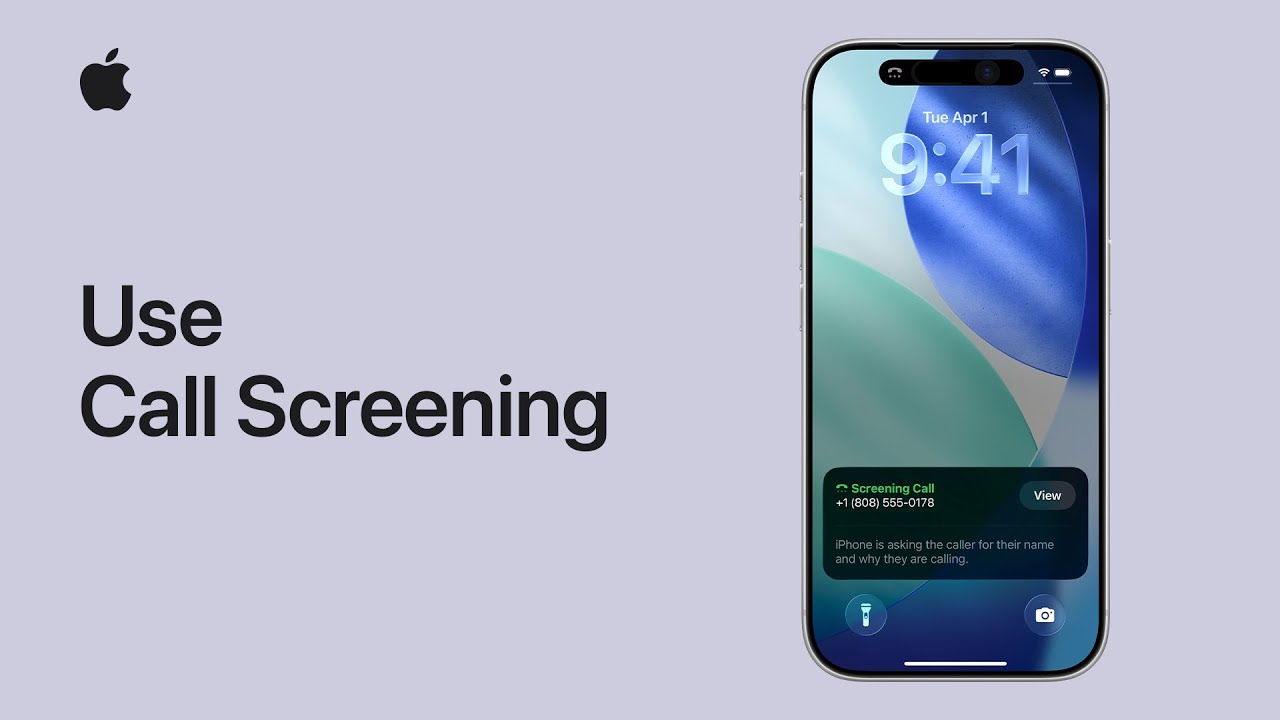
Starting in iOS 16, I can show you how to find out exactly who is calling before you ever pick up the phone. First, open your Settings, tap Apps, and use the search bar to find the Phone app.
Once there, scroll down to the Screen Unknown Callers section and select Ask Reason for Calling. Now, when an unknown number calls, your iPhone will ask for their name and purpose. Simply tap View to read a live transcript of their response.
Finally, you can type a reply, use a suggested message, or slide to answer whenever you’re ready.
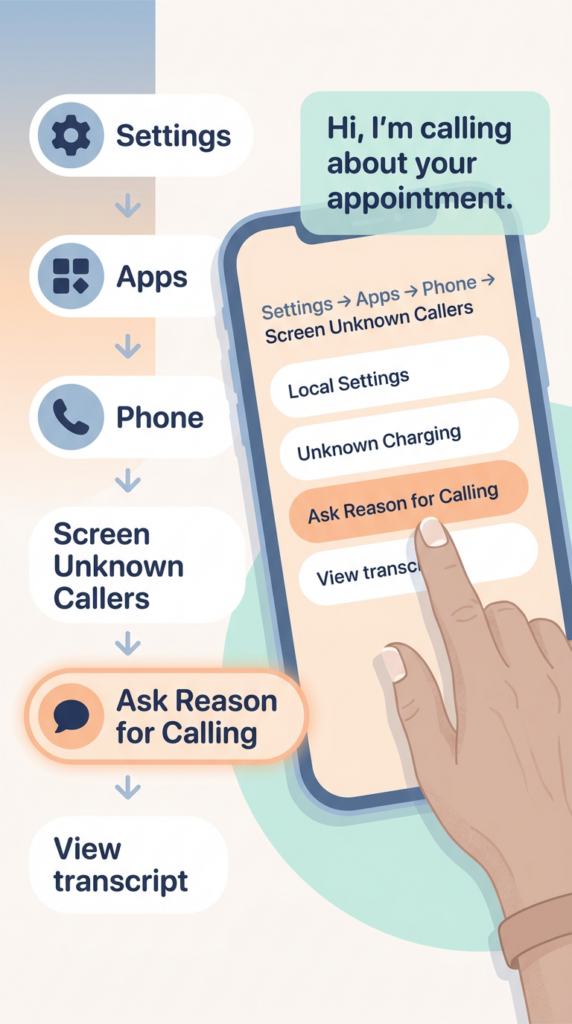
- Open Settings, navigate to Apps, search for the Phone app, and select the Screen Unknown Callers section.
- Enable the “Ask Reason for Calling” feature to have your iPhone automatically prompt unknown callers for their information.
- Once a call is being screened, tap the View button to read a live, real-time transcript of what the caller is saying.
- Interact with the caller without picking up by typing a custom reply or choosing from a list of suggested quick messages.
- Stay in control of the conversation by sliding to answer the call at any moment once you’ve confirmed who is on the line.