
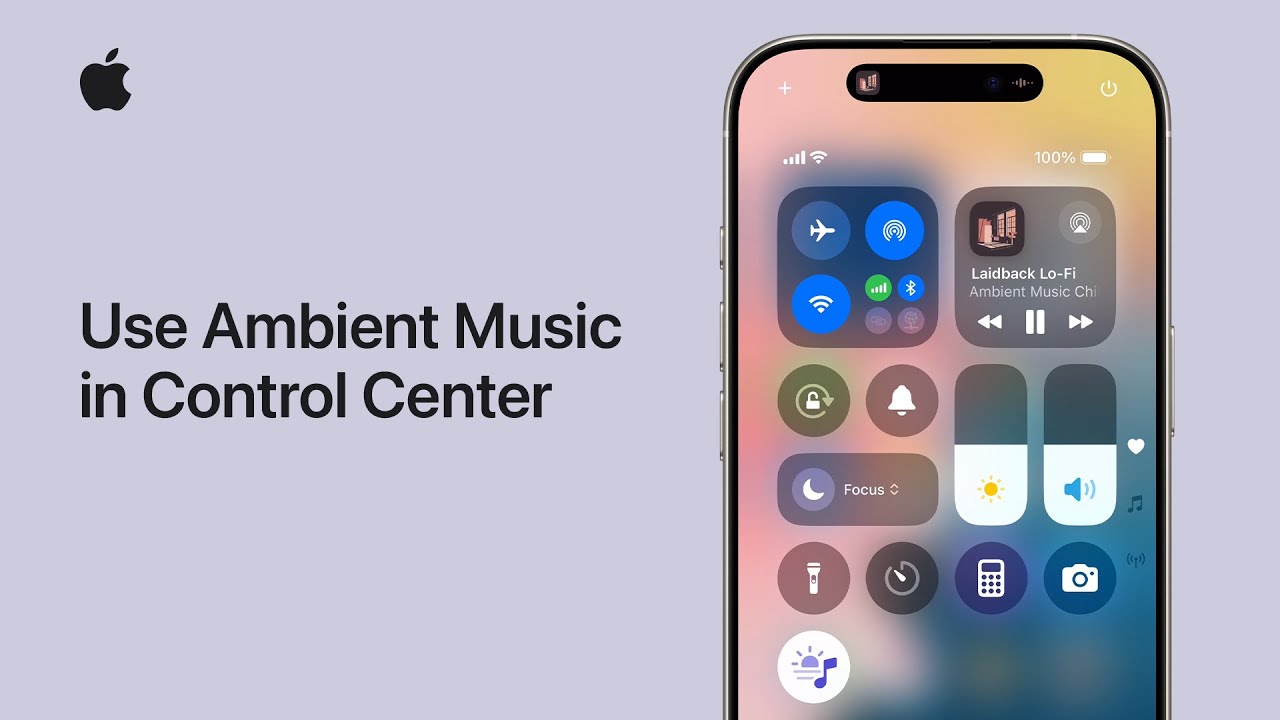
I’ll show you how to add Ambient Music to Control Center so you can relax or focus.
Open Control Center, tap the Add button at top-left, then tap “Add a Control” and scroll to Ambient Music. Choose one mode — Sleep, Chill, Productivity, or Wellbeing — and tap it to add.
To pick or change a playlist, tap the Ambient Music control, then tap the playlist name and select your favorite, like Laidback Lo‑Fi.
Tap outside the menu to save, then tap an empty spot in Control Center to finish. Now tap the control anytime to play your chosen ambient.
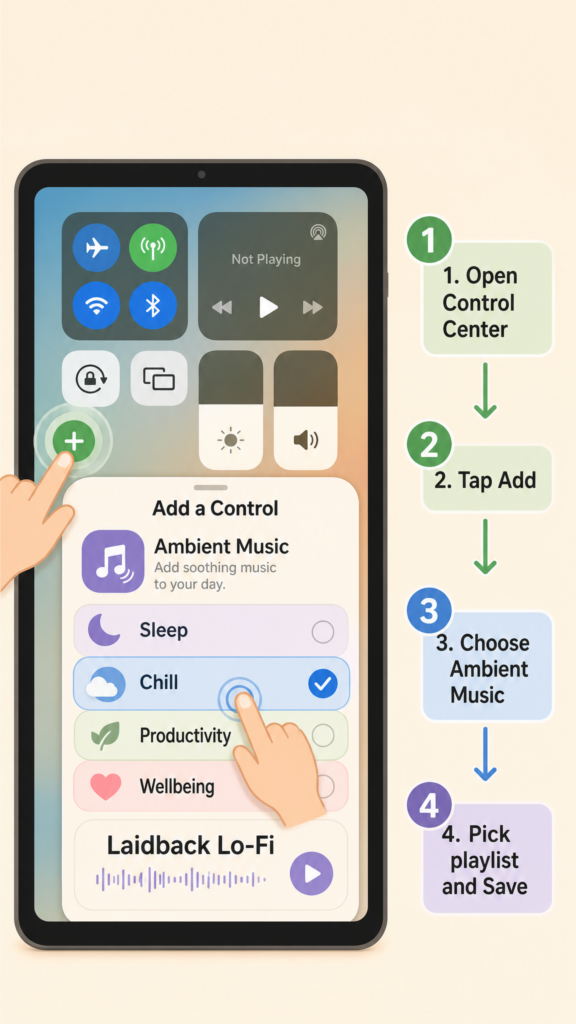
- Open Control Center, tap Add → Add a Control, and scroll to Ambient Music.
- Choose one of four modes: Sleep, Chill, Productivity, or Wellbeing.
- Tap the Ambient Music control to view or switch playlists.
- Select a playlist (e.g., Laidback Lo‑Fi), then tap outside to save.
- Tap the Ambient Music control anytime to play your chosen ambient playlist.