
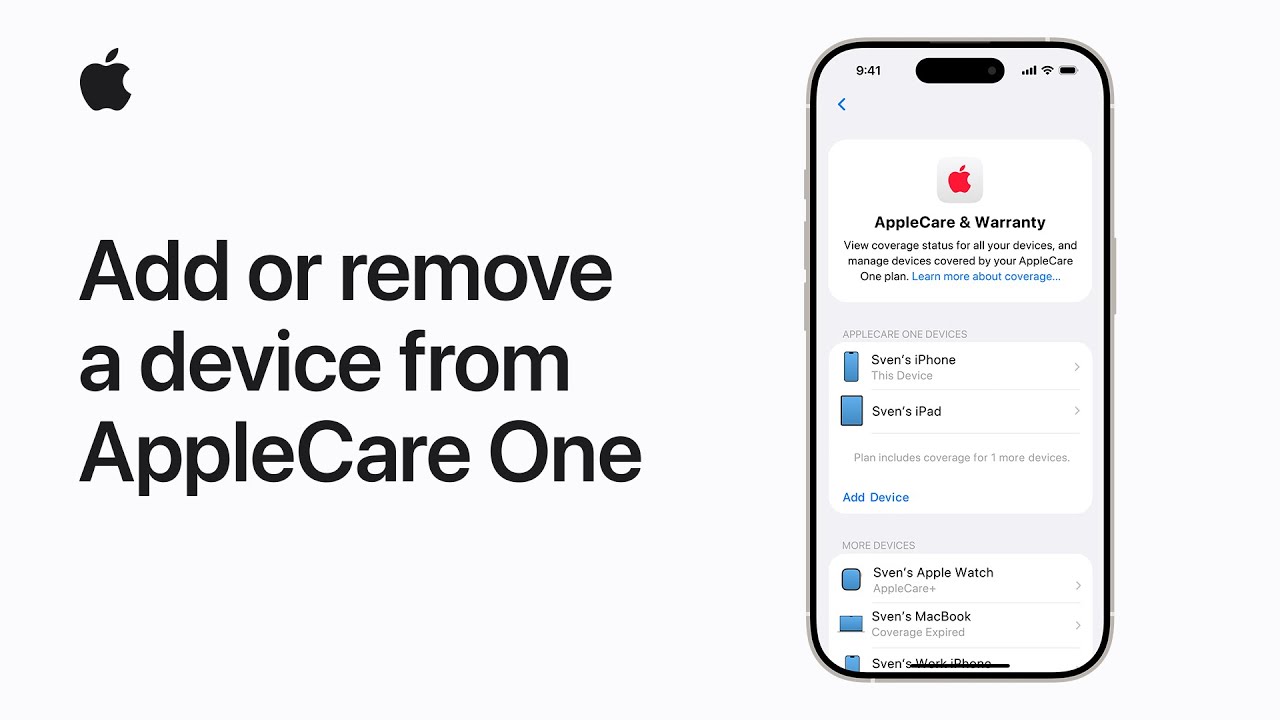
I’ll show you how to add or remove a device from AppleCare One on iPhone or iPad. First open Settings and tap AppleCare & Warranty, then follow the prompts to subscribe or sign in to your AppleCare One plan.
Next, choose Manage Plan, tap Add Device to include an eligible iPhone, iPad, or Apple Watch (you can have up to three covered) or tap a device and choose Remove to free a slot.
If you trade in a covered device and upgrade with Apple, the new device usually joins your plan automatically. Finish by confirming changes and checking your plan details.
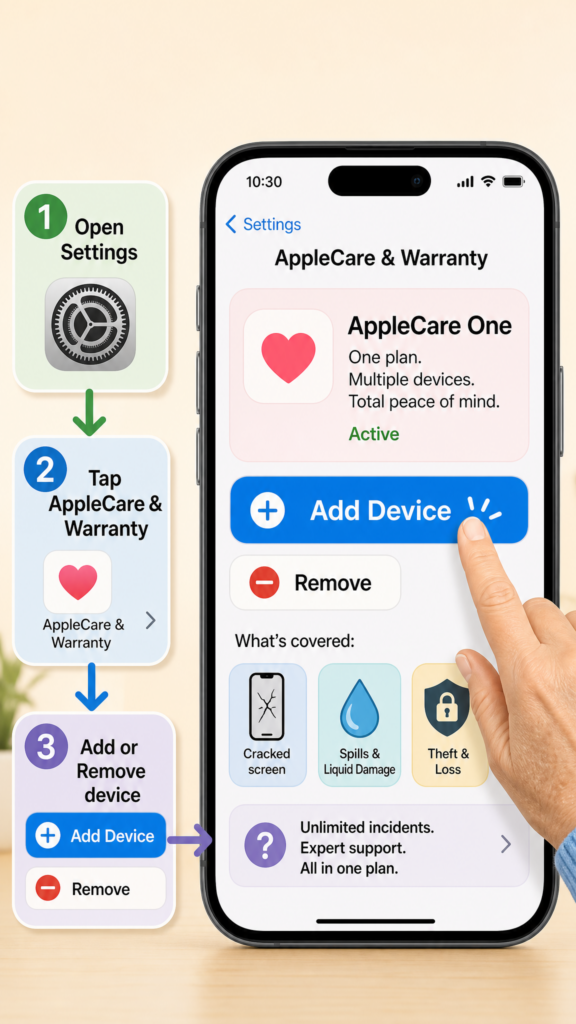
- Open Settings → AppleCare & Warranty and sign in.
- Subscribe or open Manage Plan to view covered devices.
- Tap Add Device to include an eligible iPhone, iPad, or Apple Watch (up to three).
- Tap a listed device and choose Remove to take it off the plan.
- Trade-ins upgraded with Apple are added automatically; you can add more devices for a fee.