
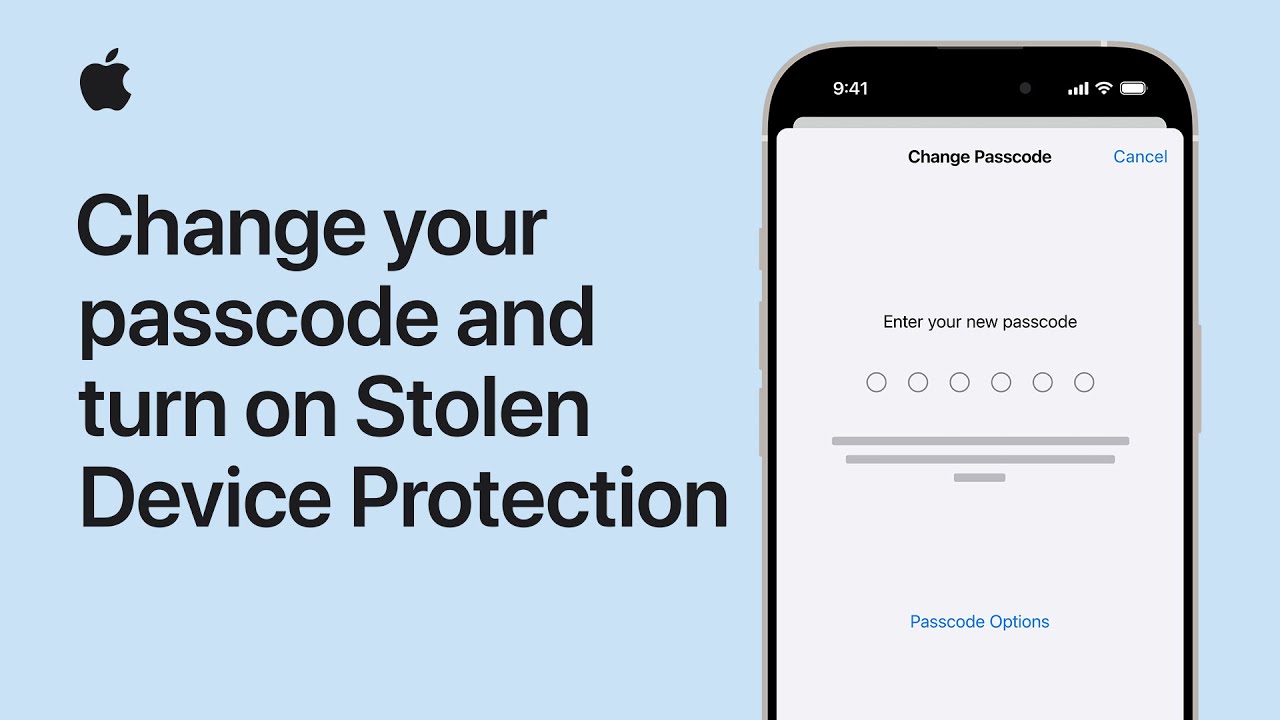
I’ll show you how to change your iPhone passcode and enable Stolen Device Protection. Open Settings, then tap Face ID & Passcode on Face ID devices or Touch ID & Passcode on Touch ID devices.
Enter your current passcode, scroll to Change Passcode, enter the new passcode, and re-enter it to confirm.
Next tap Review Access to check apps and permissions that may allow access to your data, use Reset All to clear those settings if needed, or choose More Options to adjust individual items.
Finally, enable Stolen Device Protection in Security settings for extra peace of mind.
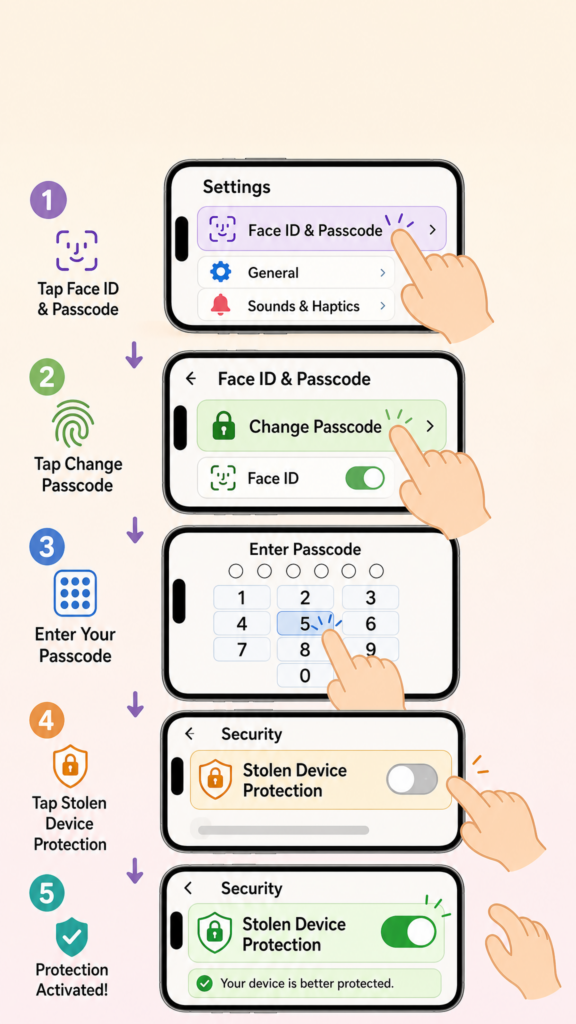
- Open Settings → Face ID & Passcode (or Touch ID & Passcode).
- Enter your current passcode, then tap Change Passcode.
- Enter and re-enter the new passcode to confirm.
- Tap Review Access, use Reset All or More Options to manage access.
- Enable Stolen Device Protection in Security settings for added protection.