
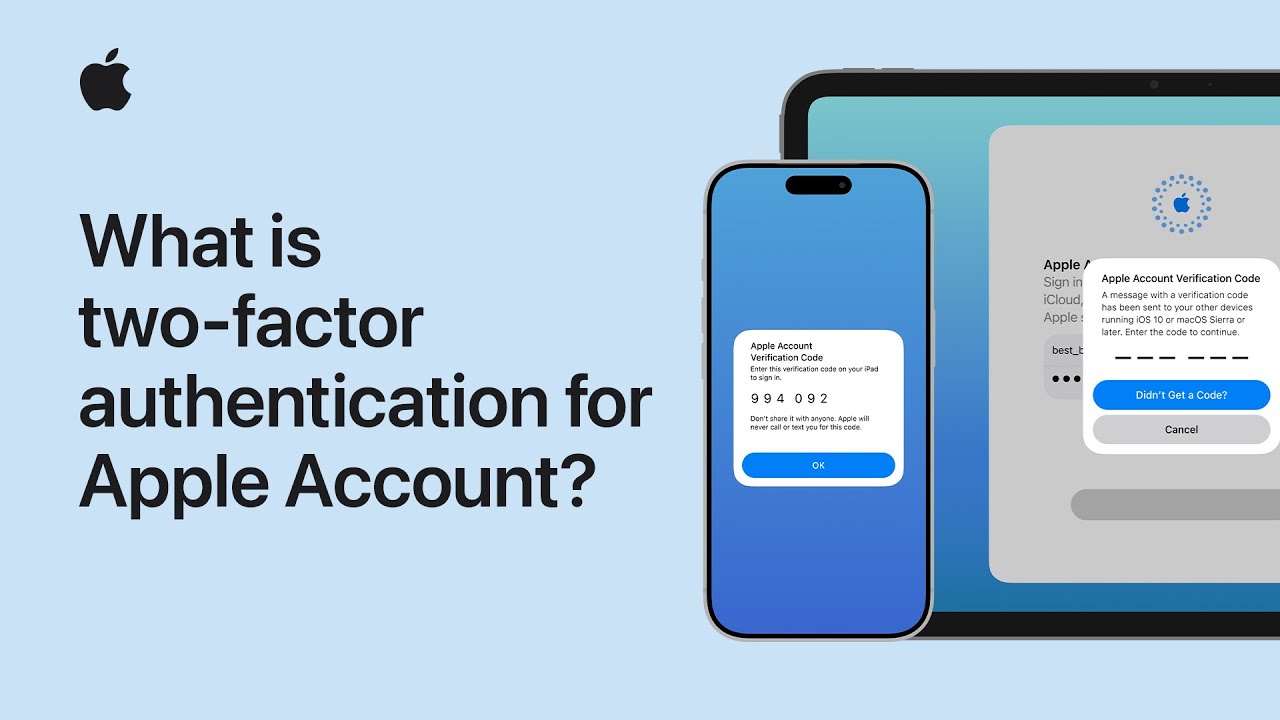
I enable two‑factor authentication on my Apple Account to add extra security: when I sign in on a new device I enter my password, then I get a six‑digit verification code sent to my trusted devices or phone number.
I tap Allow on a trusted device or view the code sent by SMS, type the six‑digit code into the new device to verify it, and confirm the sign-in. I only need to do this once per device.
If I lose access to trusted devices, I update my trusted phone number immediately to avoid lockout and keep account recovery contacts too.
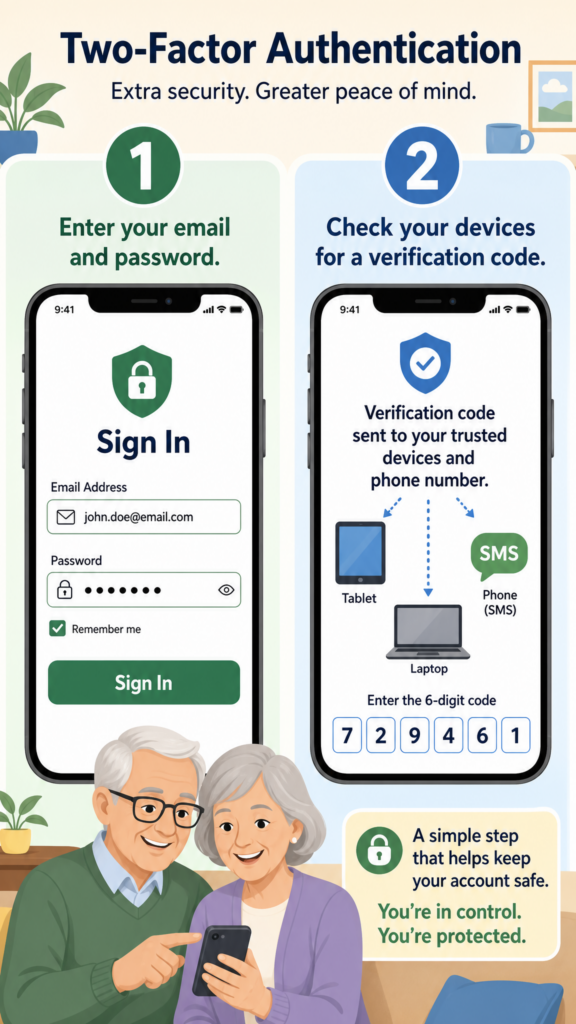
- Turn on two‑factor authentication for your Apple Account.
- Sign in on a new device with your password; a six‑digit code is sent.
- Code is delivered to trusted devices or a trusted phone number.
- Tap Allow on a trusted device or enter the SMS code to verify.
- You only need to verify once per device; update trusted contacts if you lose access.