
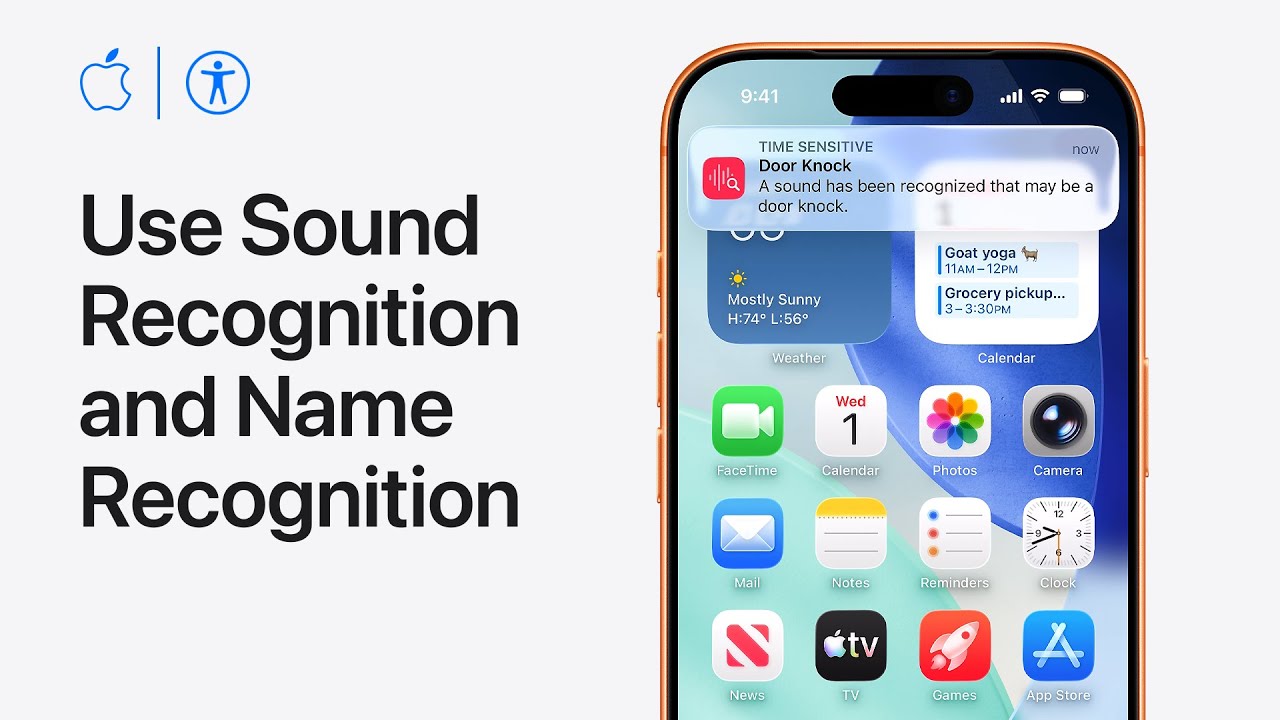
I’ll show you how to set up Sound and Name Recognition on your iPhone. Start by opening Settings, choose Accessibility, then select Sound & Name Recognition.
Tap Sound Recognition, toggle it on, and wait for your device to download the available sounds. Tap Sounds, choose an alert like Door Knock, turn on recognition for that sound, and select a preferred Alert Tone.
Next, go back and tap Name Recognition to set up alerts for when your name is spoken aloud.
Tap Set Up Name Recognition, type your name, and record your pronunciation three times when prompted to finish the process.
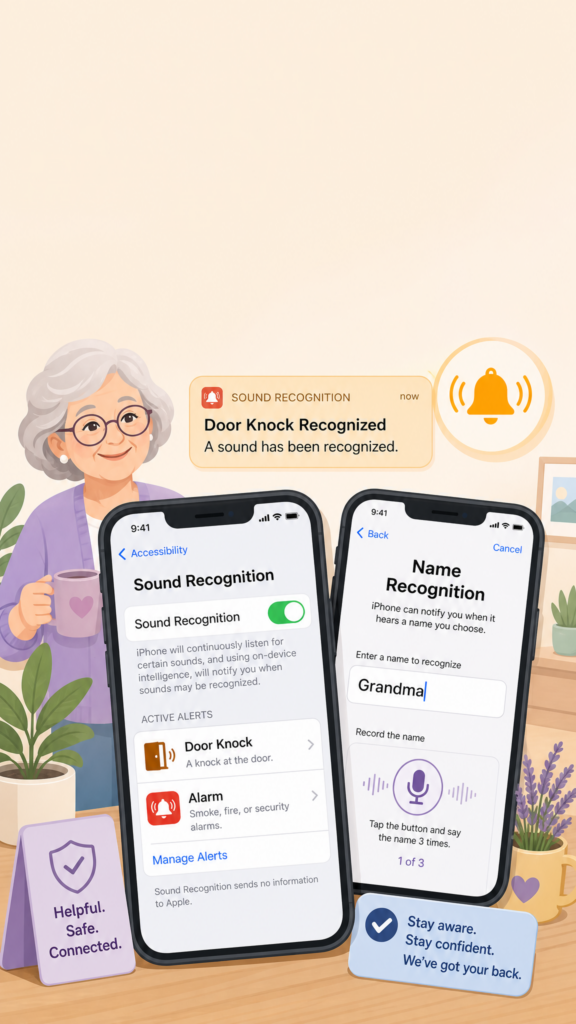
- Open Settings → Accessibility → Sound & Name Recognition to begin customizing your alerts.
- Turn on Sound Recognition and choose the specific sounds you want your iPhone to listen for, like alarms or door knocks.
- Set up a custom alert tone and haptics to play immediately whenever your device recognizes a selected sound.
- Tap Name Recognition inside the same settings menu and type your preferred name to start personalizing vocal alerts.
- Record your own voice pronouncing your name three times when prompted to complete the setup process.