
Managing daily routines becomes more challenging as people age, but technology offers practical solutions that don’t require technical expertise. Simple automation workflows can help seniors maintain independence by handling repetitive tasks like medication reminders, morning updates, and device management with minimal effort. These automated systems work quietly in the background, reducing the mental load of remembering multiple daily tasks while keeping caregivers informed.
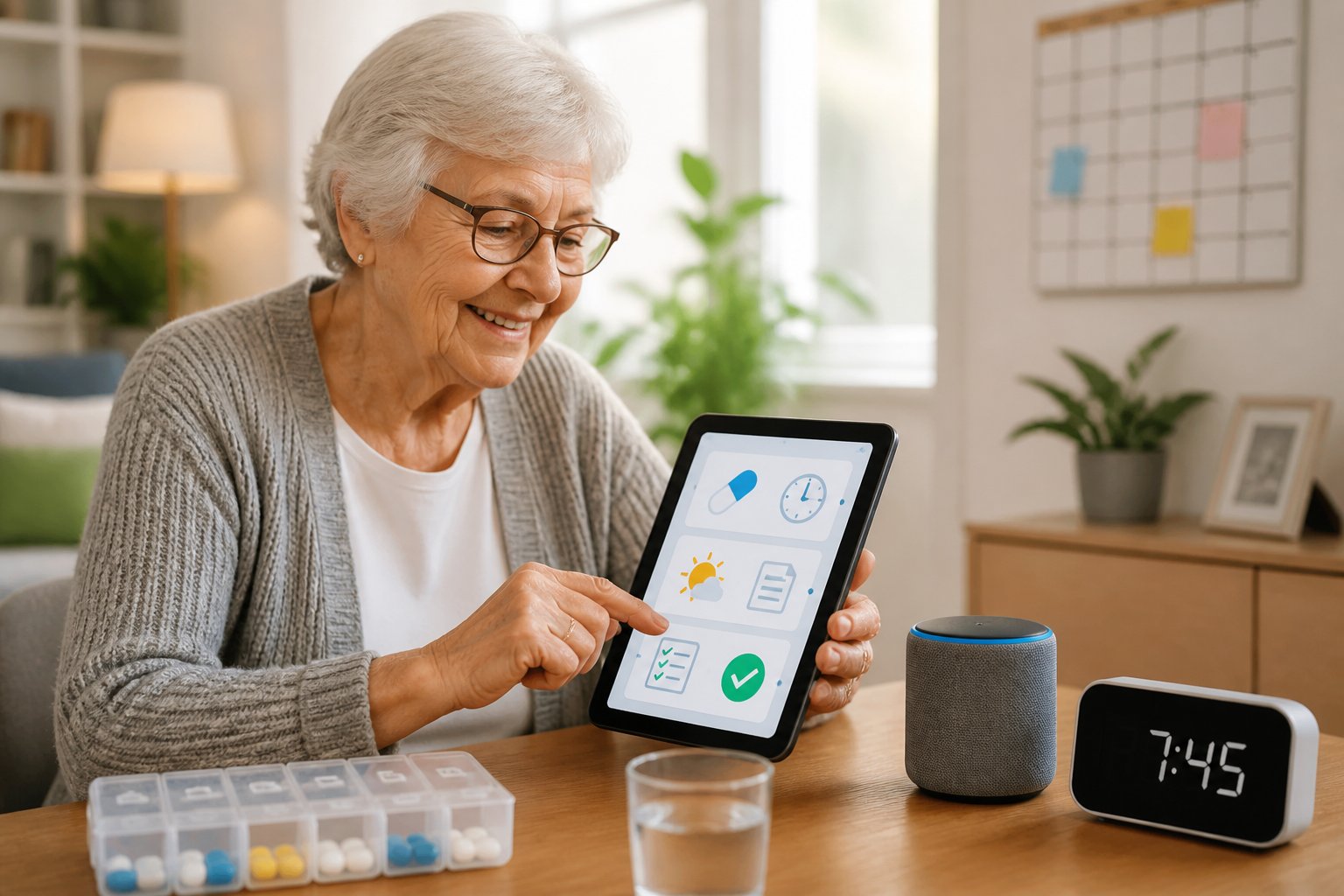
The right automation tools make daily life easier without adding complexity. From smart pill dispensers that alert users when it’s time to take medication to voice assistants that deliver personalized morning briefings, these workflows address common challenges seniors face. Battery-saving automation ensures devices remain charged and ready when needed most, eliminating frustration and potential safety concerns.
This guide covers ten straightforward automation workflows that require little to no technical knowledge. Each workflow solves a specific problem and can be set up with widely available devices and apps. Whether supporting an aging parent or seeking greater independence, these automations provide reliable assistance without replacing human connection.
Table of Contents
Key Takeaways
- Automation workflows help seniors manage medications, daily routines, and device maintenance without technical complexity
- Simple tools like medication dispensers, voice assistants, and smart home devices enhance safety while preserving independence
- These systems reduce caregiver stress by handling repetitive tasks and providing alerts when intervention is needed
Essential Medication Management Workflows
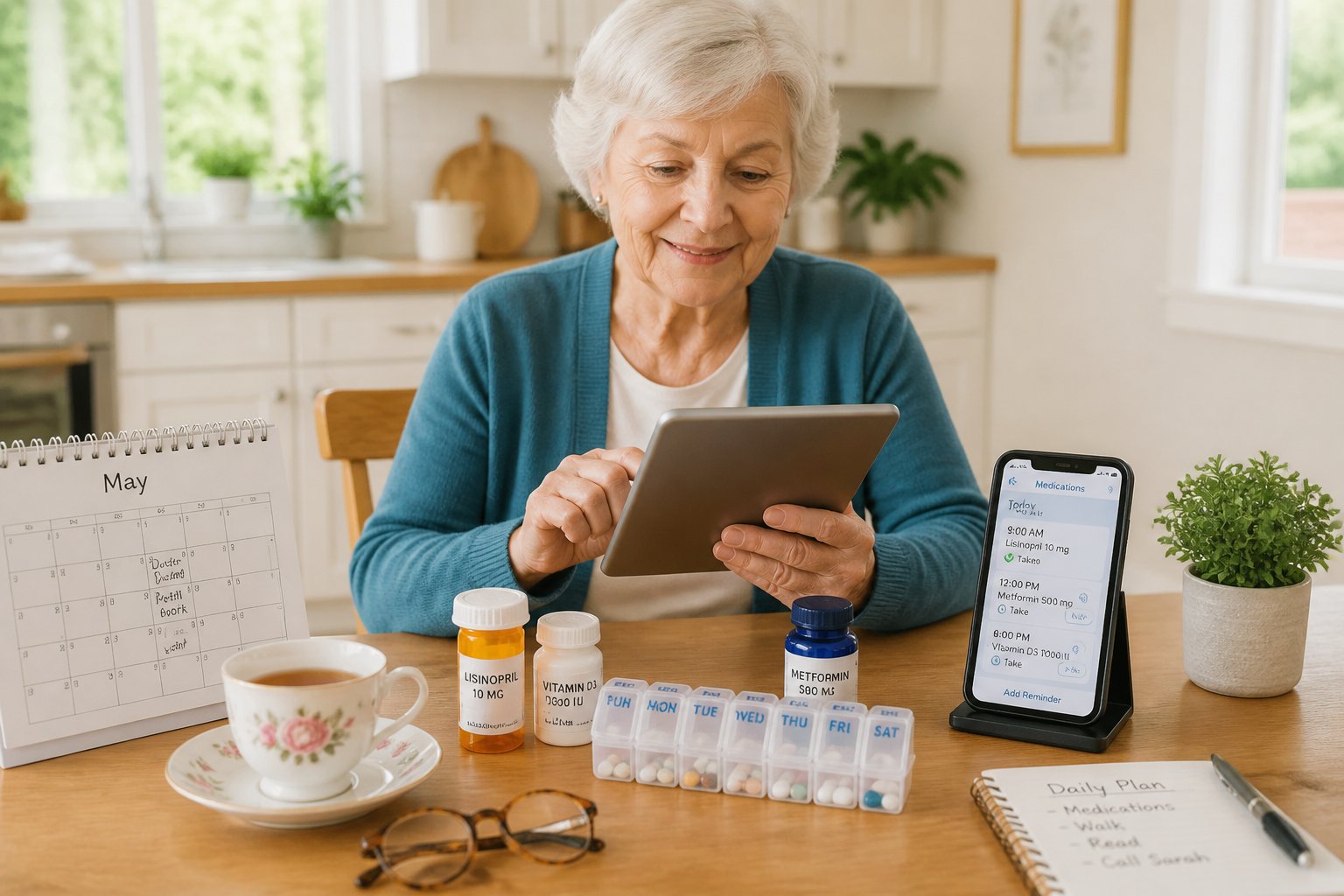
Medication reminders and automated dispensing systems reduce errors and help seniors maintain consistent adherence schedules. Caregiver notifications create a safety net by alerting family members when doses are missed or skipped.
Setting Up Medication Reminders with Pill Organizers
Pill organizers provide a straightforward foundation for medication adherence. Weekly pill organizers with compartments labeled by day and time help seniors visualize their medication schedule and prevent double-dosing. These containers work best when filled at the start of each week, ideally during a consistent time like Sunday evening.
Color-coded pill organizers add another layer of clarity for seniors managing multiple medications. Some systems use distinct colors for morning, afternoon, and evening doses, making it easier to identify which medications to take at specific times. Pairing a basic pill organizer with smartphone reminders or simple alarm clocks creates a reliable low-tech workflow.
For seniors with vision challenges, large-compartment organizers with raised letters offer improved accessibility. The physical act of checking compartments throughout the day reinforces medication routines and provides visual confirmation that doses were taken. This tactile feedback helps seniors track their adherence without requiring digital devices or complex systems.
Automated Pill Dispensers for Preventing Missed Doses
Smart pill dispensers like MedMinder and automated medication dispensers eliminate guesswork by releasing pre-measured doses at scheduled times. These devices use audible alarms, flashing lights, and lock mechanisms to ensure seniors take the correct medications at the right time. Automated medication dispensers prevent missed doses by keeping medications secure until the designated time arrives.
PillPack and similar services pre-sort medications into individual packets labeled with date and time, streamlining the entire medication management process. Automatic pill dispensers can hold up to 28 doses and send reminders through built-in speakers or connected apps. Many smart pill dispensers include tamper-proof features that prevent accidental overdoses.
Seniors benefit most from automated systems when caregivers handle the initial setup and monthly refills. The devices track adherence patterns and maintain logs that caregivers can review during check-ins. This automated approach works particularly well for seniors taking four or more daily medications who struggle with traditional pill organizers.
Caregiver Alerts and Notifications for Adherence
Caregiver notifications transform medication management from a solo task into a monitored system. Smart pill dispensers send real-time alerts to designated family members when seniors miss doses or fail to respond to reminders within two hours. These notifications arrive via text message, email, or dedicated smartphone apps.
Two-way communication systems allow caregivers to receive adherence reports showing taken versus missed doses over
Personal Safety and Wellness Monitoring
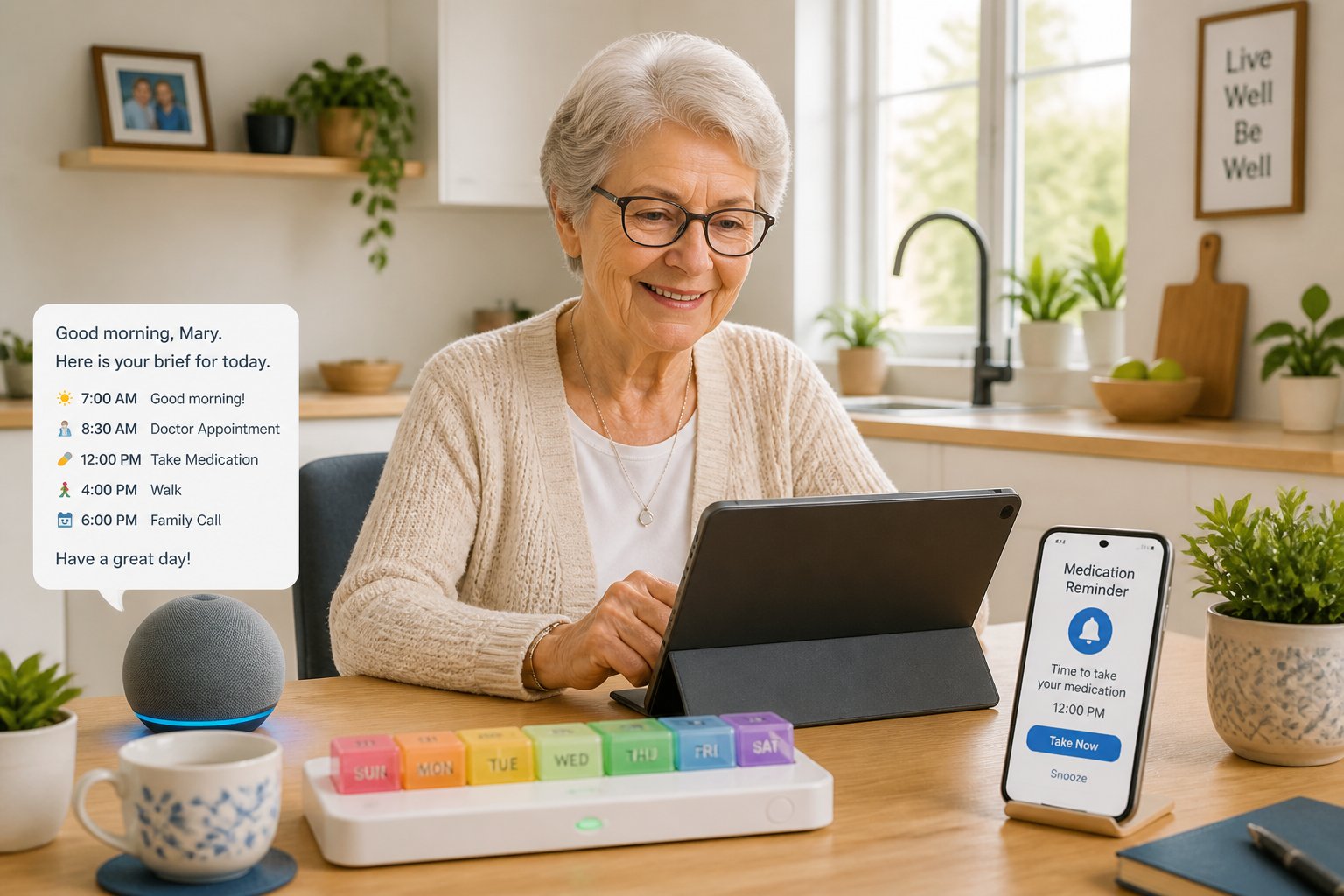
Safety automation workflows help seniors maintain independence while providing caregivers with essential health and security information. These systems can detect falls, track daily activities, and send emergency alerts without requiring constant manual input from older adults.
Automated Wellness Check-Ins
Wellness check-ins use smart sensors and activity monitors to track daily routines without intrusive cameras or constant supervision. Motion sensors placed throughout the home detect movement patterns, while smart appliances record typical usage times for activities like making coffee or opening the refrigerator.
When a senior’s routine deviates significantly from normal patterns, the system sends notifications to designated contacts. A missed morning routine or lack of movement during usual waking hours triggers alerts to family members or caregivers.
Common check-in triggers include:
- No movement detected by a specific time of day
- Bathroom visits outside normal patterns
- Missed medication dispenser interactions
- Refrigerator unopened for extended periods
- Unusual nighttime activity levels
These automated systems respect privacy while providing reassurance. They require initial setup to establish baseline routines, typically collecting data for 1-2 weeks before activating monitoring protocols.
Remote Monitoring for Seniors
Remote monitoring combines wearable devices and home sensors to track health metrics and environmental conditions. Smart watches measure heart rate, blood oxygen levels, and sleep patterns, while environmental sensors monitor temperature, humidity, and air quality.
Caregivers access this information through dedicated apps or web dashboards. The data reveals trends over time rather than requiring constant attention, making it practical for busy family members who live at a distance.
Health monitoring systems can detect irregularities like elevated heart rates, unusual sleep disruptions, or prolonged periods of inactivity. Some platforms integrate with medical devices such as blood pressure monitors and glucose meters, automatically logging readings for healthcare providers.
Temperature sensors prevent dangerous conditions by alerting caregivers when indoor temperatures reach unsafe levels. This protects seniors who may not notice gradual temperature changes or hesitate to adjust thermostats.
Emergency Alerts and Fall Detection
Fall detection technology uses accelerometers and motion sensors to identify sudden impacts and immobility. Wearable devices like smartwatches and pendant systems automatically contact emergency services or designated caregivers when they detect a fall.
Modern systems distinguish between actual falls and normal activities like sitting down quickly. They typically wait 30-60 seconds after detecting a potential fall, allowing the wearer to cancel false alarms before sending alerts.
Emergency alert features include:
- Automatic fall detection with instant notifications
- Manual panic buttons for immediate help requests
- Two-way voice communication through the device
- GPS location sharing for outdoor emergencies
- Integration with professional monitoring services
Personal emergency response systems work independently of smartphones, ensuring help arrives even when the senior cannot reach a phone. Battery life typically lasts 24-48 hours, with low battery warnings sent to both the wearer and caregivers.
Some systems integrate with smart door locks, automatically unlocking entry points when emergency services are dispatched. This removes barriers for first responders while maintaining security during normal operation.
Daily Routine Automation and Care Coordination
Coordinating daily routines and care tasks requires consistent communication between seniors, family members, and healthcare providers. Automation tools can handle appointment scheduling, wellness check-ins, and caregiver notifications while reducing the chance of missed medications or forgotten tasks.
Automated Appointment and Routine Reminders
Voice assistants and smart devices can deliver scheduled reminders for medical appointments, medication times, and daily wellness check-ins. These systems send alerts at preset intervals and can escalate notifications to family members or caregivers if the senior doesn’t respond within a specified timeframe.
Automated medication reminders work through smart watches, tablets, or dedicated dispensing devices that alert users when it’s time to take pills. Many systems track whether medications were taken and send caregiver notifications when doses are missed. This removes the burden of manual tracking while maintaining accountability.
Routine reminders extend beyond healthcare to include hydration prompts, meal times, and physical activity goals. Seniors can customize reminder frequency and delivery method based on their preferences and cognitive needs. Voice-based reminders work particularly well for those with vision limitations or difficulty reading small screens.
Smart Home Briefings and One-Tap Controls
Morning briefings delivered through voice assistants provide seniors with weather updates, upcoming appointments, and personalized health reminders in a single audio summary. These briefings can be scheduled to play at a consistent time each day, establishing a reliable routine that helps with orientation and planning.
One-tap controls simplify complex tasks by grouping multiple actions into single commands. A “Good Morning” routine might turn on lights, adjust the thermostat, and announce the day’s schedule. An “Emergency” button can simultaneously alert family members, call for help, and unlock doors for first responders.
Smart home sensors track activity patterns and can trigger automated responses based on behavior. Motion sensors activate lighting when someone enters a room, while inactivity alerts notify caregivers if normal movement patterns aren’t detected within expected timeframes.
Care Coordination and Communication Tools
Digital platforms centralize care coordination by allowing multiple family members and healthcare providers to access shared calendars, medication schedules, and care notes. These systems eliminate redundant communication and ensure everyone involved has current information about the senior’s needs and routines.
Caregiver notifications can be customized based on urgency and recipient role. A missed medication might alert the primary caregiver immediately while sending a daily summary to other family members. Automated status updates reduce the need for constant check-in calls while maintaining transparency across the care team.
Some platforms integrate directly with healthcare providers to synchronize appointment schedules and prescription refills. This reduces manual data entry and ensures appointment reminders reflect the most current information from medical offices.
Final Thoughts
Embracing automation doesn’t have to mean mastering complex technology. For seniors, these ten simple workflows are about creating a digital safety net that works quietly in the background. By setting up automated medication reminders, morning briefings, and wellness check-ins, you can drastically reduce the mental load of daily routines while maintaining a high level of independence.
The true value of these tools lies in the peace of mind they provide—not just for the seniors using them, but also for the caregivers who support them. Whether it’s an Apple Watch detecting a fall or a simple “one-tap” shortcut that secures the home for the night, these small adjustments make a significant difference in safety and quality of life. Start with one or two workflows that address your most immediate needs, and you’ll quickly see how a little bit of automation can lead to a lot more freedom.