
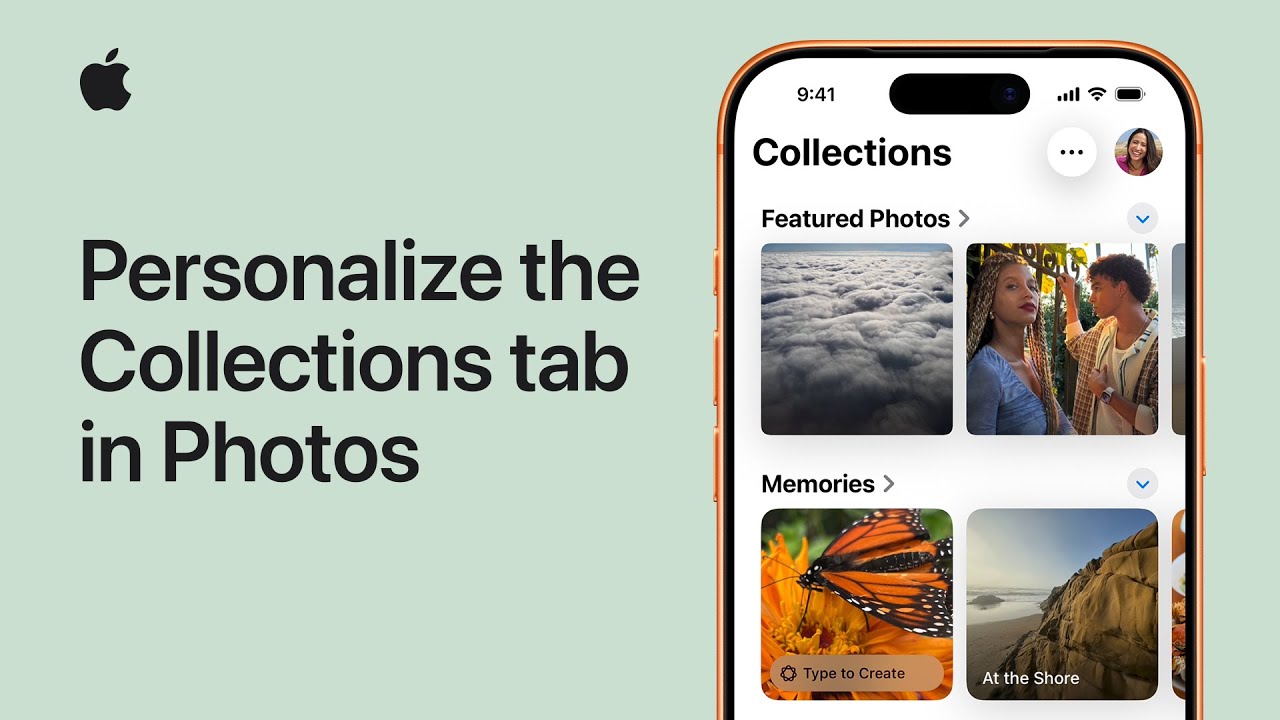
I open Photos and tap the Collections tab at the bottom of the screen. Then I tap Layout and Reorder to choose how my Collections appear.
I can select Small Grid to shrink thumbnails and see more collections, or Large Grid to make them bigger.
To reorganize, I tap Reorder, touch and hold a collection, drag it where I want—moving Featured Photos to the top—and release.
When I’m satisfied with the arrangement I tap Done to save my changes. That’s how I personalize the Collections tab so my photos display exactly the way I like for my daily browsing comfortably.
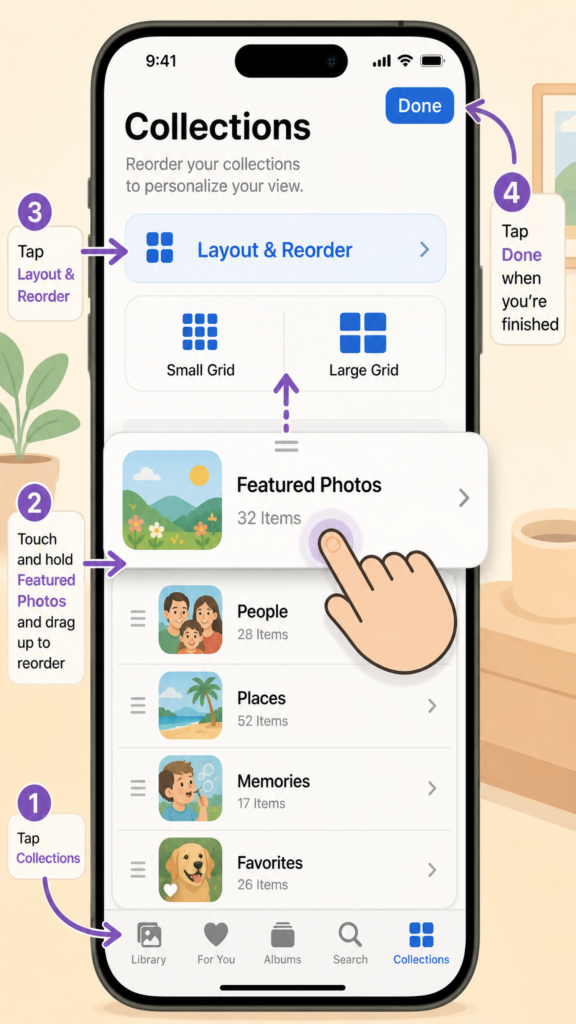
- Open Photos and tap Collections.
- Tap Layout and Reorder to choose Small Grid or Large Grid.
- Tap Reorder, touch and hold a collection, then drag to reposition.
- Move Featured Photos (or any collection) to the top as desired.
- Tap Done to save your personalized layout.