
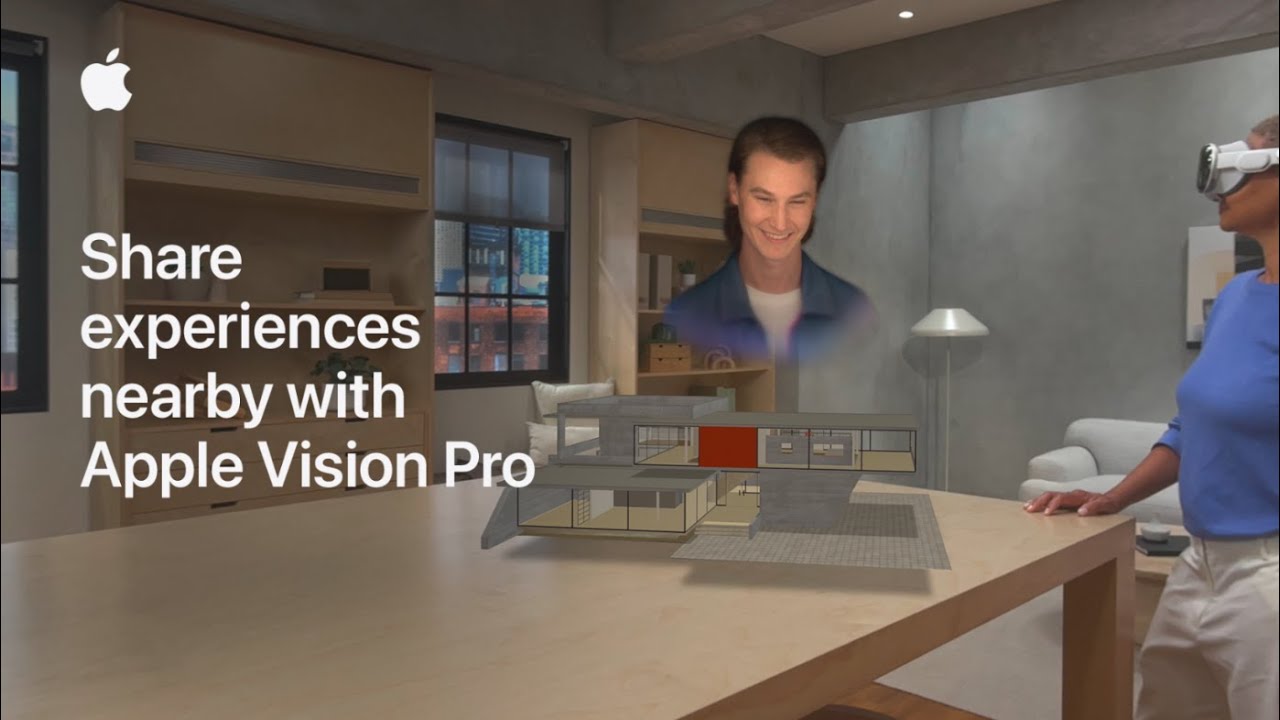
I want to share Apple Vision Pro experiences with others using visionOS 26; first I update my headset and confirm any Apple Vision Pro I’ll share with is on the latest OS.
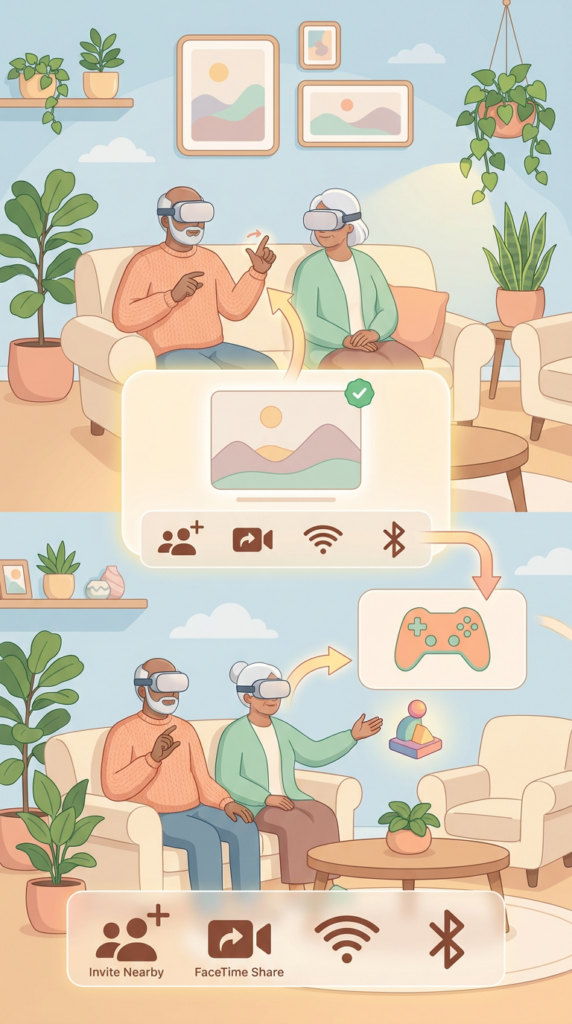
Next I make sure nearby devices are on the same Wi‑Fi network and have Bluetooth enabled.
To watch movies together everyone needs a subscription to the same content, and to play spatial games each person must install the same SharePlay‑enabled game.
Then I open the app or 3D object, look to the bottom of the window for sharing controls, and choose to invite people nearby or connect remotely over FaceTime.
- Update all Apple Vision Pro devices to visionOS 26.
- Ensure nearby devices share the same Wi‑Fi and have Bluetooth on.
- Match subscriptions for shared media and install the same SharePlay games.
- Open the content or 3D object and access sharing controls at the bottom of the window.
- Invite people nearby or start a FaceTime share to connect remotely.