
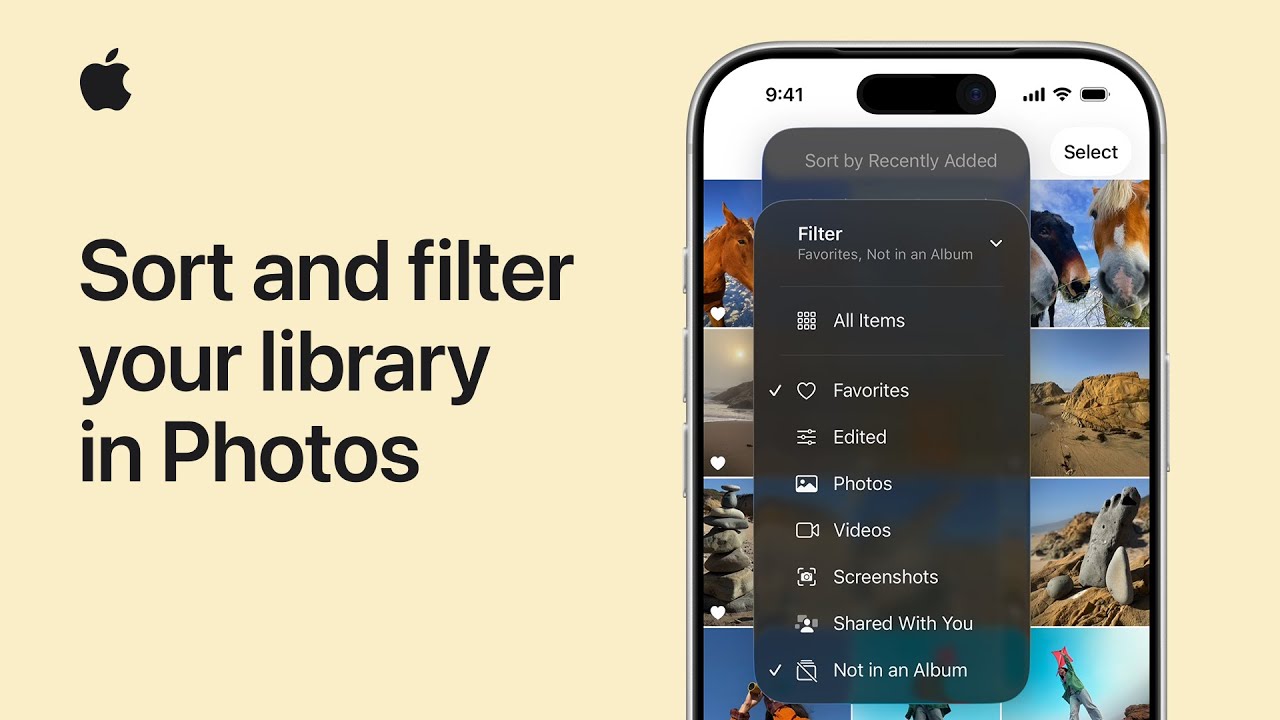
I need to find specific photos and videos in my library, so I use the Sort and Filter tools in Photos on iOS 26 or iPadOS 26.
First I open my Library and tap the Sort and Filter button, then tap Filter.
I pick filter options — for example, Favorites and Not in an Album — and can combine multiple filters to narrow results.
To change order I tap Sort and Filter again and choose Sort by Recently Added so items appear by when I added them.
To return to the full library I tap Filter and Remove Filters again.
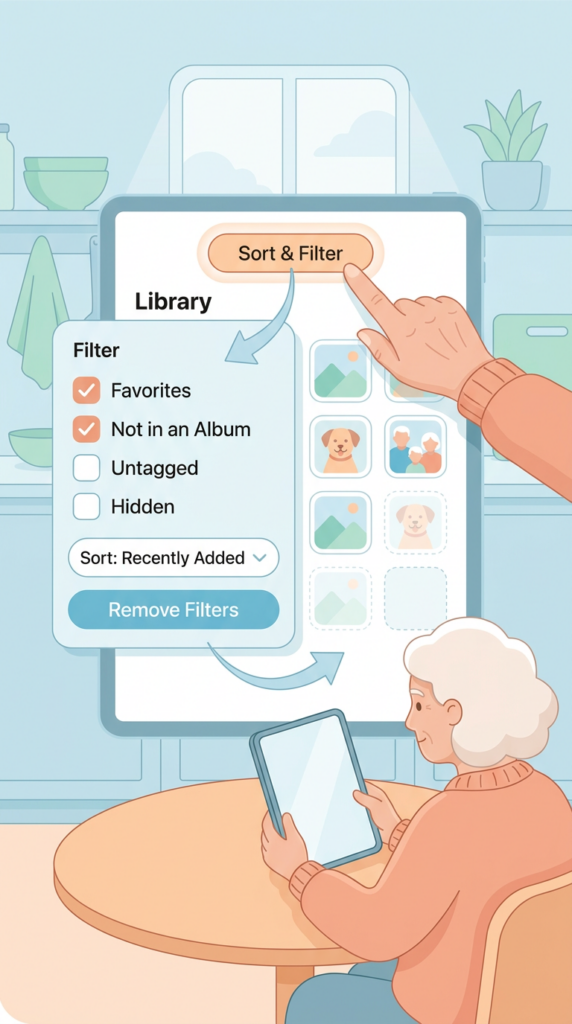
- Open Photos Library and tap the Sort and Filter button, then tap Filter.
- Choose one or multiple filter options (e.g., Favorites, Not in an Album).
- Combine filters to narrow results and view only matching photos/videos.
- To change ordering, tap Sort and Filter and choose Sort by Recently Added.
- Remove Filters to restore the full Library view.