
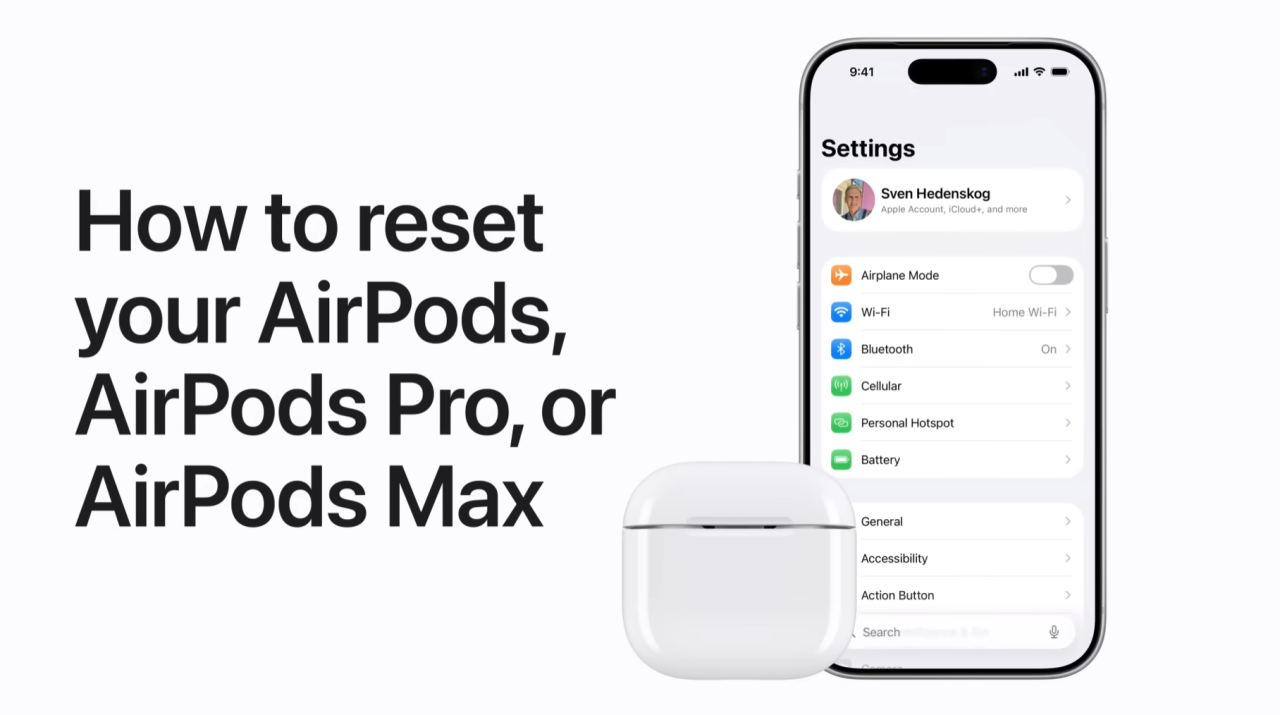
To reset your AirPods, I first recommend unpairing them by going into your iPhone settings, selecting your device, and tapping “Forget This Device” to clear the connection from all your iCloud devices.
For AirPods or AirPods Pro, place them in their case, open the lid, and either double-tap the front of the case or hold the setup button on the back for fifteen seconds until the light flashes amber and then white.
For AirPods Max, ensure they are charged, then hold both the noise control button and the Digital Crown for fifteen seconds until you see the same amber-then-white light sequence.
Now you are fully reset and ready to pair again!
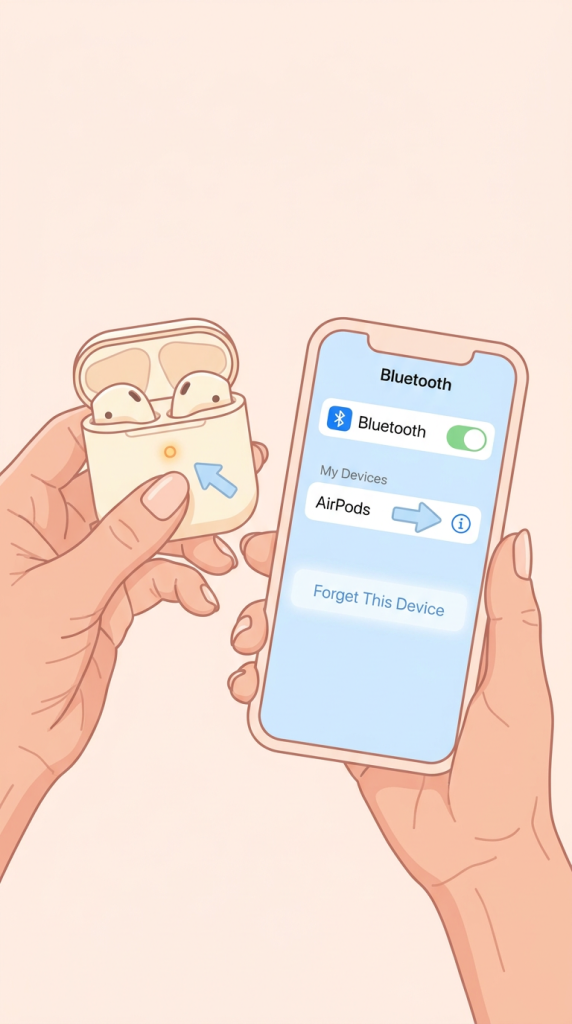
- I start by unpairing the AirPods or AirPods Max from the iPhone settings by selecting the device and tapping “Forget This Device” to remove it from all iCloud-connected devices.
- For AirPods or AirPods Pro, I place them in their charging case, open the lid, and either double-tap the front of the case or hold the setup button on the back for 15 seconds.
- For AirPods Max, I ensure they are charged and out of their case, then I press and hold the noise control button and the Digital Crown together for about 15 seconds.
- I watch for the status light to flash amber and then white, which indicates that the factory reset is successful.
- Once the reset is complete, the AirPods are ready to be re-paired with my device just like they were new.