
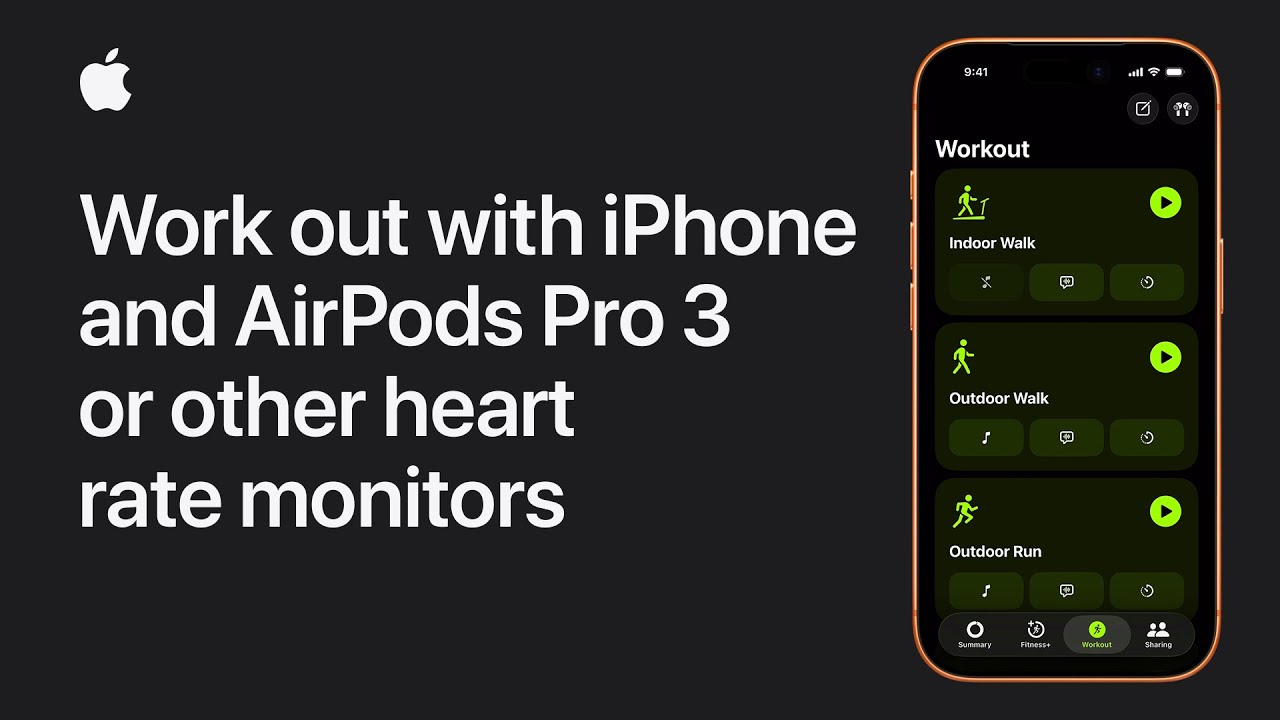
To start a workout on my iPhone with heart rate tracking, I open the Fitness app and tap the Workout tab. If I want full tracking, I make sure a compatible device like AirPods Pro or an Apple Watch is connected.
Once connected, I choose a workout that supports heart rate monitoring. Before starting, I can set up music, pick a Workout Buddy, and choose goals like time or calories.
Then I tap Start, and my workout begins, showing metrics like heart rate and distance.
If the device disconnects, the workout pauses.
When finished, I swipe up, tap End Workout, and review my results.
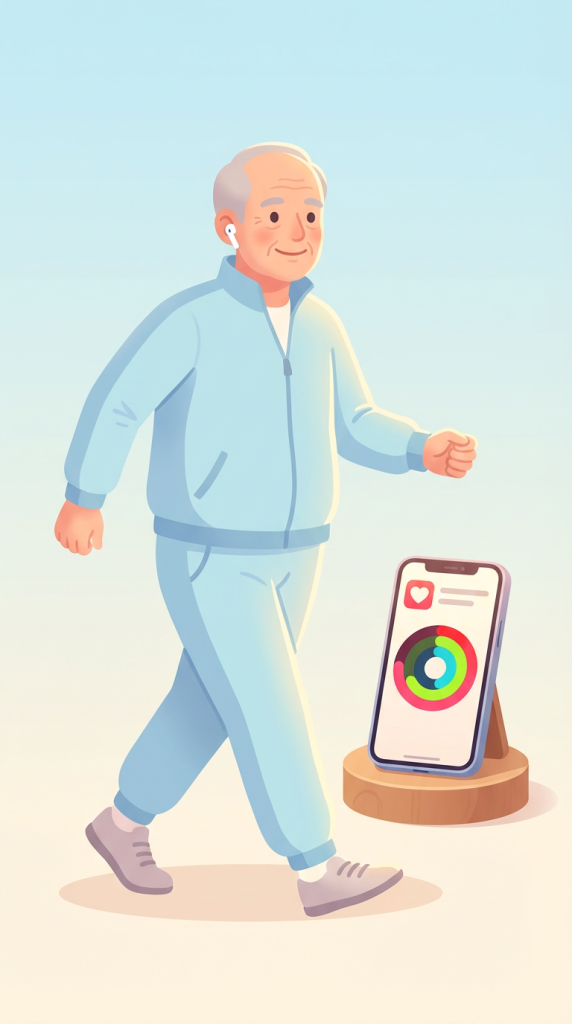
- Open the Fitness app and go to the Workout tab.
- Connect a heart rate monitor (Apple Watch or AirPods Pro).
- Choose a workout and set music, goals, or Workout Buddy.
- Tap Start and track metrics like heart rate and calories.
- Swipe up, tap End Workout, and review your results.