
Hello
Reliable guidance for every day tech challenges opportunities. We’ve got your back.
Discover easy iPhone and Android tips with video and image walkthroughs. Find apps for you to stay connected. Insights into artificial intelligence. Sarcastic humor included at no extra charge.
💭 Unsubscribe any time.

“Practical tech guidance for you!”
Latest Advice

AI and Memory Support: Gentle Tools to Help You Remember Names, Dates, and Tasks
This easy guide shows how simple apps can help you remember names, appointments, and daily tasks without feeling overwhelmed by technology. Explore gentle tools that quietly support your independence …
Read More
How to use Find My on Apple Watch | Apple Support
With the Find My app on your Apple Watch, you can locate lost devices, items, and share your location with friends and family. Once you’re signed into your Apple ID, Find My is automatically set…
Read More
How to use Apple Pay in stores | Apple Support
To use Apple Pay in stores, look for the contactless symbol or Apple Pay logo. Double-click the side button on an iPhone with Face ID or the Home button on an iPhone with Touch ID, then authenticate w…
Read More
Voice Instead of Typing: Let AI Do the Hard Work on Your Phone or Tablet
If small screens and tiny keyboards make your hands or eyes tired, you don’t have to struggle. This guide shows you how to use your voice to type, search, and control your phone or tablet with simple,…
Read More
How to add faces for Apple Watch on iPhone | Apple Support
To customize your Apple Watch face using your iPhone, open the Watch app and tap Face Gallery. Select a watch face from the gallery, then personalize it by adjusting options like color, style, and com…
Read More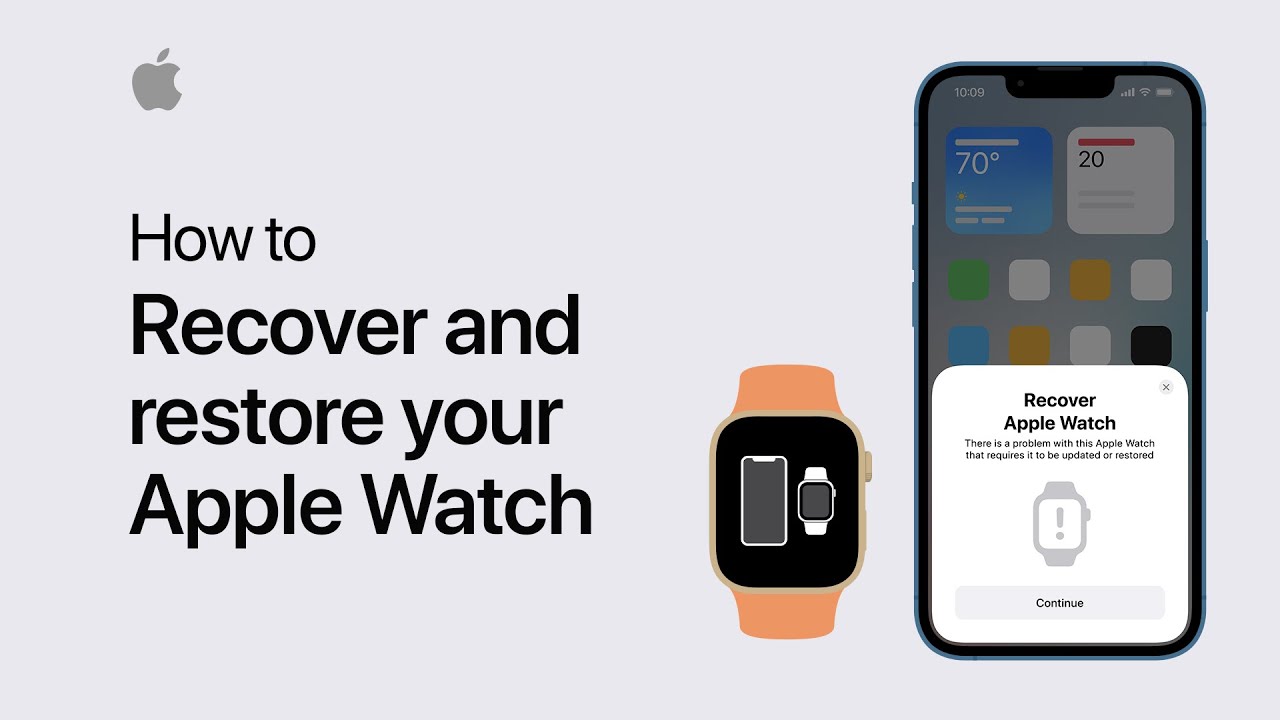
How to recover and restore your Apple Watch | Apple Support
If your Apple Watch shows an iPhone and Apple Watch icon or a red exclamation point, you may need to recover it. First, ensure your watch is charged to at least 50% and remains on its charger througho…
Read More