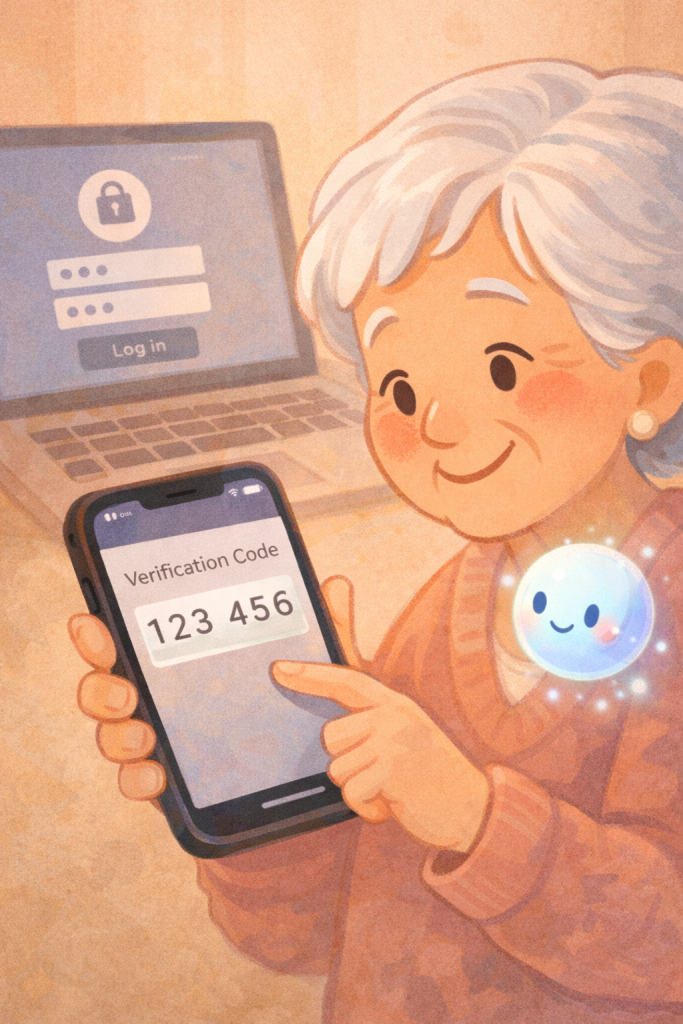
Two-factor authentication adds an extra layer of security to your Apple ID by requiring a six-digit verification code in addition to your password.
When you sign in to your Apple ID on a new device, you’ll be prompted to verify your identity. Simply tap “Allow” on your trusted device and enter the code provided.
This ensures that even if someone has your password, they can’t access your account without the code.
You’ll only need to do this once per device, enhancing security while keeping the process simple.
Summary:
– Two-factor authentication adds an extra layer of security to your Apple ID.
– It requires a six-digit verification code along with your password.
– When signing in on a new device, you’ll need to verify it’s you by entering a code.
– The code is sent to your trusted devices, where you tap “Allow” to receive it.
– You only need to do this once per device for added security.