
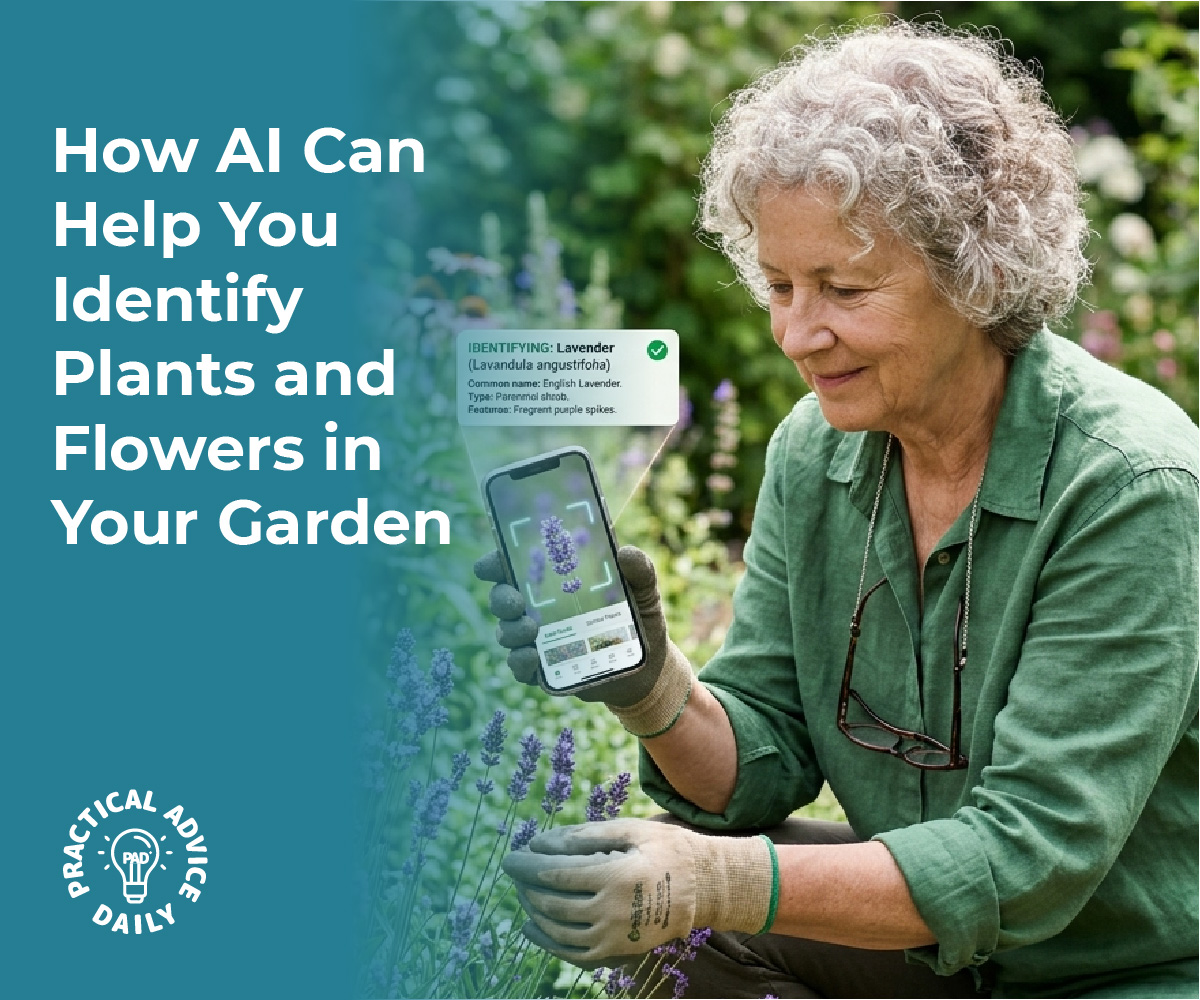
For seniors who enjoy gardening or discovering new plants, the iPhone’s Visual Look Up feature transforms an everyday smartphone into a handy gardening assistant. This built-in AI tool allows users to quickly identify unknown plants by simply taking a photo, offering a seamless way to enhance gardening hobbies without needing additional apps. This tool offers easy access to a wealth of information about flora directly from the phone’s camera, making it an invaluable resource for both seasoned gardeners and curious beginners.
Visual Look Up is especially beneficial for older adults, who can leverage this technology to support their gardening hobbies. By providing insights into plant care and characteristics, seniors can confidently identify mystery sprouts or unfamiliar garden guests. The iPhone’s intuitive design ensures that even those who are less tech-savvy can navigate this feature with ease, bridging the gap between technology and nature.
Incorporating such technology in daily gardening routines not only boosts a senior’s plant knowledge but also encourages an active, engaging outdoor hobby. As they explore their gardens or new outdoor spaces, users can enrich their understanding of different plant species, transforming gardening into an interactive learning experience.
Table of Contents
Key Takeaways
- Visual Look Up helps identify plants with ease.
- Seniors benefit from tech in gardening hobbies.
- AI tools expand plant knowledge effectively.
Getting Started With Visual Look Up on iPhone
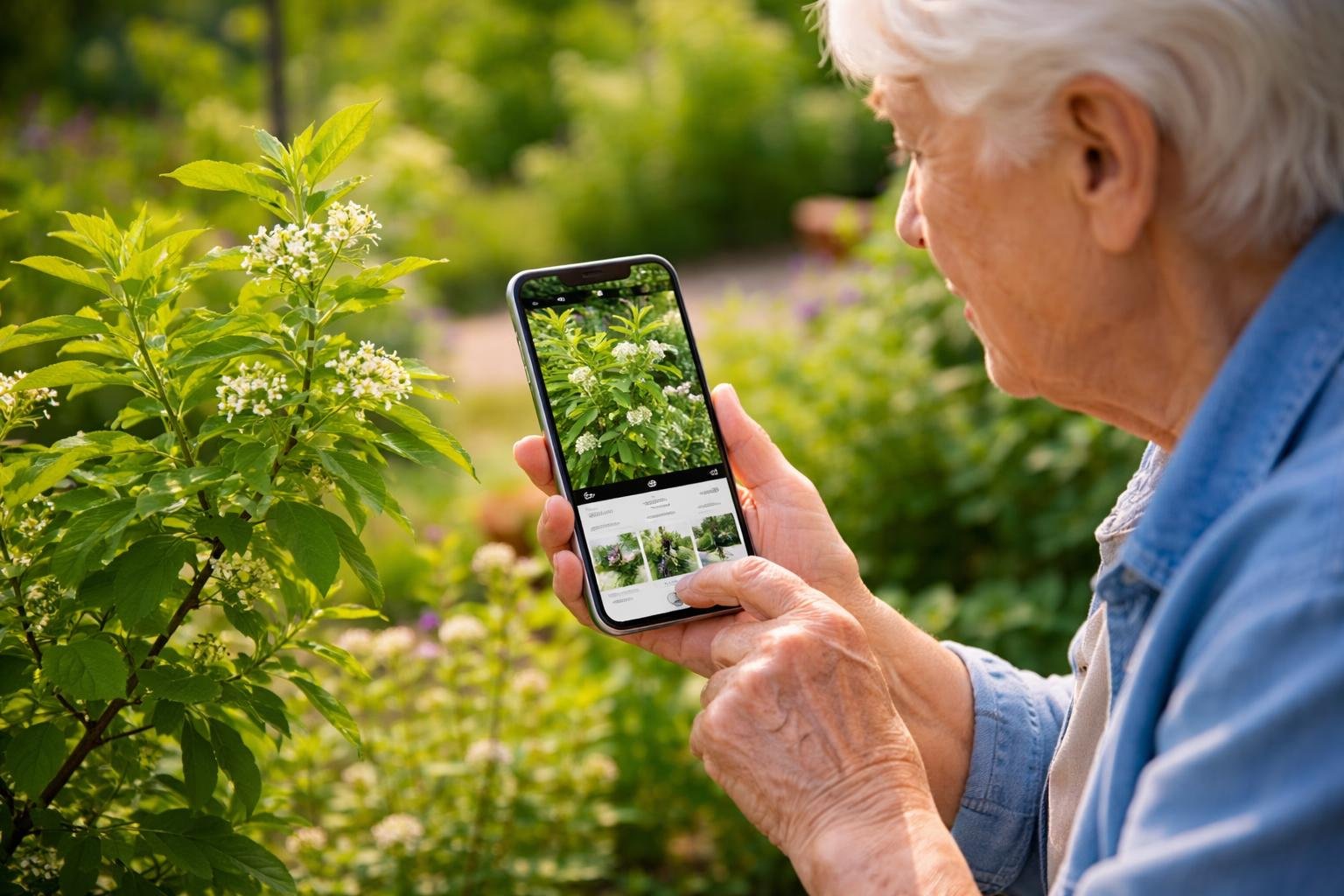
To effectively use the built-in Visual Look Up feature on the iPhone, individuals should ensure their device is compatible and meets the necessary iOS requirements. Proper setup of the Photos app is essential for optimal recognition of objects like plants. Additional accessibility features can be enabled to support seniors in navigating these functions.
Checking Device Compatibility and iOS Requirements
Before utilizing Visual Look Up, it is crucial to confirm that the iPhone model supports this feature. Typically, most models running iOS 15 or later versions can access Visual Look Up. Users should verify their device’s current iOS version by navigating to Settings > General > Software Update.
For seniors or those unfamiliar with technology, ensuring the device is updated to the latest iOS can improve overall functionality and access to the newest features, including Visual Look Up. If an update is needed, the device should be connected to Wi-Fi, and backups should be performed before installation to prevent data loss.
Setting Up Photos for Visual Look Up
Activating Visual Look Up requires minimal effort once the device is compatible. Users should open the Photos app and select a photo containing the object they wish to identify. When Visual Look Up is available, an “i” icon with stars will become visible when viewing the image. Tapping this icon provides insights about the object, directing the user to information on plant species, for instance.
Efficient organization of photos can further aid in the identification process. Creating albums specific to gardening or unknown plants helps users access images for future reference quickly. Encouraging seniors to label photos with the approximate location or additional notes can also enhance their engagement with gardening activities.
Enabling Accessibility Features for Seniors
To make Visual Look Up more user-friendly for seniors, enabling specific accessibility features can be beneficial. Adjustments such as larger text and voice-over functionalities are available under Settings > Accessibility. These settings help those with visual impairments or limited dexterity navigate their devices more independently.
Guided Access, another iOS feature, restricts users to a single app, which is useful for those who may become overwhelmed by navigating through different applications. This can ensure that seniors remain focused when using Visual Look Up within the Photos app, providing a more streamlined and enjoyable experience.
Identifying Plants Using Visual Look Up
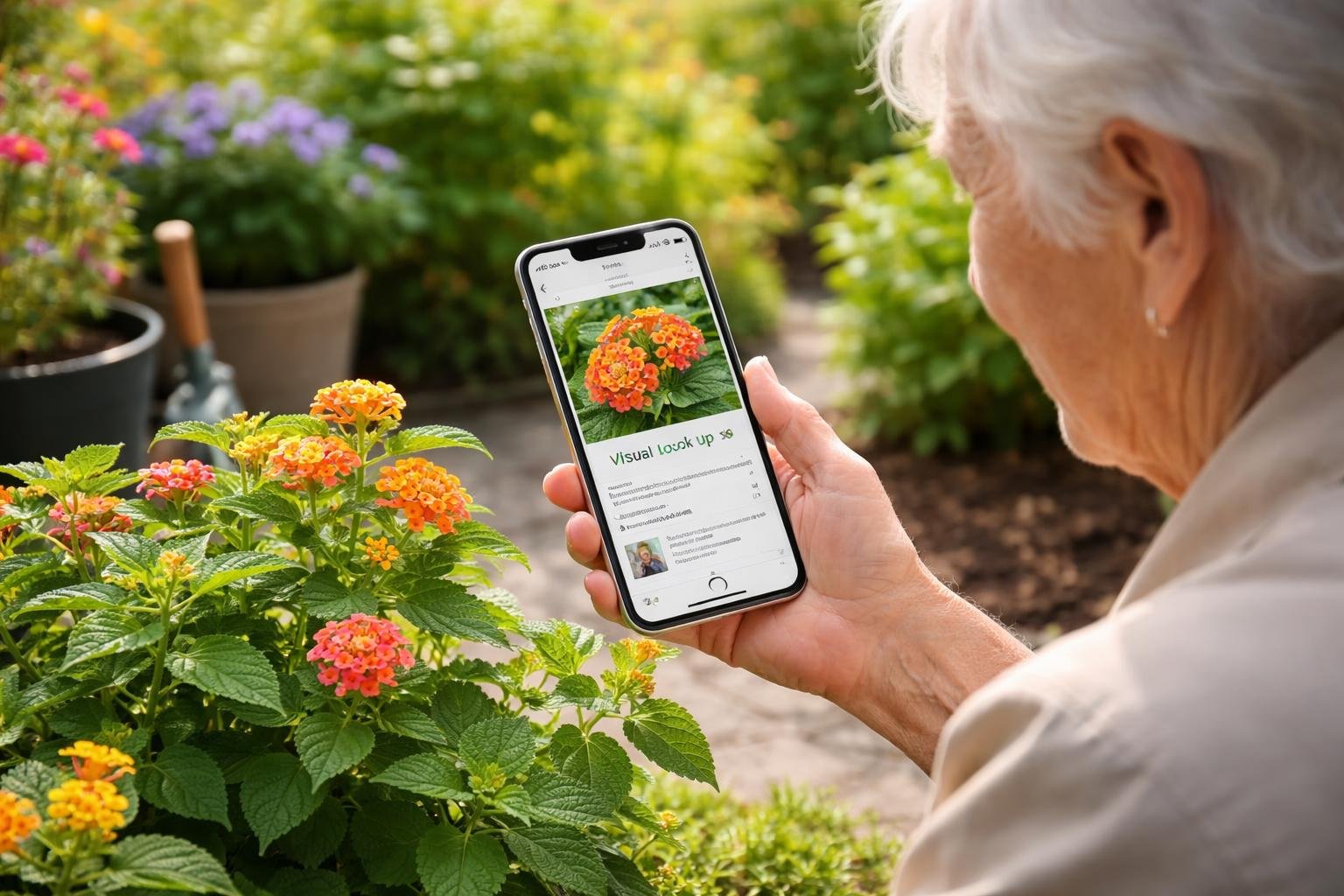
Visual Look Up on iPhones offers a useful tool for plant identification by leveraging AI technology to analyze photos and recognize different plant species. This capability can greatly assist those interested in gardening or solving the mystery of unknown plants found in their environment. The process involves capturing a clear image, using the Visual Look Up feature to analyze it, and understanding the results provided.
How to Capture Clear Plant Photos
Capturing a clear and detailed photo is essential for Visual Look Up to accurately identify plants. Good lighting is crucial; natural sunlight is best, but avoid harsh shadows that could obscure details. Try to focus on a single part of the plant, such as a leaf or flower, filling the frame with the subject. This maximizes detail and minimizes distractions.
Stable shots are important; holding the iPhone steady or using a tripod can prevent blurring. It’s also helpful to take multiple shots from different angles. More angles provide the app with comprehensive visual data, increasing the chance of a precise identification. Aim for photos at the same level as the plant, avoiding extreme angles that distort the view.
Step-by-Step Process for Visual Look Up
To start using Visual Look Up, ensure the iPhone is running iOS 15 or later. Once a photo is ready, open Photos and select the image of the plant you want to identify. If Visual Look Up recognizes it as a suitable subject, a small white info icon (i) may appear at the bottom of the screen. Tapping this icon accesses additional options.
From here, select the Look Up feature, which prompts Visual Look Up to analyze the image. Apple’s AI technology will examine the photograph and suggest possible identifications. This tool uses machine learning to offer the most likely plant matches based on the visuals.
Interpreting Visual Look Up Results
Interpreting results requires some attention to detail. Once the photo has been processed, Visual Look Up suggests matches with possible links to more information about each plant. Each suggestion comes with the plant’s common and scientific names if available.
While the results are often reliable, they should be cross-referenced with other sources, especially if the identification is crucial. Consider using plant books or verified online resources to confirm. This is particularly valuable for rare plants or if the iPhone provides multiple potential matches. Having awareness of local flora can also provide context that aids in verifying results.
Supporting Seniors With Gardening Hobbies
Leveraging technology can significantly enhance the gardening experience for seniors. The iPhone’s Visual Look Up feature simplifies plant identification, making it accessible and empowering. Efficient organization of plant knowledge and troubleshooting common issues are equally crucial.
Making Plant Identification Senior-Friendly
Introducing user-friendly tools can greatly benefit seniors in gardening. Visual Look Up on the iPhone enables effortless plant identification through photography, eliminating the need for extensive botanical knowledge. Seniors can simply snap a photo of a plant, and the app provides the name and other valuable details.
The design is intuitive, aiming to reduce the complexity often associated with tech tools. Ensuring the app is easily navigated, with clear instructions and large, readable text, enhances accessibility. This approach not only fosters independence in identifying unknown plants but also encourages continued engagement with gardening activities, supporting physical and mental well-being.
Organizing and Saving Identified Plants
Maintaining a digital record of identified plants is crucial for ongoing gardening success and enjoyment. After identifying plants using Visual Look Up, seniors can save this data directly on their device. Organizing plant information is made simple through iPhone’s photo albums and note features, allowing categorized storage such as perennials, annuals, and vegetables.
Proper documentation not only aids in future plant care but is also beneficial for sharing insights with fellow garden enthusiasts. Utilizing tagging and search features within the app or phone to quickly retrieve plant details can further streamline the gardening process, making it more enjoyable and less overwhelming for seniors.
Common Challenges and Troubleshooting Tips
While Visual Look Up is a potent tool, seniors may encounter certain challenges. Connectivity issues could affect app functionality; ensuring a good internet connection is vital for optimal performance. When plant identification results are inaccurate or uncertain, trying different angles or lighting conditions when capturing photos may improve results.
Regular updates to the app and device software are essential for maintaining feature accuracy and efficiency. Providing seniors with printed or digital guides, detailing troubleshooting steps and including a list of commonly misidentified plants specific to their area, can also provide support. This proactive approach can help in achieving a fulfilling gardening experience with minimal frustration.
Expanding Gardening Knowledge With AI Tools
AI tools like the iPhone’s Visual Look Up offer seniors an efficient way to enhance their gardening experience. By combining technology with traditional gardening techniques, enthusiasts can identify mystery sprouts, access extra information, and stay safe.
Identifying Mystery Sprouts and Unusual Plants
The iPhone’s Visual Look Up feature provides an accessible solution for gardeners to identify unfamiliar plants. By taking a photo of a sprout or plant, users can quickly access information about its species, growth patterns, and care requirements. This function is particularly useful for seniors who might encounter unidentified plants that have spontaneously appeared in their garden.
Through its user-friendly interface, the iPhone assists in distinguishing between beneficial plants and potential garden pests, enabling more efficient garden management. Visual Look Up also connects users with detailed botanical data, offering insights into native and exotic plant varieties alike.
Leveraging Additional Resources Within the Photos App
The Photos app on the iPhone acts as more than just a storage space for pictures; it is a valuable resource hub. Visual Look Up extends beyond basic plant identification by allowing users to link to detailed articles and guides related to the plants they have photographed. This feature provides educational information seamlessly integrated into the app, empowering users to deepen their botanical knowledge.
Users can engage with high-quality content from reputable sources, enhancing their understanding of plant care and diversity. The app’s ability to maintain a history of previously identified plants ensures efficient tracking and reference, contributing to a well-rounded gardening toolkit.
Staying Safe While Exploring Plants
Safety cannot be overlooked when engaging with new plants. Using the iPhone’s Visual Look Up helps in recognizing potentially harmful flora, thus preventing adverse reactions. The app can indicate which plants are known for causing irritation or allergic reactions, offering users a proactive approach to gardening safely. Additionally, if a gardener suspects an unusual plant is toxic or invasive, quick identification allows them to take necessary precautions before further interaction.
This feature emphasizes the importance of not only enriching gardening knowledge but also ensuring personal safety, particularly beneficial for seniors who may have sensitivities to certain plant types. By staying informed, gardeners can enjoy their hobby while minimizing risks.
Final Thoughts
Embracing the iPhone’s Visual Look Up feature is about more than just identifying a leaf or a flower; it is about fostering a deeper, more confident connection with the world right outside your door. For seniors, this simple tool removes the guesswork from gardening, turning every mystery sprout into an opportunity for discovery and every walk through the garden into an interactive learning experience. By bridging the gap between nature and technology, the iPhone empowers older adults to maintain their independence and curiosity, proving that you are never too old to grow your knowledge.
As you continue to explore your green spaces, remember that these digital tools are here to support your passion, not complicate it. Whether you are identifying a beautiful new bloom, organizing your digital plant library, or ensuring your garden stays safe and healthy, technology can be a warm and helpful companion. We encourage you to keep snapping photos, keep asking questions, and most importantly, keep enjoying the peace and fulfillment that gardening brings to your daily life.