

We’ve all been there: you step away from your phone for an hour, and when you return, you have 50 new messages in the family group chat. It can feel overwhelming to scroll through every single joke, photo, and side conversation just to see if there’s something important you missed.
The good news is that technology is catching up to our busy lives. New AI features are being built right into our phones to act like a personal assistant for your text messages. In this guide, we’ll show you how these tools can help you follow along effortlessly and reply in a way that feels just like you.
Table of Contents
Key Takeaways
- Instant Summaries: AI can “read” a long thread and give you a short paragraph of what was discussed.
- Smart Highlights: Important details like dates, times, or questions are brought to the front so you don’t miss them.
- Personalized Replies: Your phone can suggest quick responses that match your usual way of speaking.
- Stress-Free Connection: You can stay involved with your family without feeling like you have to check your phone every five minutes.
How AI Keeps You in the Loop
1. Catching Up with Summaries
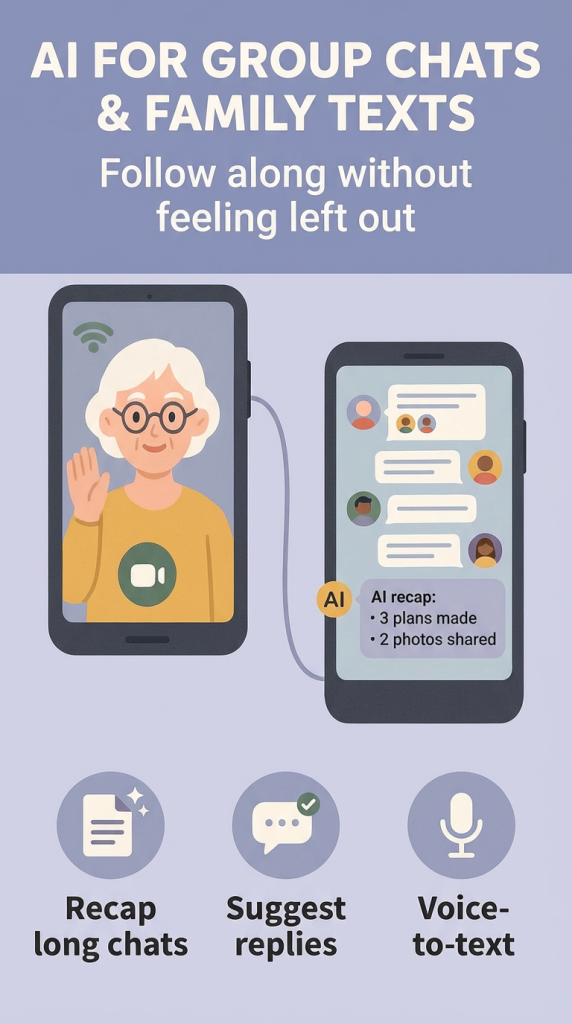
Instead of scrolling through dozens of messages, many new smartphones now offer a “Summarize” button. When you tap it, the AI looks at the conversation and gives you a quick recap. For example, instead of reading 30 messages about Sunday dinner, the AI might simply tell you: “The family is meeting at 5:00 PM at Mario’s Italian Restaurant; Sarah is bringing the dessert.”
2. Finding the “Must-See” Messages
Group chats are often full of “fluff”—like emojis or “LOLs”—that are fun but not essential. AI tools can now scan a chat and highlight the “action items.” If someone asks, “Can you pick up milk?” or “What time are you arriving?”, the AI can flag these specific questions so you can see them immediately without hunting through the whole thread.
3. Replying with “Smart Suggestions”
Sometimes you want to reply, but typing on a small screen can be a chore. AI looks at the context of the conversation and offers three or four “Smart Replies.” If your daughter sends a photo of your grandson, the AI might suggest buttons that say “He looks so big!” or “Beautiful photo!” These aren’t just generic; they often learn how you usually talk, so the suggestions feel natural.
4. Keeping Your Own Tone
One of the best parts of modern AI is that it doesn’t have to sound like a robot. You can often choose the “tone” of a suggested message. If you want to sound extra warm and friendly, or perhaps short and professional, you can tell the AI to adjust the wording. This helps you stay “you” while saving your thumbs from extra typing.
Final Thoughts
Technology should make our lives easier, not more complicated. By using AI to help manage your group chats, you can enjoy the best part of family texts—the connection—without the headache of a cluttered screen.
Don’t be afraid to look for these “Summarize” or “Reply” buttons the next time your phone starts buzzing. You might find that staying in the loop is easier and more enjoyable than ever before. If you found this helpful, you might also enjoy our guide on using voice commands to send texts hands-free.