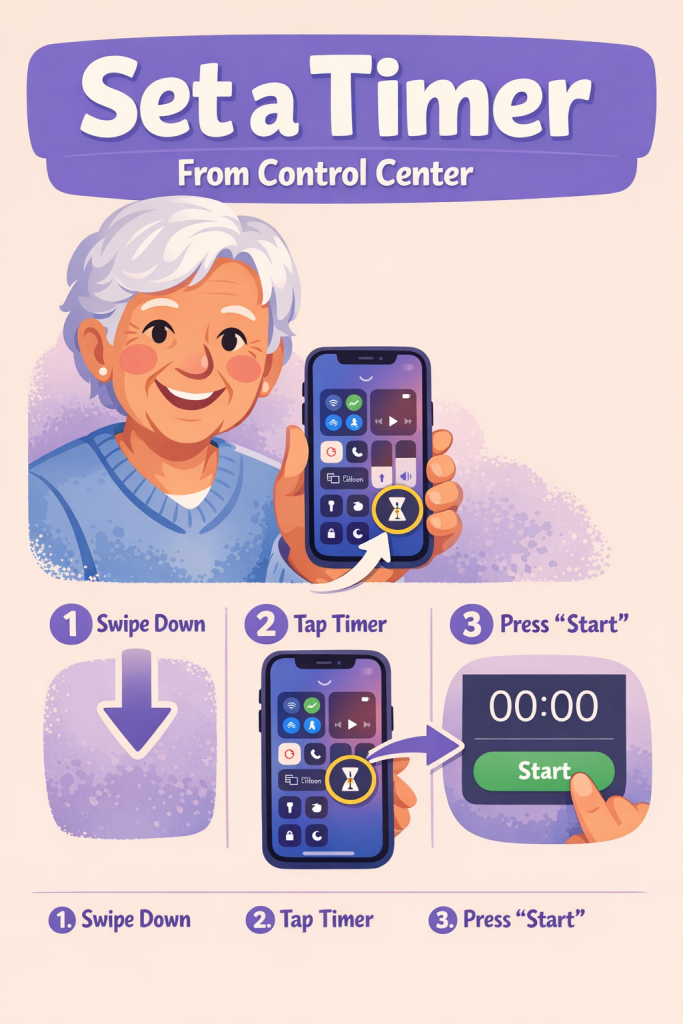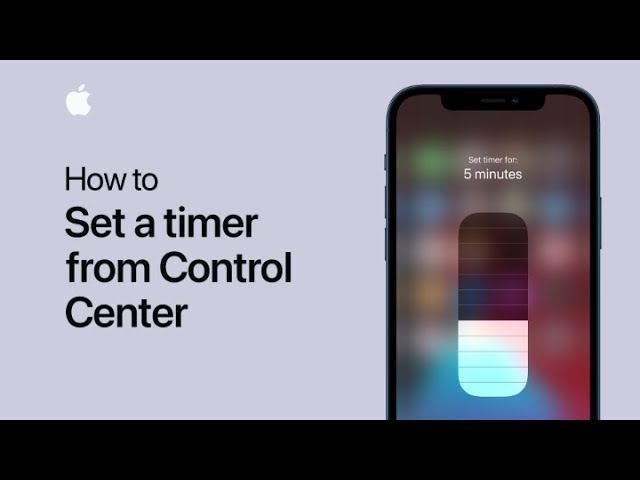
To quickly set a timer from Control Center, first touch and hold the timer icon. Then, slide to select your desired duration. After setting the time, tap Start to begin the countdown.
This simple process allows you to set and manage timers swiftly and efficiently directly from Control Center.
Summary:
– Open Control Center and touch and hold the timer icon.
– Slide to choose the timer duration.
– Tap Start to begin the countdown.
– This allows quick and easy timer management.
– The entire process is handled directly from Control Center.