
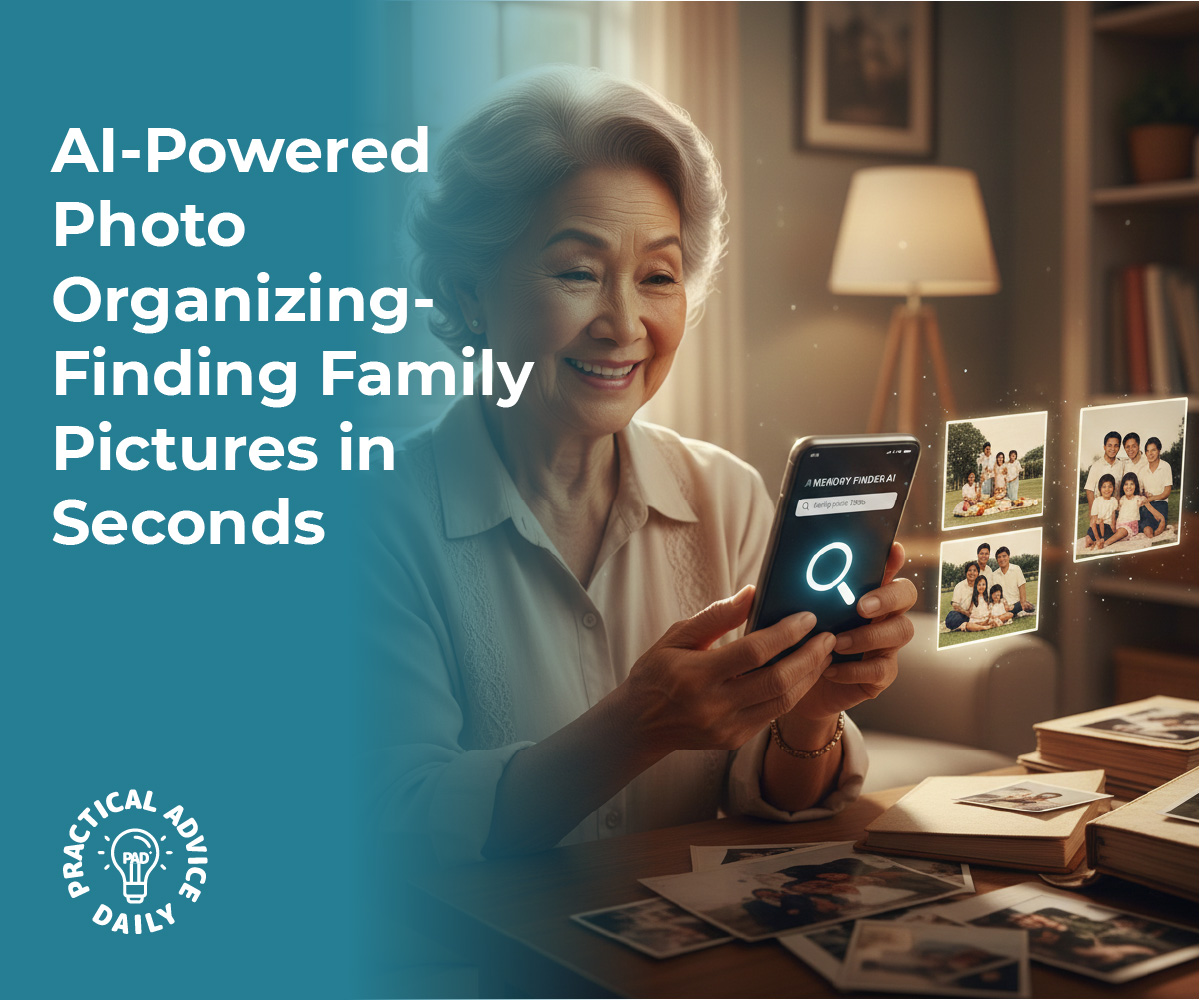
We all love taking photos of our children, grandchildren, and special trips. But as the years go by, those pictures can pile up into the thousands, making it feel impossible to find that one specific memory when you want to show it to a friend.
The good news is that you don’t have to spend hours sorting them into digital folders. Your smartphone uses “AI” (Artificial Intelligence) to act like a digital librarian. It automatically looks at your photos, recognizes faces, identifies locations, and sorts them by date. In this guide, we’ll show you how to use these simple search features to find any family memory in seconds.
Table of Contents
Key Takeaways
- Face Recognition — Your phone can group all photos of a specific person together automatically.
- Search by Keyword — Type “Dog,” “Beach,” or “Birthday” to see every related photo instantly.
- Map View — See your photos organized by where they were taken on a world map.
- Memories & Slideshows — Let the AI create beautiful mini-movies of your past trips or holidays.
- Date Filtering — Quickly jump back to a specific month or year without endless scrolling.
Finding People: The “People & Pets” Album
One of the most helpful AI features is its ability to recognize faces. Your phone can scan your library and group every photo of your grandson, daughter, or even your cat into one neat folder.
What to do:
- On iPhone: Open the Photos app, tap Albums, and scroll down to People & Pets.
- On Android: Open Google Photos, tap Search, and you’ll see a row of faces at the top.
- Tap on a face to see every photo you’ve ever taken of that person.
- Pro Tip: You can “Name” the person (e.g., “Grandson Leo”) so you can just ask your phone, “Show me photos of Leo.”
Why it matters: You no longer have to scroll through months of photos just to find a picture of a specific family member.
Searching Like a Pro: Just Type What You See
You don’t need to remember when you took a photo if you remember what was in it. The AI “looks” at the content of your pictures and tags them for you.
What to do:
- Tap the Search icon (the magnifying glass) in your photo app.
- Type a simple word like: “Garden,” “Cake,” “Christmas Tree,” or “Beach.”
- The AI will instantly pull up every photo that matches that description.
Why it matters: It’s the fastest way to find a specific moment, like a photo of a beautiful flower you grew or a specific holiday dinner.

Traveling Back in Time: The Map View
If you remember a wonderful trip to the Grand Canyon or a family reunion in Florida, you can find those photos by looking at a map.
What to do:
- On iPhone: In the Search tab, scroll down to Places. Tap the map to see “stacks” of photos over the cities you’ve visited.
- On Android: In Google Photos, tap Search and then tap Your Map.
- Zoom in on a specific city or country to see the photos taken there.
Why it matters: It turns your photo library into a travel diary, making it easy to relive vacations.
Let the AI Tell the Story: “For You” Memories
Sometimes the best way to enjoy photos is to let the AI surprise you. Your phone creates “Memories”—short slideshows set to music based on a specific day or event.
What to do:
- On iPhone: Tap the For You tab at the bottom of the Photos app.
- On Android: Look at the top of your Google Photos library for “Memories” circles.
- Tap one to watch a beautifully edited slideshow of a past event, like “A Weekend in the Mountains” or “One Year Ago Today.”
Why it matters: It brings forgotten memories back to life without you having to do any editing work.
Finding Photos by Date
If you know an event happened in “Summer 2019,” you can jump straight there instead of flicking your thumb a hundred times.
What to do:
- Use the Search bar and type a month and year, like “October 2021.”
- Or, use the scroll bar on the right side of your main photo library to see the years fly by as you move your finger up and down.
Why it matters: It gives you a bird’s-eye view of your life’s timeline.
Final Thoughts
Your photo library is a treasure trove of memories, and AI is the key that unlocks it. You don’t need to be a “techie” to stay organized; you just need to know where the search button is.
By using these simple tools, you can turn a cluttered mess of thousands of pictures into a beautifully organized digital scrapbook. Start by naming just one or two people in your “People” album today. You’ll be amazed at how quickly you can find that perfect photo to share with your loved ones.