
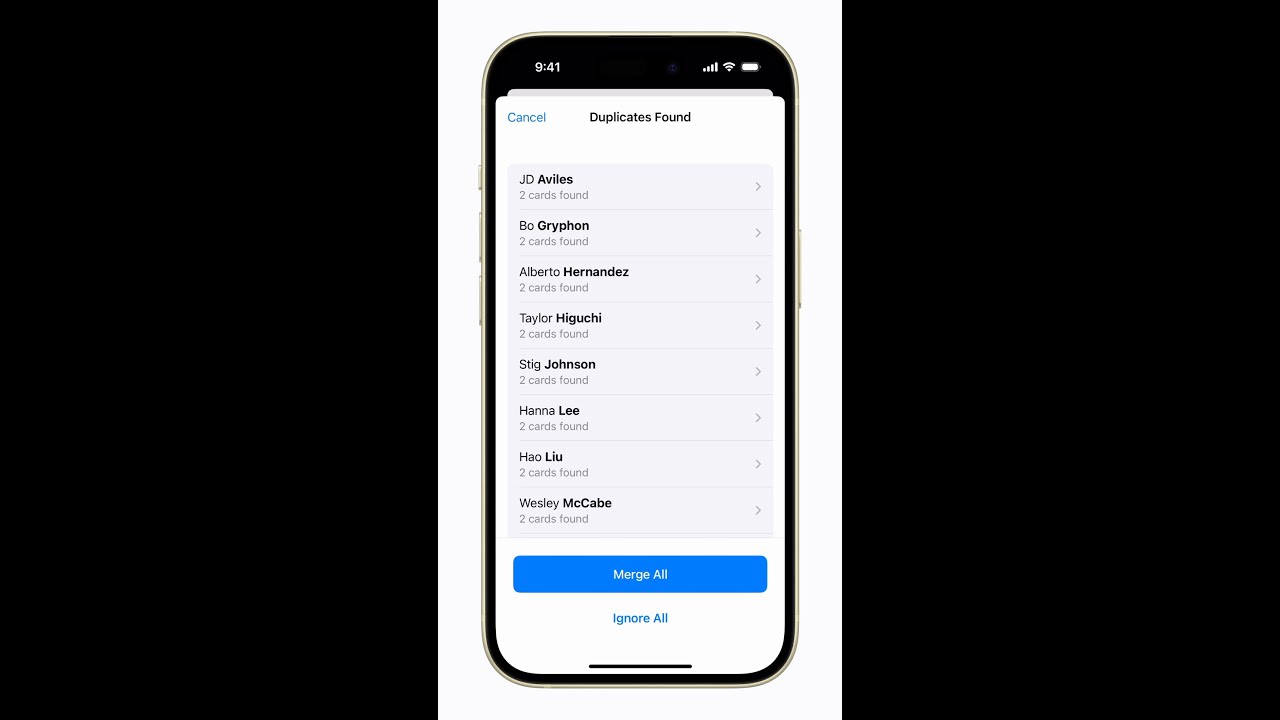
To merge duplicate contacts on your iPhone, start by opening Contacts where you’ll see an alert if duplicates are detected. Tap “View Duplicates” to view a list of contacts with multiple entries.
You can either review and merge duplicates individually or tap “Merge All” to consolidate all duplicate contacts at once. Confirm the merge by tapping “Merge Duplicates.”
This process will tidy up your contact list and make it more organized.

Summary:
– Open Contacts and look for a duplicate alert.
– Tap “View Duplicates” to see a list of duplicate contacts.
– Review and merge duplicates individually or tap “Merge All.”
– Confirm the merge by tapping “Merge Duplicates.”
– Your contacts will now be organized and free of duplicates.