
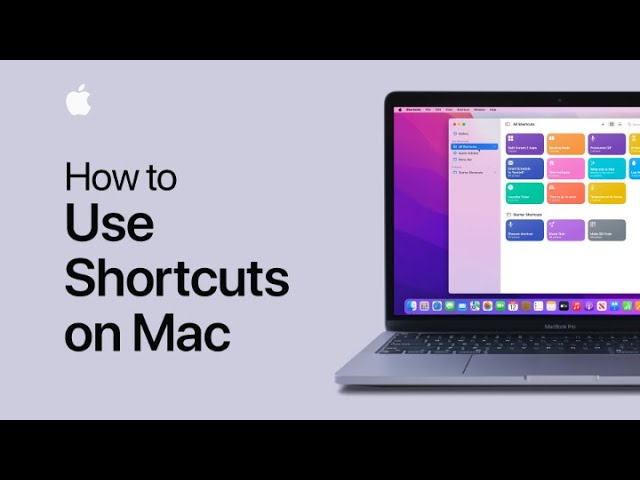
Starting in macOS Monterey, you can save time by automating tasks with the Shortcuts app. When you open the app, you may see shortcuts synced from your other Apple devices via iCloud, and personalized shortcuts from Siri. You can explore the Gallery for premade shortcuts organized by categories like accessibility and Siri. To create a custom shortcut, such as setting up two apps in split screen, select and customize the shortcut, then add it. You can run shortcuts from various locations like Spotlight or the menu bar by dragging them to the desired spot. It’s a simple, one-click process to streamline your tasks.
Summary:
– Automate tasks with the Shortcuts app in macOS Monterey.
– Sync shortcuts across Apple devices using iCloud.
– Explore premade shortcuts in the Gallery, organized by categories.
– Customize and create shortcuts, such as setting up two apps in split screen.
– Run shortcuts from the menu bar, Spotlight, or Siri for quick access.