
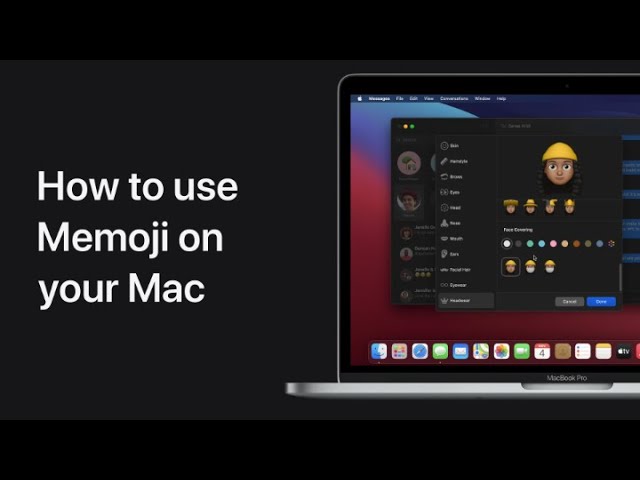
In macOS Big Sur, you can easily customize your Memoji and use stickers in Messages. Start by opening Messages and clicking the app drawer, then select the Memoji stickers button and choose “More…” followed by “Edit” to enter the editing mode. Here, you can adjust your Memoji to your liking. Once you’re satisfied with the changes, click “Done.” To send Memoji stickers, simply click and drag a sticker onto a message, and it will be sent. This feature allows for personalized and expressive communication in your messages.
Summary:
– Open Messages and click the app drawer.
– Select the Memoji stickers button and click “More…”, then “Edit” to customize your Memoji.
– Make your desired changes and click “Done” to save.
– To send Memoji stickers, drag a sticker onto a message.
– Enjoy using personalized Memoji stickers in your messages.