
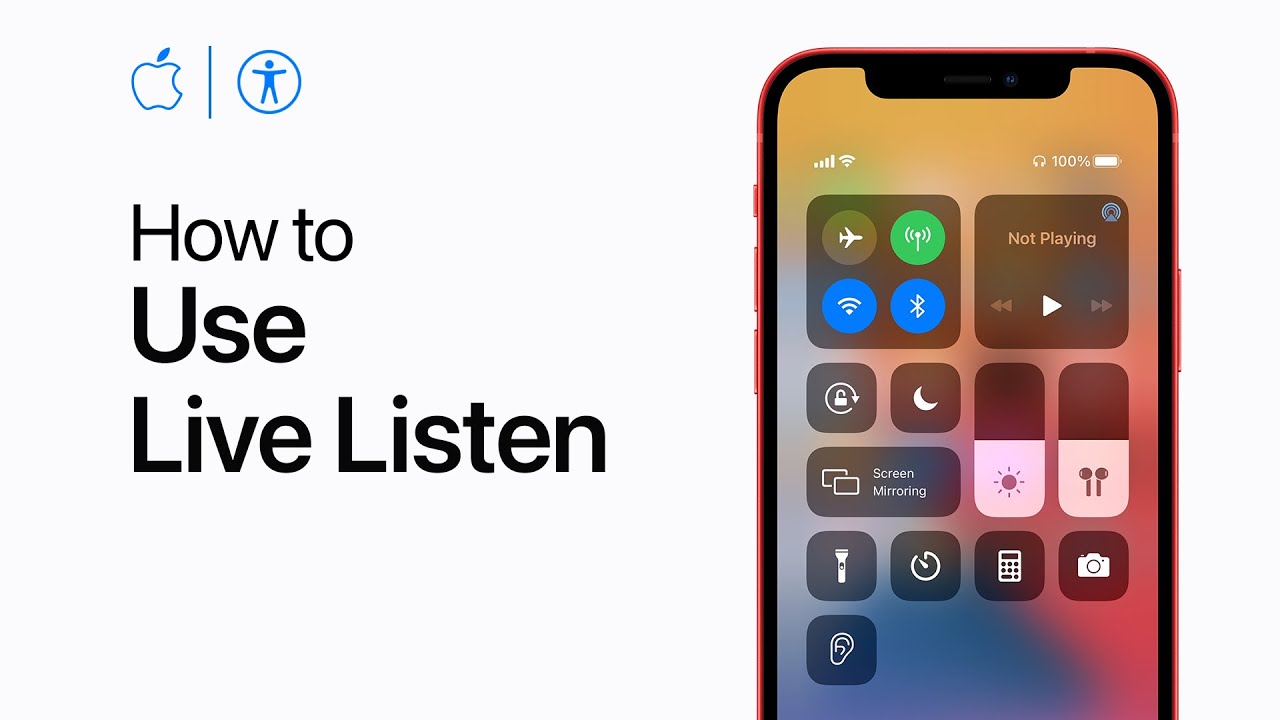
To use Live Listen with your iPhone or iPad, start by adding the Hearing option to Control Center. Go to Settings, tap Control Center, and then tap the Add button next to Hearing.
To activate Live Listen, open Control Center and tap the Hearing button. With your compatible headphones connected, tap Live Listen to turn it on. This feature uses your device’s microphone to pick up audio and transmit it directly to your headphones, helping you hear more clearly.
This way, you can enhance your listening experience and hear more of what matters to you.
Summary:
– Add Hearing to Control Center via Settings.
– Open Control Center and tap the Hearing button.
– Connect your compatible headphones.
– Tap Live Listen to turn it on.
– Audio from your device’s microphone is sent to your headphones for clearer hearing.