
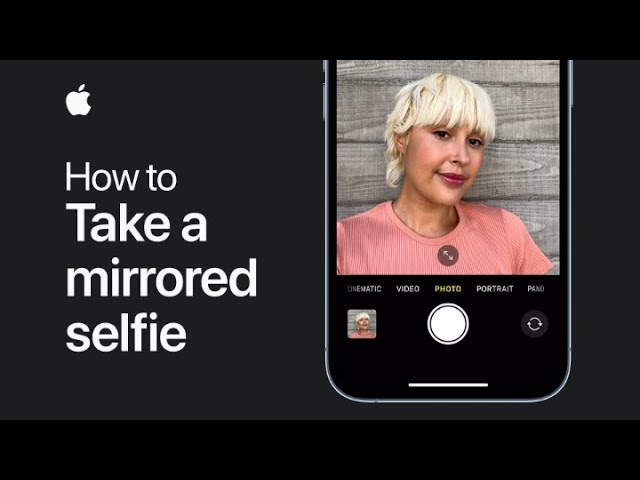
With iOS 14 or later, you can take mirrored selfies by adjusting a simple setting. First, go to Settings and tap on Camera. Next, turn on the Mirror Front Camera option.
This will ensure that your selfies are captured exactly as you see them in the viewfinder, providing a mirrored image. Once this setting is enabled, you can take your selfies with this mirrored effect applied, making your photos appear as if you are viewing yourself directly.
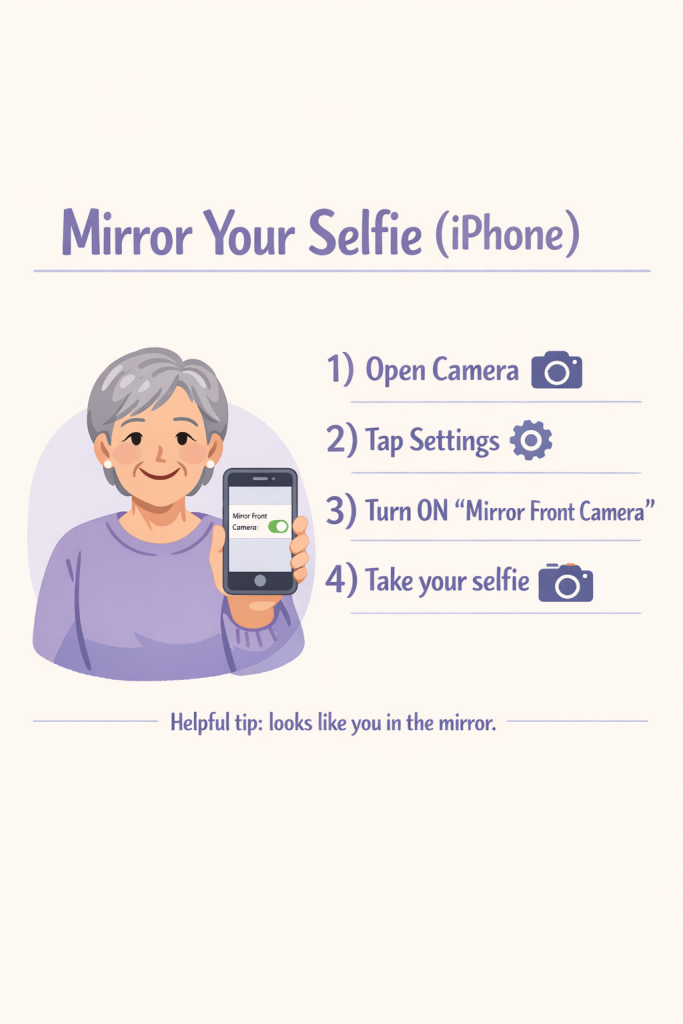
Summary:
– Go to Settings and tap on Camera.
– Turn on the Mirror Front Camera option.
– This will enable mirrored selfies.
– Your selfies will appear as you see them in the viewfinder.
– Capture photos with the mirrored effect applied.