
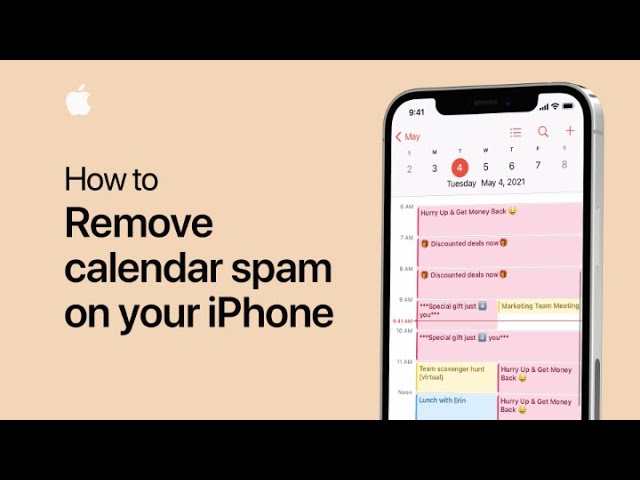
If you’re receiving unwanted event invitations on your iPhone, you might have subscribed to a spam calendar by mistake. To fix this, open the Calendar app and tap on a spam event. Select “Unsubscribe from this Calendar” and then confirm by tapping “Unsubscribe.” This will remove your subscription and delete all events from that spam calendar. For additional tips, you can subscribe to the Apple Support YouTube channel or watch more helpful videos.
Summary:
– If you’re getting unwanted event invitations, you might have subscribed to a spam calendar.
– Open the Calendar app and tap on a spam event.
– Select “Unsubscribe from this Calendar” and confirm by tapping “Unsubscribe.”
– This action will remove the spam calendar and delete all its events.
– For more tips, check out the Apple Support YouTube channel.