
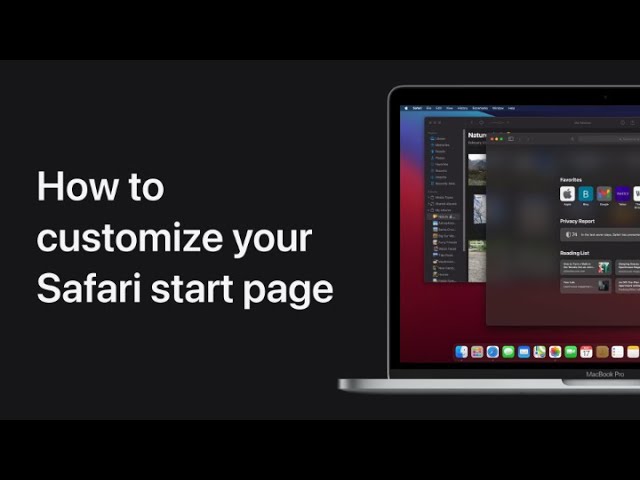
In macOS Big Sur, you can customize your Safari start page by setting a custom background. First, open Safari and click the Customization button. Browse through the available images and choose one for your background. If you prefer to use your own photo, simply drag a picture from the Photos app to Safari. This will set your chosen image as the new background, allowing you to personalize your browser’s appearance.
Summary:
– Open Safari and click the Customization button.
– Choose a background image from the available options.
– To use your own photo, drag it from the Photos app to Safari.
– The selected image will set as your Safari start page background.
– This customization allows for a personalized browser experience.