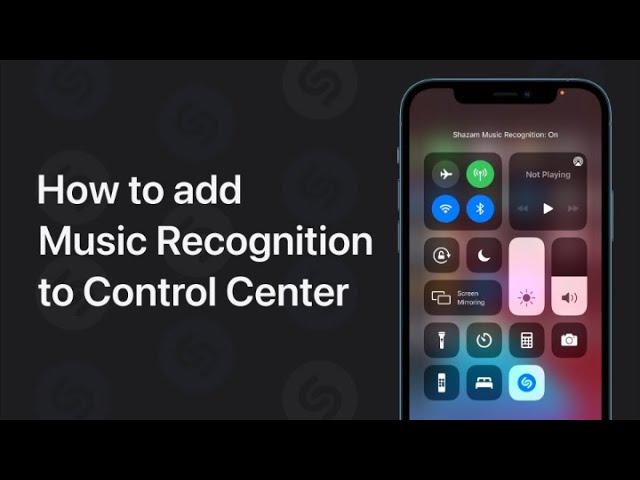
To add Music Recognition to Control Center for quick song identification, start by opening Settings and tapping Control Center. Then, tap Music Recognition to add it to your Control Center. When you want to identify a song, simply open Control Center and tap the Music Recognition button. This will help you quickly find out what song is playing.
Summary:
– Open Settings and tap Control Center.
– Add Music Recognition to Control Center.
– Open Control Center when you want to identify a song.
– Tap the Music Recognition button.
– Quickly find out what song is playing.