
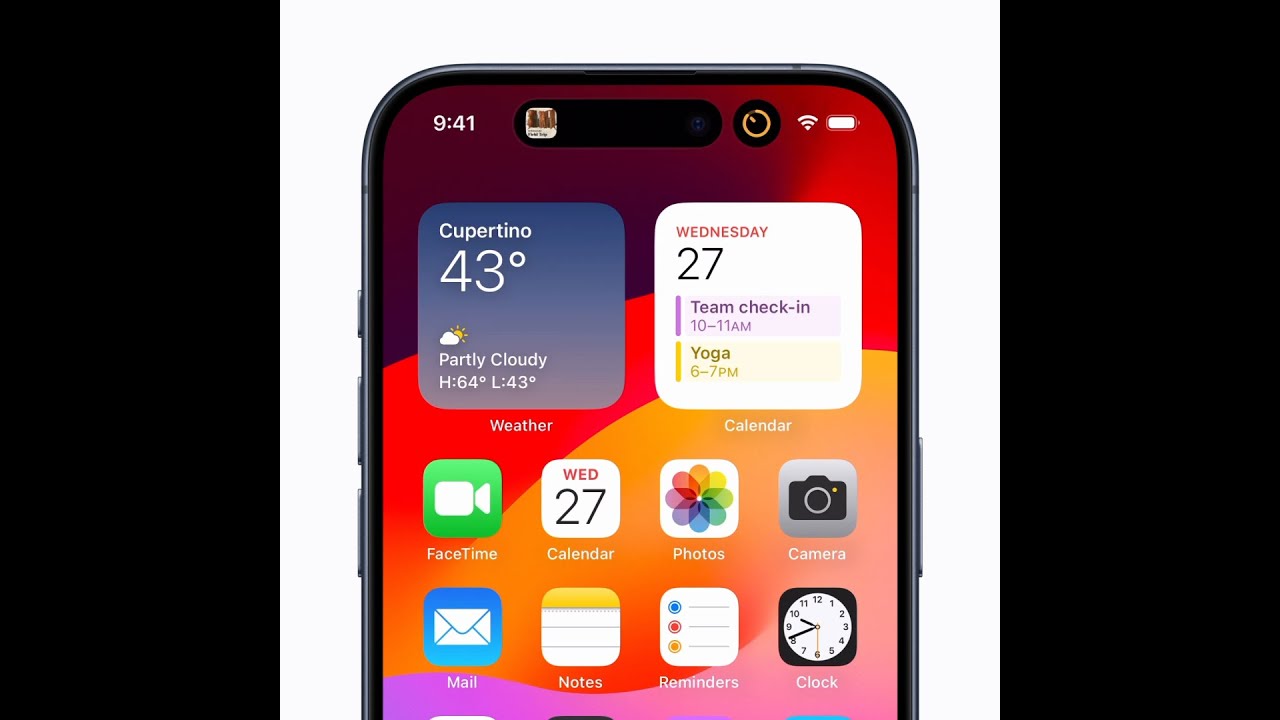
On iPhone 14 Pro and later, you can monitor activities in progress using the Dynamic Island. First, unlock your iPhone and touch and hold the activity in the Dynamic Island to expand it and view more details.
To shrink the Dynamic Island, simply swipe up on your screen. You can switch between activities by swiping left or right on the Dynamic Island. Tap the activity to open its corresponding app, and swipe up to return it.
To hide the activity, swipe left or right until it disappears, and repeat the swipe to show it again. For more tips, check Apple Support.
Summary:
– Unlock your iPhone and touch and hold an activity in the Dynamic Island to expand it for more details.
– Swipe up to collapse the Dynamic Island and make it smaller.
– Switch between activities by swiping left or right on the Dynamic Island.
– Tap the activity to open the corresponding app and swipe up to return it to the Dynamic Island.
– Swipe left or right to hide or show the activity in the Dynamic Island.