
We all value our independence, but having a “safety net” in place can make living alone or staying active much more comfortable. In the past, emergency alerts often required wearing a bulky pendant or reaching for a wall-mounted button.
Today, the AI already built into your smartphone or home smart speaker can act as a “Digital Emergency Helper.” By spending just a few minutes setting up these features, you can ensure that help is always within reach—even if you can’t get to your phone.
This guide will walk you through the simple steps to turn your technology into a supportive guardian for your daily life.
Table of Contents
Key Takeaways
- Voice-Activated Help: Learn how to call emergency services or family members using only your voice.
- Emergency Contacts: Set up specific “ICE” (In Case of Emergency) contacts that AI can reach instantly.
- Automated Alerts: Discover how some devices can detect a fall and notify your loved ones automatically.
- Simple Shortcuts: Create one-word commands that perform multiple safety actions at once.
The Power of Voice in an Emergency
The most significant advantage of AI in a safety situation is that it doesn’t require you to use your hands. If you were to have a slip in the kitchen or feel suddenly unwell, you might not be able to reach into your pocket or find your glasses.
With an AI assistant (like Siri, Alexa, or Google), you can simply speak. By saying, “Call for help” or “Call my daughter,” the AI recognizes your voice and initiates the connection immediately. This hands-free capability is a game-changer for senior safety, providing a direct line to assistance from anywhere in the room.
Setting Up Your Emergency Contacts
The first step in creating your digital helper is telling the AI who your “inner circle” is. On most smartphones, there is a section in the settings called “Medical ID” or “Emergency SOS.” Here, you can list your primary contacts, such as a spouse, a child, or a trusted neighbor. Once these are saved, the AI understands relationships.
You can say, “Text my son that I’m feeling dizzy,” and the AI knows exactly who to message and what to say. It’s a simple way to keep your family in the loop without having to navigate through a long list of names.
Emergency SOS Features
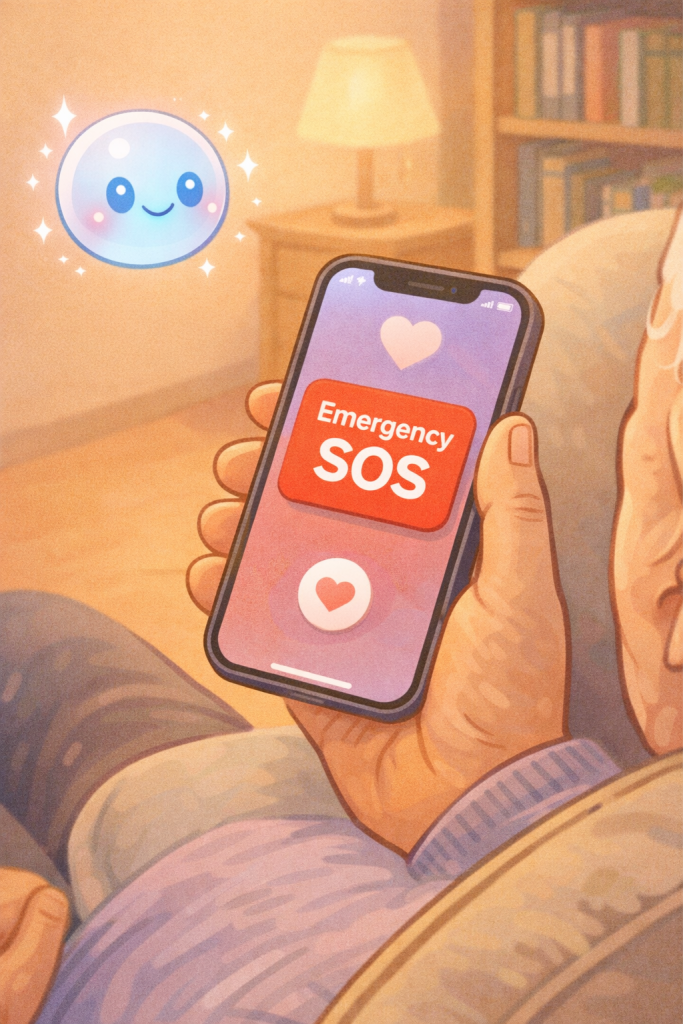
Most modern smartphones have a built-in “SOS” feature that can be triggered by a specific physical action, like pressing the side button five times quickly. When this happens, the AI takes over: it calls local emergency services, shares your exact GPS location with them, and then sends a text message to your emergency contacts letting them know you’ve called for help.
This ensures that even if you are unable to speak, the people who care about you know exactly where you are and that you need assistance.
Fall Detection and Smart Wearables
If you wear a smartwatch, you may already have access to one of the most advanced AI safety tools: Fall Detection. The AI inside the watch uses sensors to recognize the specific motion and impact of a hard fall. If it detects a fall, the watch will tap you on the wrist and ask if you are okay.
If you don’t respond within a minute, the AI automatically calls emergency services and notifies your family. It is a quiet, background helper that only steps in when it’s truly needed, allowing you to go about your day with an extra layer of protection.
Creating “Safety Routines”
For those who use smart speakers at home, you can set up “Routines.” A routine is a way to make the AI perform several tasks with one simple phrase. For example, you could set up a routine for the phrase “I need help.” When you say those words, the AI could simultaneously turn on all the lights in the house (to help emergency responders see), unlock the smart lock on your front door, and call your primary emergency contact.
Setting this up might sound technical, but most apps walk you through it step-by-step with clear, easy-to-read instructions.
Privacy and Peace of Mind
A common question is whether the AI is “listening” all the time. These safety features are designed to only “wake up” when they hear their specific wake word or detect a specific emergency motion. Your privacy is a priority, and these tools are built to be your assistant, not your monitor.
The goal is to give you and your family peace of mind, knowing that technology is working in the background to keep you connected and safe.
Final Thoughts
Setting up a digital emergency helper isn’t about expecting the worst; it’s about being prepared so you can enjoy the best of your daily life. By taking a few minutes to introduce your AI to your emergency contacts and learning a few simple voice commands, you are taking a big step toward maintaining your independence. Technology is often seen as a luxury, but in these moments, it becomes a vital bridge to the people who care about you most. You are never truly alone when you have a digital helper ready to lend a hand—or a voice—whenever you need it.