
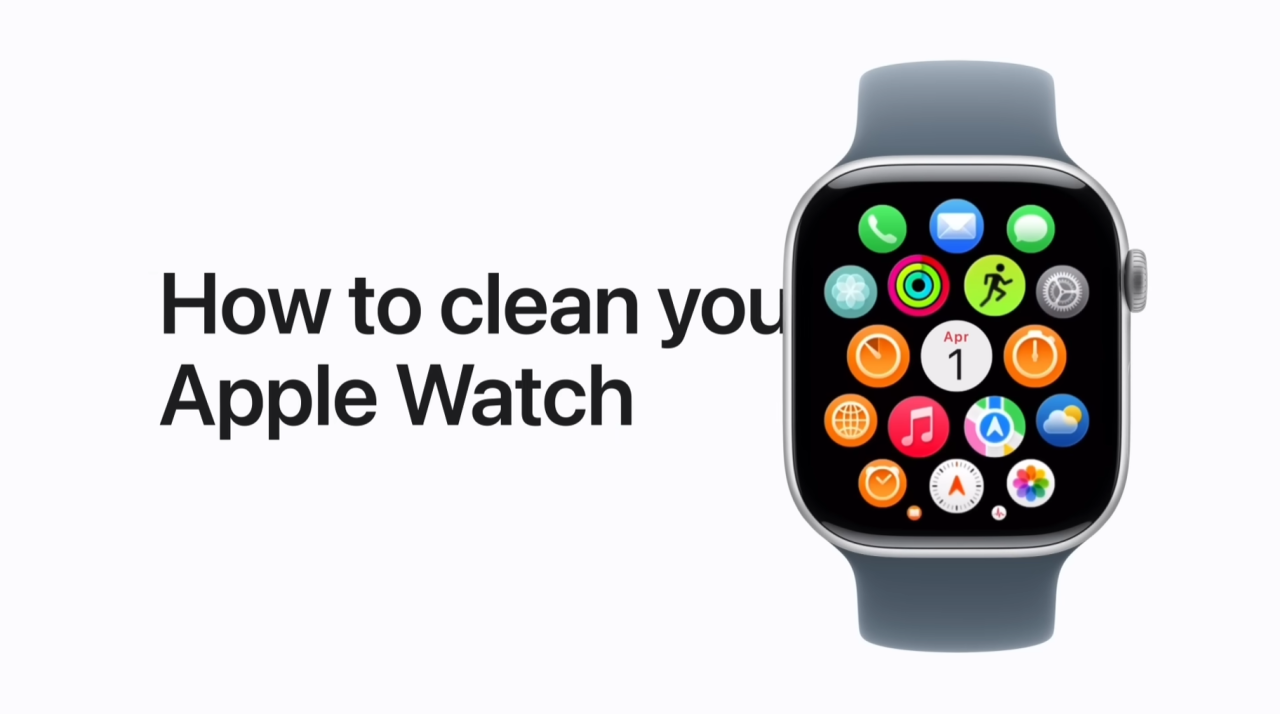
To clean my Apple Watch, I first turn it off by holding the side button and sliding Power Off, then remove it and take off the band if needed. I use a nonabrasive, lint-free cloth, slightly dampened if necessary, to wipe the watch clean.
For stubborn dirt, I rinse it under lightly running warm water without soap, making sure to clean the back crystal and turn the Digital Crown while rinsing.
If needed, I gently brush the speakers. After cleaning, I dry the watch thoroughly, reattach the band, turn it back on, and use Water Lock to clear any remaining moisture.
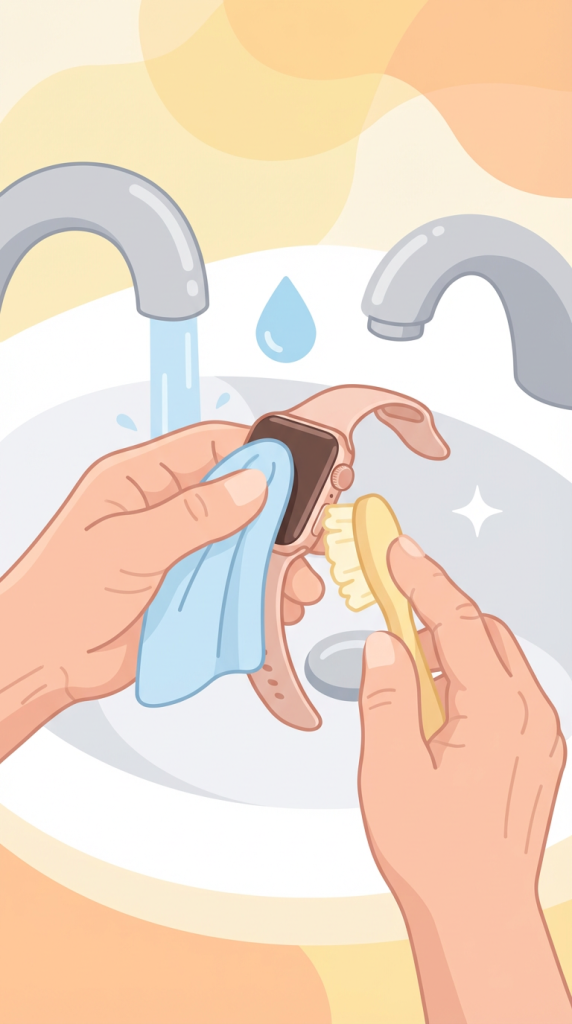
- Turn off your Apple Watch, remove it, and take off the band if needed.
- Wipe it clean with a lint-free cloth; dampen if necessary.
- Rinse under warm water (no soap) and clean the back crystal and Digital Crown.
- Gently clean speakers with a soft brush if needed.
- Dry thoroughly, turn it on, and use Water Lock to remove remaining water.